

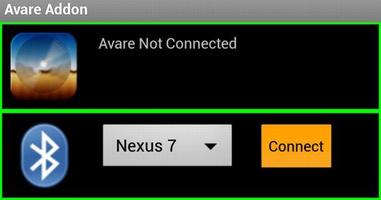

This is the free AddOn app for our free Avare aviation GPS & EFB app.
This is the free AddOn app for our free Avare aviation GPS & EFB app. This app currently provides additional free connectivity to Avare, including NMEA compatibility for using external dedicated ADS-B and GPS receivers in Avare via a Bluetooth or WiFi connection, NMEA output to drive autopilots, and connection with XPlane or Flightgear flight simulators. Actual functions based on this extended connectivity are being added and actively developed, so you'll want to watch our Forum, Website, and the Play Store for updates.
This Avare External I/O Plugin requires the free Avare app, which should be installed first. You can find Avare on Google Play in the list of our free apps under the "More from developer" section below. For details on installation and operation of Avare with this I/O app and use with specific devices, please see our website and search our Forum. The basic steps for use with an external GPS or ADS-B receiver are:
--Installation on your Android device--
- Install Avare
- Install this Avare External I/O Plugin app
--Setup--
1. Turn on the external receiver device and ensure that it's ready and transmitting data via Bluetooth (or WiFi), in a location with clear view of the sky and near the Android device.
2. On your Android device, disable GPS in the settings (optional if you do not want GPS from
tablet internal), and ensure that Bluetooth (or WiFi) is on.
3. Launch the Avare app, go to Preferences, and under GPS select where you want to
get GPS messages (e.g. ADS-B or GPS device), then minimize Avare using Home button of Android device.
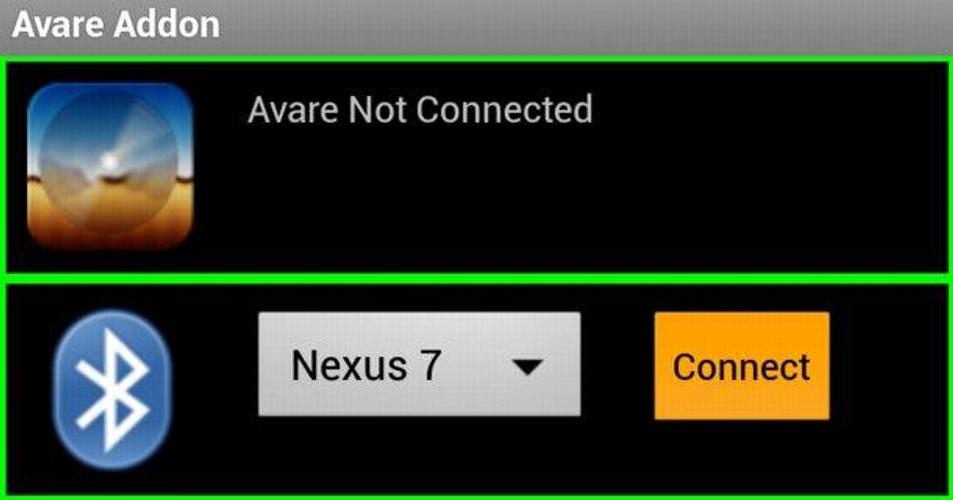
4. Launch the IO app, and connect your Android device to the ADSB/GPS device via Bluetooth.
5. Minimize the IO app (like Avare, it will continue running in background).
6. Return to the Avare app and your position will be displayed if available and if other Avare settings are correct. Note that Avare's GPS tab will be blank when using an external GPS in this way.
While all this may look complex, users report that once the initial setup is done the routine setup and operation is simple and intuitive.
NOTES:
*Based on manufacturer and carrier implementations, Android devices handle Airplane Mode differently. If you use Avare in Airplane Mode, the Bluetooth transceiver in your device may or MAY NOT be active. It's possible that if Bluetooth isn't working on your device after you activate Airport Mode, it may work if you simply turn on Bluetooth again while in Airplane Mode. You could also further investigate how your device actually handles airplane mode with a free tool such as Airplane Mode Modifier.
*In many locations, little or no ADS-B reception may be available, especially on the ground, so you may need to be flying at or above 3,000' AGL to receive ADS-B data. If so, you may be able to receive at least the data from any long-haul airliners passing overhead transmitting ADS-B Out.




 Download