

Create and modify annotations and sketches in PDFs and hand drawn documents
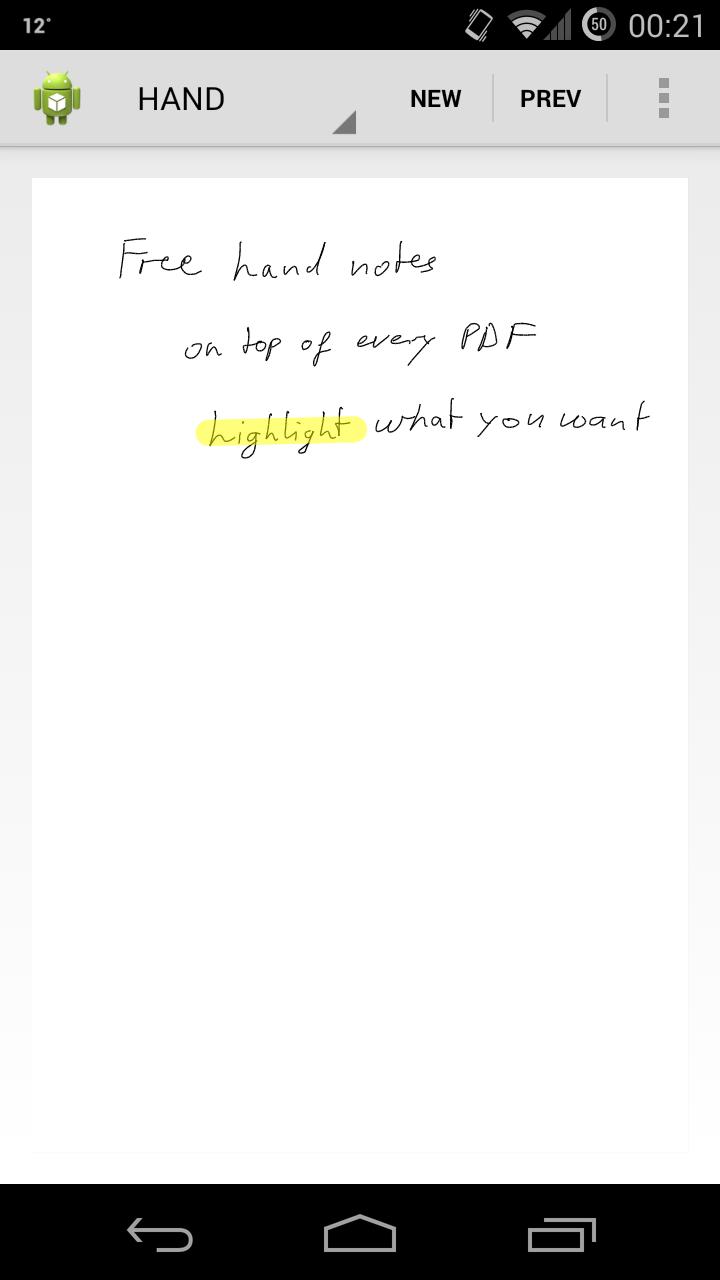
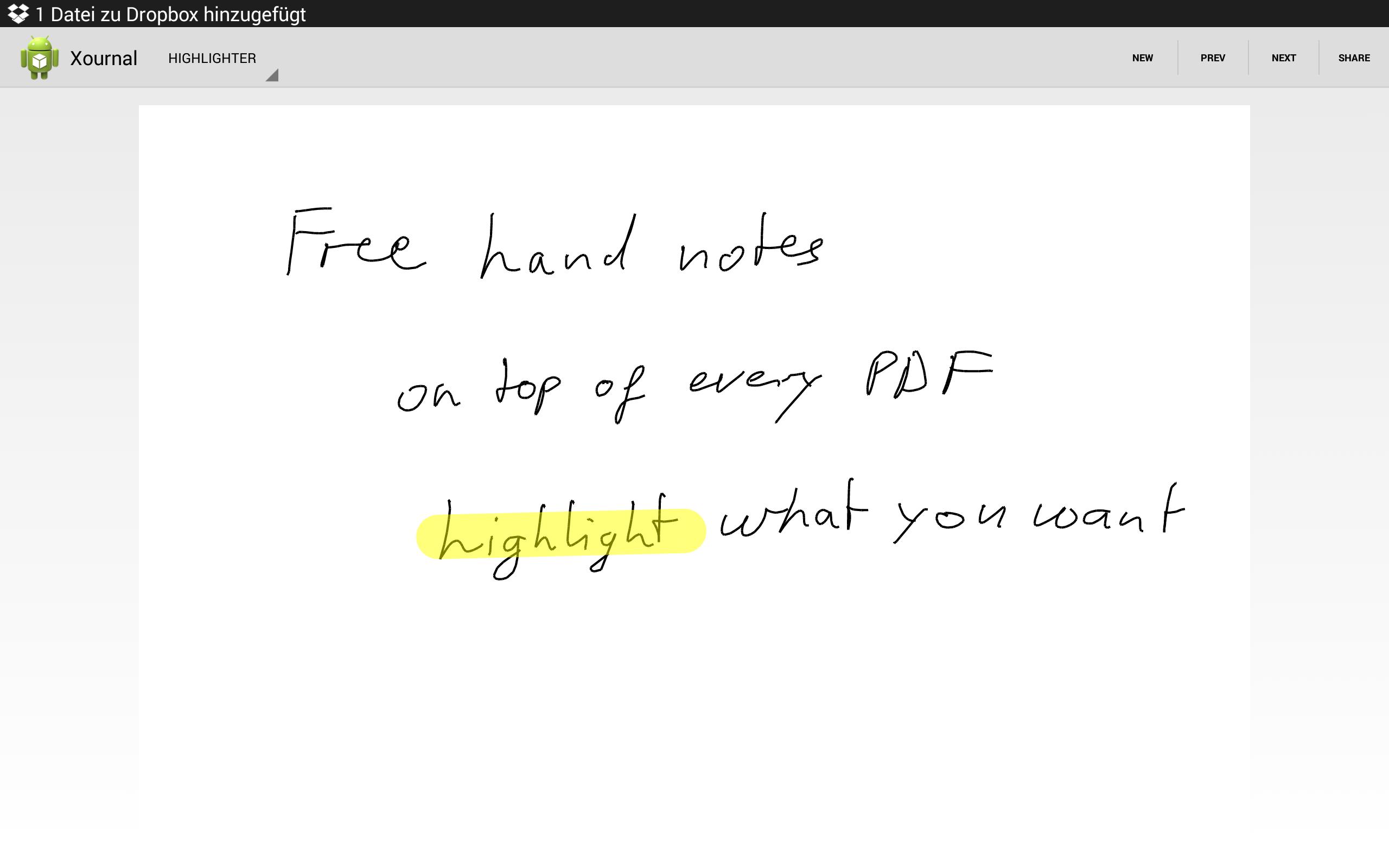
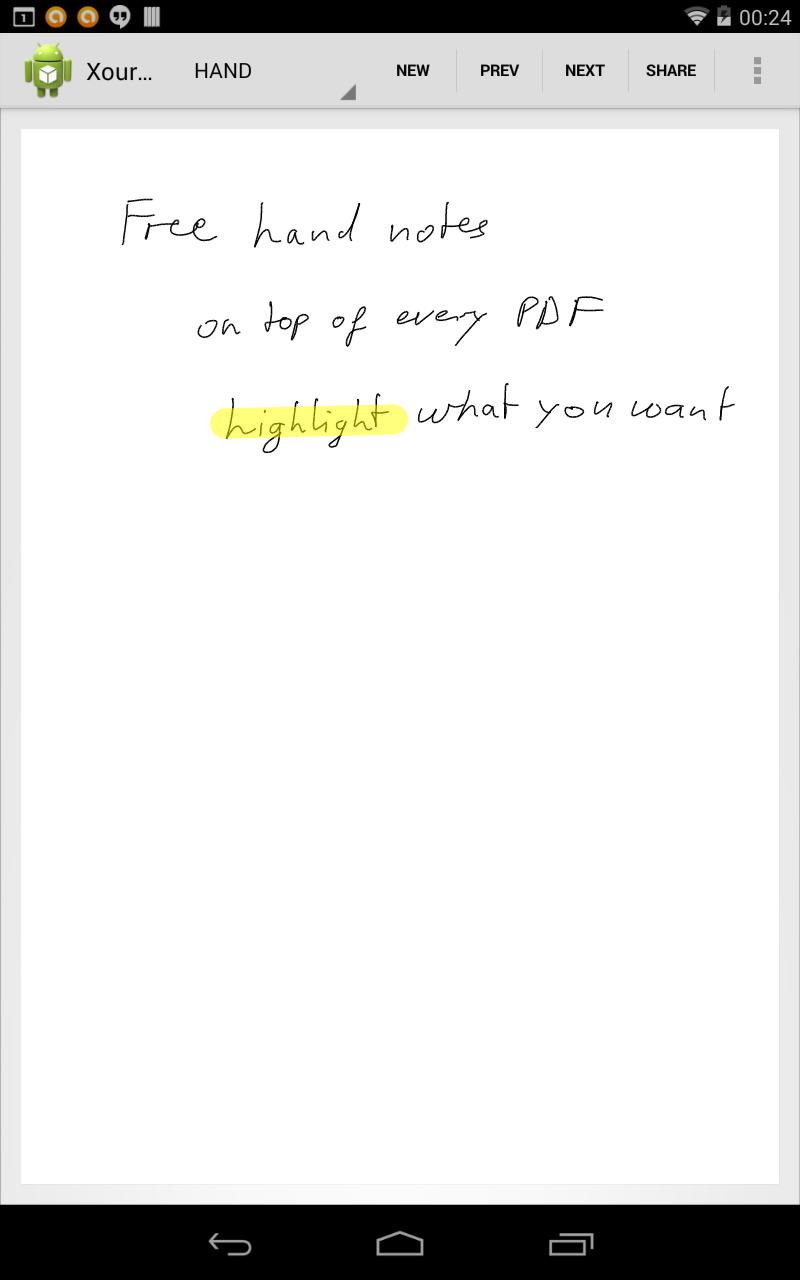
With XOJTools you are able to create, modify and view remarks, annotations, sketches or highlights in PDFs or your own hand drawn documents. Just open an already available Xournal (e.g. from Dropbox or your sd card) and edit your annotations. The changes will be saved automatically once you leave the app. Or open a PDF and add your own remarks or highlight some text.
What is different with XOJTools compared to other PDF tools?
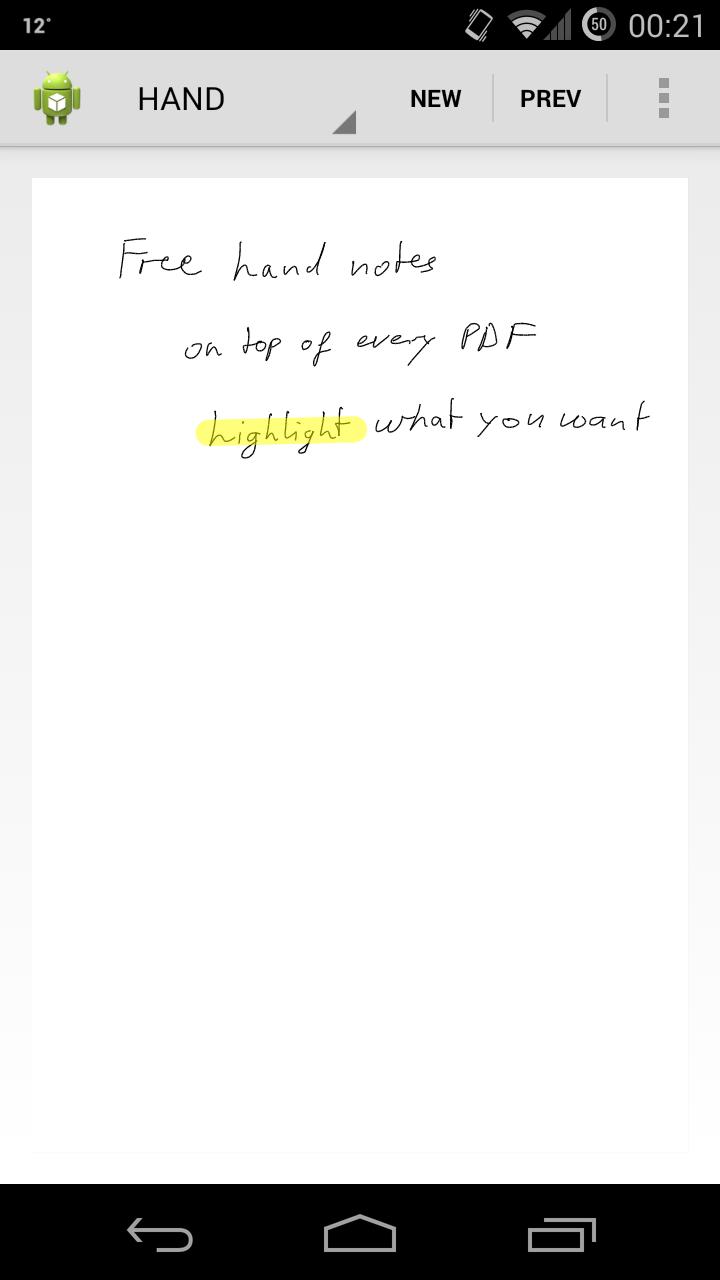
XOJTools does not need a PDF. Even without a PDF you can draw your own free hand notes.
The remarks, sketches and highlights will be saved seperate of the original PDF. Thus you are still able to send your PDF to friends or colleagues as you want, while your annotations remain private. In the case you want to show them even your remarks just attach the corresponding Xournal.
XOJTools uses the same file format as Xournal (http://xournal.sourceforgen.net/) and can therefore also read and view documents you created with Xournal on your PC or Mac. And of course you can open and view your annotations with Xournal on PC and Mac.
XOJTools is still in an early phase and only has basic functionality. But further updates will follow for sure to complete the functionality and to make XOJTools a universal tool in daily life.
What you can do:
- Open Xournal files (*.xoj)
- Create annotations in new PDFs (*.pdf)
- Create an empty free hand document
- Pen input, text highlighting and erasing
- Saving the changes in a file compatible to Xournal (*.xoj) (use the share function)
- Viewing multi-page PDFs
- Scrolling and zooming on each page (use the hand tool)
Attention:
When you create or edit annotations in PDFs you need to load the PDF seperately from the Xournal since it is not included in the Xournal. Please always choose the correct PDF (filename as shown in the dialog). If you choose the wrong one the app might still crash.
Feedback and bug reports are welcome to my mail adress.
Permissions:
Usage of the external storage to open and store your documents.
Usage of the internet to display ads.






 Download