

WiFi Time Tracker - Automated time tracking by WiFi network scanning
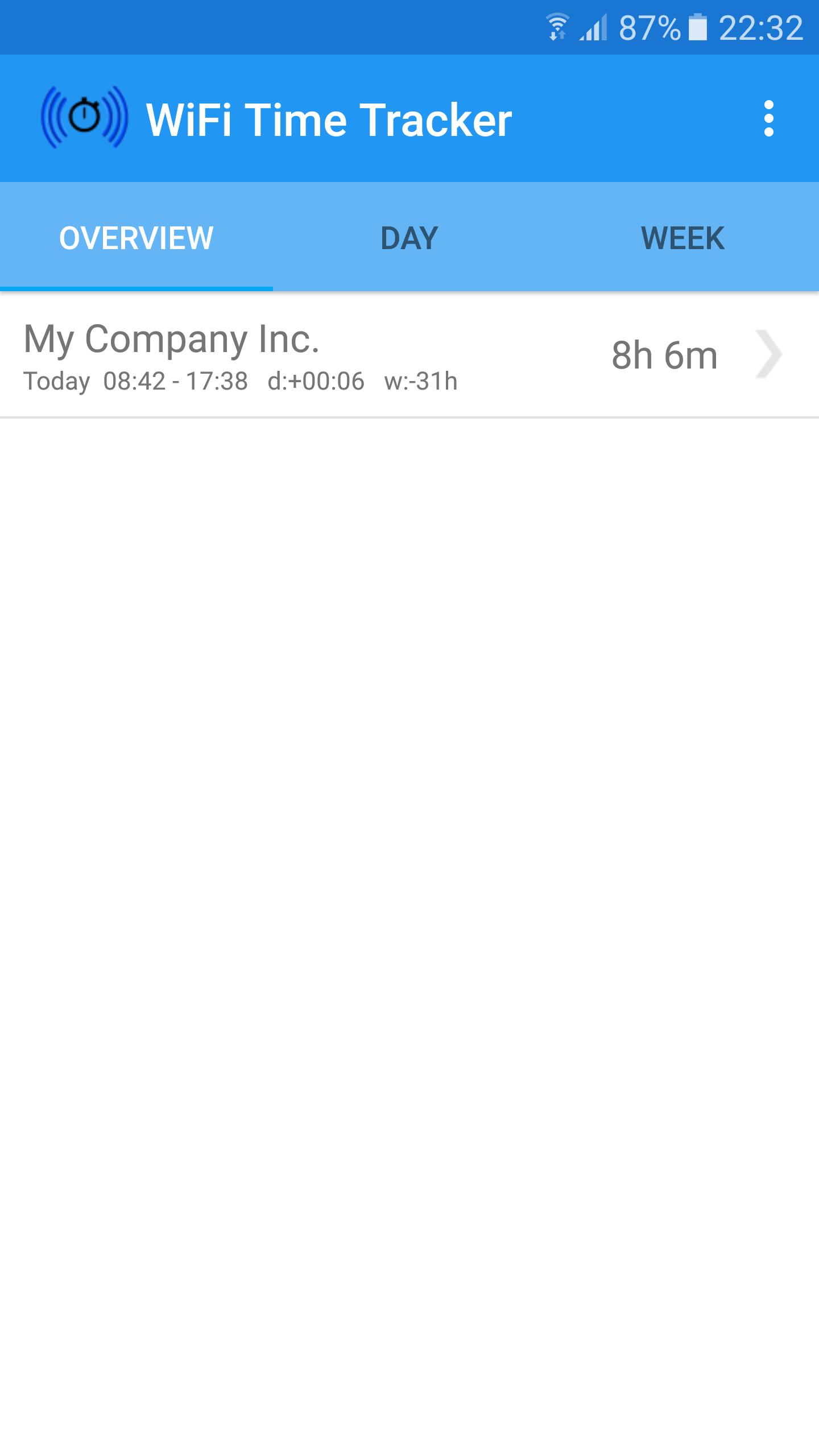
WiFi Time Tracker keeps track of how much time you spend at work by automatically keeping you punched in for as long as you are at your office.
With WiFi Time Tracker you’ll never again have to guesstimate how many hours and minutes you’ve worked when it’s time to fill in the time sheet. No more giving away time because you tend to round downward in favor for your clients or employer. You’ll be astonished how much time WiFi Time Tracker will give you. You can’t afford not to get WiFi Time Tracker! :)
Main features:
- Automatic punch in when within range of one or several chosen WiFi networks.
- Two ways of tracking time for total flexibility.
- Manual punch in.
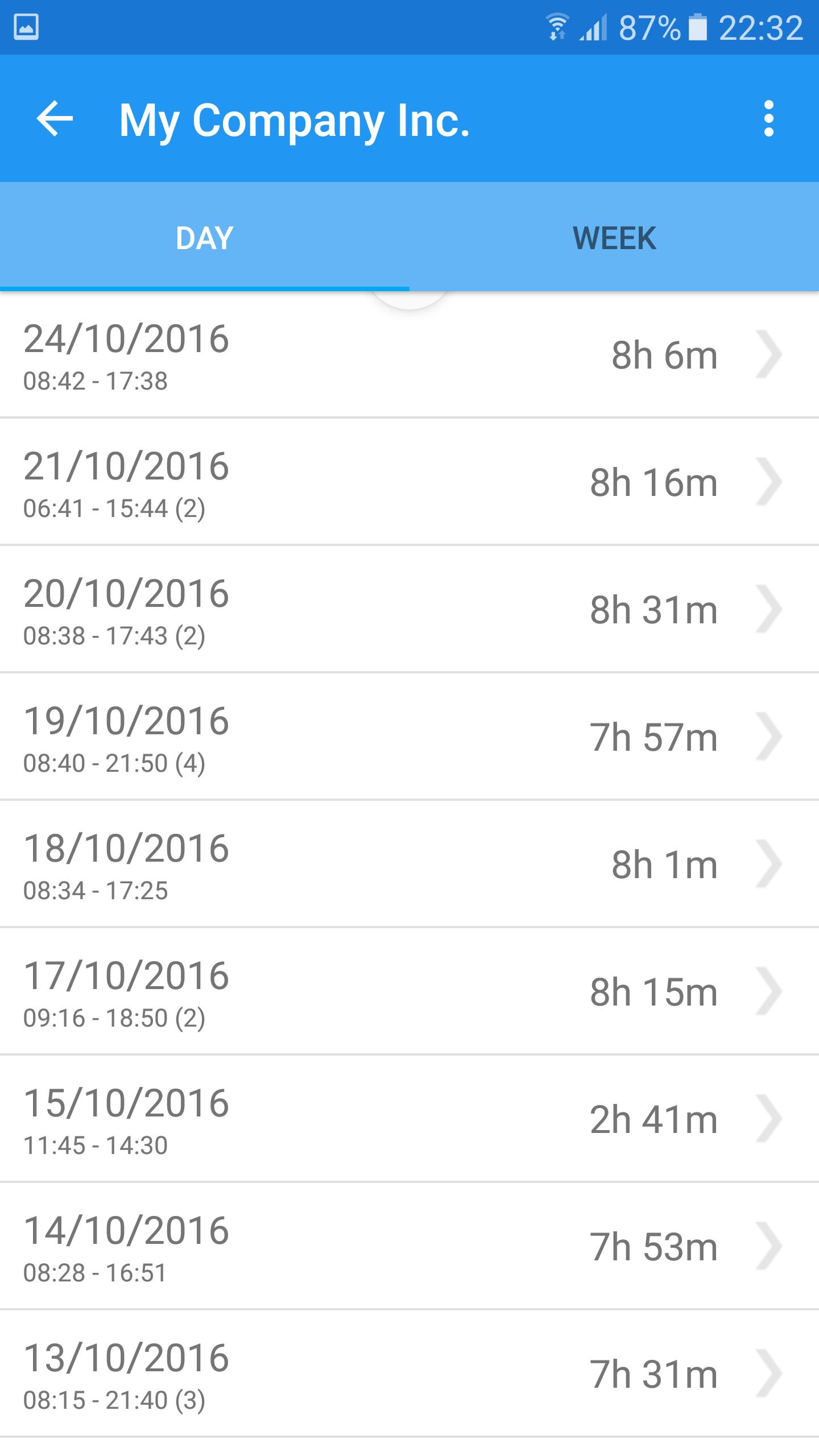
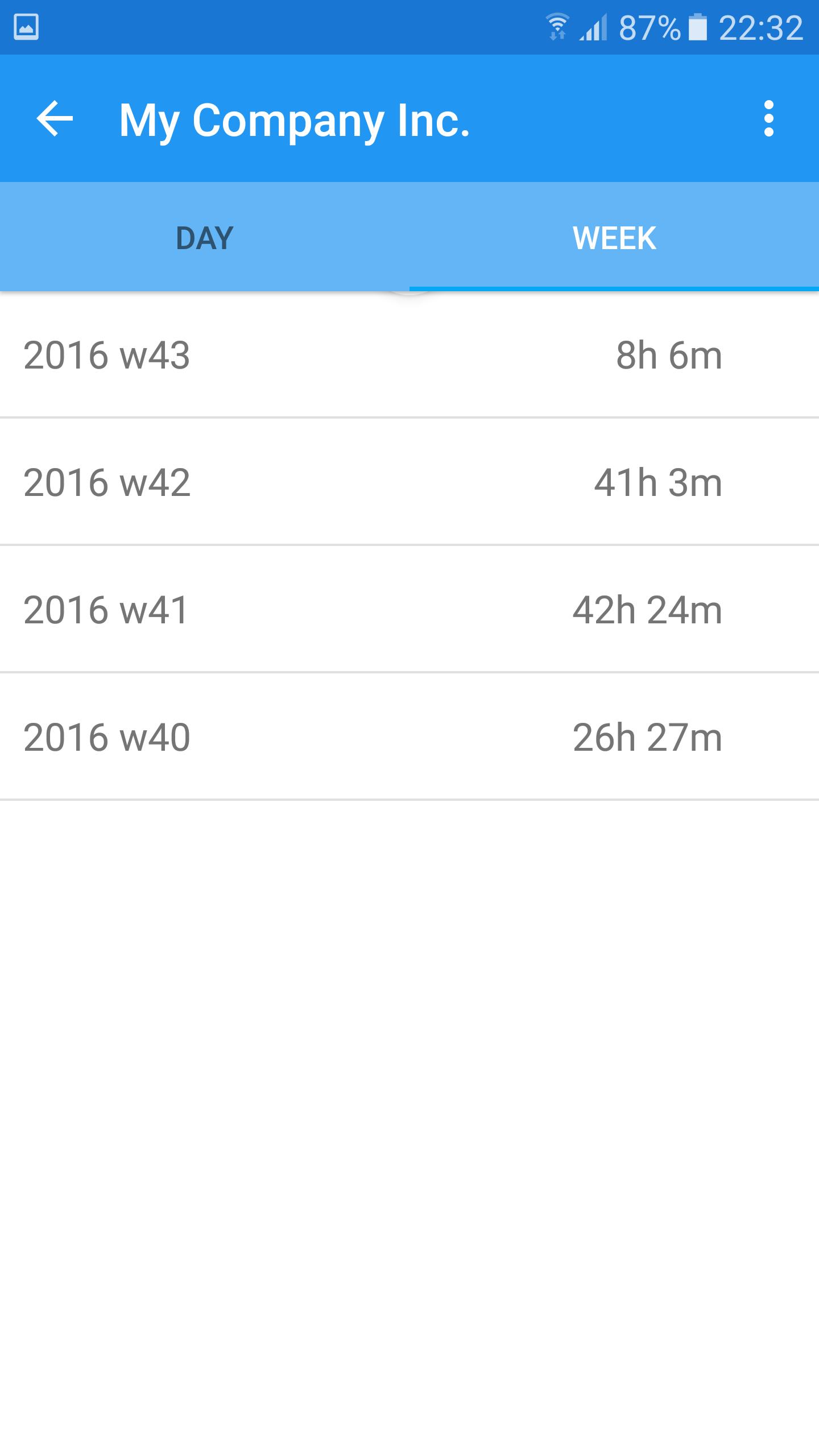
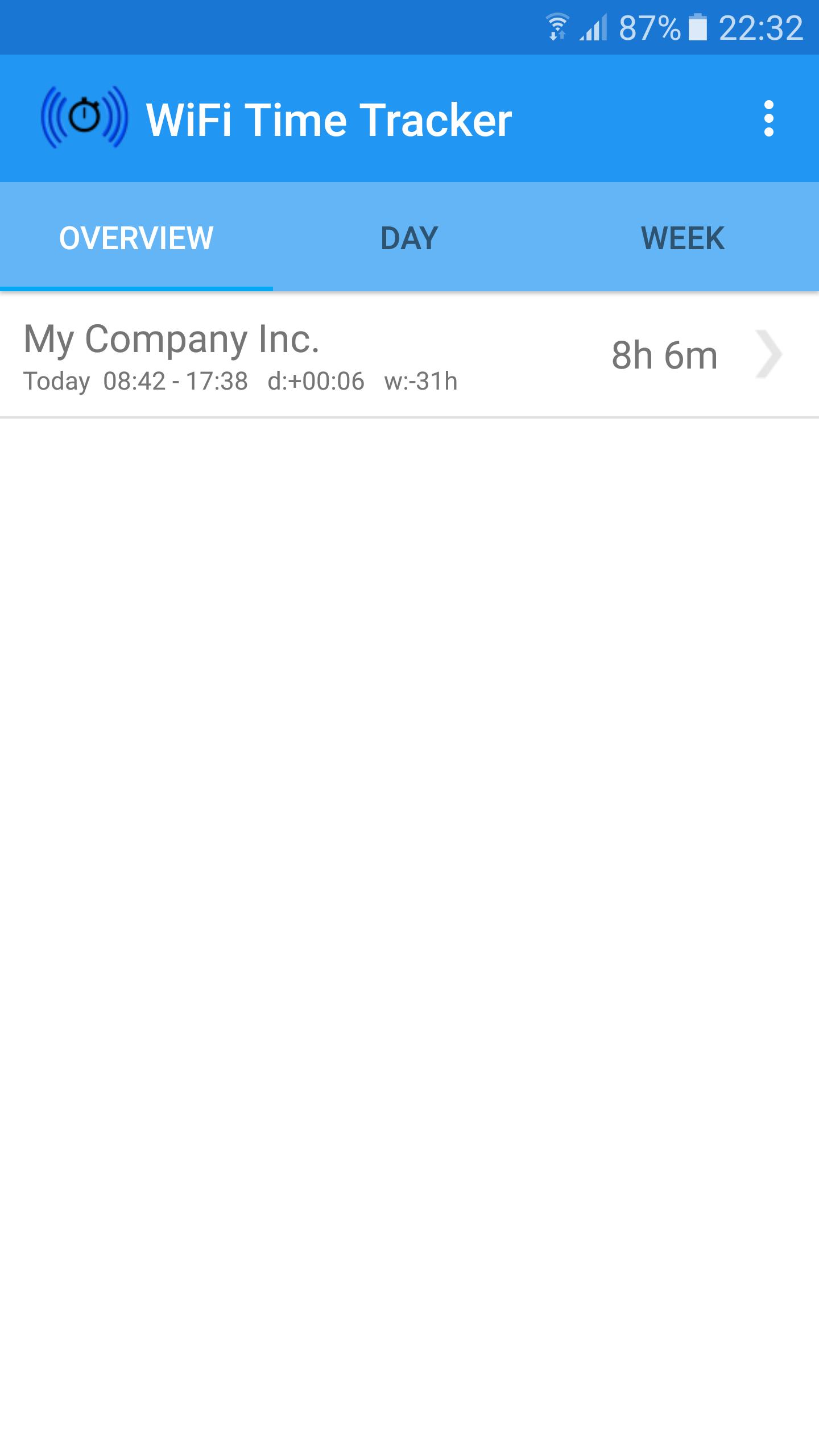
- Excellent overview of tracked time.
- Setup of daily and weekly goals.
- Support for multiple trackers.
- Setup of reoccurring absence such as lunch breaks.
- Setup of minimum required WiFi signal strength to compensate for out of office WiFi network detection.
- Setup of daily time deduction to compensate for out of office WiFi network detection.
- WiFi scanning frequency down to minute precise accuracy.
- Sound notifications.
- Vibrate notifications.
- Very low battery consumption.
- Runs siltently in the background.
- Automated backup by configurable schedule.
- Export backups to Dropbox.
- Import backups from Dropbox.
- Export of registered time to comma separated file (.csv).
- Very easy to use.
- Get started in less than a minute!
How does it work?
WiFi Time Tracker support two different ways of automatically tracking time.
'First to Last' register the first and the last contact with a selected WiFi network. The time in between becomes the tracked time for that day.
'Automatic Absence' works almost the same way but with the difference that when a selected WiFi network is not in within range for a specified period of time that time will not be tracked.
Both tracking types support absence such as lunch breaks to be either automatically or manually added each day. If any absence is added the tracked time for that day is reduced by the amount of time of the absence.
It is possible to compensate for outside the office WiFi network detection by:
- Setting up a minimum WiFi signal strength required for automatic punch in.
- Adding a fault tolerance, called daily time deduction, which will be used to reduce the daily tracked time.
Version 1.3
- Added daily and weekly goals (Tracker -> Settings)
- Updated layout.
- Swipe down to refresh screens.
- Various bugfixes.
Version 1.2.6
- Fixed issue with wifi scanning for devices using Android v4.4 and later.
Version 1.2.5
- Added language: French
Version 1.2.4
- Various bugfixes
Version 1.2.3
- Various bugfixes
Version 1.2.2
- Bugfix for Android 6.0
Version 1.2.1
- Bugfix for Android 6.0









 Download