

Enjoy millions of the latest Android apps, games, music, movies, TV, books, magazines & more. Anytime, anywhere, across your devices.
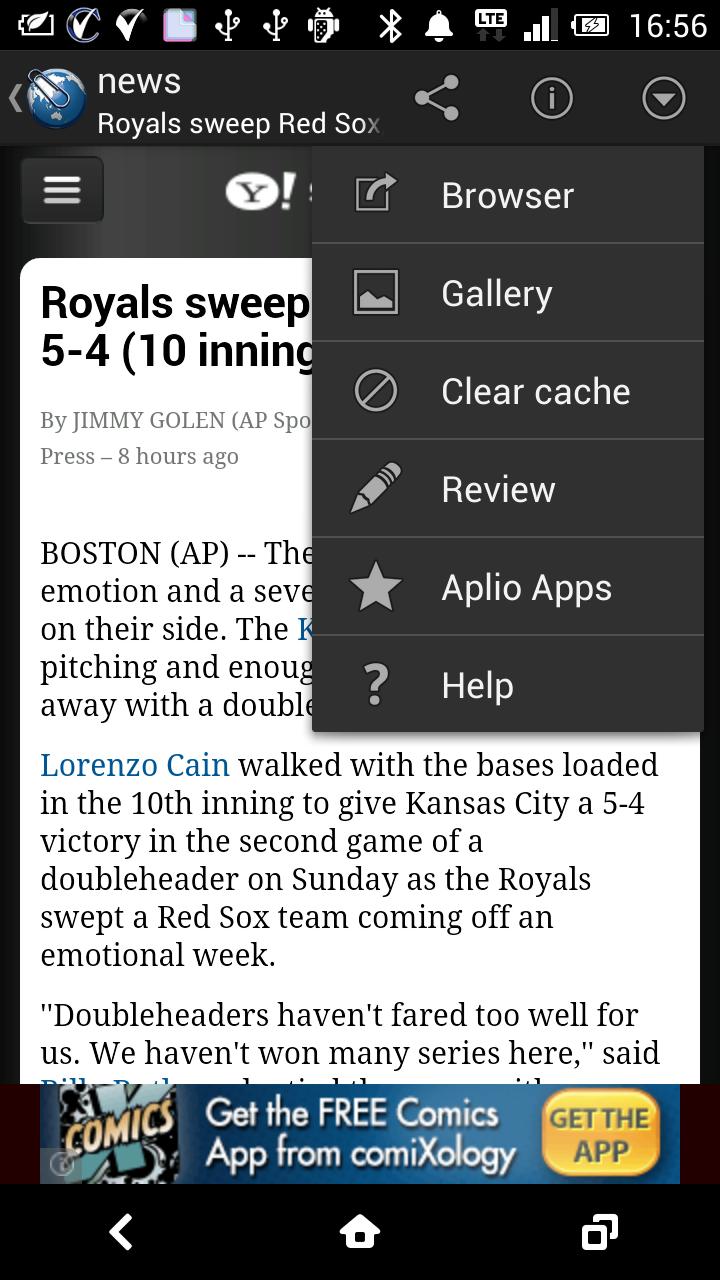
The "Web Clip" provides a screen-capturing-function to save the page shown by a browser as an image.
#How to use
1. On Browser, open the page that is intended to be saved.
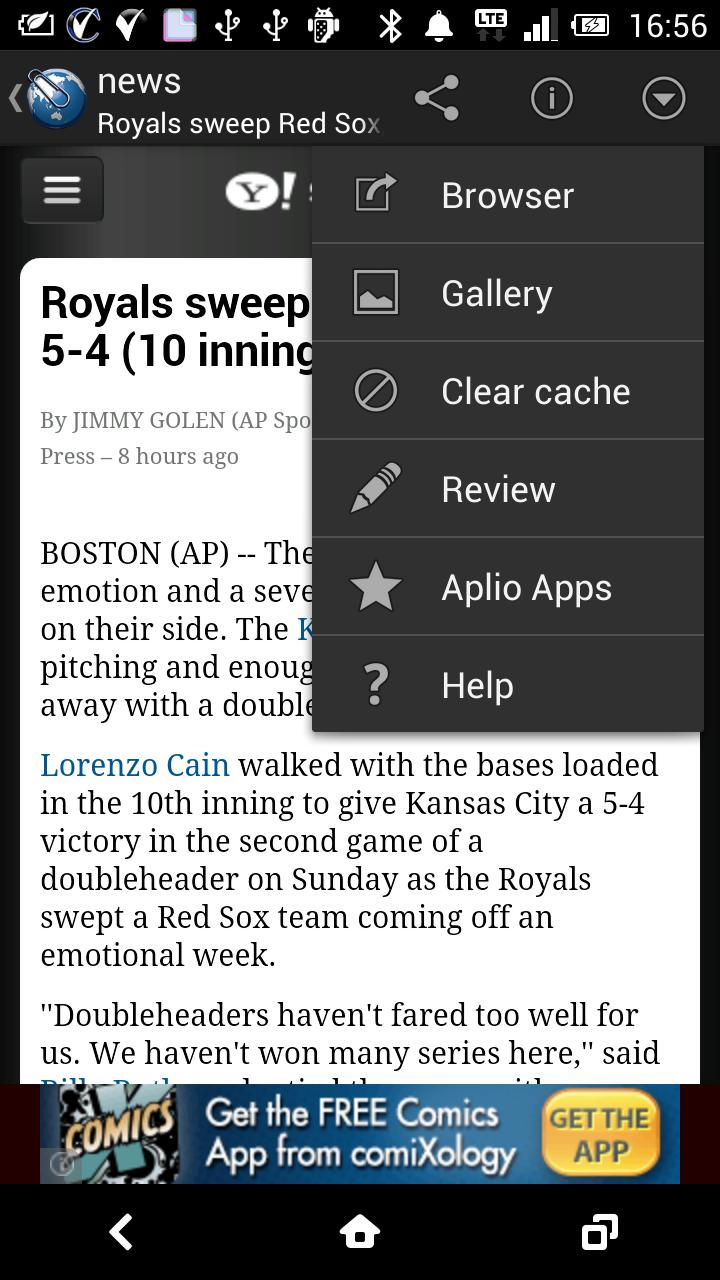
2. Select "Share" from a menu of Browser.
3. Select "Web Clip" from a list of applications.
* In case an web Browser is Chrome, rarely "Web Clip" doesen't look like to be shown on the list.
In order to show it just slide down the application list.
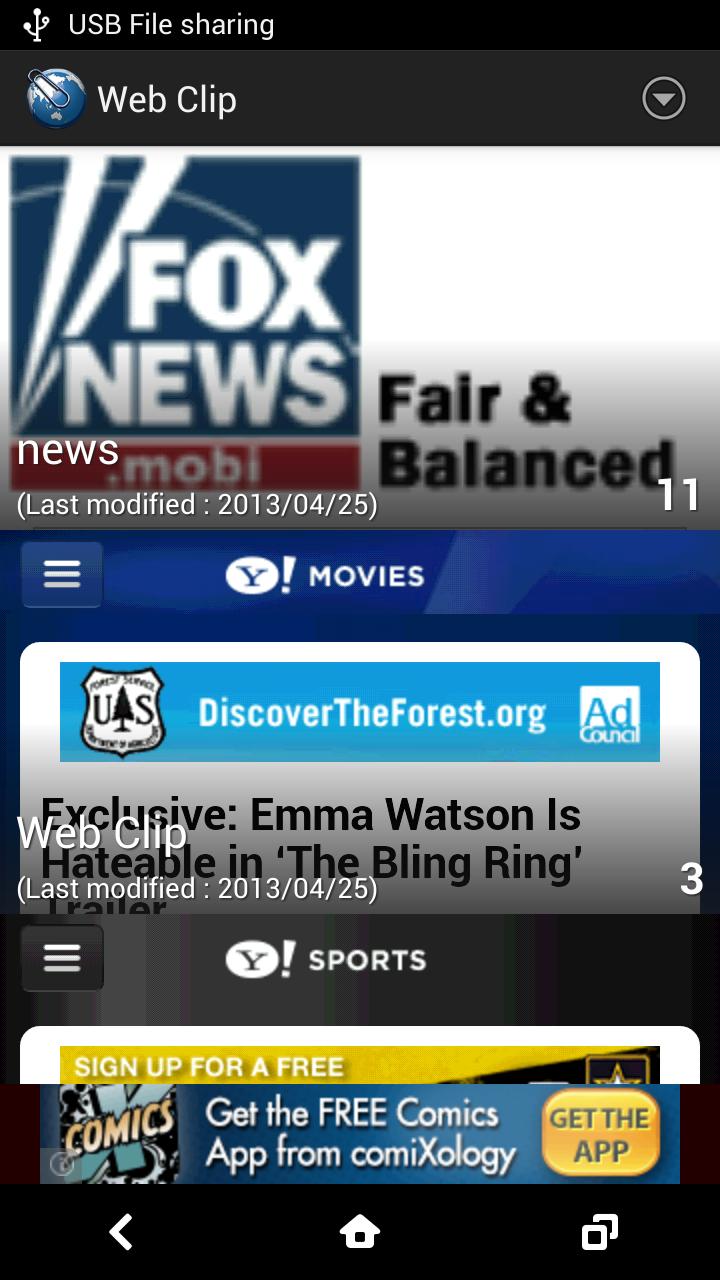
Activate "Web Clip" to confirm stored images.
#Functions
- Can categorise stored images.
- Moves to a next image by flicking the current image to the right or left.
- A file manager, in cooperation with Gallery, can back up images in a simple way.
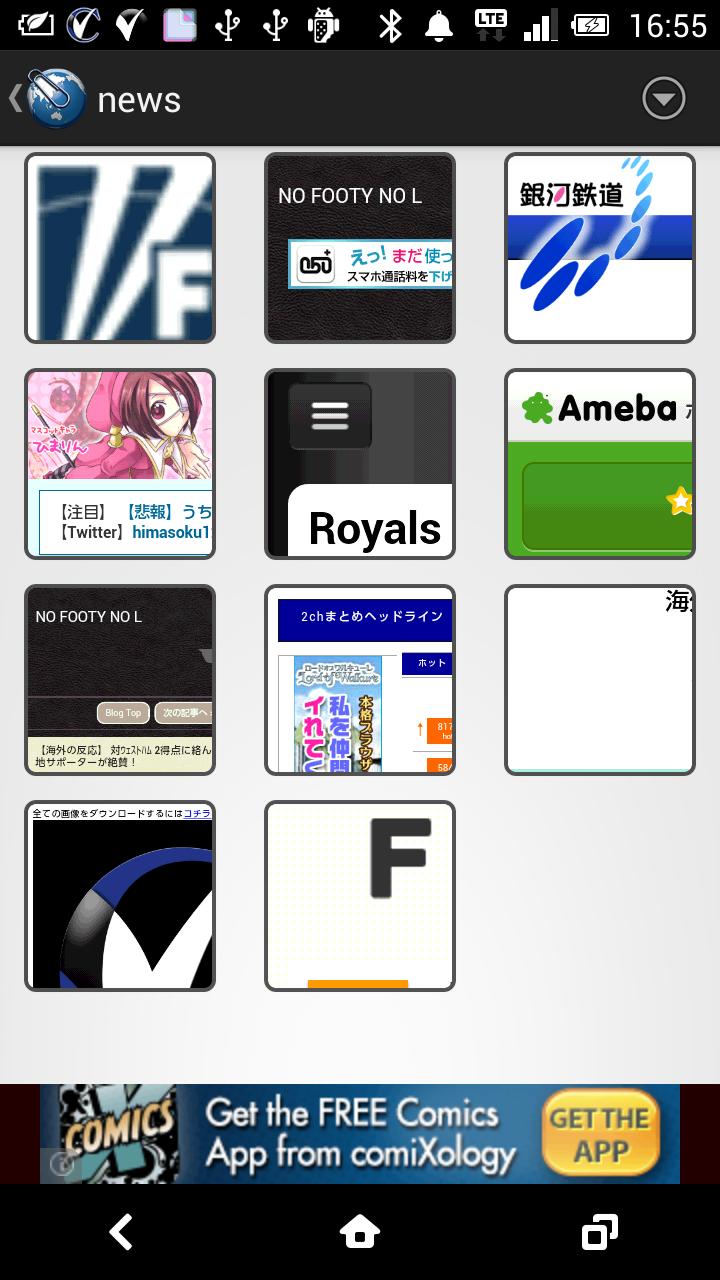
- Partially expands a thumbnail of the stored image to see it easily.
- The progressing-bar shows a proceeding status of its completion.
- Can share URL obtained an web site on Facebook or Twitter.
#Notes
The image saved by Web Clip is being stored in Gallery.
Since some device may delete the stored images, or may not display by its malfunction, it is strongly recommended to back up them frequently.
Deletion of the image itself means eliminating it from Web Clip.
Note that those shown below can not be saved.
1. The page which needs some action. For example, the page which cannot be read without clicking "more" as shown on the news site, may not be saved.
2. Those applications other than Browser.
3. A page that needs log in like Facebook.
#Q&A
Q: Can Web Clip change the position of an image ?
A: Web Clip has a link with the standard function of Android, then this can not change the position of an image finely, but can bring close it to your favorite position by repeating "On top".
Q: Can Web Clip work with other applications ?
A: This is exclusive use for WebBrowser.
Q: Can not save a page.
A: Capturing may not be possible depending on the desgin of Web site. This may be caused by the problem of Web site or Browser.
Q: Can restore the erased data ?
A: Any deleted data can never be restored, then again it is strongly recommended to frequently back up your precious data.
Q: Where is the data stored ?
A: It is stored in Pictures folder.
Q: Data can't it be stored in a SD card ?
A: Various devices have various position of a SD card, then Web Clip can not directly save data to a SD card. It can be transfered from the folder used for storing.
Q: Quarity of an image is not good.
A: Depending on an amount of memory some image can not be shown beautiful. When activate Gallery from a menu it may finely be shown.
-- 1.00.01 Version <2013-04-25>
some bug fixes
-- 1.00.00 Version <2013-04-25>
new release














 Download