

Animated weather on your home screen, 10-days and hourly forecast, widgets!
Bring your weather experience to the next level with the most beautiful and convenient weather app, ever.
This version is a fully functional 3-days trial. If you enjoy it, please upgrade to full version!
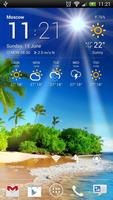
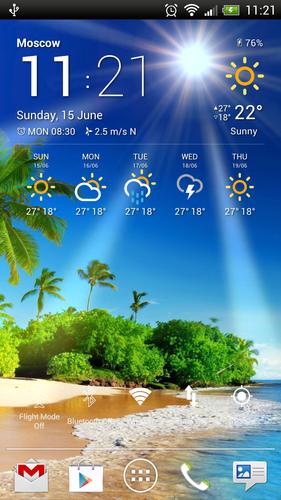
Weather Now is a fabulous combination of weather live wallpaper, which animates local weather, time of day and season on ANY custom background, and a set of beautiful weather widgets!
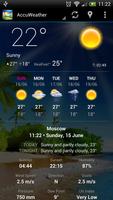
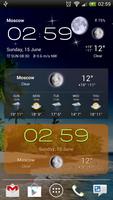
Based on an original idea, Weather Now lets you pick image from your gallery (or use one of embedded images) and put animation of your current weather right over it on your home screen. Easy-to-setup, customizable and beautiful weather widgets will also bring you all local weather info you need, including detailed weather conditions and 5-days forecast.
Gorgeous Weather Live Wallpaper
★ Local or custom weather animations over any image from your gallery
★ Animated sun, moon, rain, snow, stars, clouds, lightning, fog and frost
★ Stunning weather effects like raindrops or snowflakes on screen
★ Time of day, seasons and color animations
★ Cool color effects and photo filters like winter, spring, summer, autumn, sepia, b&w and neon
★ Manual control of brightness, contrast, saturation and hue
★ Embedded image gallery
★ Slideshow
★ Special 3D panoramic mode
★ Easy-to-use settings with interactive preview
★ Daydream support
★ More features inside!
Beautiful Weather Widgets
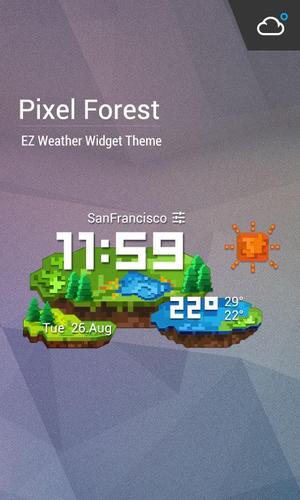
★ Customizable backgrounds, colors and fonts
★ Customizable units, formats and application shortcuts
★ Home screen and lock screen layouts
★ Easy-to-use settings with interactive preview
★ Customizable weather update interval
★ Several different weather providers (including AccuWeather and Weather Underground)
Local Weather Forecast
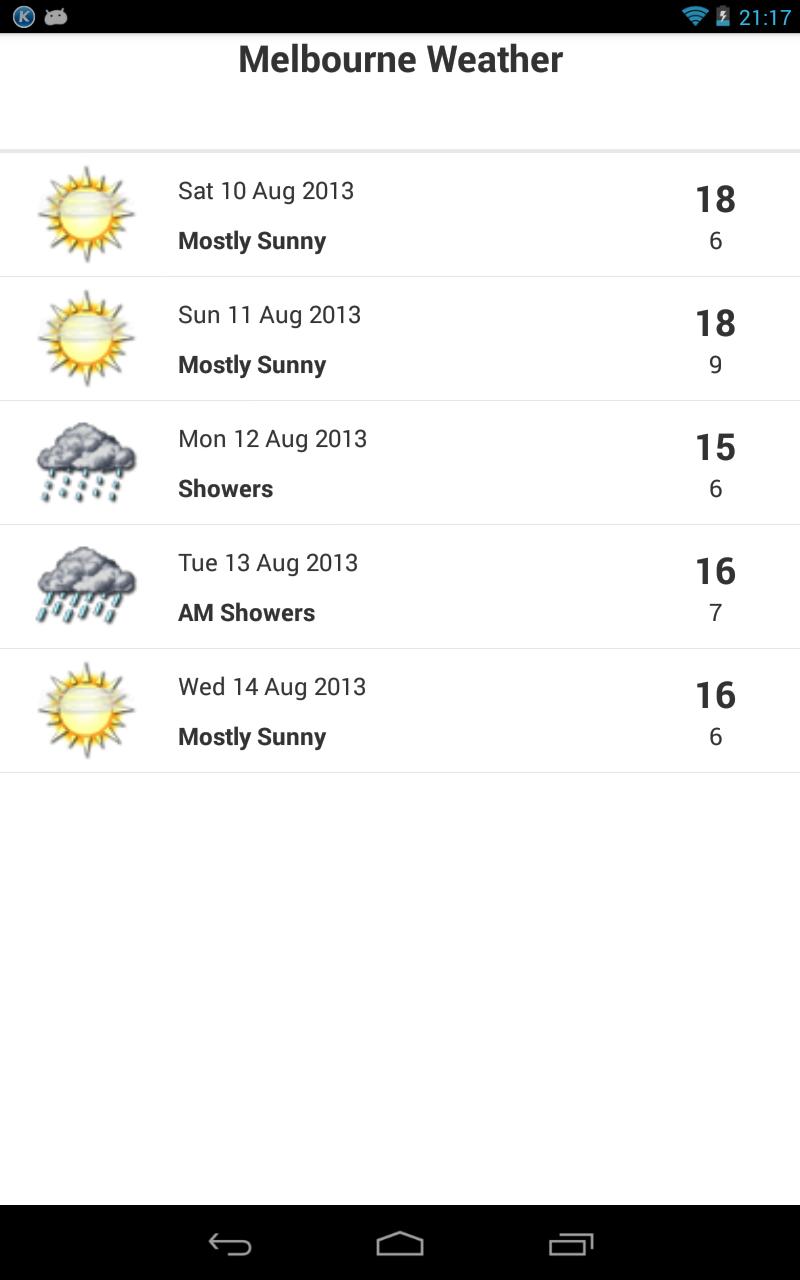
★ Current weather conditions, RealFeel, high and low temp
★ Today, tonight and tomorrow predictions
★ Humidity, Pressure, Precipitation, UV, Wind Speed and Direction information
★ Sunset and Sunrise information
★ 5-days forecast
All weather effects can be tuned for your taste. Clouds, snow and rain depend on current wind speed and direction. Moon shows actual moon phase.
You can choose between real weather conditions or pick whatever you want right now. You can easily create your own live wallpapers such as snowfalls, rainstorms, lightning storms, frosted windows, rainy screens, sunny days with delighted sun-rays and so on.
All effects and animations can be applied to ANY image from your gallery, whether it is a real photo or your favorite wallpaper. Full HD ready, no quality loss!
Weather Now works well on both phone and tablet devices, uses low system resources and conserves your battery life!
HELPFUL TIPS
Widgets cannot be used when installed on SD, it's a system requirement. To add Weather & Clock info, please open your apps, switch to widgets tab and search for Weather Now widgets there. Long-tap on a widget you want and drag it onto your home screen.
You can adjust Sun and Moon positions depending on your current background with your fingers. Drag them slowly!
Raindrops can be cleaned from screen by your fingers too!
Battery and RAM usage could be more than expected for live wallpaper because of settings with interactive preview and widgets. You do not have to worry about it, Android manages memory by itself.
In order to use automatic location, Google Location Service should be enabled in system settings. If you want to manually set your location but unable to find your city, try to type it in English, please.
PERMISSIONS EXPLAINED
COARSE LOCATION required to locate automatically and correctly animate current weather and time of day
FULL INTERNET ACCESS required to get local forecast
STORAGE required to support custom backgrounds
Please Rate & Comment!
For any questions, suggestions or bug reports please email us at [email protected]
Hamster Beat Team.
All delicious android apps by hamsters drummers.





 Download