

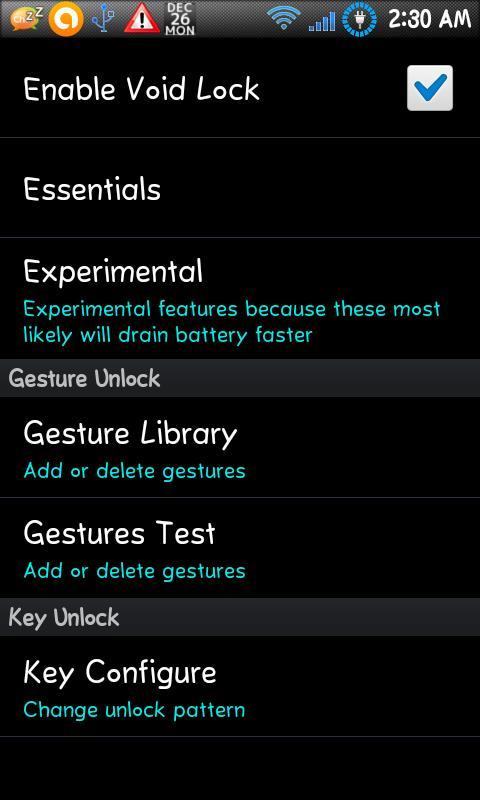
A lock screen that provides the illusion of being a turned off device.
A gesture lockscreen replacement that offers both convenience and security.
Imagine this scenario:
A guy picks up your phone.
What's the first thing he'll do? Turn it on of course.
He presses the power button... no response. Presses a couple other buttons and touches the screen... no response.
What's the first thing he'll think of? Phone's Off. Battery's Dead.
It wouldn't occur to him that the phone is actually ON, but pretending its off.
Features:
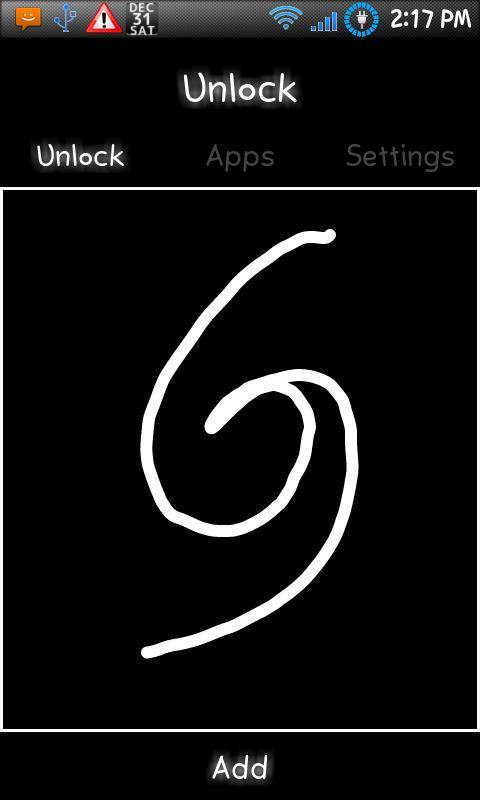
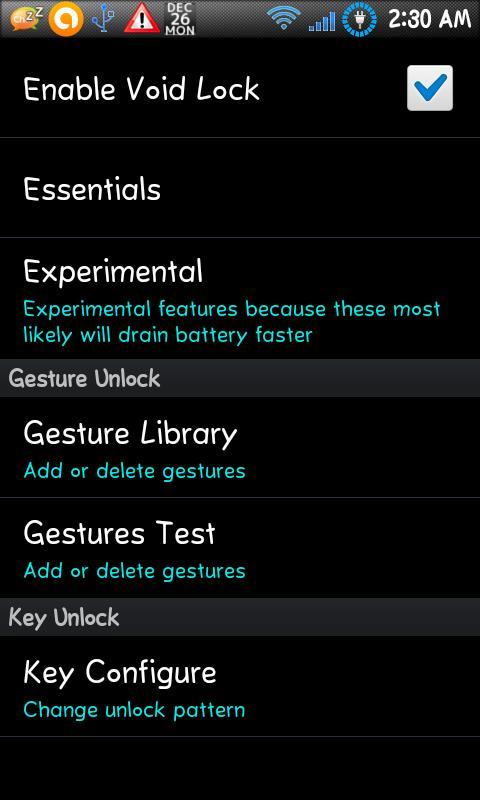
-Two methods of unlocking
--Gesture Mode
--Key Combinations
Both offering an incredible amount of security
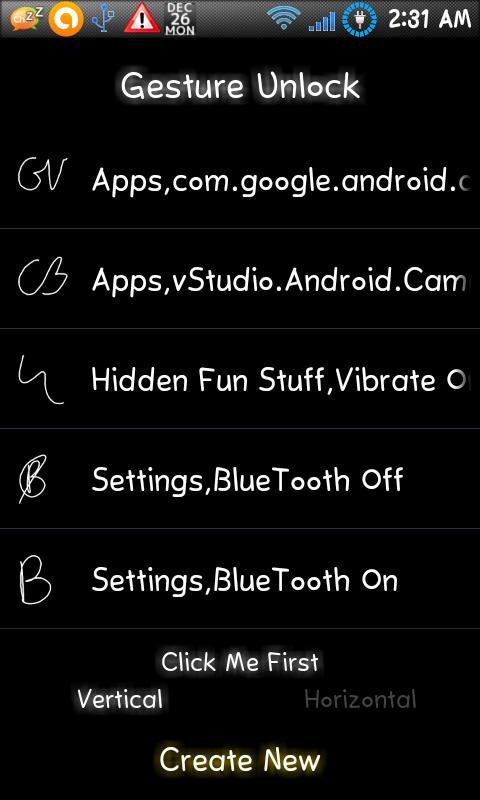
-App launching from lockscreen
You're able to create gestures for ANY app and launch it from the lockscreen. Please be advised that if you use simple gestures for these, it places your device at risk more
-Activate Settings from lockscreen
Need to turn phone to vibrate? Normal lockscreens requires you to unlock the phone, then unlock the lockscreen, then pull down the status bar to press Volume. Now, just do a volume down gesture, its safer too
-MugShot
For Android 2.3+ devices, there is front camera support to take pictures after a certain amount of failed attempts at unlocking
Issues:
-Certain devices will have their screens turned off if Display brightness is too low. The Setup screen will try to take care of that. So read the instructions, and email me if anything.
I should probably address the issues that some users are having with uninstalling. Void Lock can not be uninstalled after you have set it as a Device Admin. To uninstall, go to Settings, then find Security, find Device Adminstrator, and disable it.
Now, if there's any questions or suggestions, email me
This version is free, but still the full version. Differs from the paid version because of the ads, but DO NOT WORRY, ads will only appear after a successful Unlock and only once every 2 hours.
Sorry, but... I need to eat too. However, I don't want anyone to miss out on the lockscreen because of price so at least now there's an alternative way to get the lock?
Now if anyone is curious about the permissions used...
-android.permission.RECEIVE_BOOT_COMPLETED,
Used to run at boot.
-android.permission.WRITE_SETTINGS,
Used to lower the display's brightness
-android.permission.SYSTEM_ALERT_WINDOW,
Used to make the lockscreen
-android.permission.DISABLE_KEYGUARD,
Used to make the system lockscreen not show up
-android.permission.WRITE_EXTERNAL_STORAGE,
Used for mugshot image files
-android.permission.BLUETOOTH_ADMIN,
Used for bluetooth on or off, forgot
-android.permission.BLUETOOTH,
Used for... if the other was on then this is off, or vice versa
-android.permission.ACCESS_WIFI_STATE,
Used for enabling or disabling wifi
-android.permission.CHANGE_WIFI_STATE,
Same as above
-android.permission.READ_PHONE_STATE,
Used to detect incoming call
-android.permission.WAKE_LOCK,
Used for WakeLock mode, for the users who has battery and wants to avoid pressing Power button
-android.permission.VIBRATE,
Just Vibrate
-android.permission.INTERNET,
MugShot Emails and ads
-android.permission.ACCESS_NETWORK_STATE,
same as above
-android.permission.GET_ACCOUNTS,
Used to find default EMail account to mail to. Impossible to get account information
-android.permission.CAMERA,
Take a picture
-android.permission.SET_PREFERRED_APPLICATIONS,
Necessary for getting default launcher
-android.permission.READ_CONTACTS
Necessary for getting number of missed calls
-android.permission.READ_SMS
Necessary for getting number of unread SMS number
"This app uses the Device Administrator permission."
This feature is only used when Void Lock is turned off, at that point, the app icon will function as a shortcut to lock the device.
This is meant as a Power Button alternative for users who have troubles with using their Power Button, or for users who prefer the convenience of having an on-screen Power Button.






 Download