• Home
  • Games
    Action-adventure Simulation Business Role Playing Sports Competition Casual Intelligence Card Strategy Music Rhythm Text Puzzle Flying Shooting Love Development
  • Apps
    Business Office Newsletter Social Life Entertainment Online Shopping Practical Tools Travel Financial Management Educational Learning Information Reading Sports and Health
  • Articles

English 中文(简体) 中文(繁体) 한국어 日本語 Português Español Русский العربية Indonesia Deutsch Français ภาษาไทย
Home Apps Practical Tools Vico - Zooper Widget Skin
Vico - Zooper Widget Skin

Vico - Zooper Widget Skin

1
2
3
4
5
Download
  • Version 1.9
  • Category Practical Tools
  • Package Name com.shelton.zooper.vico
  • Update Time June 28, 2026
  • Size 2.17MB
About this app

Zooper Widget PRO must be installed to use this skin! PLEASE READ INSTRUCTION :)

My Google+

https://plus.google.com/+SheltonLee/posts

My Twitter

https://twitter.com/TheSheltonLee

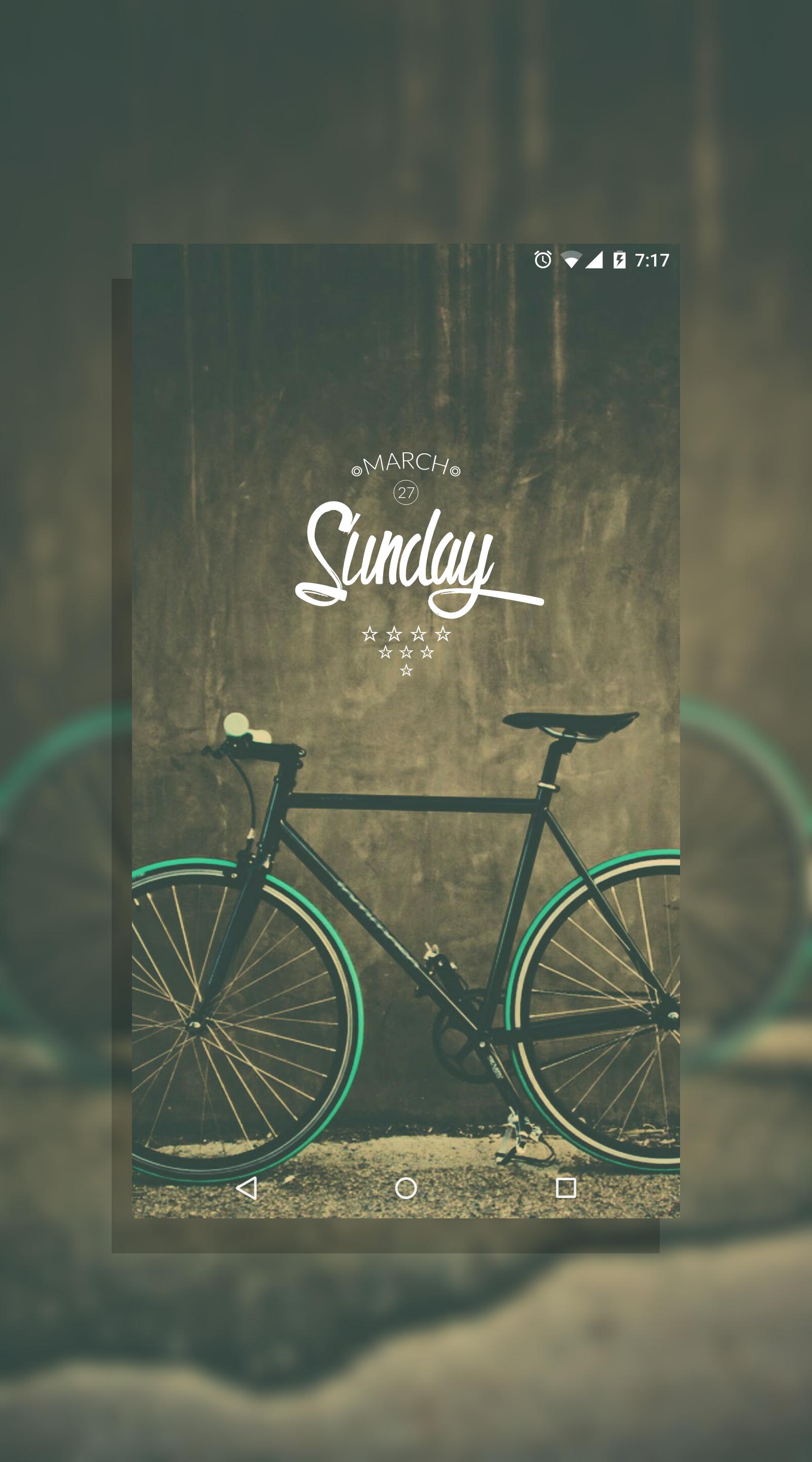
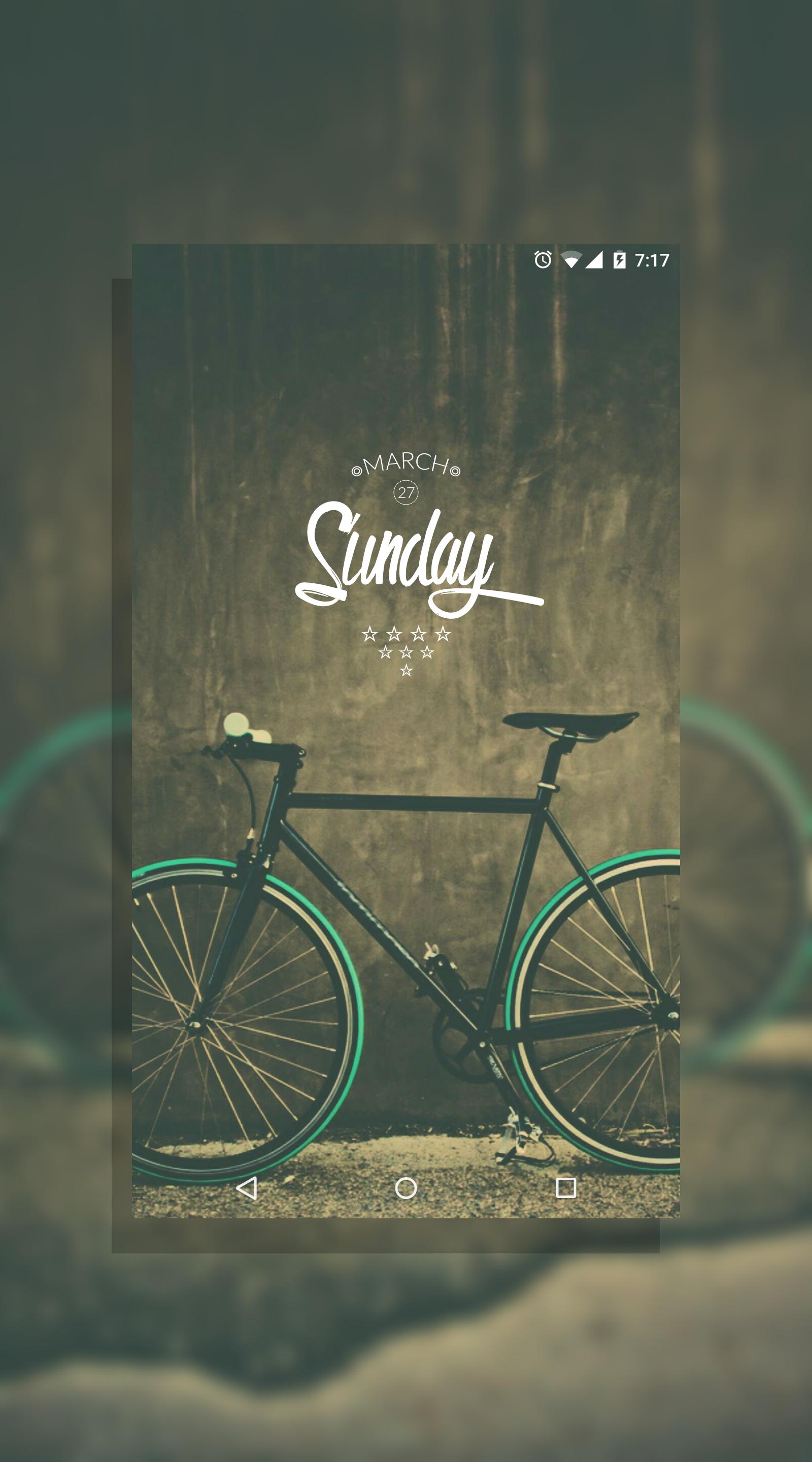
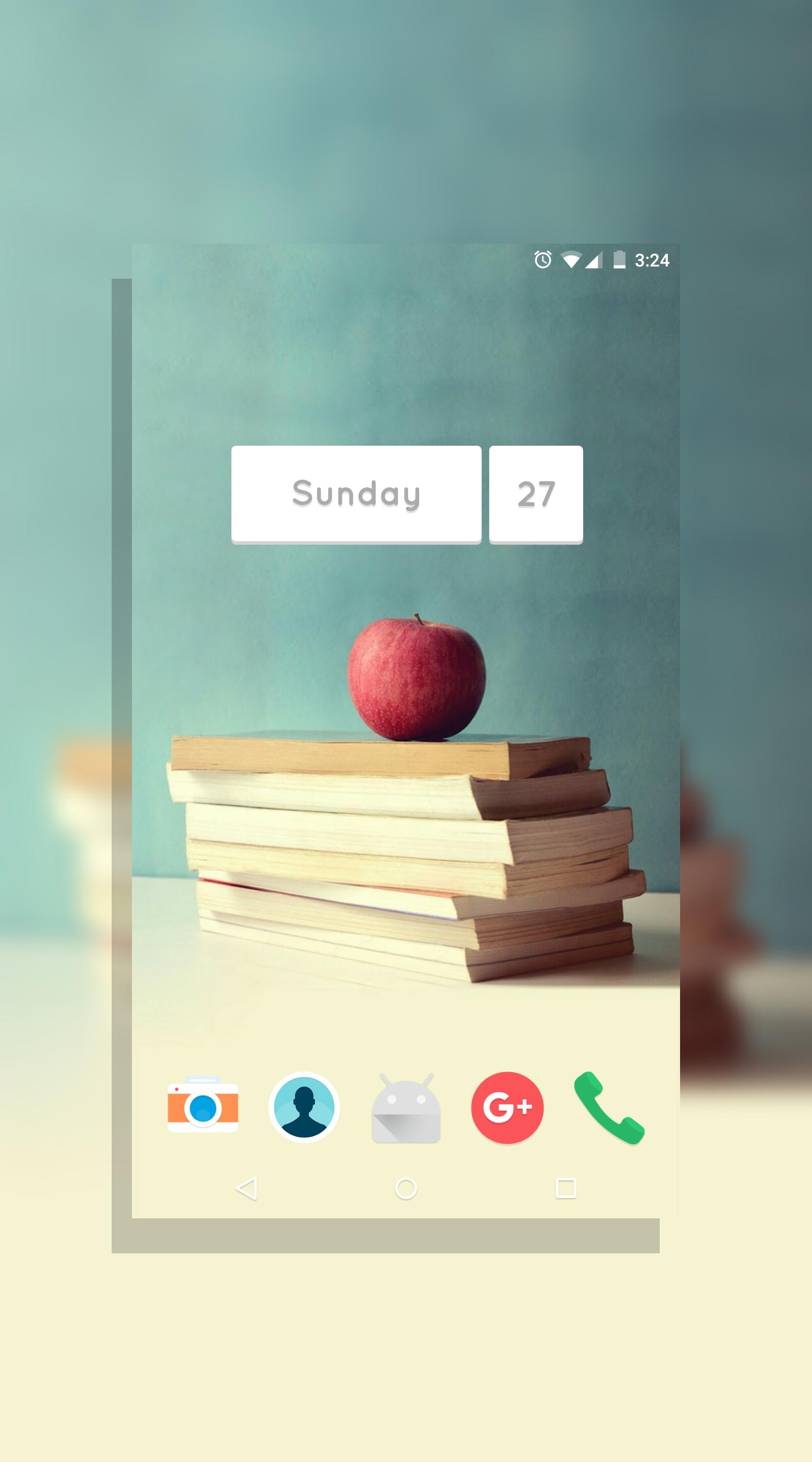
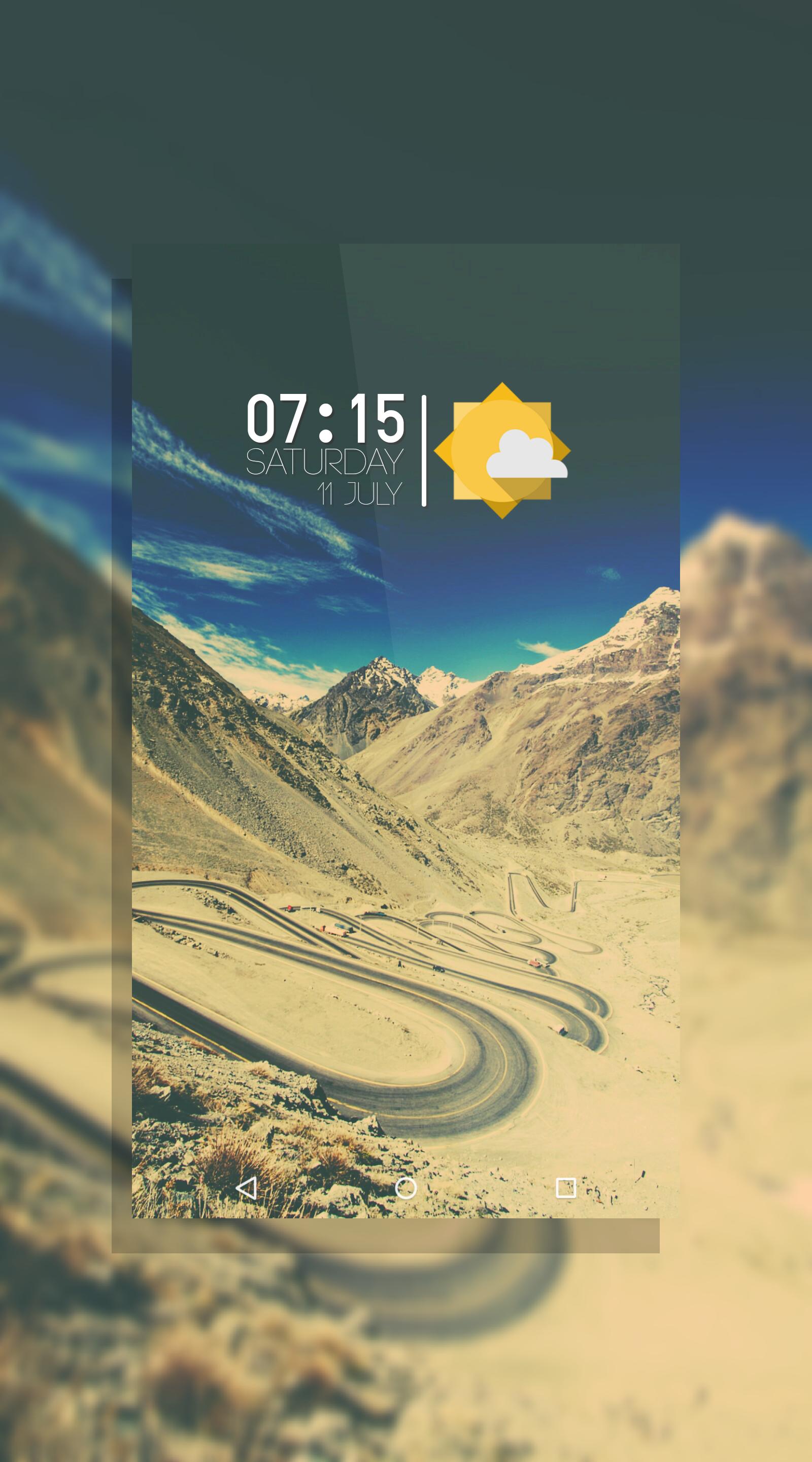
Many different types of Zooper Widget skins included. There are multiple colors for each widget. More types of widgets included than what's shown in screenshots!

Required:

Zooper Widget PRO (latest version)

Custom launcher (eg. Nova, Apex..)

Instruction:

1. Long press on home screen to add a widget.

2. Choose Zooper Widget. Size depends on which widget you wish to apply. Some are 4x4, some are 4x2, etc.

3. Tap on the grey translucent box that appears on the screen.

4. When the app pops up, choose Vico

5. Select one of the widgets you wish to apply.

6. You can tap Layout, and Time, Date, etc to set an action for each object on the widget. (optional but recommended). Or, just choose Widget OnTap Action right after you tap on the widget, and select what you wish to open. For this latter option, you can only choose one action for the whole widget. If you don't choose any, the Zooper Widget editor will keep showing up when you tap on the widget.

7. Press home button

8. Enjoy!

Download wallpapers used in the screenshots!

https://goo.gl/photos/JPMYkxAnJCCLT2Vf8

Also check out my other themes on my Developer Page!

-Shelton

What's New in the Latest Version 1.9

Last updated on Mar 30, 2016 Be sure to rate and review if you like this widget! Thanks :)
v. 1.9
Added 2 new widgets: vico8 and vico9 (at the very bottom) - mainly for people who would like to keep status bar with clock, so that there is no duplicate clock in home screen. :)
Fixed some widgets with missing elements
Polished some widgets
Polished viewfinder
v. 1.8
Added a new widget! It displays tons of information while maintaining a minimalistic design.
Download(2.17MB)
Users also viewed
  • Top News GO Locker Theme

    Top News GO Locker Theme

    1.0 October 18, 2026
  • Times Tables

    Times Tables

    3.0.2 October 18, 2026
  • RETRO JORDANS Live Wallpaper

    RETRO JORDANS Live Wallpaper

    444 October 18, 2026
  • Wear OS Toolset Complications

    Wear OS Toolset Complications

    4.1.3 October 18, 2026
  • Weather Models Europe

    Weather Models Europe

    0.5.4 beta October 17, 2026
  • Lightning Camera

    Lightning Camera

    3.1 October 17, 2026
  • Wild Leopard Lite

    Wild Leopard Lite

    1.6 October 17, 2026
  • Kids Carnival Photo Montage

    Kids Carnival Photo Montage

    1.2.4 October 17, 2026
  • home window design 2018

    home window design 2018

    1.0 October 17, 2026
  • New Photo Editor 2016

    New Photo Editor 2016

    1.1 October 16, 2026
  • Appools

    Appools

    1.1.0 October 16, 2026
  • Pomodoro Cards

    Pomodoro Cards

    2.0 October 16, 2026
  • Add text

    Add text

    8.2.4 October 16, 2026
  • Photo Editor Collage Maker

    Photo Editor Collage Maker

    1.43 October 16, 2026
  • Disable Manager

    Disable Manager

    3.0 October 16, 2026
About Privacy Policy Terms of Service Cooking Policy

© Copyright 2017-2026 downzq.com