

Update your android through the manufacturer or operator, easy and fast.
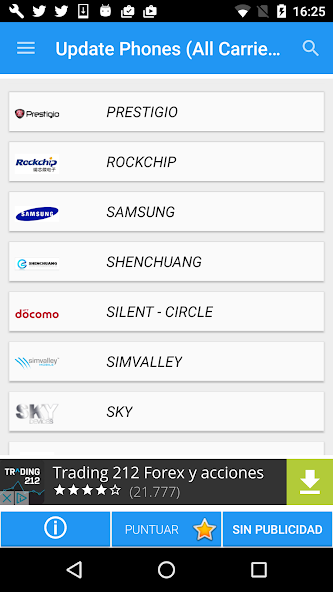
Software Update for Android, updates for Pie (Android 9 or Android P) only available for mobile phones listed. The updates are so easy to install that you simply need to download a software on your phone (firmware), this application includes links to download the latest version of Android on your mobile. Select your brand and it will give you links to the update for the Android version . It has automatic search for your phone and almost all existing operators.
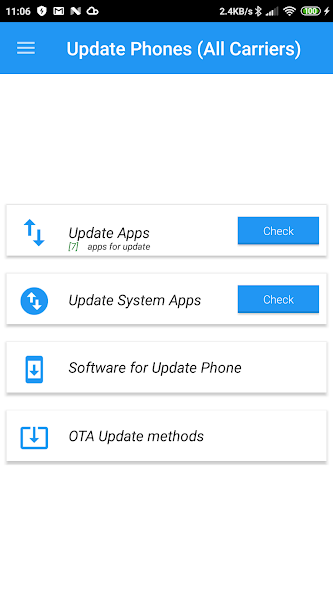
With this application you can update the software of your phone with the official support of the manufacturer or operator and you can update your phone.
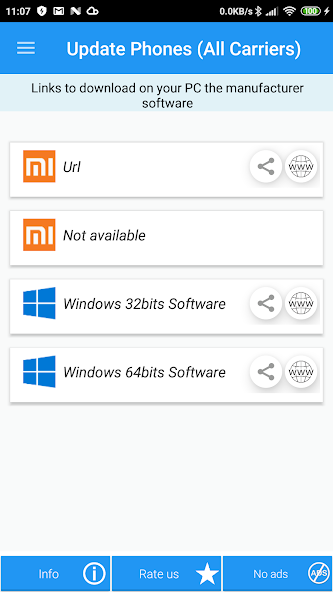
Includes Tutorial to update OTA methods, links to download software for PCs from manufacturers (Samsung Kies, Lg Pc Suite, Sony Companion, ...).
Without using an installation wizard directly on your device, you must search for the manufacturer's software to perform the update process. In general, this software is usually available on the manufacturer's official website. However, we have compiled the required software for different manufacturers so you can easily find the resources you need to carry out an Android update on your device. As soon as you have downloaded the software manufacturer, you should simply connect your Android mobile device or tablet with a USB cable and carry out the installation process.
If you are going to update to Android or update your mobile version through OTA, the option will appear automatically when a new version is available. After accepting (should) a download, it will start to install, reconfigure the phone and leave it ready to use. You can also search for an OTA manually by going to "settings => about => update software" or something similar.
Keep in mind that you have a Wi-Fi connection and a sufficient battery before carrying out the update, otherwise you will get a semi-installed update that turns your device into a piece of brick.
As not all devices can get an uninterrupted connection to the Internet, some manufacturers offer the option to download it to your computer and connect the device to perform the installation with the PC.








 Download