

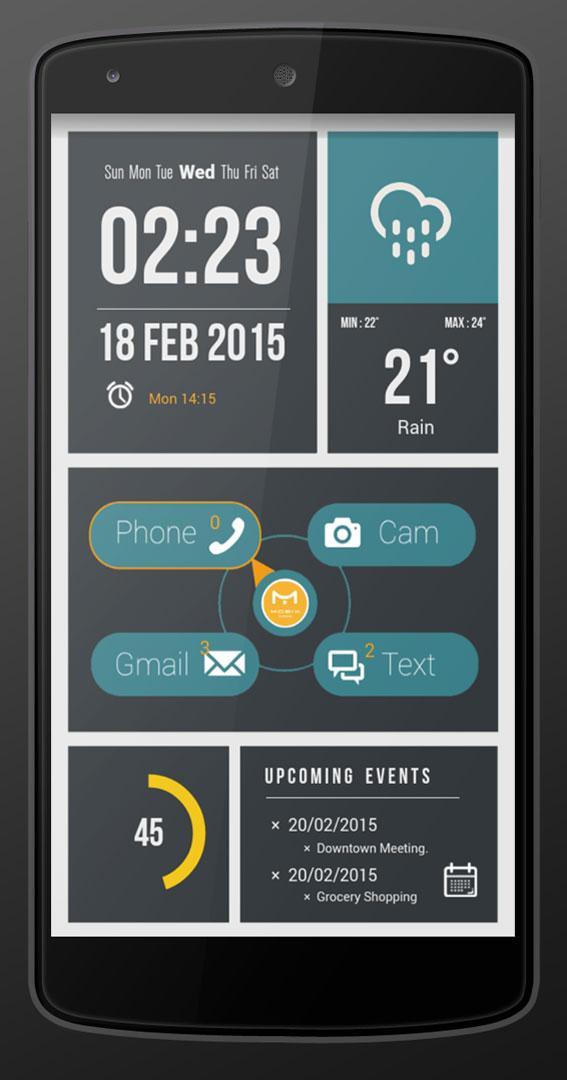
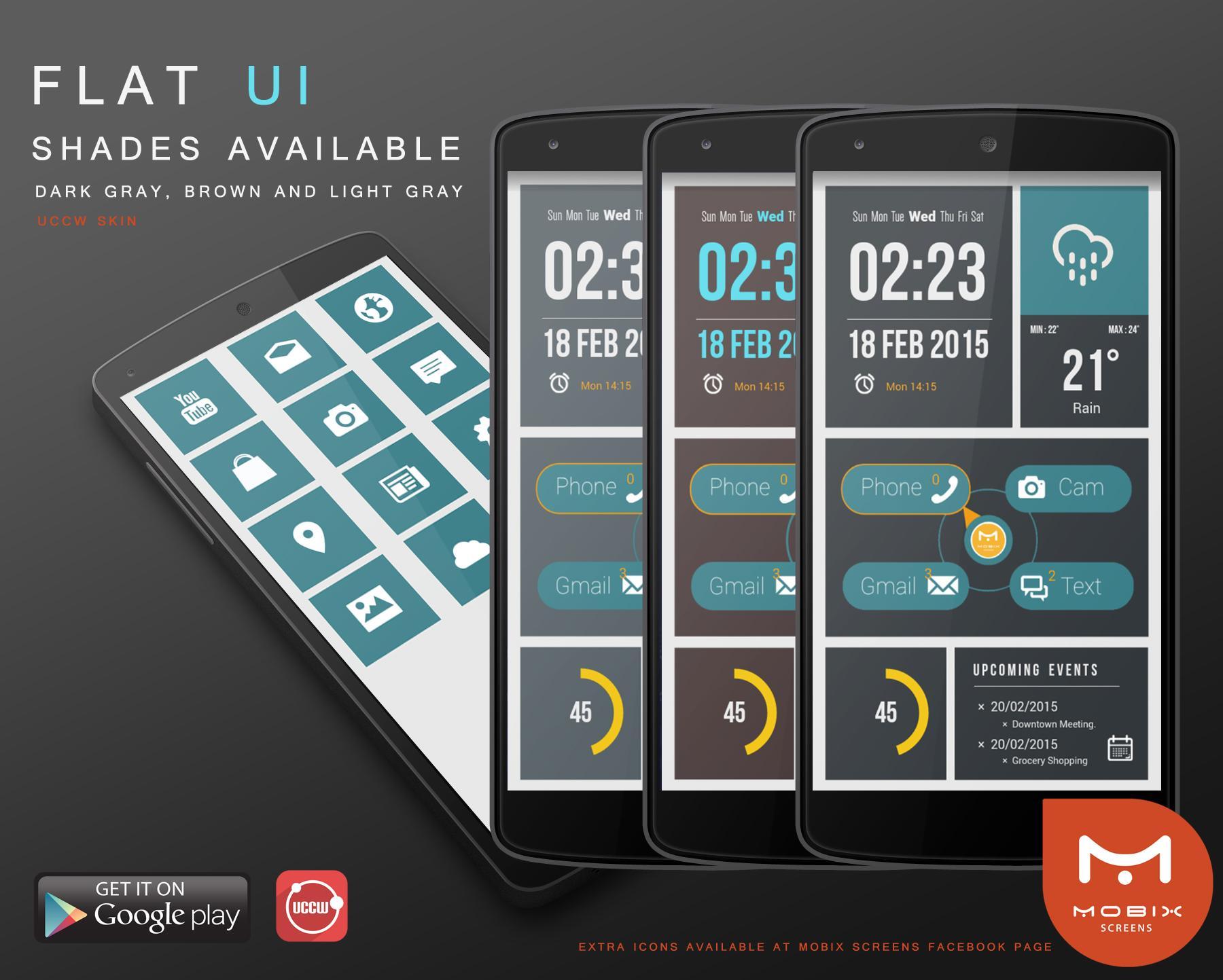
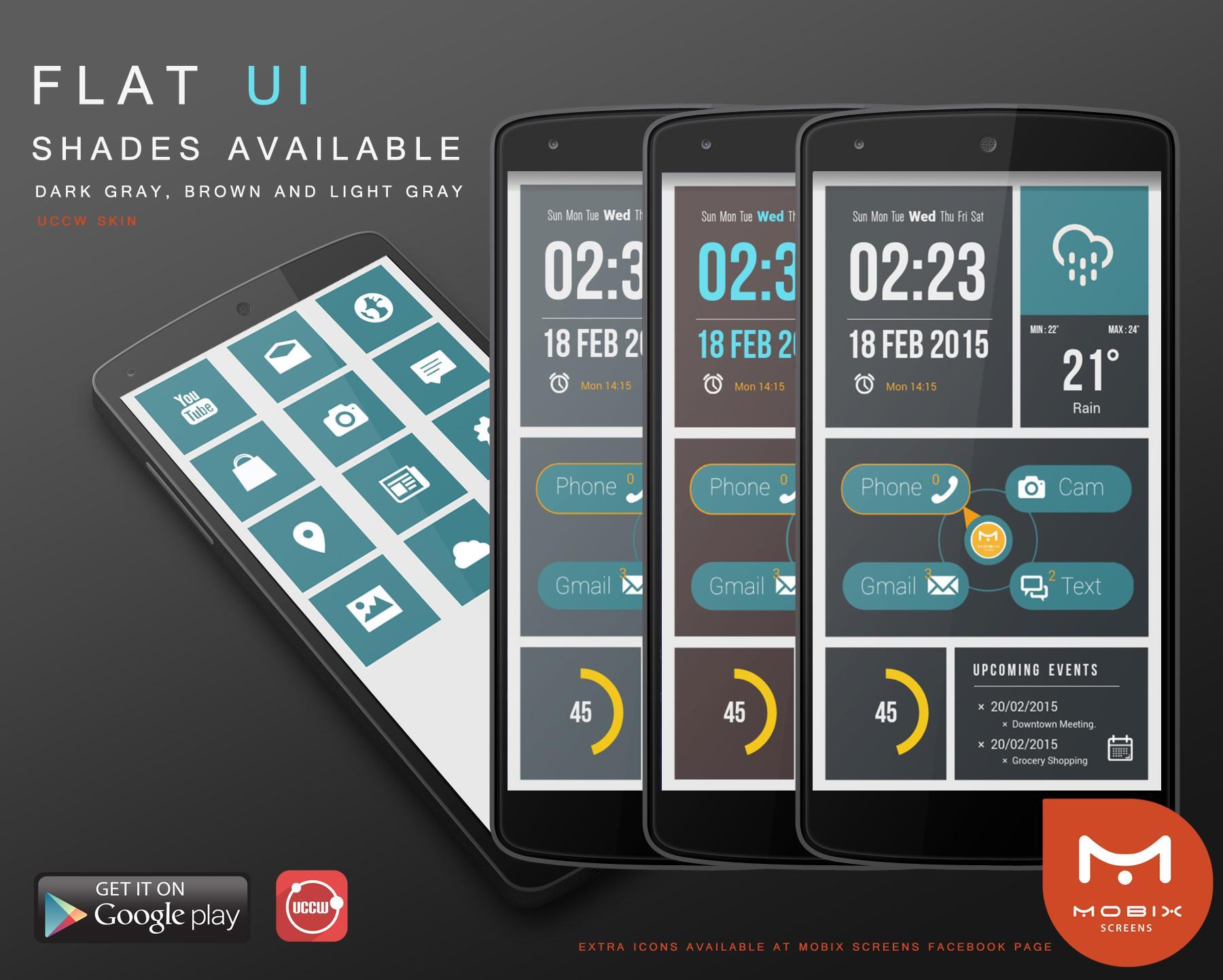
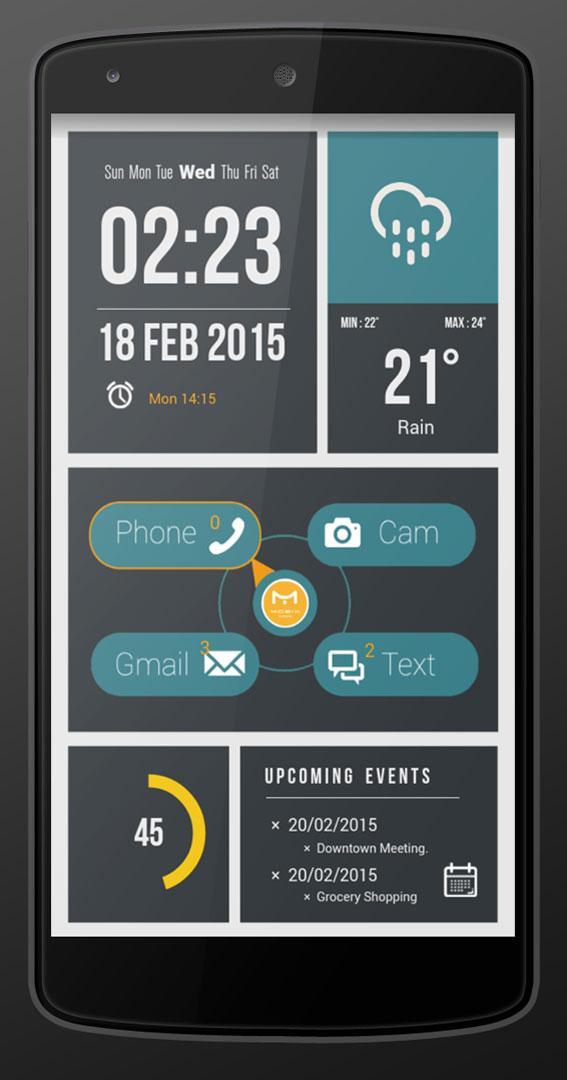
**READ MORE BEFORE INSTALLING UCCW DarkGray Flat UI Skin Full Theme**
****READ THIS BEFORE INSTALLING *****
You need UCCW app installed on you smartphone and a Launcher, it can be Nova Launcher, Go Launcher, Apex etc..
[ TUTORIAL ]
This tutorial is for NOVA LAUNCHER users but you can use it with any launcher you are familiar with.
INSTALLING THE SCREEN
[1 - Preparing the page ]
1.1 Disable the DOCK. Go to Nova Settings > Dock > Enable Dock (uncheck the box).
1.2 Clean your home from apps/widgets or create a new page.
1.3 Set the page with the grid size 12x12 go to Nova Settings > Desktop > Desktop Grid > rows and columns (some launcher they have margin and you should set it to 0 or off)
1.4 To set the wallpaper go to menu > Wallpaper and browse to the folder where you saved the wallpaper. (See Link to the wallpaper and icons bellow)
1.5 On some launchers you will have to remove the Page indicator.
Optional : you can remove the task bar or not. Most of Mobix Screes Skins work perfectly with or without it.
[2 - Adding the widgets on your screen ]
2.1 Long press on your screen until the Nova menu pops up. Choose Widgets> Look for UCCW Widgets > Choose any size > Browse for the theme . Dont worry about the grid size, choose any size since you will have to resize the widget to fill the whole screen.
2.2 This is a 12x12 screen grid you should RESIZE the widget by clicking on the UCCW widget you added on your
screen and hold until a menu pops up and choose resize and start pulling the edges of the widget to the edges of your screen. once you stretched to the max just give a quick tap on the widget to apply the changes.
[ 3 - UCCW Settings ]
3.1 Make sure you have your hotspot setting ON . Open your UCCW App, Go to menu and click on those 3 little dots on upper right corner and go to > Lock Widgets( Hotspot mode) choose ON.
3.2 Email notifications - UCCW will set automatically your main Gmail account counter but if you want to set another one go to Objects> Gmail> Gmail settings.
3.3 Hotspots - All Hotspot should work perfectly with built in apps once you set the theme. But if you want to chance to a custom app go to UCCW > Hotspot,
Congratulations you just added your Mobix Screen....
If you liked the Screens we kindly ask you to rate our theme and like our facebook page so you can get the new skins and extra icons as soon as we release them!
Get the icons here http://www.4shared.com/rar/GTJD0CS8ce/Flat_UI_theme_Icons.html
Thank you very much!
Mobix Screen Team.
[ Theme created with: ]
1 - UCCW Version: 3.2.4
- This skin will not work on UCCW before 3.0 because it contains elements from the newer version, so always keep the app up to date
2 - Android Version 4.0
- Any Android inferior to that version we can not assure if it will work because it was not tested on past versions only from that and above. But it's mostly like it will work.
3 - Resolution.
- skins or images may not appear for some custom roms specially if screen density is changed.
[Notes from UCCW Developer]
Widget not updating
1. UCCW may be killed by task killers. So exclude UCCW in task killers.
2. Could be a launcher app issue; Try a different launcher.
Getting force closes
1. Uninstall UCCW and install again.
2. Check if Force closes are occuring with a particular skin; discard that skin.
3. Send a logcat if force closes continue.
[KEEP IT IN MIND]
Please keep in mind that Android platform keeps in constant updates and changes so in every update it may or not have some problem with UCCW app so we from Mobix screens use UCCW and wait for the app developer.











 Download