• Home
  • Games
    Action-adventure Simulation Business Role Playing Sports Competition Casual Intelligence Card Strategy Music Rhythm Text Puzzle Flying Shooting Love Development
  • Apps
    Business Office Newsletter Social Life Entertainment Online Shopping Practical Tools Travel Financial Management Educational Learning Information Reading Sports and Health
  • Articles

English 中文(简体) 中文(繁体) 한국어 日本語 Português Español Русский العربية Indonesia Deutsch Français ภาษาไทย
Home Apps Travel TRIGGER ACS
TRIGGER ACS

TRIGGER ACS

1
2
3
4
5
Download
  • Version 1.1.05
  • Category Travel
  • Package Name com.aacbrands.trigger
  • Update Time January 29, 2026
  • Size 763.68KB
About this app

Save installation time and control your accessories remotely with The TRIGGER!

App not compatible with TRIGGER SIX SHOOTER, 4 PLUS, ONE, or VOLT products. Search 'TRIGGER ACS PLUS' if you own one of these devices.

The Trigger Wireless Accessory Controller substantially saves installation time of your electronic accessories! Eliminate the need to run wires under the dash or through the firewall of a vehicle when wiring accessories.

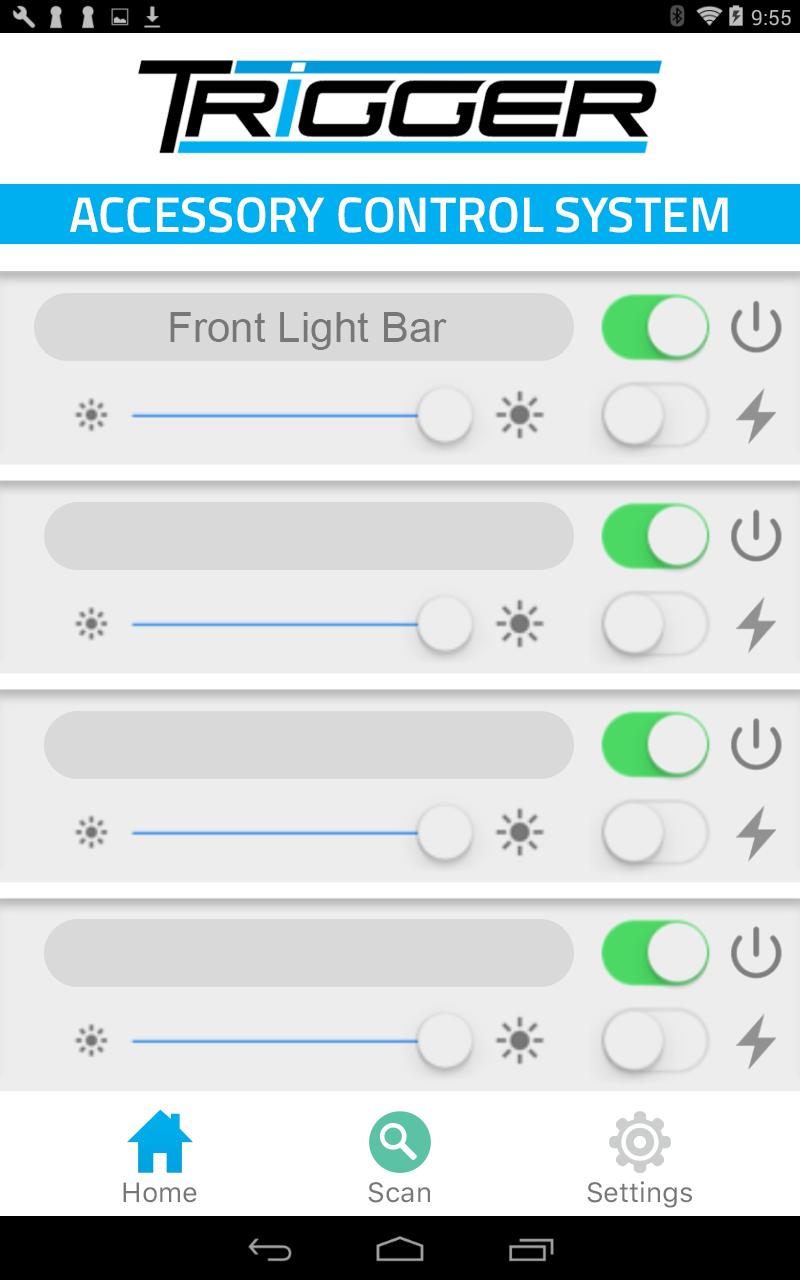
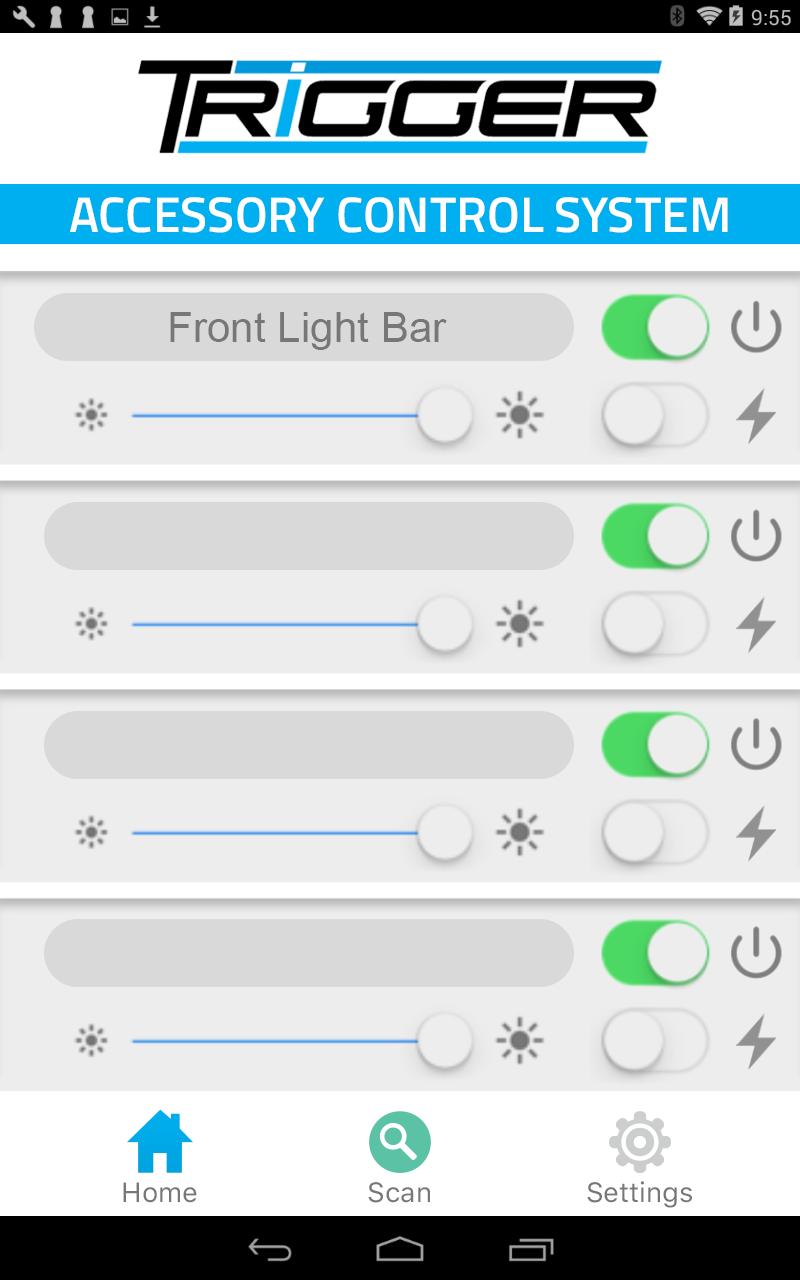
Our Bluetooth App will control on/off and dimming functions as well as flashing when used with LED or conventional lighting. It is simple to set up and allows for user customization. Use the app to “Trigger” lights from outside the vehicle whenever you might need to activate an accessory on demand.

In addition to the app, Trigger includes an RF remote control for activating installed accessories from outside the vehicle and dimming/flashing functions for installed lighting. In addition, fused circuits with LED indicators notify you of blown fuses.

App Setup Instructions:

1. Ensure Bluetooth is active on your mobile device, and Trigger is powered on.

2. On the device in the Bluetooth settings, look for either"Trigger" or "Run-D" as a device name.

3. Pair your mobile device to the Trigger Controller using pairing code '1234'.

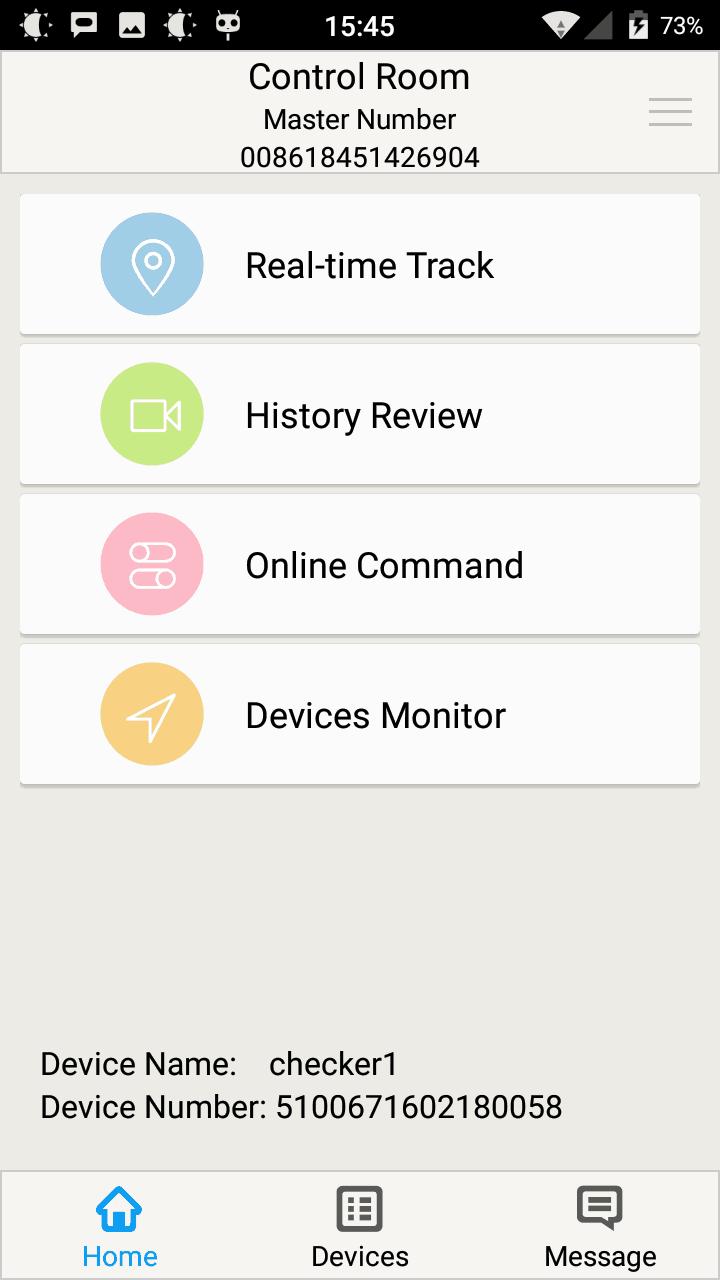
4. Launch the App, tap the 'Scan' icon at the bottom of the screen. After a few moments, the App will connect to the Trigger Controller. Power, strobe, and dimming functionality will now be active.

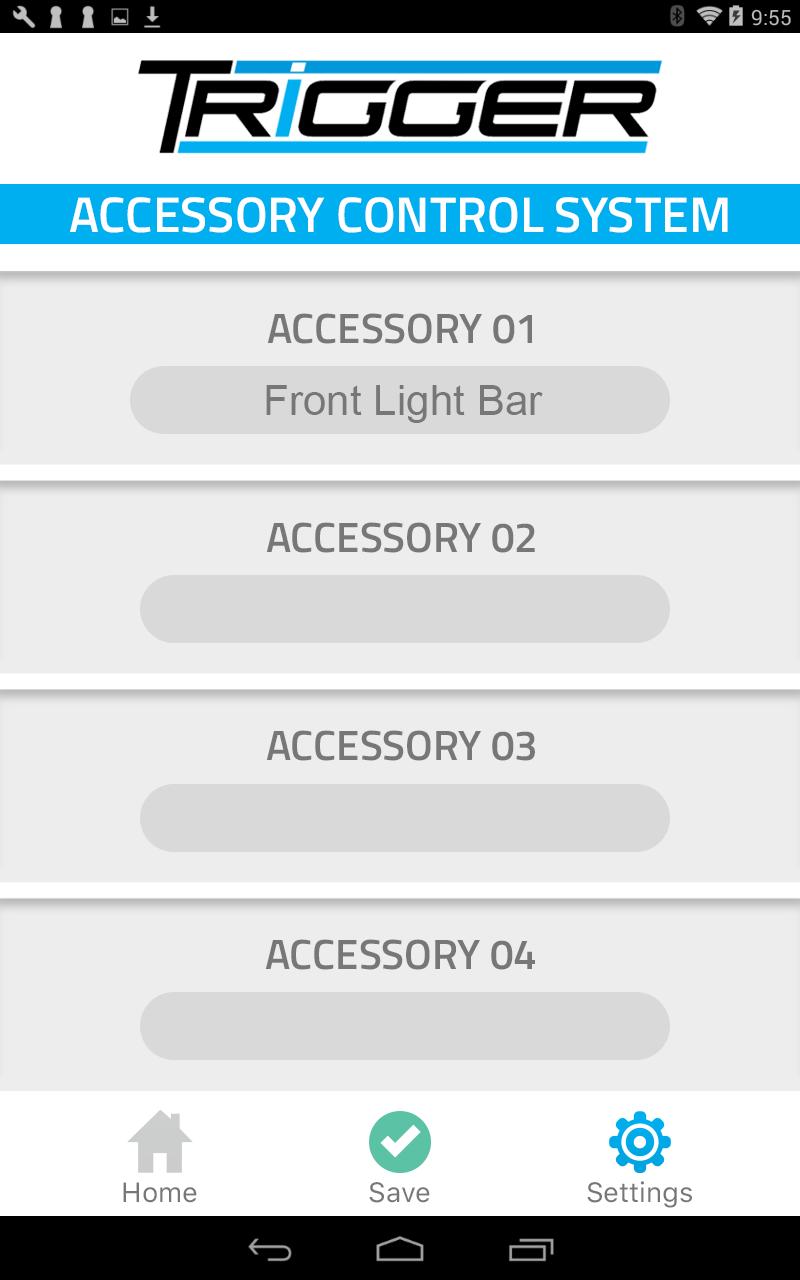
5. Tap the 'Settings' icon to customize the names of your Trigger connected accessories. Tap 'Save' to save the customized names.

6. Tap 'Home' to return to the main App screen.

For product support and training videos, visit http://triggercontroller.com/support.html
What's New in the Latest Version 1.1.05

Last updated on Dec 29, 2018 Updated to Android API level 26.
Download(763.68KB)
Users also viewed
  • Go Sabah

    Go Sabah

    1.0.20 January 29, 2026
  • VIK Driver

    VIK Driver

    1.14.0 January 29, 2026
  • Talk Translator

    Talk Translator

    1.3 January 29, 2026
  • Refuge Restrooms

    Refuge Restrooms

    1.8.0 January 29, 2026
  • Train Info Guide

    Train Info Guide

    9.0.0.0 January 28, 2026
  • AppTUSSAM

    AppTUSSAM

    5.0.1 January 28, 2026
  • GPS Location & Message center

    GPS Location & Message center

    GPSLocator January 28, 2026
  • Minneapolis Lakes FREE

    Minneapolis Lakes FREE

    1.4 January 27, 2026
  • Geo Bookmark (Dashclock)

    Geo Bookmark (Dashclock)

    1.2 January 27, 2026
  • Train Enquiry

    Train Enquiry

    1.0 January 27, 2026
  • STA potovanja

    STA potovanja

    1.0.0 January 27, 2026
  • Kent Turizm

    Kent Turizm

    6.3.1 January 27, 2026
  • Casino Taxi

    Casino Taxi

    8.15.0 January 27, 2026
  • Lovato Group MX

    Lovato Group MX

    1.0 January 27, 2026
  • Mobill Parking

    Mobill Parking

    3.0.6 January 26, 2026
About Privacy Policy Terms of Service Cooking Policy

© Copyright 2017-2026 downzq.com