


ThirdEye verbally tells visually impaired persons what they are looking at.
We believe in empowering visually impaired individuals. ThirdEye restores autonomy to visually impaired persons’ lives by enabling them to recognize everyday objects. All the user has to do is touch one button and our technology verbally returns back whatever object the user is looking at within seconds (for example a “5 US Dollar Bill” or an “Ibuprofen bottle”). The user can also use ThirdEye to have text read aloud to them on a book, on a menu, or even a street sign.
We have a database of millions of images that is being updated every day and thus our product is able to recognize a wide array of images very specifically.
ThirdEye is currently free to download!
Features:
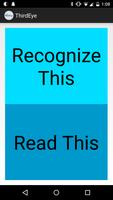
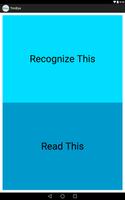
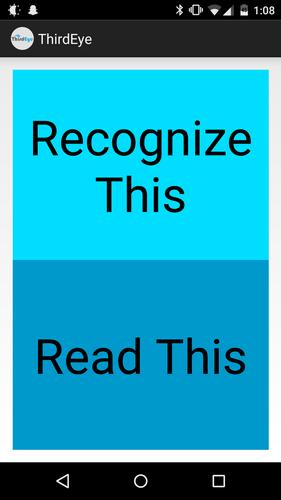
• Press the “Recognize This” button while holding your phone in front of an object you want to recognize, and then wait a couple of seconds for ThirdEye to return the object to your ear. The button is large, and occupies half the screen so it’s easy to find and press.
• Press the “Read This” button while holding your phone in front of some kind of text to have the text read aloud to you. Use this to have books, newspapers, restaurant menus, street signs, or any other kind of text read aloud to you. The button is large, and occupies half the screen so it’s easy to find and press.
• Press the raise volume button on the side of your phone while the app is on to Activate the “Recognize This” feature.
• Press the lower volume button on the side of your phone while the app is on to Activate the “Read This” feature.
• Every time you press a button, ThirdEye will read aloud the button you pressed (to ensure that you pressed the button you wanted to).
• Returns a Alert Message warning you if the item you recognized could be potentially dangerous (such as medicine) and to ask for help before taking the medicine. (Note: Please note that this alert message will be triggered on every potentially dangerous item simply because of the sheer number of potentially dangerous items; we have done our best to try to add as many objects as we think could be dangerous, but you should use your own judgement)
Terms of Service:
Please use ThirdEye’s recommendations with your own consent. We are not responsible whatsoever for any wrong response (verbal or text based) that ThirdEye returns; please use caution especially when using ThirdEye to recognize medicine or anything that is potentially deadly. ThirdEye, ThirdEye’s shareholders and founders, or anyone associated with ThirdEye is not responsible for any injuries or death caused by the use of ThirdEye. Please read the full Terms of Service for ThirdEye at http://ThirdEyeglass.com/terms-service/
Mission:
We really hope that ThirdEye is able to improve the lives of visually impaired patients at least 10x. Already we have been featured on the HuffingtonPost, New Scientist, TEDx, Mother Nature Network, PhillyVoice, WHYY, and Flying Kite Media. Help us convert our vision to a reality!
Platforms:
ThirdEye is available for use on Google Glass as well! All the user has to do to activate our Glass app is simply say “Okay Glass, Recognize This” and ThirdEye will return back the object he/she is looking at. Although our app is still in beta mode, we will gladly provide you with a demo APK if you want: simply email us at [email protected]
Privacy Policy:
Read our privacy policy at http://ThirdEyeglass.com/privacy-policy/
Around the Web:
You can visit us http://ThirdEyeGlass.com
If you like ThirdEye, be sure to like our Facebook page at https://www.facebook.com/ThirdEyeApp
and Follow us on Twitter at https://twitter.com/ThirdEye_glass
Support and Feedback:
You can email us at [email protected]. Send us any questions and feedback you have so we can make your experience better!
Developed by ThirdEye--http://ThirdEyeGlass.com
1.1.6
When unable to recognize or read, an error message is displayed.
When internet isn't working, an error message is displayed.
Alert dialog now has clickable links.
1.1.7
Disable volume key shortcuts.
Added analytics.
1.1.8
Changed API from Mashape to Cloudsight
1.20
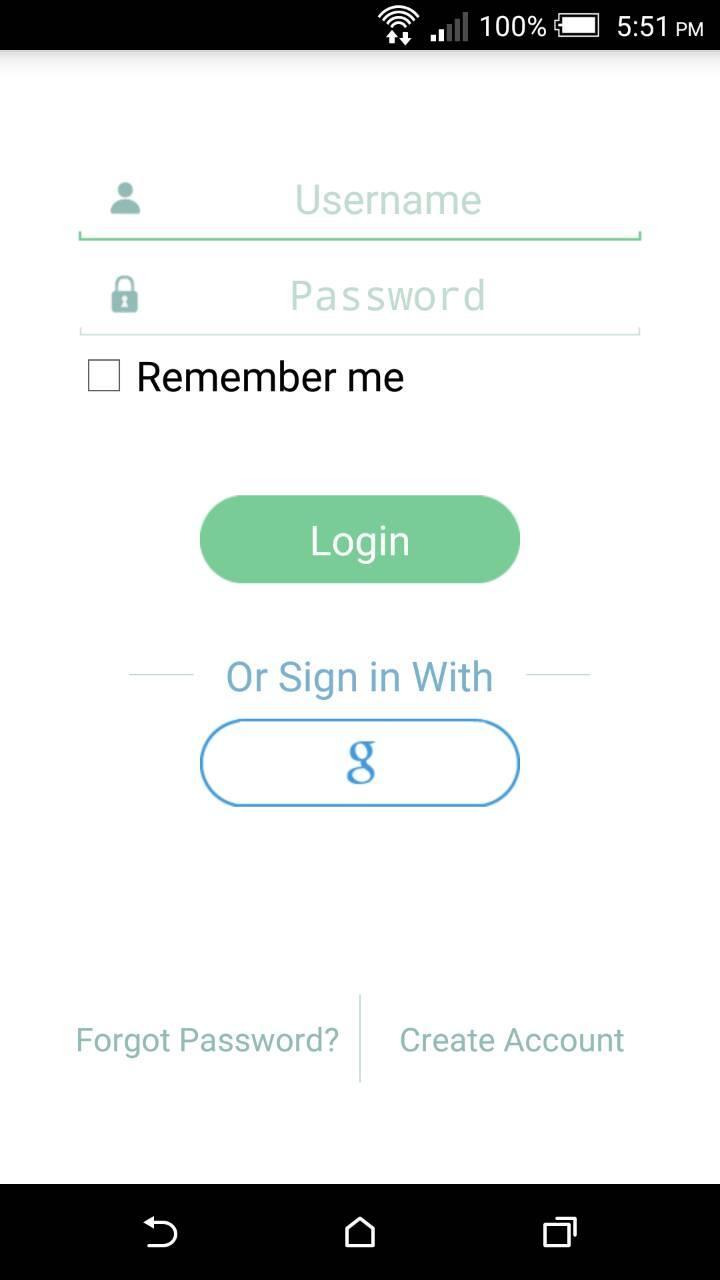
Added user accounts and credit-based payment system






 Download