

Task list that you will love. Have a productive day, organize & get things done.
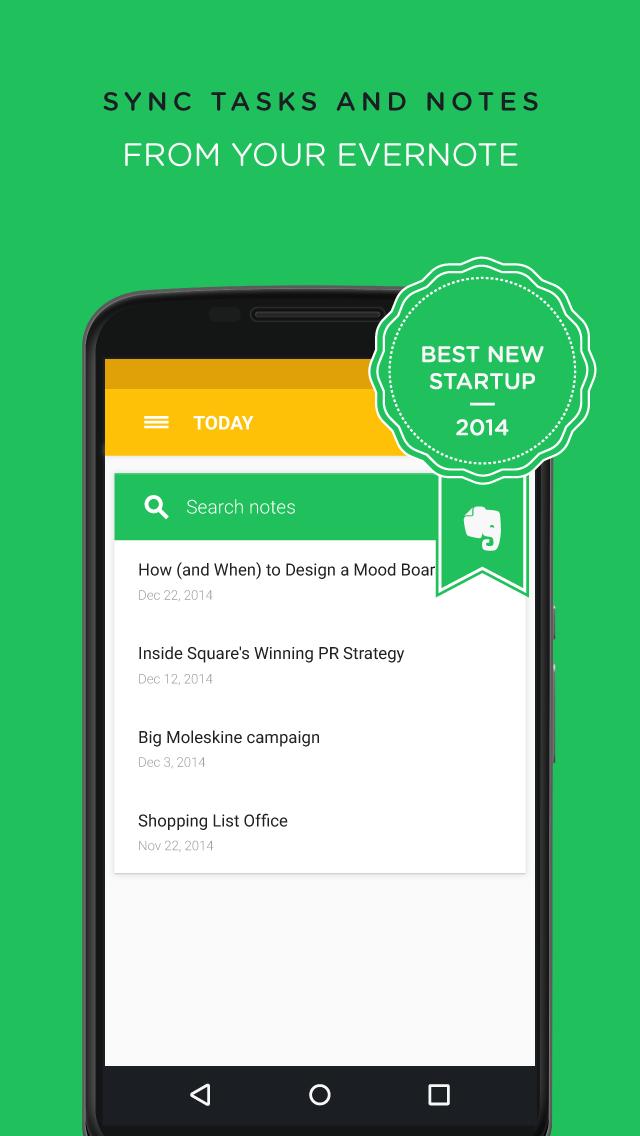
Swipes has been voted as one of the world’s top 5 productivity apps with a Best New Startup prize by Evernote and a nomination for a Webby Award.
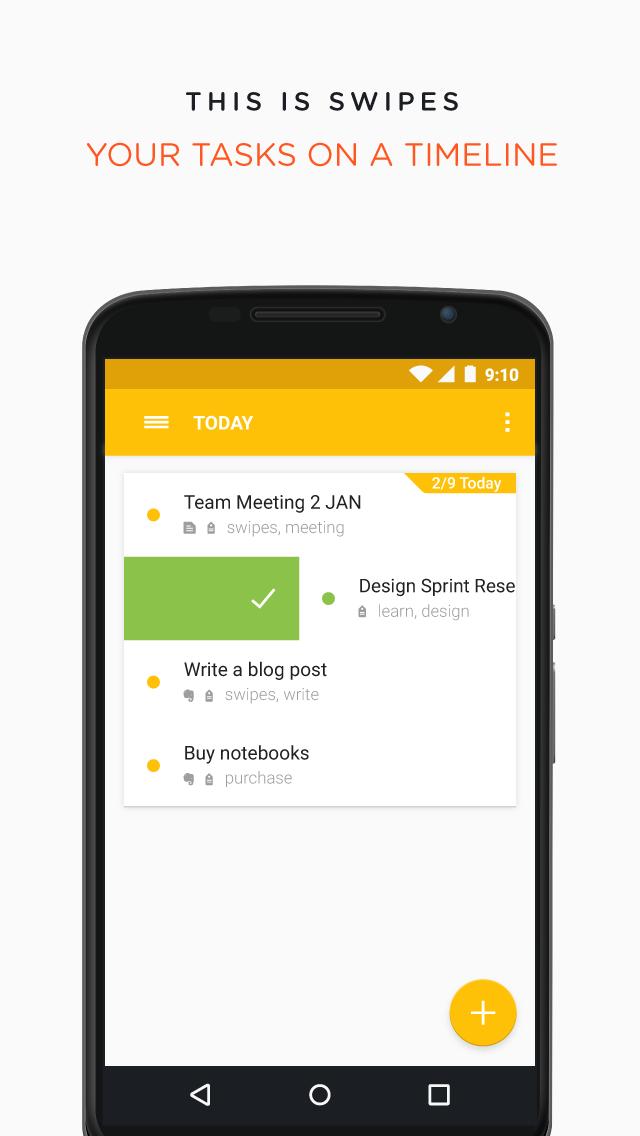
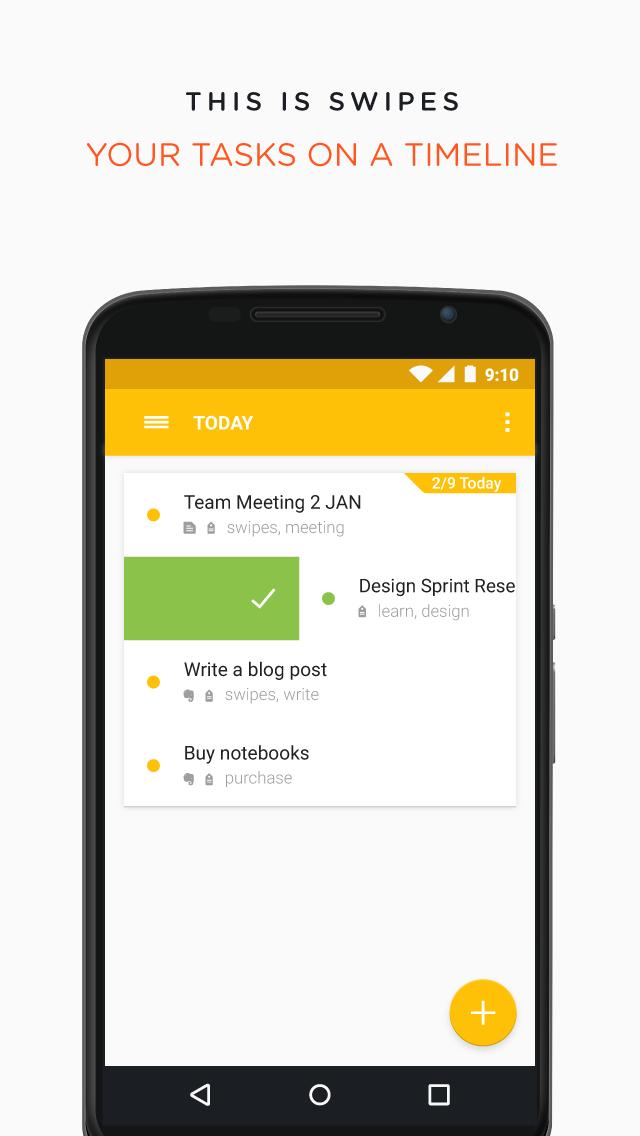
Swipes helps you automatically collect all your tasks in one place, organize them according to your personal priorities and then work on a single task at a time to achieve better focus. The task management tool is used by high achieving individuals and companies in more than 140 countries around the world.
"You’ll soon find yourself spending less time organizing your schedule and more time working on it." - MakeUseOf
Swipes is FREE to download and use. A Premium version will be available later on.
Swipes takes away the stress of looking into long lists of to-dos and helps you focus on one priority at a time. It stands on the shoulders of a powerful productivity concept called the Swipes Way - Collect, Organize, Take Action. Based on smart integrations, the app helps you automatically collect all your tasks into one place. You can then quickly organize them according to your priorities and re-schedule everything else for later. As a final step of the success loop, Swipes lets you set your mind on this one priority and work on it with full focus. Once you’re done, the app will cheer you and send you the next action from the list.
COLLECT ALL YOUR TASKS IN ONE PLACE
* Swipes is your task hub with all your tasks from email, notes and calendar, currently fully integrated with Evernote.
* Turn any personal, shared or business note from Evernote into an action plan with subtasks in Swipes.
* Attach notes to a Swipes task. Notes are automatically synced between Evernote and Swipes.
* Two-way sync of checkmarks between Evernote and Swipes.
ORGANIZE TASKS ACCORDING TO PRIORITIES
* Quickly move tasks around as their status changes with Swipes' three tabs - Schedule, Current and Done.
* Schedule things ahead and set your priorities in an easy way.
* Plan recurring tasks and events and assign reminders and notes.
* Enter action steps in Swipes' tasks to break down big jobs into doable smaller ones.
* Create workspaces according to a tag and only see the relevant tasks to it.
TAKE ACTION ON WHAT'S IMPORTANT
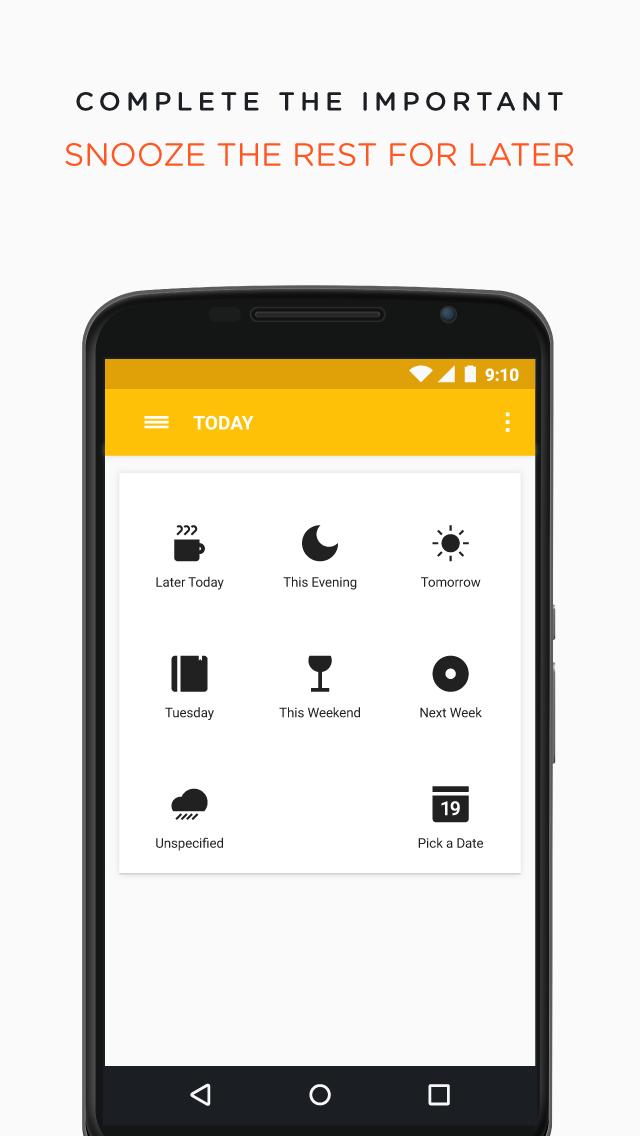
* Easily snooze tasks for later, so you can clear up the Current tab and focus on only one task at a time.
* And don't worry, you will get reminded about snoozed tasks with notifications when their turn comes.
* At the end of the day, check a history of your accomplishments and take pride in your work!
WHAT'S MORE...
* Fully optimized experience for Android tablet
* Enjoy Dark and Light theme
* Your data is safe and backed-up to the cloud
This app is for the fans of powerful tools, the GTD (Getting Things Done) enthusiasts, the slick design appreciators, the achievers.
You can use Swipes app on-the-go through your mobile/tablet device or at your personal/work computer via our web app: http://web.Swipesapp.com
Upcoming:
*Email Integration - Gmail-based, optimized for CloudMagic and Mailbox
*Multiple language support
Here's our Terms of Use: http://Swipesapp.com/termsofuse.pdf
Here's our Privacy Policy: http://Swipesapp.com/privacypolicy.pdf
Learn more about Swipes at our website: http://Swipesapp.com
Need help? Get in touch with our Help Center at [email protected] or visit http://Swipesapp.com/faq


 Download