

Fleet Tracking on your mobile device!
StreetEagle® Mobile App
Advanced Mobile Fleet Management Capabilities On The Go
Most organizations that depend on mobile workforces conduct the vast majority of their business outside of the office. What’s the point, then, of a fleet or asset management solution that doesn’t allow access to real-time work data when you’re on the go? Because StreetEagle was designed to provide visibility into your entire mobile work environment – vehicles, assets and field-based employees – the platform comes with a fully-functional mobile app that empowers your team to make smart decisions based on accurate data, wherever your business takes you. This powerful app extends the capabilities of StreetEagle beyond the office and into the field, where service and responsiveness will separate you from the competition.
Access ALL your data from the StreetEagle Mobile App
SE Mobile makes all of the data that you can access through StreetEagle software in the office available on your smart device, so you can manage any mobile resource activity that matters to your daily work. Many mobile versions of fleet management software are essentially “throw in” apps designed to give you visibility into your vehicle locations, and not much else. StreetEagle Mobile takes it to a whole other level.
Need to view a location history for each mobile worker on your team, or mobile assets such as equipment or trailers? Need to view employees’ time and attendance data or logged driving hours right now? Need to toggle your Alerts on and off remotely, or receive alerts on vehicle events such as towing or PTO while parked? SE Mobile delivers all of these capabilities, and much more:
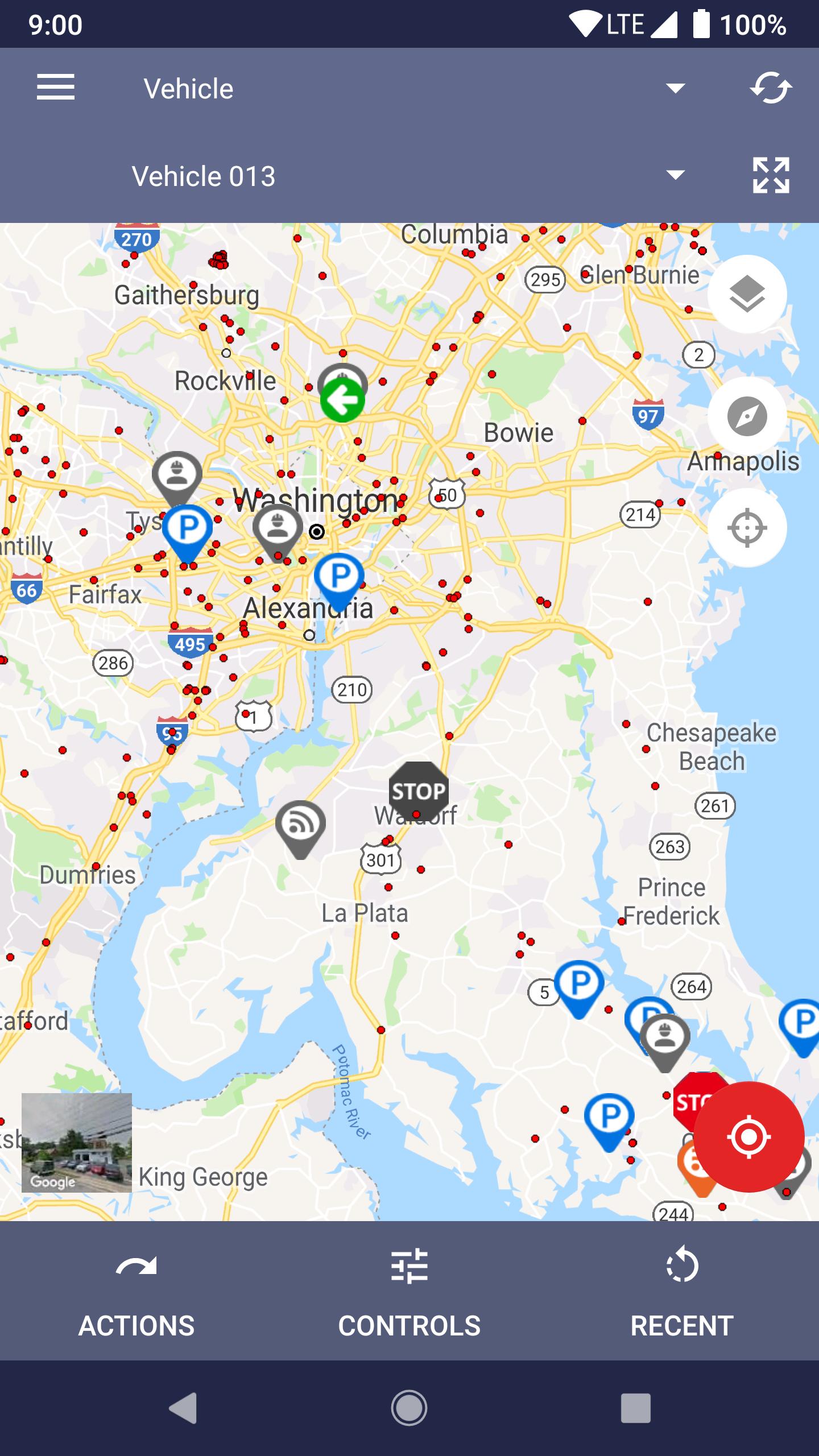
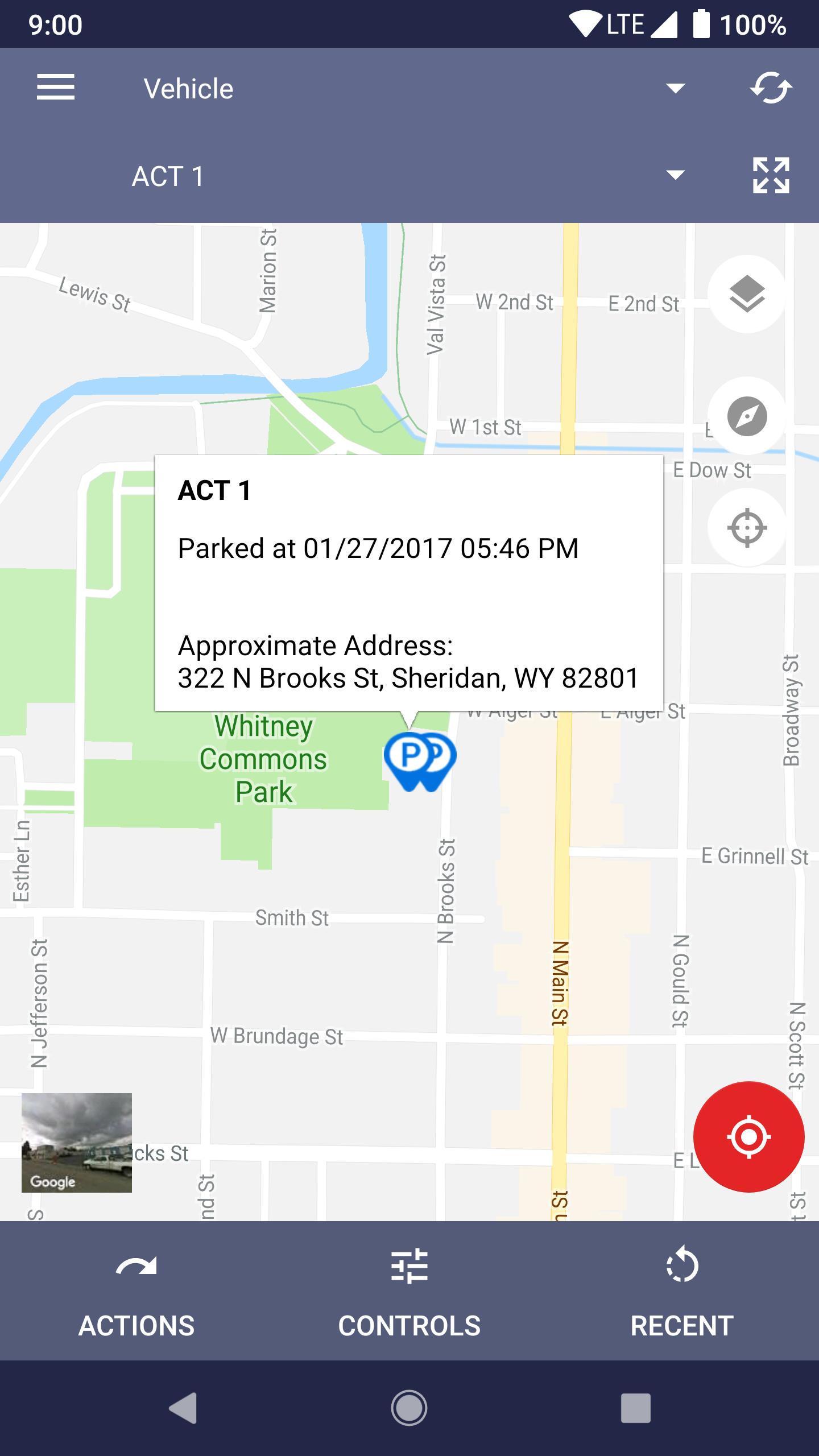
• View real-time location and status of your vehicle(s), workers, assets, and equipment
o Vehicles – real-time updates via GPS
o Worker activity – driver status changes, job updates, barcode scans, form submissions, HOS, inspections
o Assets – location and status updates via GPS and/or worker barcode scans
• Fleet Status – listing of everything you track, showing current location and status. Easy search feature to find what you’re looking for.
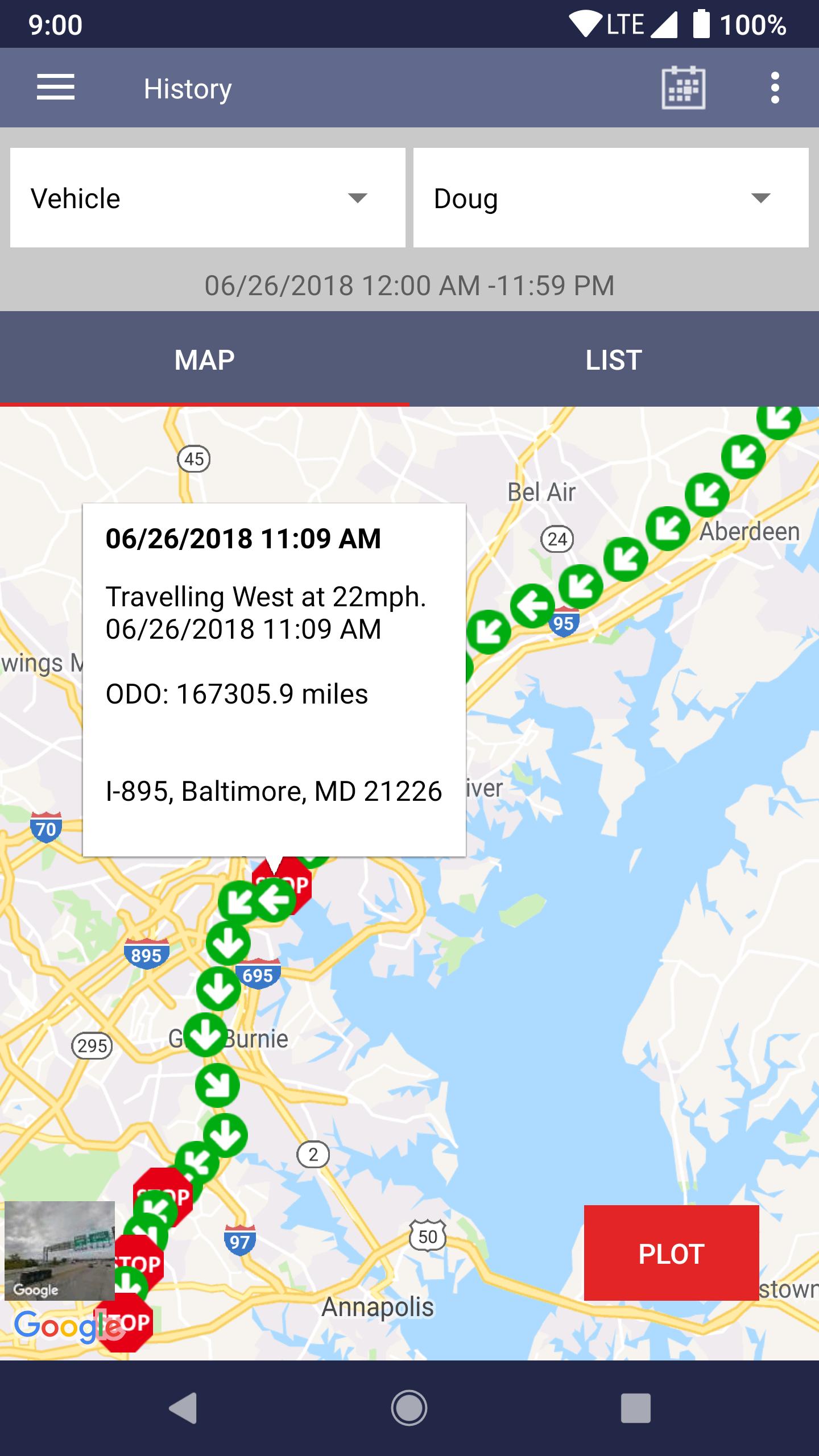
• Plot the historical location and status data for everything you track. You can also view these events chronologically in a list for easier tracing.
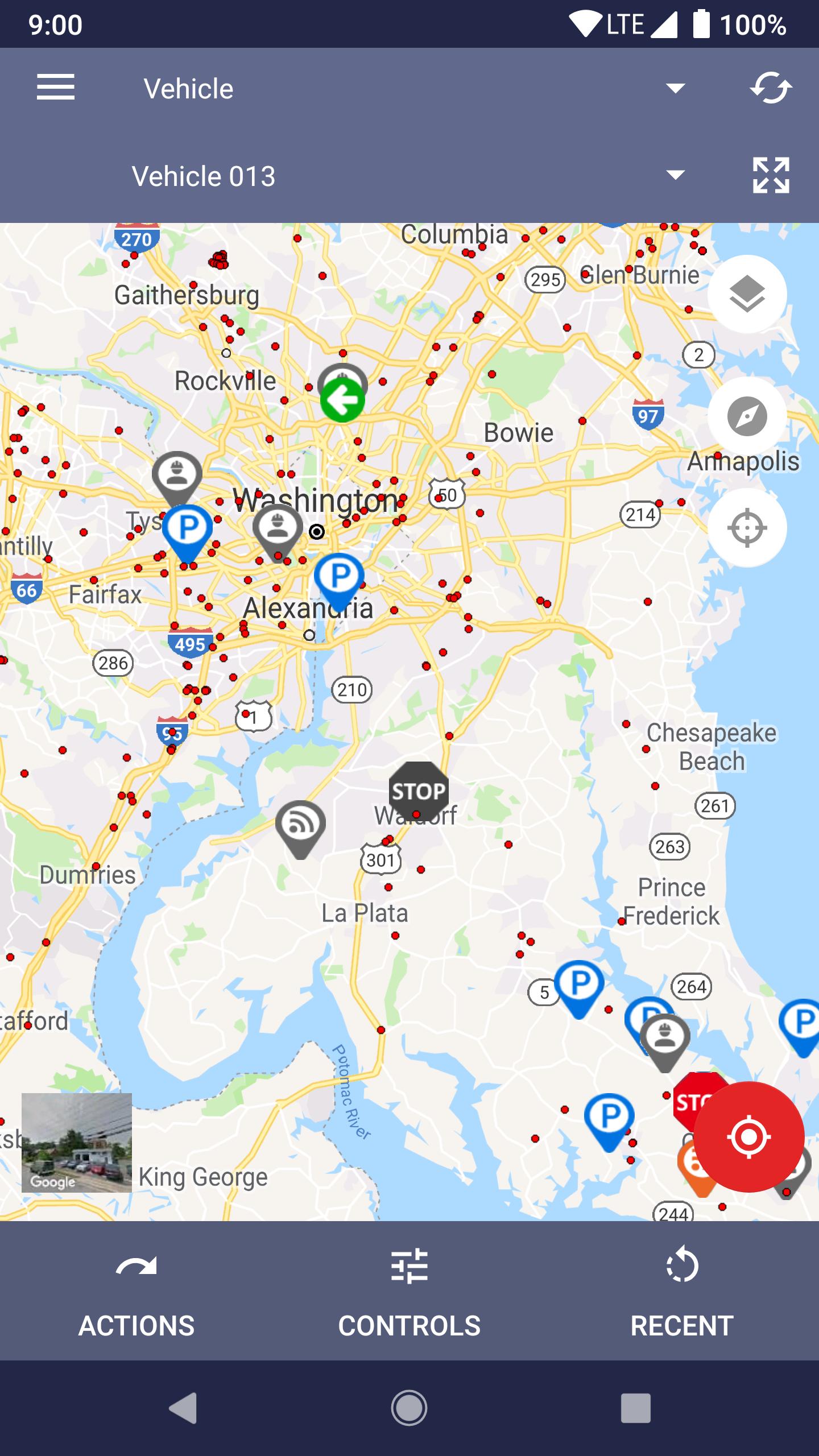
• Mapping: views for Standard or Satellite, and layers for traffic and businesses. Instantly know the status of your fleet through color-coded event icons.
• Vehicle remote control features: ping, lock/unlock door, enable/disable ignition, and auxiliary
• Auto-Refresh your map every 30, 60 or 120 seconds
• Alert control – enable/disable your fleet alerts. Personal accounts have the ability to setup their alerts, just like streeteaglemobile.com.
• Dispatch – send jobs to your workers from anywhere
What can I manage/keep track of using the StreetEagle Mobile app?
Worker Activity
SE Mobile will give you instant verification when work is submitted, and you’ll also know when workers sign in and out thanks to the Mobile Timeclock feature. For drivers of vehicles impacted by the recently mandated Hours of Service regulations, you can also instantly access their electronic logbooks to verify compliance with the new legal requirements.
History
Historical data can be crucial for work and cost verification, or for clearing up disputes or validating claims. SE Mobile gives you direct access from your own smart device to historical information for your workers, assets and vehicles. Location, activity and status can be verified for any timeframe you specify.
Vehicle Events
SE Mobile will let you know immediately of important vehicle events that could impact the flow of business. Events like battery disconnect, vehicle towing, PTO trigger while parked, as well as any customized alerts you set, are communicated right to your smart device.
Alerts
SE Mobile allows you to toggle any alert you set on or off from your phone or tablet – instead of waiting for the next time you’re in front of the desktop application.



 Download