

Simple System Monitoring tool
*** UPDATE regarding CPU usage for Android Oreo and up ***
So Android Oreo added yet another restriction disallowing access to the CPU usage stats. Thus, CPU usages unfortunately won't work on devices with Android Oreo. I have released a beta version of the app accommodating the rooted Android Oreo devices where it should work just fine. Do post feedback or send me an email if the BETA version doesn't work on your rooted Oreo device. Thanks!
*** END UPDATE ***
*** UPDATE regarding Active Processes monitor on Android Nougat and up ***
I have released a beta version of the app with Active Processes monitor working on devices with ROOT access. You'd need to become a beta tester in order to install it. It may be a bit buggy. Any feedback is appreciated, thanks!
*** END UPDATE ***
*** NOTE***
Some features of Simple System Monitor does not work properly with android version 6.0 and up because of the underlying system changes.
Also, as of Android Nougat, Active Processes tab will show only one app, Simple System Monitor itself. This is because Nougat has restricted access to /proc directory where information about running processes are retrieved from. Please bug Google about this issue instead of me :)
*** END NOTE***
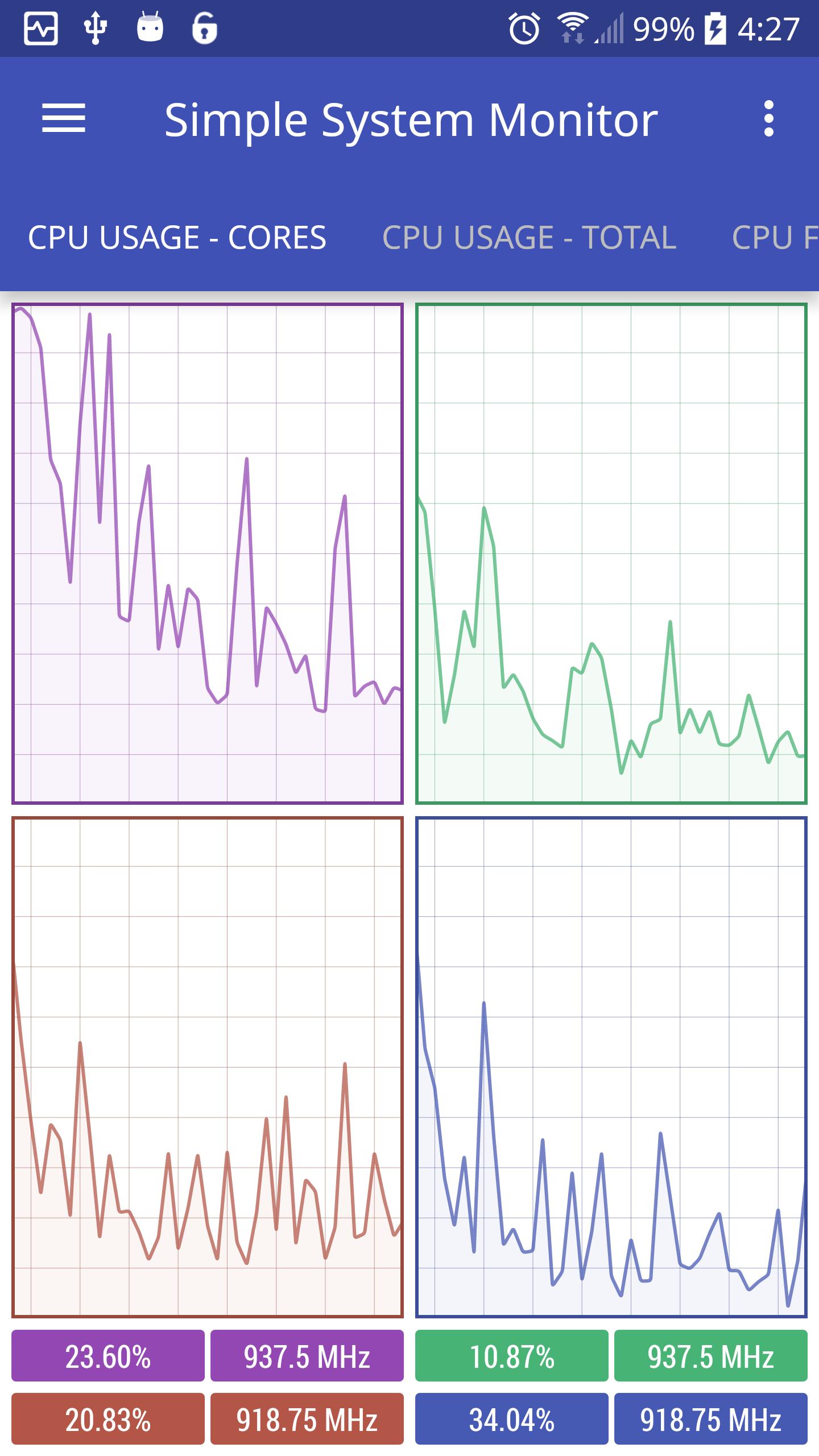
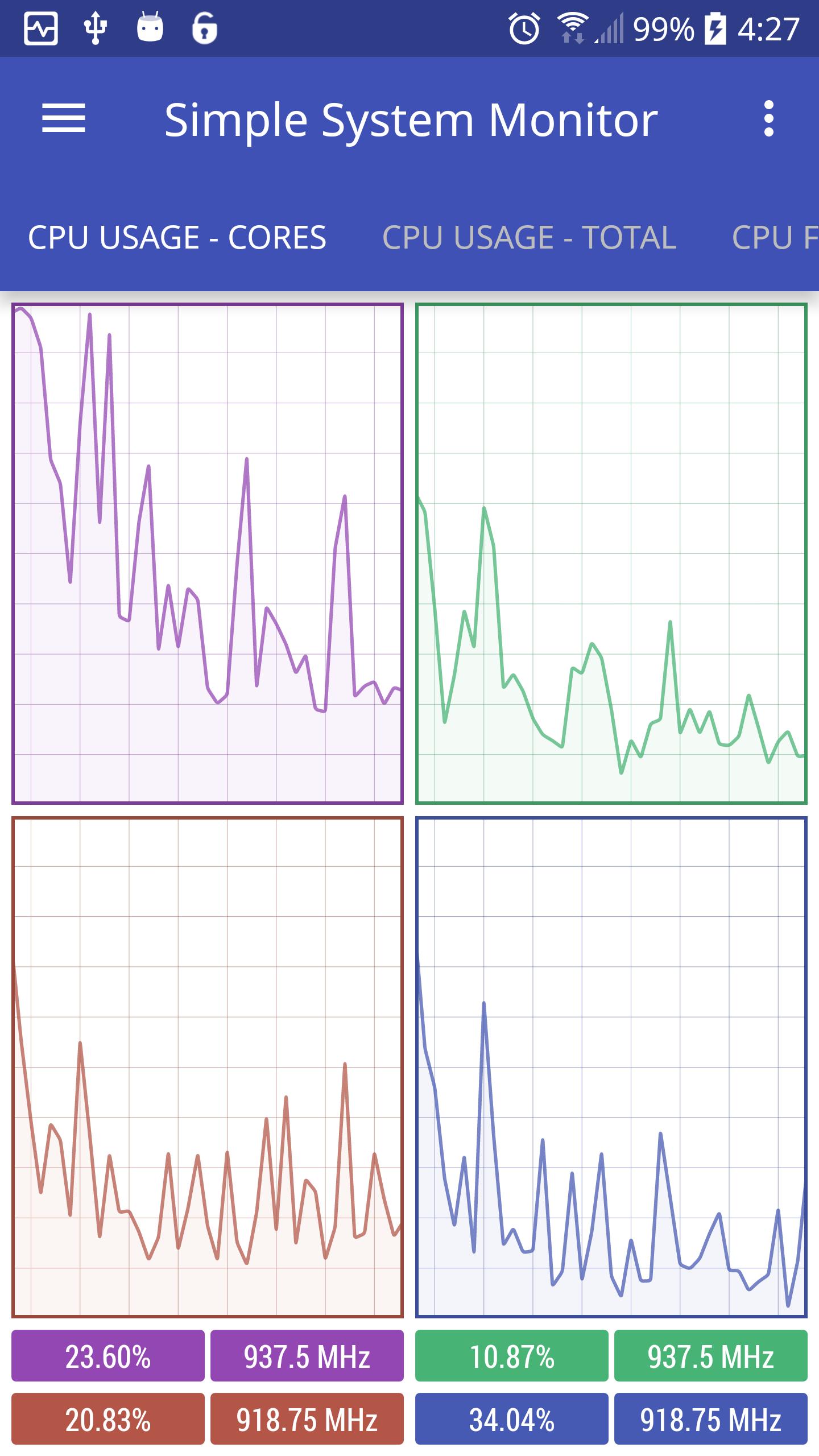
Simple System Monitor, as the name suggests, is a clean and Simple System Monitoring app for your android device. It graphically shows usages of various system components.
Features:
• CPU usage and frequencies for each core
• Total CPU usage and average frequency
• CPU frequency graph for each core
• Time spent on each CPU frequency state
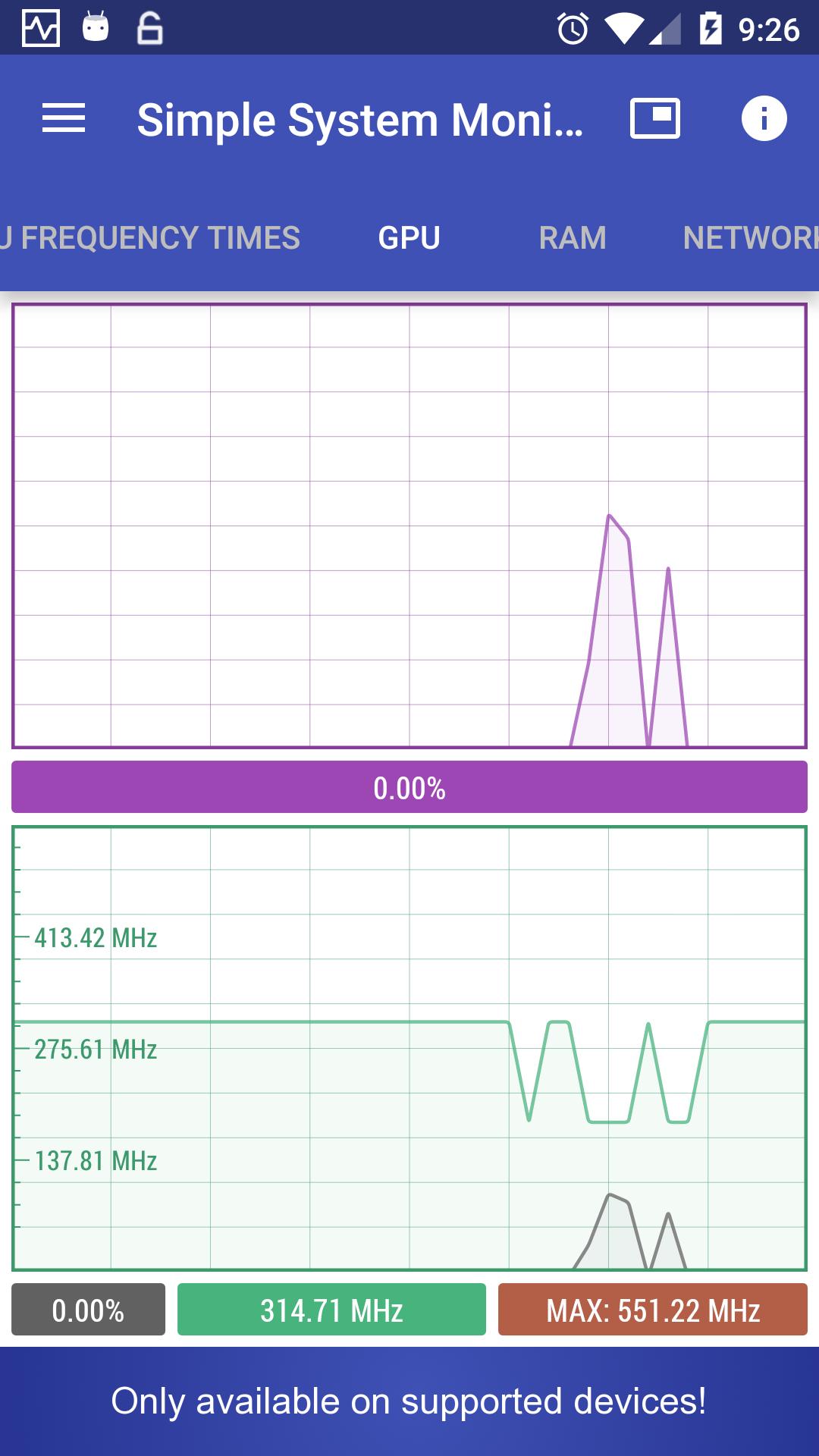
• GPU usage and frequency*
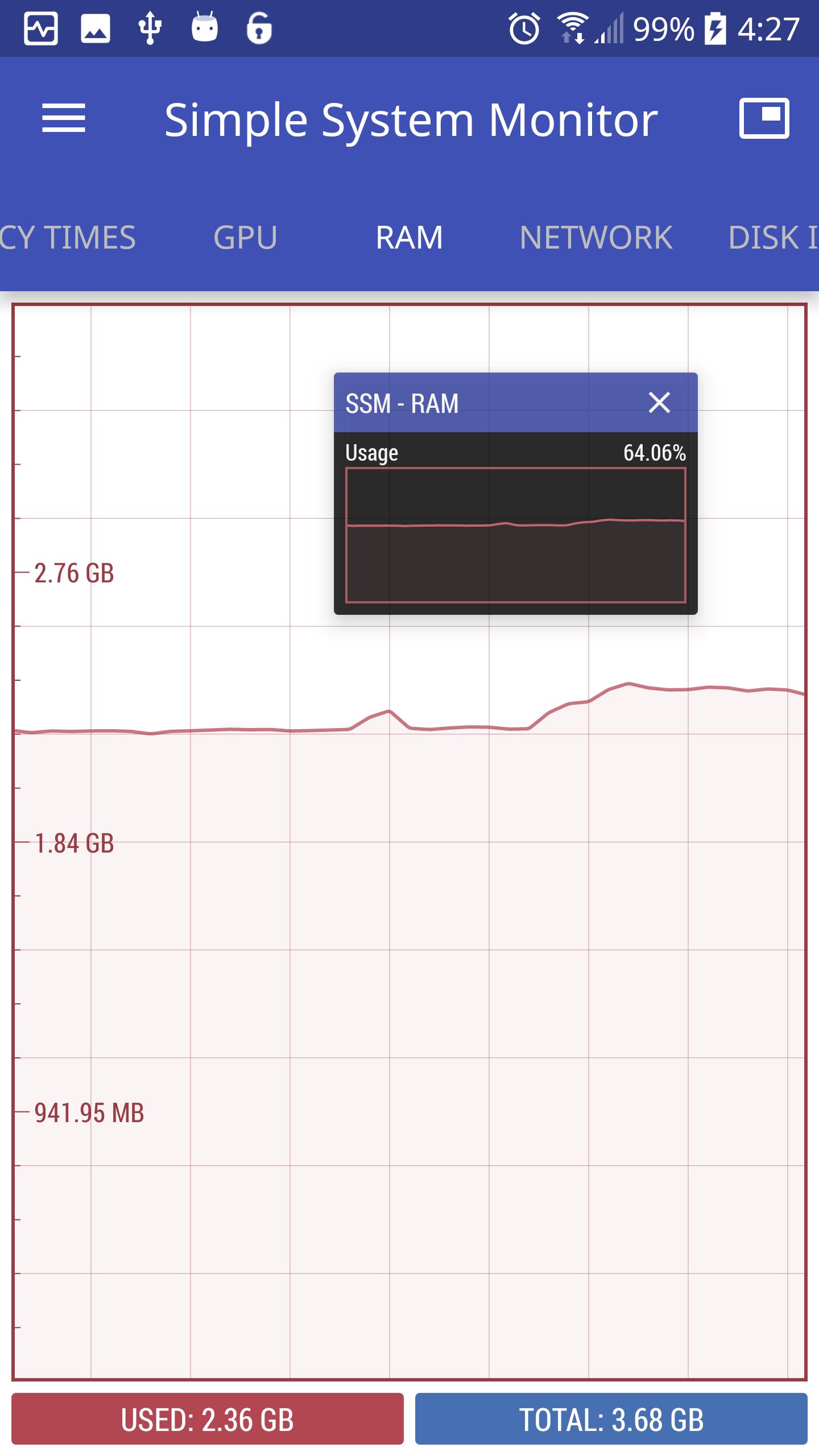
• RAM usage and ability to clear RAM
• Network activity
• Disk I/O activity (internal and SD card)
• Test disks' read/write speeds (internal or external)
• File browser with support for basic operations (copy,cut,delete)
• Cache cleaner (optionally requires ROOT)
• View list of active apps and processes and their CPU usage, RAM usage, network activity, PID and UID.
• Kill processes as ROOT (only works on rooted devices)**
• View temperatures of all of the thermal zones
• View battery health and temperature
• Ability to keep running in the background despite being swiped away from the recent tasks list
• Floating mode - shows system monitor data on a little floating window on top of other apps
• Dark UI theme
If you see "..." for one or more CPU frequencies under the CPU monitor graph, restarting the phone should solve the issue.
*Only Adreno GPUs are supported at the moment. Sometimes the GPU stat information may not be available/accessible in the kernel even if the device has Adreno GPU. In such case, "..." will be displayed instead of a frequency. If you don't see the GPU monitor, then your device's GPU is not supported.
**Using ROOT to kill processes is not recommended and should be used very cautiously. I do not hold any responsibility if something bad happens to your system or device because of it.
If you find a bug, please send me an email at [email protected]. Any feedback is much appreciated.
App permissions used/explanation:
android.permission.KILL_BACKGROUND_PROCESSES:
needed for clearing the RAM
android.permission.READ_EXTERNAL_STORAGE, android.permission.WRITE_EXTERNAL_STORAGE and android.permission.WAKE_LOCK:
needed for checking the storage space and also performing the r/w speed tests
android.permission.SYSTEM_ALERT_WINDOW:
needed for Floating mode
Devices used for testing:
Nexus 7
HTC One m7
HTC One m8
Samsung Galaxy Note 3
Samsung Galaxy S6
Nexus 6P
Thank you for checking out this app :)









 Download