• Home
  • Games
    Action-adventure Simulation Business Role Playing Sports Competition Casual Intelligence Card Strategy Music Rhythm Text Puzzle Flying Shooting Love Development
  • Apps
    Business Office Newsletter Social Life Entertainment Online Shopping Practical Tools Travel Financial Management Educational Learning Information Reading Sports and Health
  • Articles

English 中文(简体) 中文(繁体) 한국어 日本語 Português Español Русский العربية Indonesia Deutsch Français ภาษาไทย
Home Apps Business Office Silo - Call Records To Cloud
Silo - Call Records To Cloud

Silo - Call Records To Cloud

1
2
3
4
5
Download
  • Version 1.0
  • Category Business Office
  • Package Name eapps.callrecorder.fullversion
  • Update Time March 20, 2025
  • Size 1.78MB
About this app

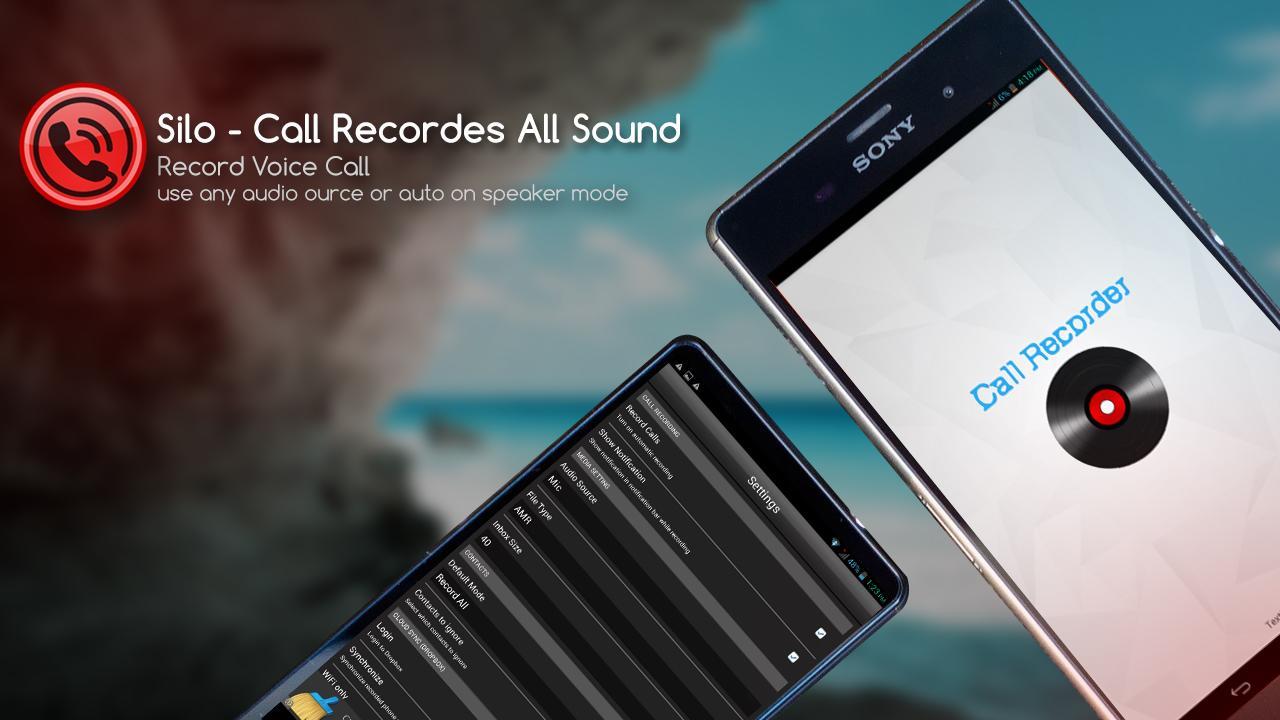
Record any phone call you want, choose which calls you want to save to the cloud

✭✭✭✭✭ "Works very well on my Galaxy S4 I'm very happy with it, I never worry about taking notes while I'm on a phone call." - Seye Samsung Galaxy S4

✭✭✭✭✭ "Excellent App Nice app.It is very helpful if we hv no any availability to write something.Secndly ,it is the mirror of truth saying of caller.No body can cheat us." - Sharad Samsung Galaxy Note 4

✭✭✭✭✭ "This is truly the best app I've ever had for recording important conversations." - Ann Sony Xperia ZR

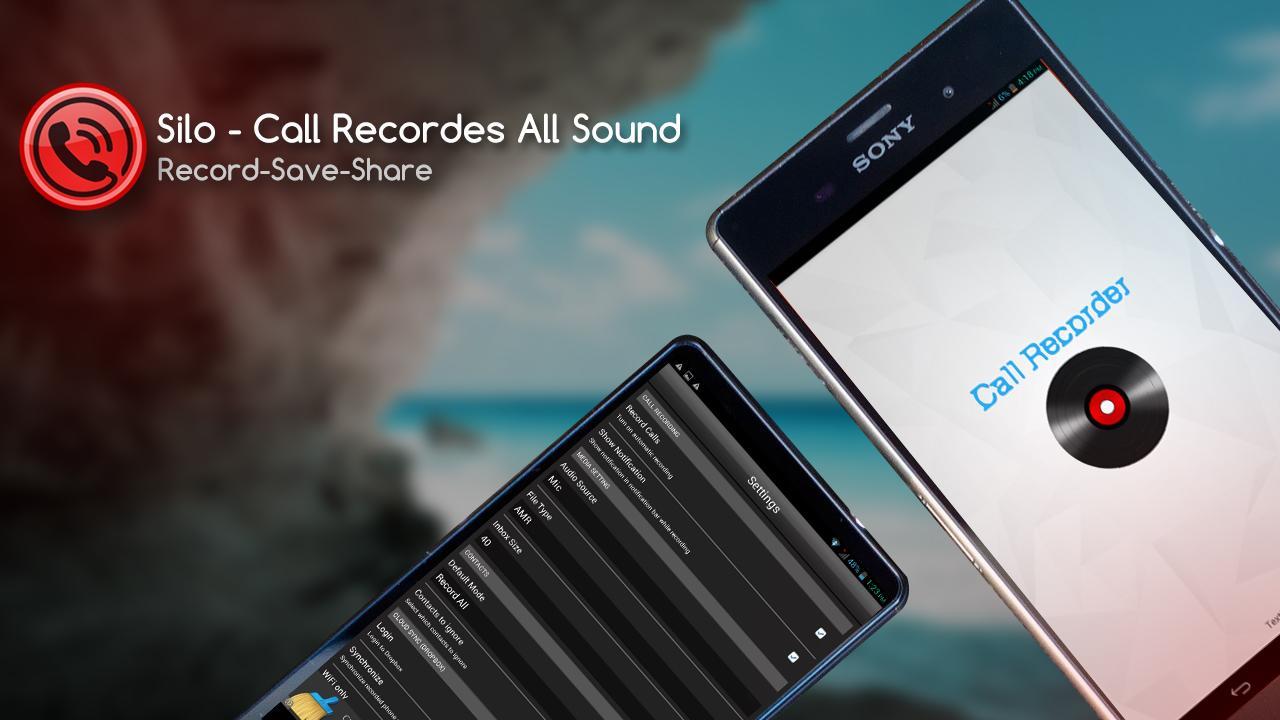
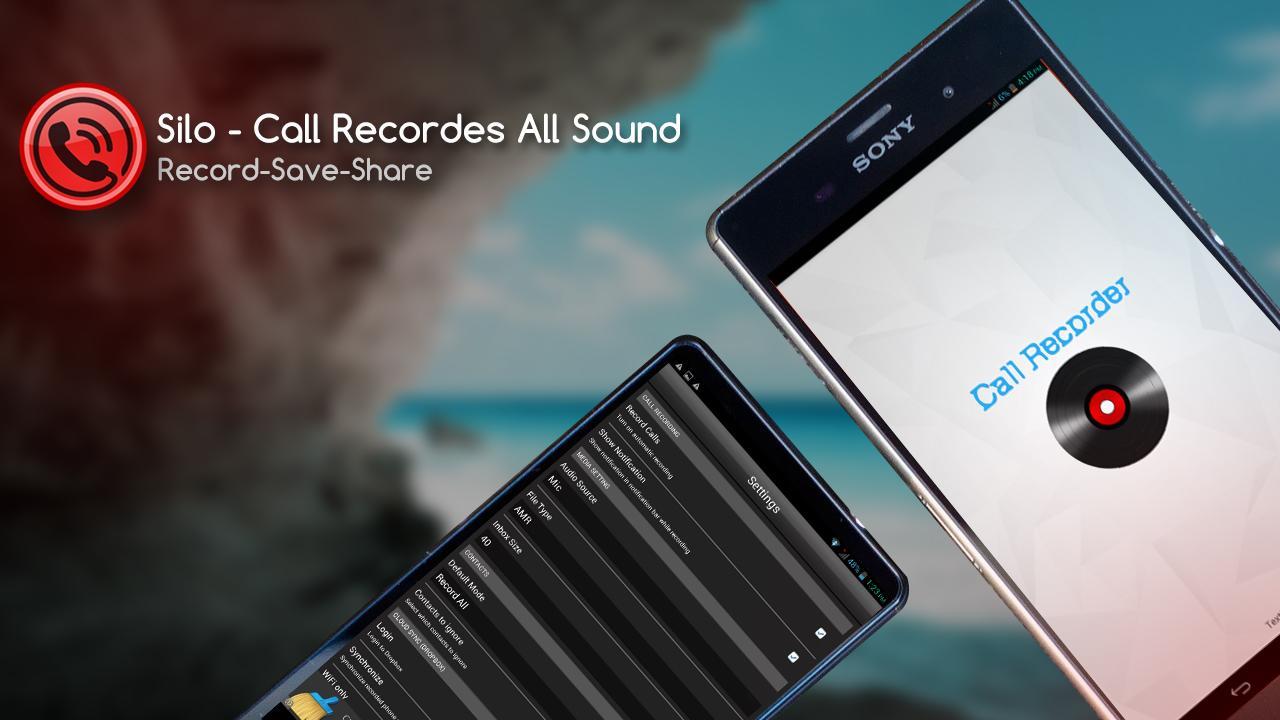
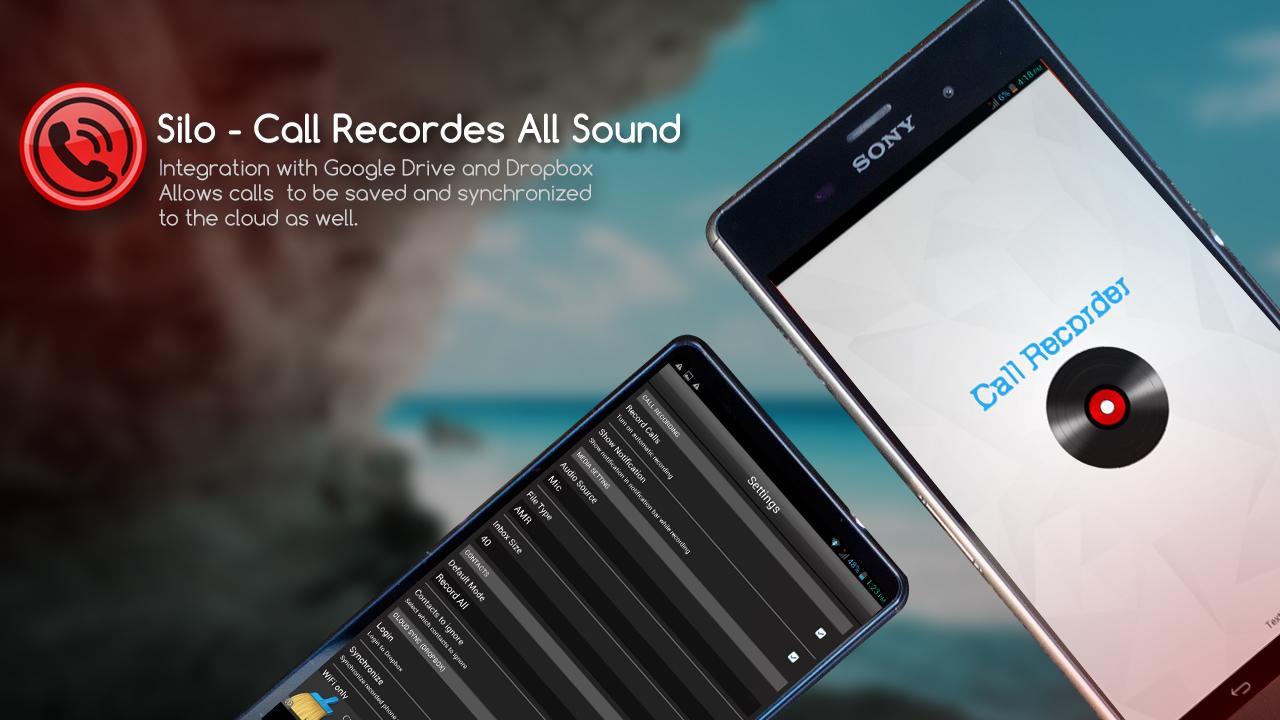
Record any phone call you want and choose which calls you want to save. You can set which calls are recorded and which are ignored. Listen to the recording, add notes and share it. Integration with Google Drive™ and Dropbox allows calls to be saved and synchronized to the cloud as well.

Google Drive integration works on Android versions 3.0 and above.

If you encounter any recording issues or wish to improve voice quality, try recording from a different audio source, or use auto-on speaker mode.

Recorded calls are stored in the Inbox. You can change the destination recordings folder to an external SD card as well. You can set the size of the inbox. The number of saved calls with DropBox Storage, you can hold unlimited recorderd calls. If you decide that a conversation is important, save it and it will be stored in the Saved Calls folder. If not, old recordings will automatically be deleted when new calls fill up the inbox.

You can enable a Call Summary Menu with options to appear immediately after a call.

Search for recordings by contact, phone number, or note.

★ Created by one of Australia’s Leading App Development Companies

★ Become a fan! Get exclusive rewards and stay up to date on our latest news.

For technical problems or issues please email us at any time. We are listening to user feedback and we will certainly keep improving features so stay tuned.

Thank you.
[email protected]

Download(1.78MB)
Users also viewed
  • ShutdownServer

    ShutdownServer

    1.0.15 September 21, 2026
  • xWriter Free 4

    xWriter Free 4

    4.1.2 September 21, 2026
  • ASUS Calling Screen

    ASUS Calling Screen

    23.1.0.7_160908 September 21, 2026
  • Heat Energy Calculator

    Heat Energy Calculator

    1.10 September 21, 2026
  • Free Ares-Online Guide

    Free Ares-Online Guide

    1.3 September 21, 2026
  • Brainstorm List: Brainstorming

    Brainstorm List: Brainstorming

    2.0 September 20, 2026
  • Scontacts

    Scontacts

    1.10 September 19, 2026
  • TSMDC

    TSMDC

    3.8 September 19, 2026
  • Yates Buick GMC

    Yates Buick GMC

    3.3.1 September 19, 2026
  • Whitelines

    Whitelines

    6.2.1647 September 19, 2026
  • Crop Lense

    Crop Lense

    2.1 September 19, 2026
  • EBookDroid Scada FontPack

    EBookDroid Scada FontPack

    1.0 September 18, 2026
  • R+W App

    R+W App

    2.3 September 17, 2026
  • Minu Telia

    Minu Telia

    3.10.0.17321 September 17, 2026
  • Motivate Employees To Perform!

    Motivate Employees To Perform!

    3.1 September 16, 2026
About Privacy Policy Terms of Service Cooking Policy

© Copyright 2017-2026 downzq.com