• Home
  • Games
    Action-adventure Simulation Business Role Playing Sports Competition Casual Intelligence Card Strategy Music Rhythm Text Puzzle Flying Shooting Love Development
  • Apps
    Business Office Newsletter Social Life Entertainment Online Shopping Practical Tools Travel Financial Management Educational Learning Information Reading Sports and Health
  • Articles

English 中文(简体) 中文(繁体) 한국어 日本語 Português Español Русский العربية Indonesia Deutsch Français ภาษาไทย
Home Apps Business Office ShotDrop (Screenshot Sharer)
ShotDrop (Screenshot Sharer)

ShotDrop (Screenshot Sharer)

1
2
3
4
5
Download
  • Version 1.12
  • Category Business Office
  • Package Name com.humayoun.shotdropfree
  • Update Time October 1, 2026
  • Size 468.24KB
About this app

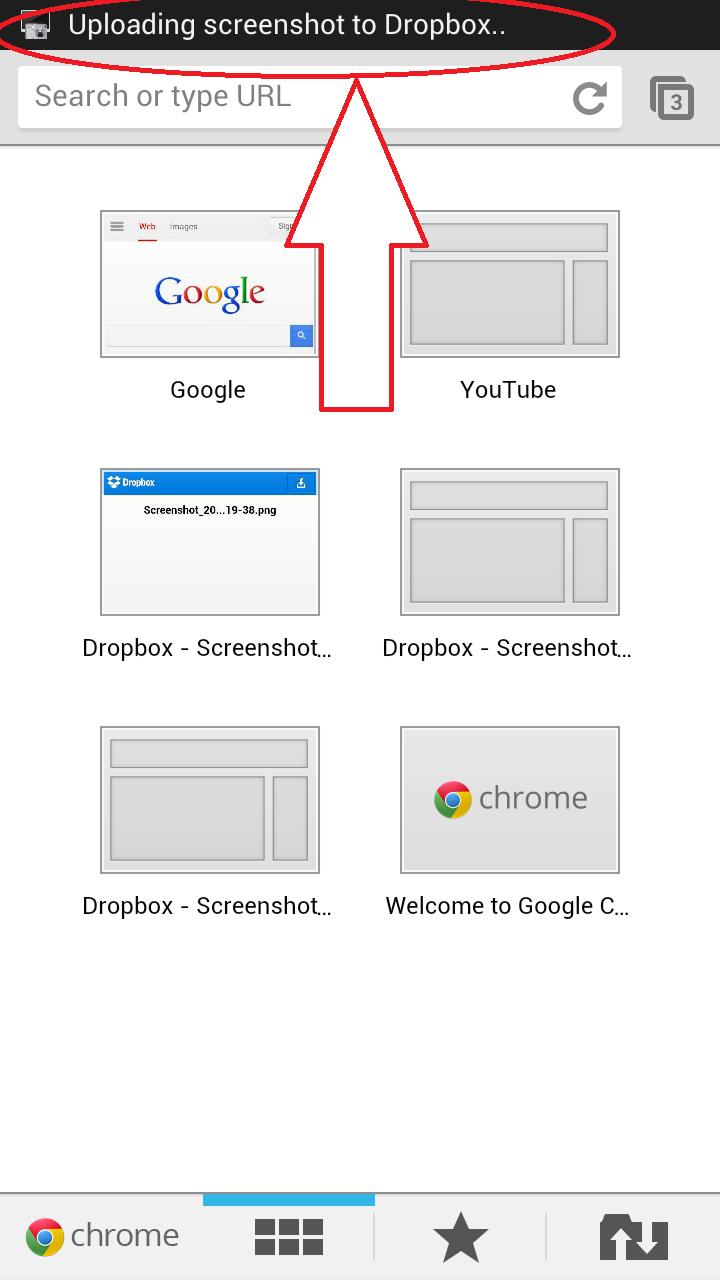
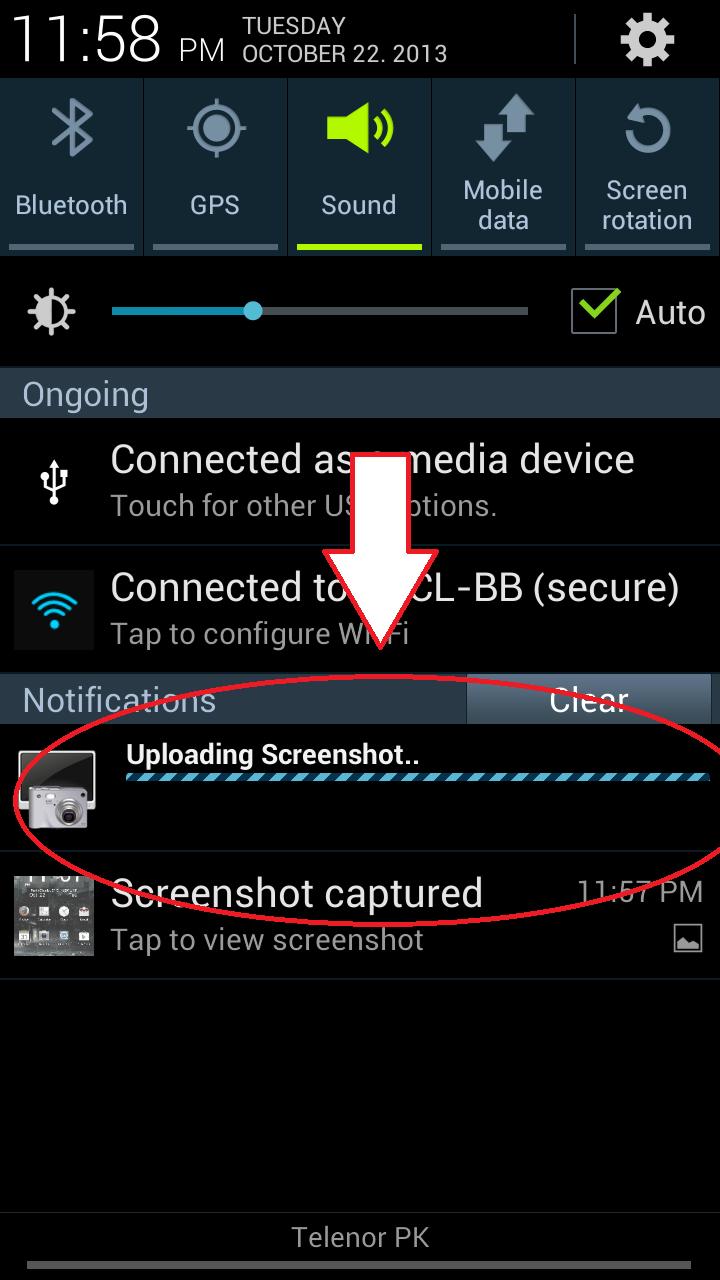
Shotdrop uploads the screenshot taken to Dropbox and copy its link to clipboard.

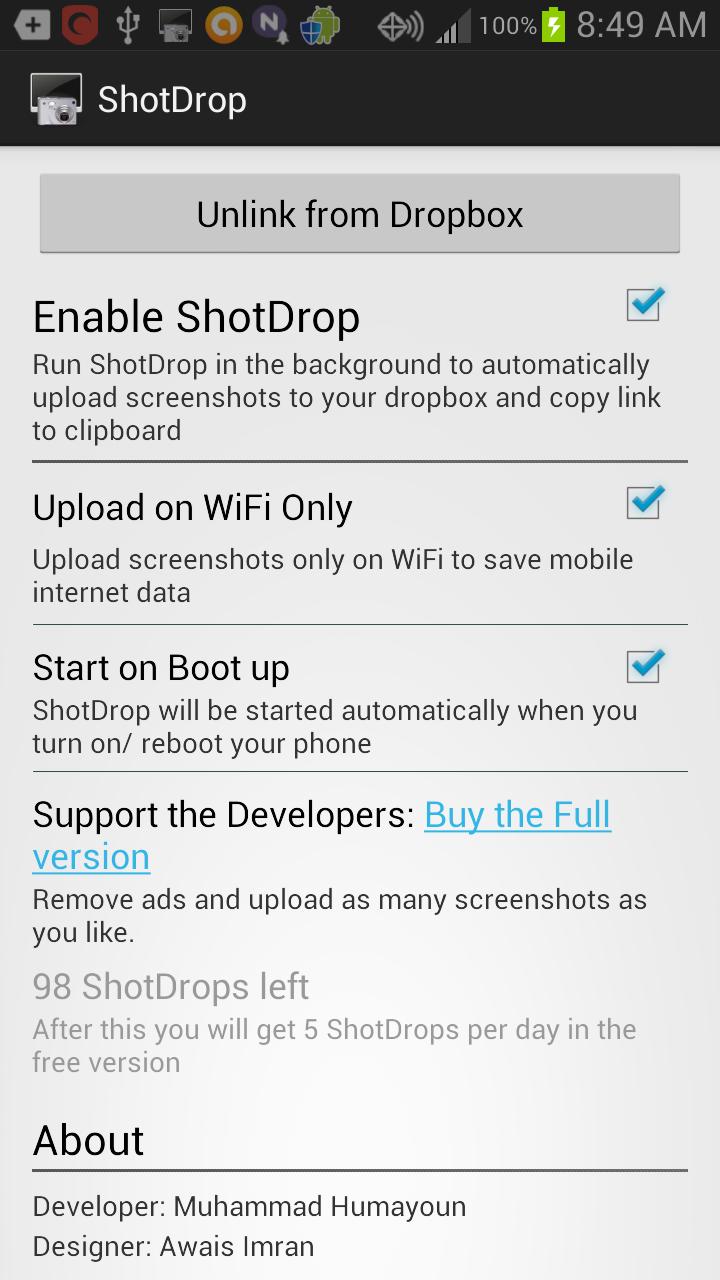
ShotDrop significantly reduces the number of steps required for sharing a screenshot. We'll detect whenever you take a screenshot, upload it to your Dropbox (other services coming soon!), and copy the direct link to your clipboard so you can paste it anywhere!

Features

--------

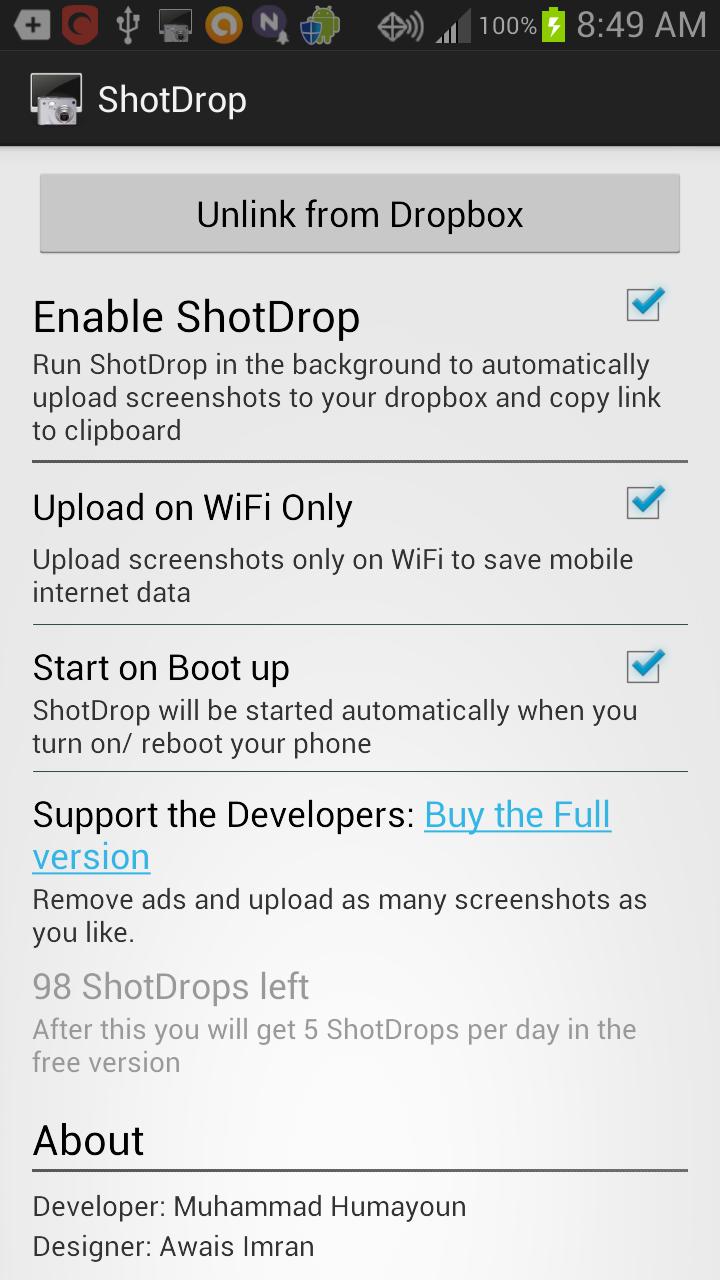
- Effortless screenshot sharing

- Automatic uploading to your Dropbox so you can almost immediately see the screenshots on across your Dropbox-linked computers

- Settings available: upload screenshots over WiFi only (for saving mobile data), and automatically starting ShotDrop on system bootup

- Minimal battery usage.

Use ShotDrop however you like it. We think it will boost productivity for app developers, app reviewers and anyone else who likes to share screenshots.

First 100 screenshots are on the house. Afterwards, the app limits screenshots to 5/day. Consider buying the $0.99 (special introductory price!) Pro version to remove this restriction, and to support the devs.

You can try ShotDrop for free before purchasing the Pro version

to support the developers, and remove all restrictions.

Permissions

-----------

INTERNET: For uploading the screenshots to Dropbox's servers.

WRITE_EXTERNAL_STORAGE: For saving the screenshots to the Dropbox app.

ACCESS_WIFI_STATE & ACCESS_NETWORK_STATE: Used to determine if you have WiFi / mobile internet data enabled or not. The 'Upload on WiFi only' setting wouldn't work without this.

RECEIVE_BOOT_COMPLETED: Used for starting ShotDrop when you restart your phone. 'Start on Bootup' setting relies on this.

Contact

-------

For any queries, don't hesitate to contact the team. We're on Facebook (https://www.facebook.com/pages/Shotdrop-Automatic-Screenshot-Uploader/212838348893967) and Twitter(https://twitter.com/ShotDropTeam).
What's New in the Latest Version 1.12

Last updated on Aug 11, 2015 - Bug Fixes
- Upload response time improved
Download(468.24KB)
Users also viewed
  • RFI Tools

    RFI Tools

    1.2 October 17, 2026
  • Wifi Display (Miracast) Pro

    Wifi Display (Miracast) Pro

    1.0 October 16, 2026
  • Deleted Video Recovery

    Deleted Video Recovery

    4.4 October 16, 2026
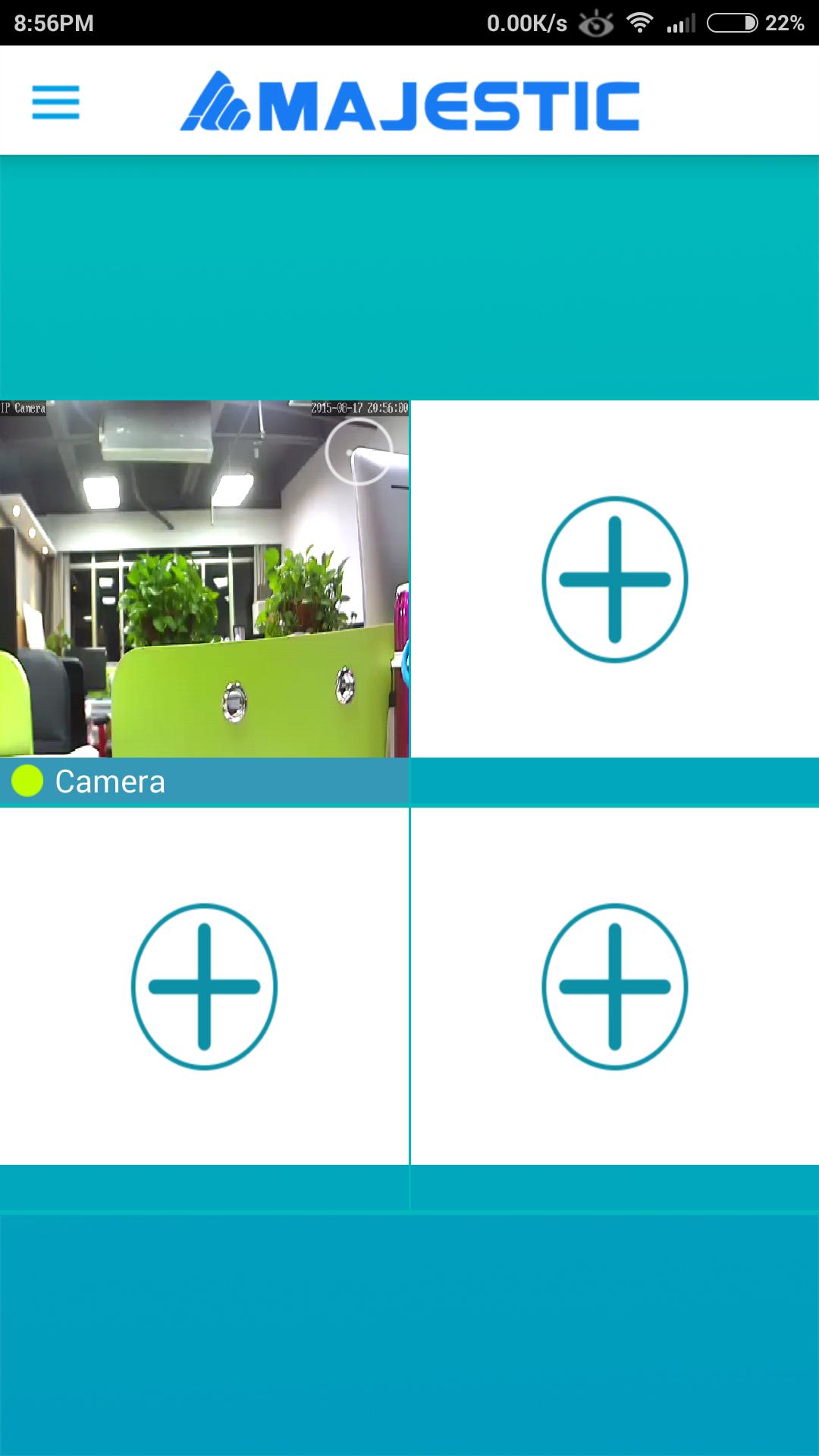
  • MAJESTIC IPCAM

    MAJESTIC IPCAM

    1.1.9 October 16, 2026
  • Words of Wisdom

    Words of Wisdom

    1.1 October 15, 2026
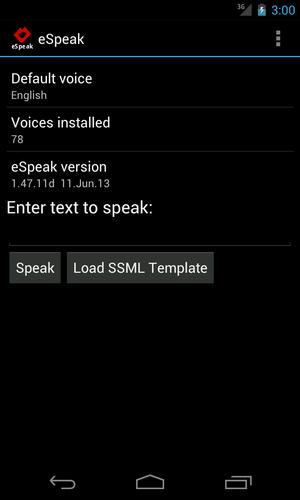
  • eSpeak

    eSpeak

    1.48.15 October 15, 2026
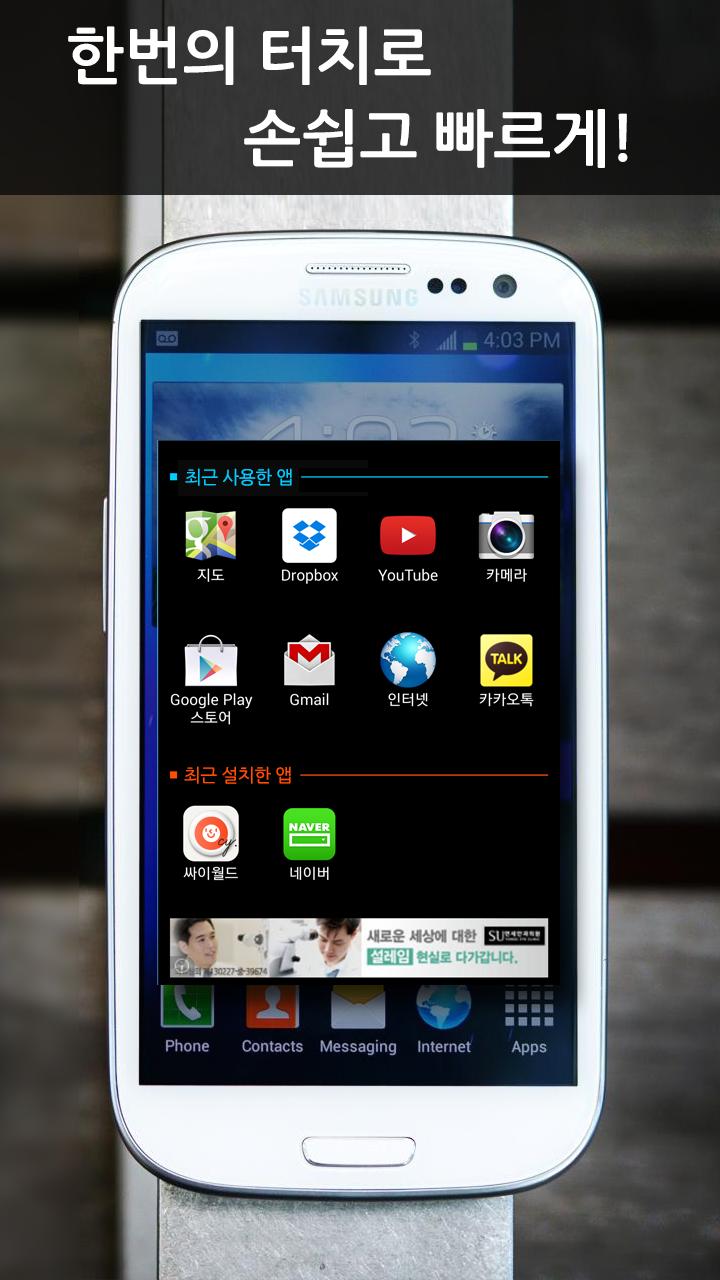
  • Recent Apps

    Recent Apps

    1.02 October 14, 2026
  • Breezy

    Breezy

    1.3.35 October 14, 2026
  • CaddxCam

    CaddxCam

    1.0 October 14, 2026
  • VimCheatSheet

    VimCheatSheet

    1.1 October 13, 2026
  • Self Survey

    Self Survey

    1.2 October 13, 2026
  • Guide for Bioscope Live Tv

    Guide for Bioscope Live Tv

    Ultimate Android Guides October 13, 2026
  • Smart Engines

    Smart Engines

    2.6.0 October 13, 2026
  • Talking Time Reminder

    Talking Time Reminder

    1.0 October 13, 2026
  • mCHOiCE

    mCHOiCE

    1.7.8 October 12, 2026
About Privacy Policy Terms of Service Cooking Policy

© Copyright 2017-2026 downzq.com