

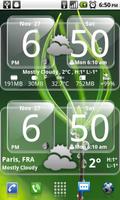
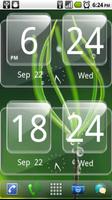
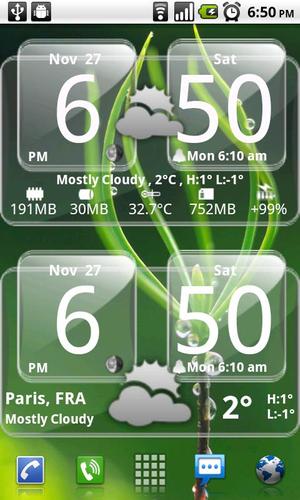
Android Digital clock widget with Calendar, Time, System info,weather & forecast
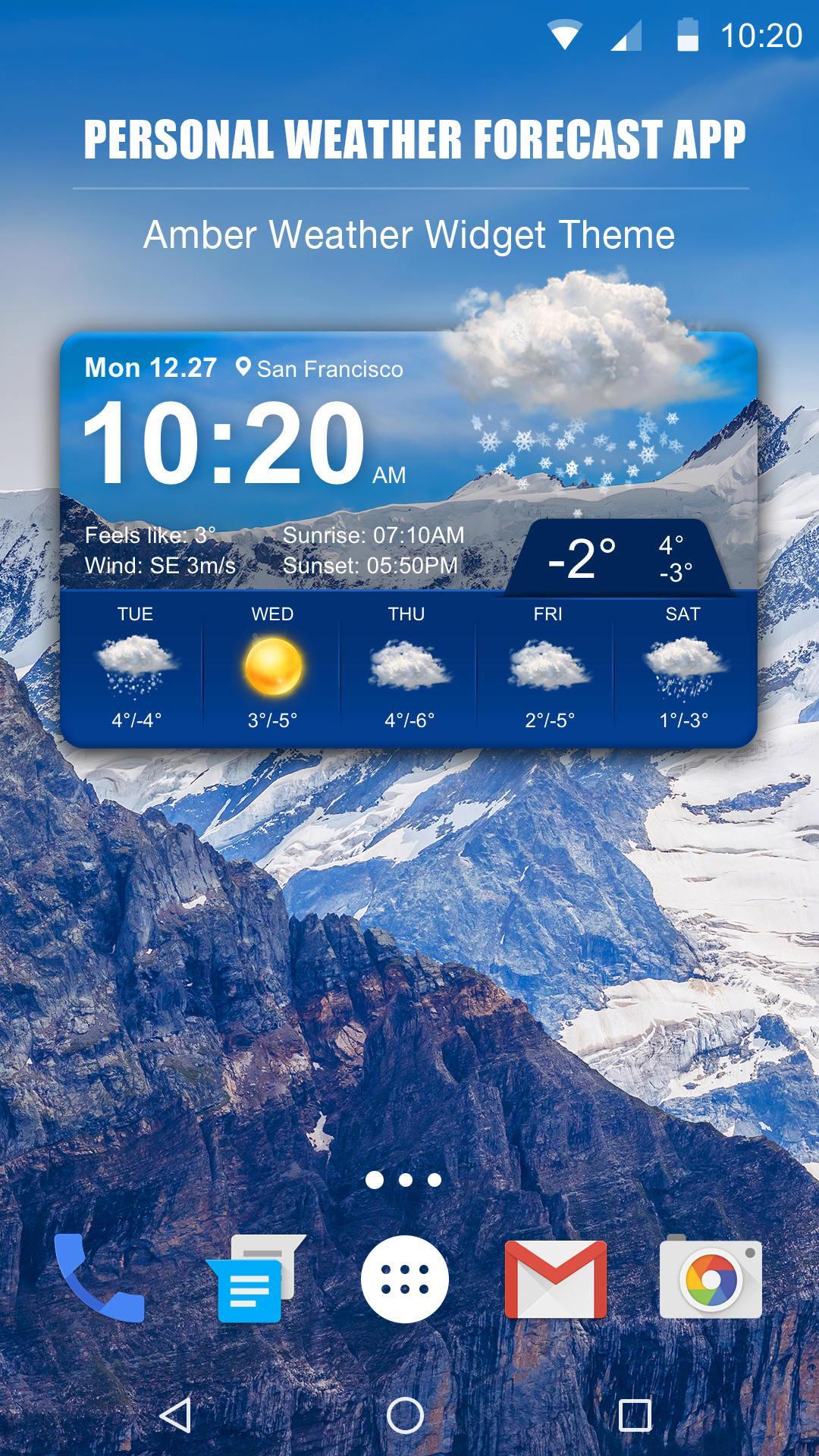
A Glass Digital Clock widget size 4x2
It features:
============
★ 212 skins to choose from
★ 12 or 24 hour mode
★ Portrait or Landscape mode
★ Color choice for all information displayed on the widget
★ System Information on the widget front or as a pop-up window
★ Shows battery level on the widget
★ Shows Moon phase on the widget thats is calculated automatically each day.
★ Current Weather conditions which include:
+Current temperature in Fahrenheit or Celsius
+Feels like Temperature
+Humidity
+Wind speed in Km or miles per hour
★ 2 Weather layouts on clock widget(user selected from configuration screen)
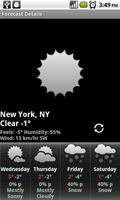
★ 2 Forecast layouts(user selected from configuration screen)
★ 4 Day weather forecast that includes for each day:
+High and Low temperature
+Precipitation percentage
+Weather description
★ Sunrise/Sunset times in either Forecast screens
★ 37 unique weather condition icons
★ Widget hotspots for interaction
+tap bottom right widget corner->return to configuration screen
+tap bottom left widget corner->popup system information window
+tap weather icon->launch forecast screen
+tap Hours tab->launch anything!(user selected from configuration screen)
+tap Minutes tab->launch anything!(user selected from configuration screen)
STEPS HOW TO ADD A WIDGET
==========================
1.On your Android home screen, tap any blank or “empty” area with size 4x2 and hold down your finger.
2.An “Add to Home screen” window will pop up. From that window, tap “Widgets”.
3.You’ll be presented with a list of all the installed Widgets on your Android device.
4.Select the "3D Digital Weather Clock” to add to your home screen by tapping it.
Notes
=====
- "Time frozen/not updating"-> taskiller killed the clock(exclude it from taskillers)
- When phone starts, clock starts in less than a min too.
- "Cannot find/Cannot Open/Cannot Launch"-> read instructions above how to add widgets on your home screen, or step by step instructions in your application drawer.
ROM users-> make sure the clock is NOT moved on SD card.
Widgets are not supposed to be on SD card. Move it back to the phone storage.
Weather hint: For world destinations with two words in the name, type in the box the words with a plus sign.
For example "Buenos Aires" type "Buenos+Aires",remember the "+" sign -no spaces, don't include the quotes.
Email problems/suggestions
Check our website for more help.
EXCLUDE IT FROM TASKILLERS!!!
Be polite, this is a free app :-)
VIDEO HOW TO ADD WIDGETS
http://www.youtube.com/watch?v=DpMLF9b2aTQ


 Download