

Share your screenshots / capture or screenshot to show you this!
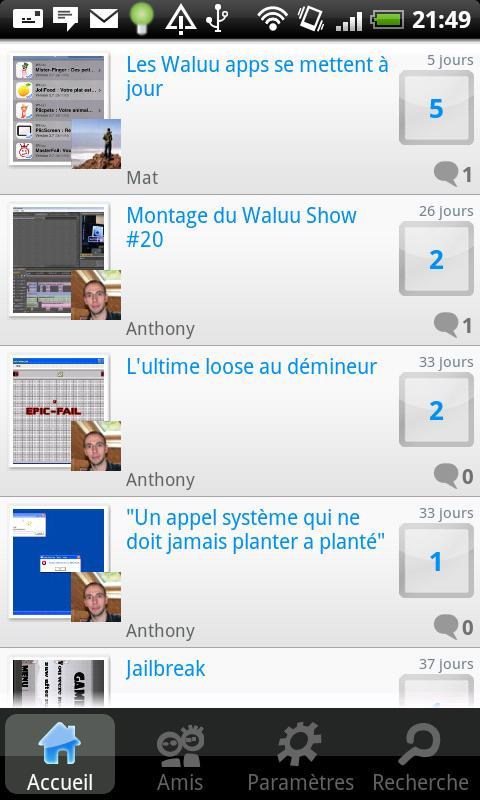
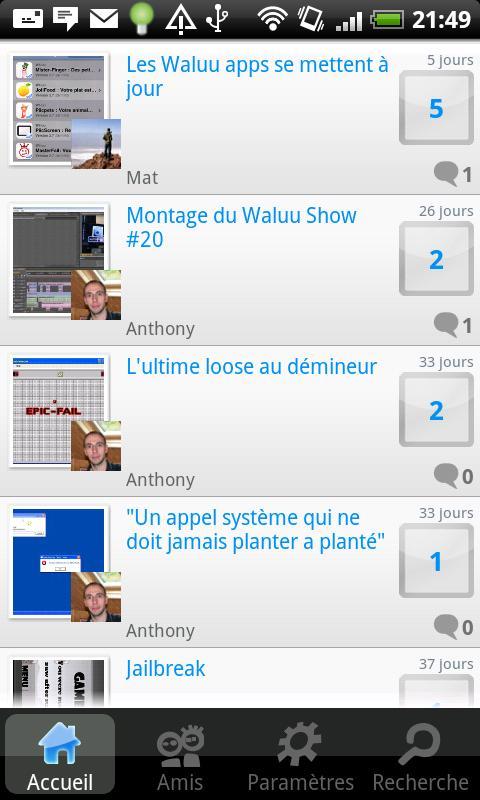
This application will allow you to see what's going on on the smartphone of all the Piicscreen community.
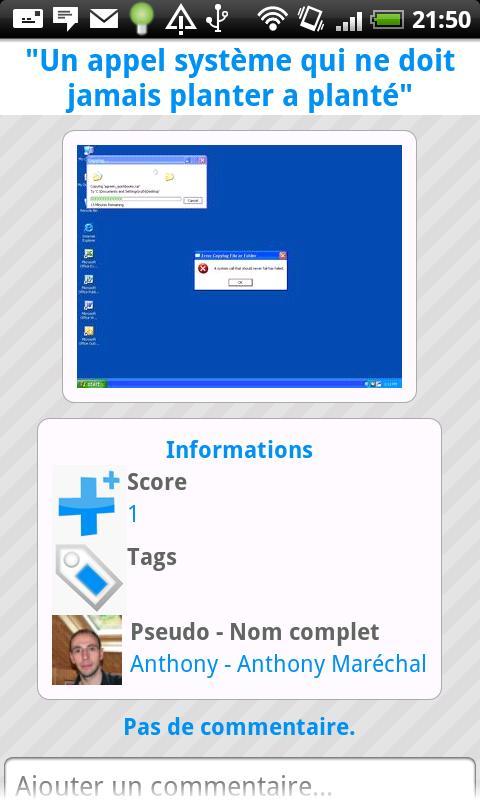
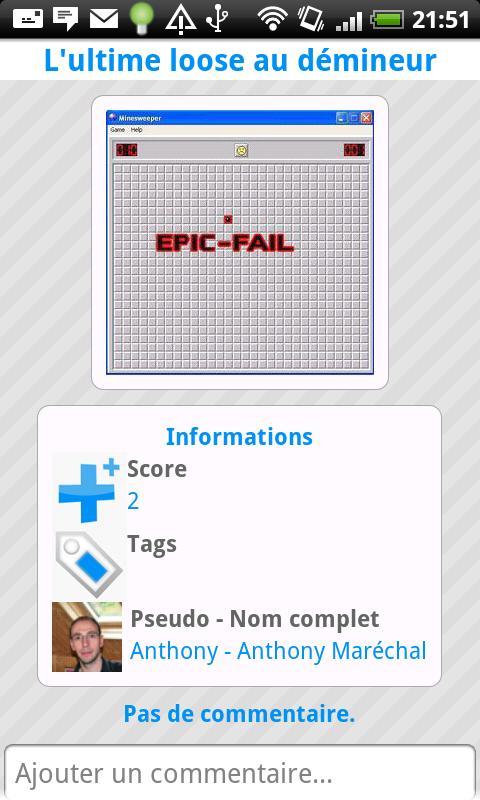
Do you want to see what applications they have installed? Want to see the wallpapers / Wallpapers? Or, find the most beautiful crash & bugs of our favorite smartphones? Also send screenshots of the best scores of the different games and chat with their authors!
Vote the screen copies to elect the most beautiful. You want to share show what you can do with your smartphone, simply send your screenshots on Piicscreen!
* Send your screenshots easily
* Find the best screenshots of the day on the home page
* Add friends and find their screenshots in the "Friends" tab
* Vote and comment on the best screenshots and those of your friends
* Search for screenshots by keyword
* This application is a waluu apps of the Waluu.com network :)
= Get a screenshot =
* On Android: unavailable for the moment, applications on the Android Market are available, procedures going through a computer that is also possible but complex.
* Under iPhone: Press the "Home" button (round button at the bottom) then "walking"/on-off at the top right of the phone (but while maintaining the "Home" button), a small white fade appears. The image is with the photos of the device.
* Under Microsoft Windows: There are two shortcuts: the Print Screen or Impr. Screen in the clipboard a full screen capture; the combination of alt-print keys Screen places in the clipboard a screenshot of the active window ... It is then possible to stick the content of the clipboard in graphics software such as Paint or Gimp by pressing CTRL+V, and to save the image thus obtained in a file.
From Windows Vista, it is also possible to take a screenshot by the "Capture tool" application and to select the desired window or region, by a free or rectangular form. It is then possible to annotate it before saving it.
* Under Mac OS X offers several possibilities to make a screenshot. Touches combinations:
** Capper - Order (Apple key) - 3 (not on the digital pavement) will capture the entire screen, and place the result on the desktop in an X.PNG image file (where X is a number). If you are using a multi-screen configuration, one file by screen will be created.
** Capper - Order (Apple key) - 4 (not on the digital pavement) will make a cross appear to delimit the area of the screen to be captured. A pressure on the space bar will transform this cross into a camera, allowing you to capture an element of the screen (menu, window, dock, etc.). The element that will be captured is highlighted during the mouse. If you press the control key (CTRL) when capture, the result will not be stored in a file, but in the paper press. You can then stick it in any application accepting the images.
= Definition =
Screen copy: Recording in a file or on a screen display printer.










 Download