

The new picture viewer that scrolls magnified photos by moving your phone
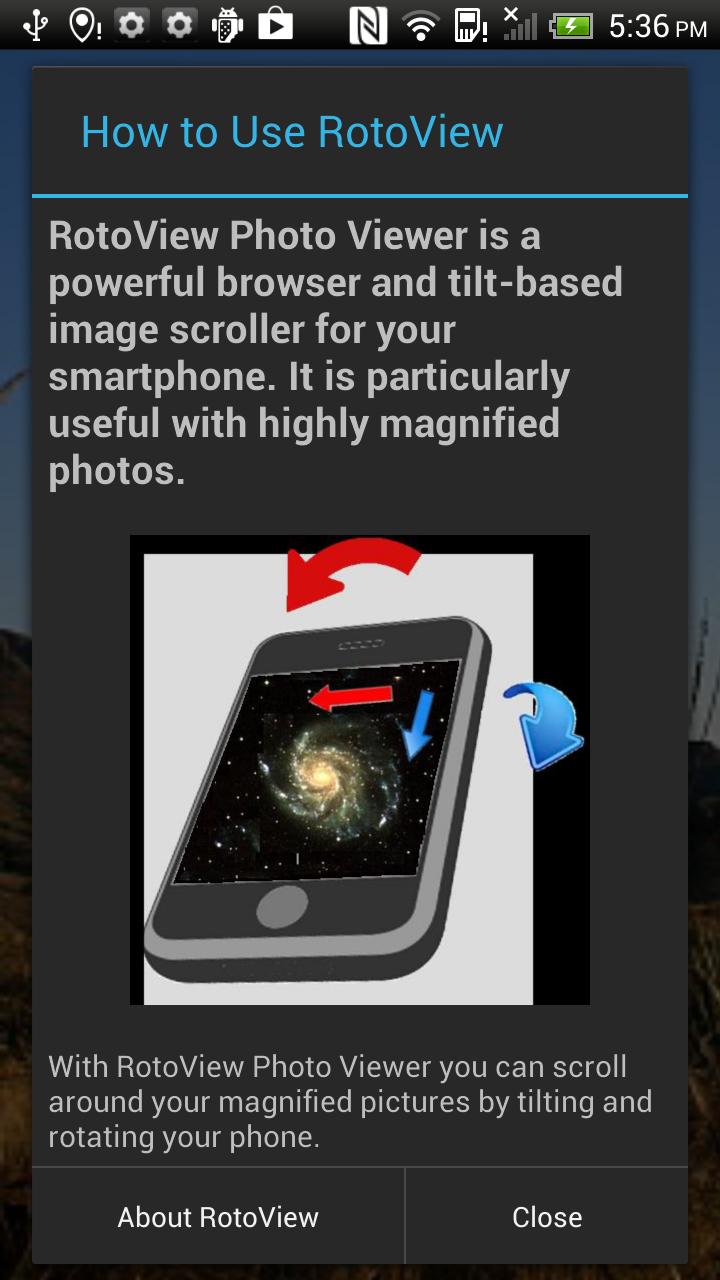
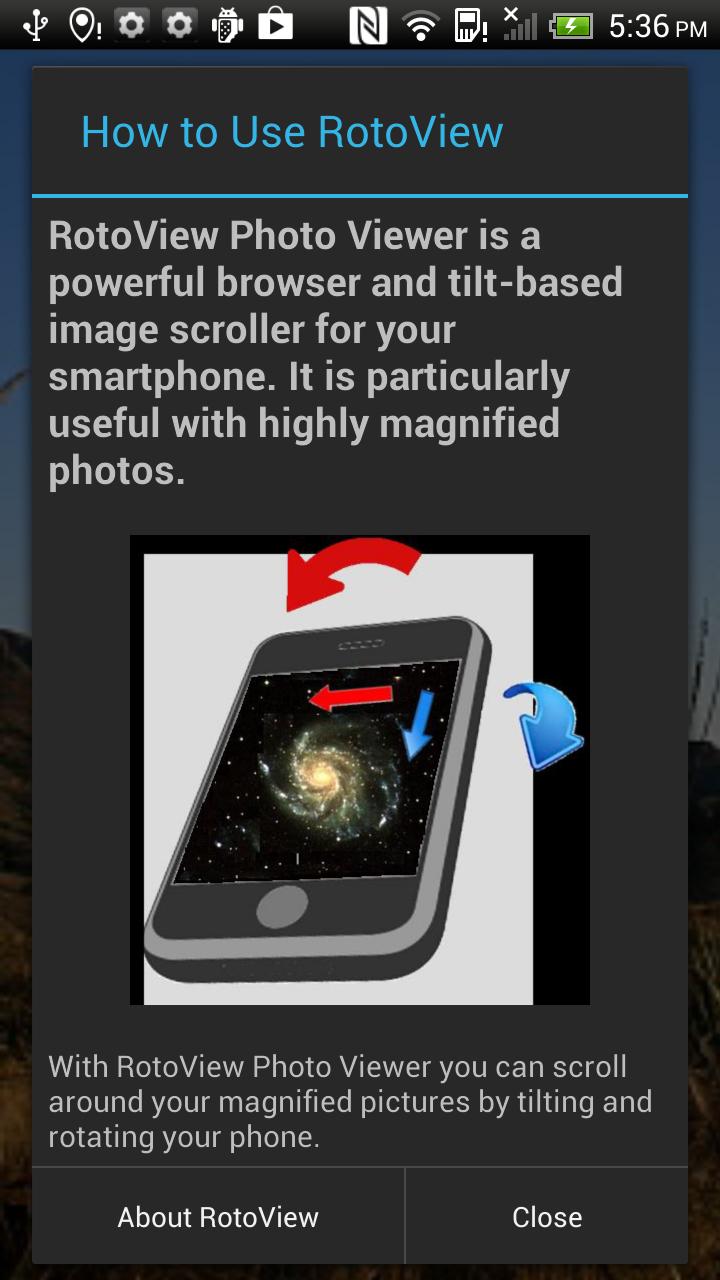
Do you like to magnify your photos and view all the fine details? Do you get frustrated when scrolling a photo with your fingertips? Then the RotoView Photo Viewer is the app for you. Now you can "tilt to scroll" your way around your large photos with just one hand.
No more slow, annoying fingertip scrolling. No more dirt smeared on your screen. Scrolling the old way using the touch screen takes many drag motions with your fingers to pan across an enlarged photo. RotoView image viewer ergonomically scrolls your large images much faster, using just one hand. Once you've tried it, "tilt-to-scroll" will become second nature.
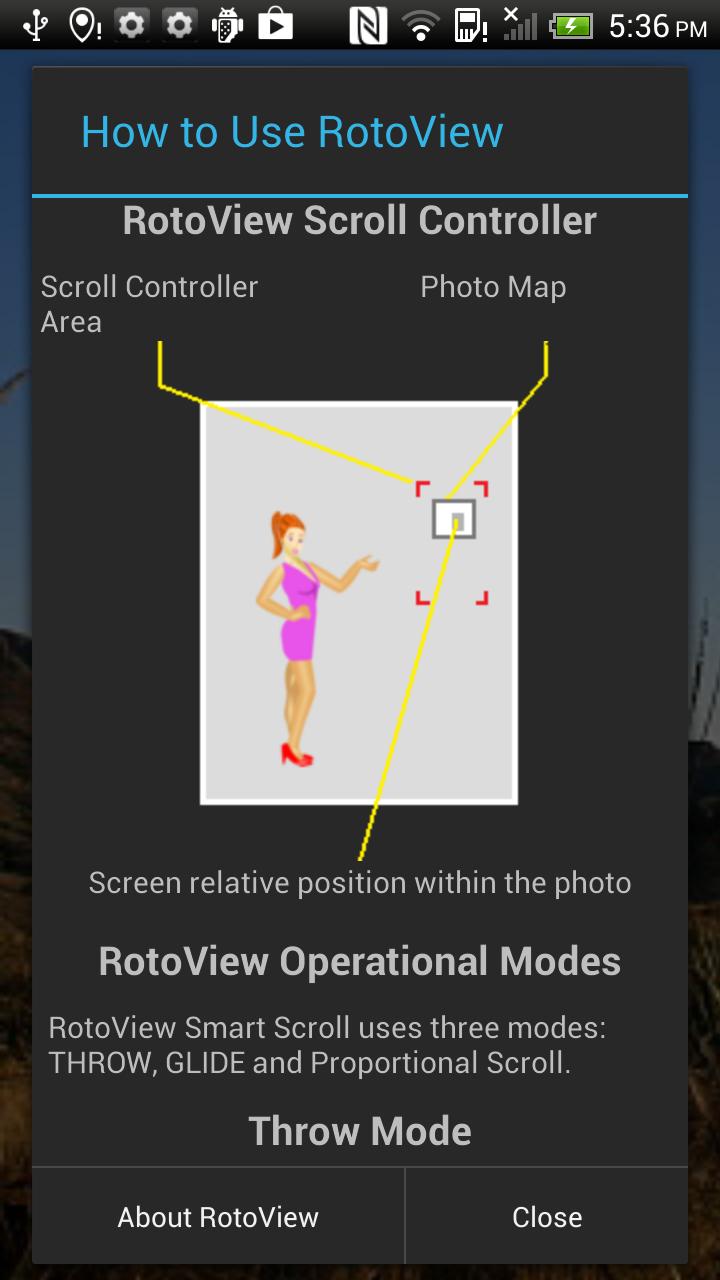
RotoView Photo Viewer is simple to use! Just select any picture from your photo albums, double tap or pinch to magnify, and activate RotoView Smart Scroll with a gentle up-down shake. You can also start it with a long press anywhere on the screen, or with a tap on the area assigned to the unique scroll controller. Slightly rotate your phone and watch how smoothly and quickly you can view different areas of the magnified photo. Stop RotoView by a tap anywhere on the screen or by a gentle up-down shake.
The RotoView picture viewer uses the unique Throw and Glide rotation gestures to scroll your photos. The Throw gesture rapidly scrolls enlarged photos in response to the small rotations (tilting) of your phone. The Glide gesture follows the Throw gesture automatically with slower, more precise scrolling.
RotoView Photo Viewer works with all Android smartphones and tablets that have a gyroscope sensor or an accelerometer (G-Sensor).
Features:
• Simple, fast, and intuitive viewer with single hand scrolling
• Allows you to combine rotation and touch screen gestures
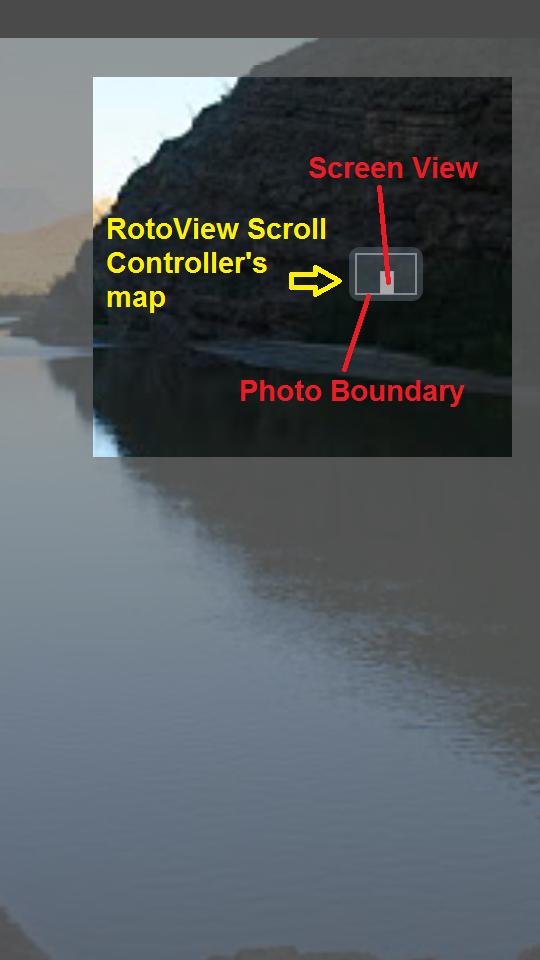
• The unique Scroll Controller guides you while viewing the magnified photo
• Works with all of your albums and photos
• Seamless integration with all other photo editors on your device
The app uses some of the same permissions of the stock Android "Gallery" app on which it is based. This is necessary in order to show your photo locations and access all the albums on your device. The RotoView section of the app makes no use of these permissions, and the app does not collect any personal data.
RotoView Photo Viewer is created by the company that invented and pioneered the tilt-to-scroll concept. Our developers are waiting for your comments. If you encounter a bug, please notify our tech support department at [email protected]. We look forward to improving our user interface with your suggestions.
RotoView Photo Viewer relates to picture, image and photo viewing, photo magnifier, photo magnifying, photo sharing and photo editing. This app uses the built in gyroscope and accelerometer sensors for ergonomic tilt-based scrolling.









 Download