

Remote ADB shell access to rooted phone.
Remote Shell is an experimental development tool that allows you to send shell commands to your rooted phone.
Requirements:
- Rooted phone, yes, rooted. You cannot use shell if you don't have root access.
- Google play services.
- Phone needs to be connected to a network (any network will do it, GSM, WIFI, Local etc)
How to use it:
- install the app - the only permission needed is INTERNET
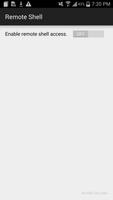
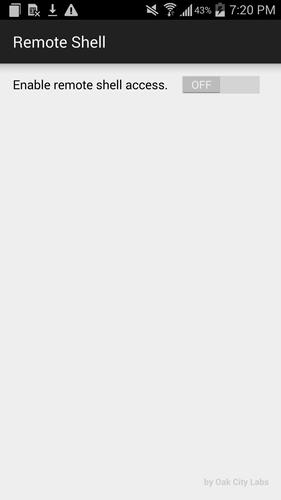
- enable Remote Shell access by swiping the toggle to on position
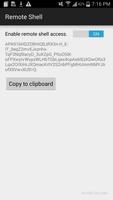
- note the registration id (you will use this to send commands to your phone)
- grant super user permanent permission to the app (You don't have to do this, but then you will be asked every time the phone receives command whether you grand that permission - this will just make it less fun). If you are using SuperSU app, then in SuperSU settings, check "Default access - Grant"
- in your browser preferable from your computer go to http://openserver.co/oakcitylabs/remoteshell/index.php
- enter the registration id from your app and the shell command and submit.
Example commands to get you started.
"reboot" - this will reboot your phone
"am start -a android.intent.action.CALL -d tel:919-000-0000" - dial this number (not sure why you would do this since you can't talk to a phone that might be 100 miles away from you.
Those are just couple of ideas but you can be creative. You can start video recording, then send the file to your email. You can take a picture, wipe the whole phone.. etc. All up to you. Be creative.
Please note, this url is open so technically anyone could send commands to your device assuming they managed to guess the 162 character id correctly.
We are not responsible for any damages cause by using this app. This app is only intended for development purpose and prove of concept.


 Download