

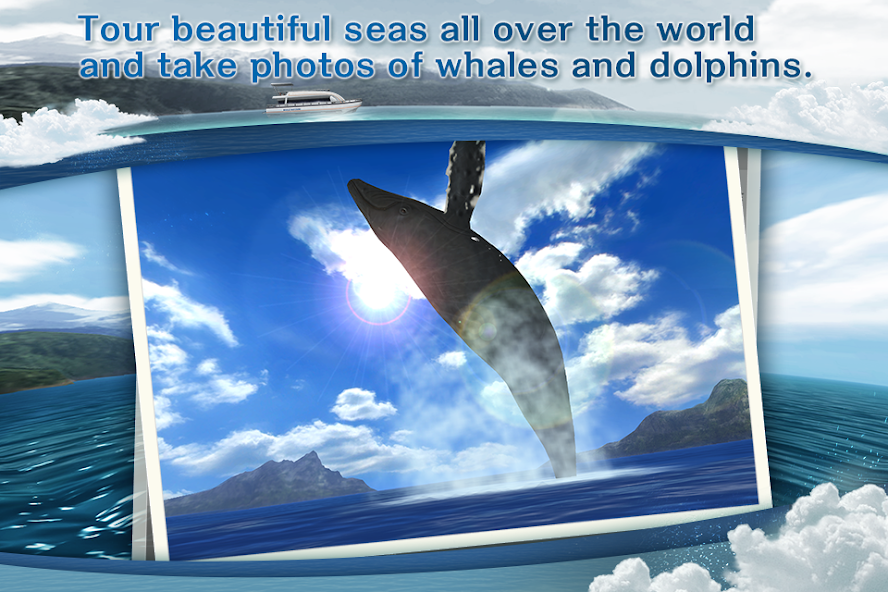
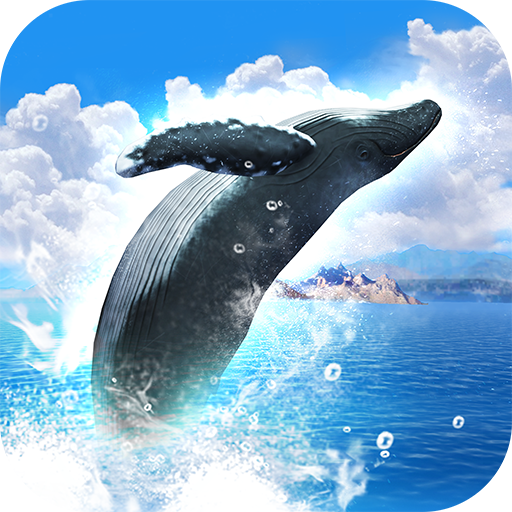
Tour beautiful seas all over the world and take photos of whales and dolphins.
Tour beautiful seas all over the world and take photos of whales and dolphins.
Board a boat, look around in every direction, help the captain with directions, and search for whales and dolphins.
If you find a cetacean, touch it to zoom in, then touch it again to close the shutter and take a photo.
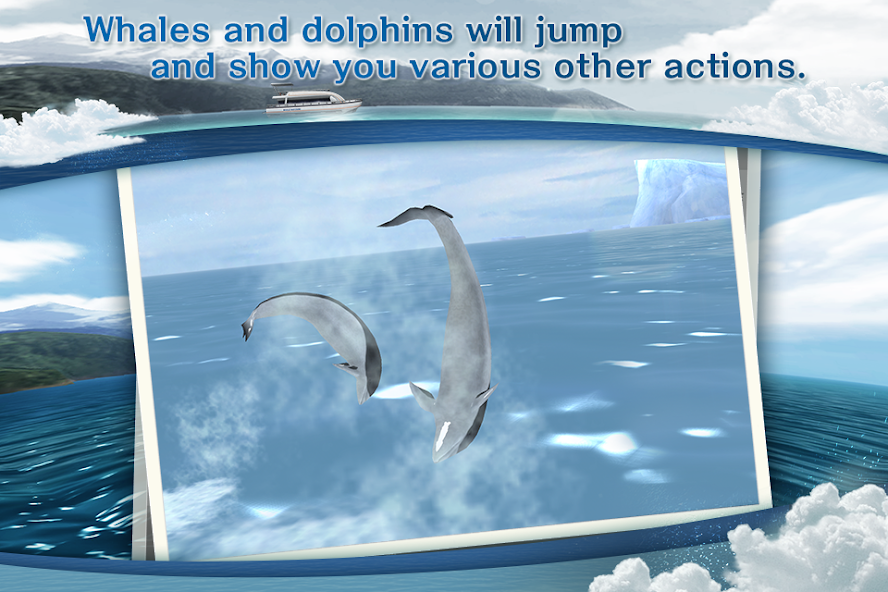
Whales and dolphins will jump and show you various other actions.
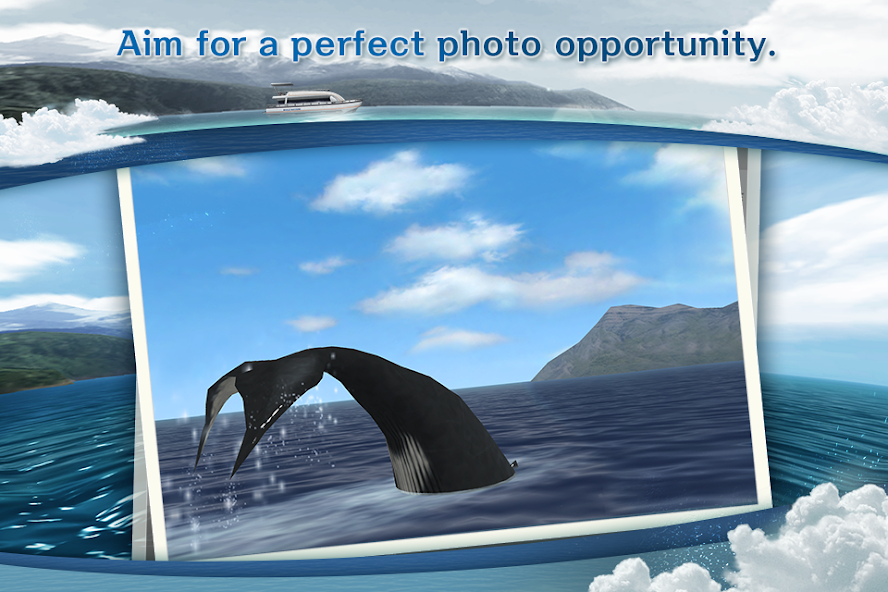
Aim for a perfect photo opportunity.
Also, if you succeed in finding and photographing a cetacean on the sea, you'll be able to see info on it in the gallery.
In the gallery, you can see realistic 3D recreations of cetaceans from every angle.
You should be able to find over 20 different species of well-known cetaceans and sometimes very rare ones, depending on the area.
Make a special gallery with your very own wonderful photo album.
Operating Instructions
Title Screen
If you let the title screen stay on without touching it, you'll enjoy seeing a hidden screensaver.
□WHALE WATCHING
Go on a whale watching tour. A Map Select screen will open.
□3D WHALES GALLERY
You can see a 3D gallery featuring the whales and dolphins you spot while whale watching.
□PHOTO ALBUM
You can take photos while whale watching and see them saved in an album.
■STAGE SELECT
Touch the whale icons around the globe, then select a tour you would like to go on.
You can unlock stages by spending points accumulated during the game.
■Whale Watching
There is a tutorial for beginners.
You can turn off the level display by turning the tutorial OFF in the settings screen (accessible from the bottom left of the title screen).
By swiping the backgrounds, you can look around at the scenery.
When you find a cetacean, touching it will let you zoom in you'll track it automatically.
If you touch the screen once more while zoomed in, you can take a photo.
By swiping the screen in zoom mode, you can move the camera slightly.
When you want to quit zoom mode, push the Return button at the top left of the screen.
When you take a photo, the result will be displayed and according to the value, points will be added to your total score.
If you push OK, the screen will return to the game.
You can take photos without zooming in by pushing the bottom left camera button.
Every time you go out on a tour, you'll have a 12-exposure roll of film. When you're done taking photos, the tour will end.
Or you can end the tour by pushing the Return button when not in zoom mode whenever you want.
■3D WHALES GALLERY
When you find a cetacean while whale watching, the """"?"""" icon will turn into a whale icon.
There are also some cetaceans that can only be seen in a special stage.
Aim to complete the gallery!
If you touch the whale icon, you can see detailed information.
If you click on the whale, it will move. You can swipe to rotate it as you like and pinch to enlarge it.
Depending on the species, if you push the speaker icon, you'll be able to hear the real sounds of whales.
The silhouette of a diver demonstrates the size of the cetacean relative to a human.
Use the Return button to go from the individual display back to the list display. Pushing the Return button while on the list display will close the gallery.
■PHOTO ALBUM
If you have saved photos, thumbnails will be displayed.
If you touch a thumbnail, you can view it in a separate screen.
If you want to delete any photos, touch the garbage can icon.
You can use the left and right arrows to view the previous and next photos.
Pushing the Return button will bring you back to the thumbnail display. Pushing the Return button from there will close the album.
Settings
□BANNER VISIBLE
You may purchase an add-on that removes advertisements.
□CAMERA REVERSE
You can reverse the camera swipe controls.
□TUTORIAL
The tutorial displayed in Whale Watching for the First Time will always be displayed.
□RESTORE
Restore in-app billing.








 Download