• Home
  • Games
    Action-adventure Simulation Business Role Playing Sports Competition Casual Intelligence Card Strategy Music Rhythm Text Puzzle Flying Shooting Love Development
  • Apps
    Business Office Newsletter Social Life Entertainment Online Shopping Practical Tools Travel Financial Management Educational Learning Information Reading Sports and Health
  • Articles

English 中文(简体) 中文(繁体) 한국어 日本語 Português Español Русский العربية Indonesia Deutsch Français ภาษาไทย
Home Apps Sports and Health Rally Computer
Rally Computer

Rally Computer

1
2
3
4
5
Download
  • Version 1.3
  • Category Sports and Health
  • Package Name com.serioustraveller.rallycomputer
  • Update Time April 18, 2026
  • Size 2.38MB
About this app

Simple Rally Computer useful for offroaders

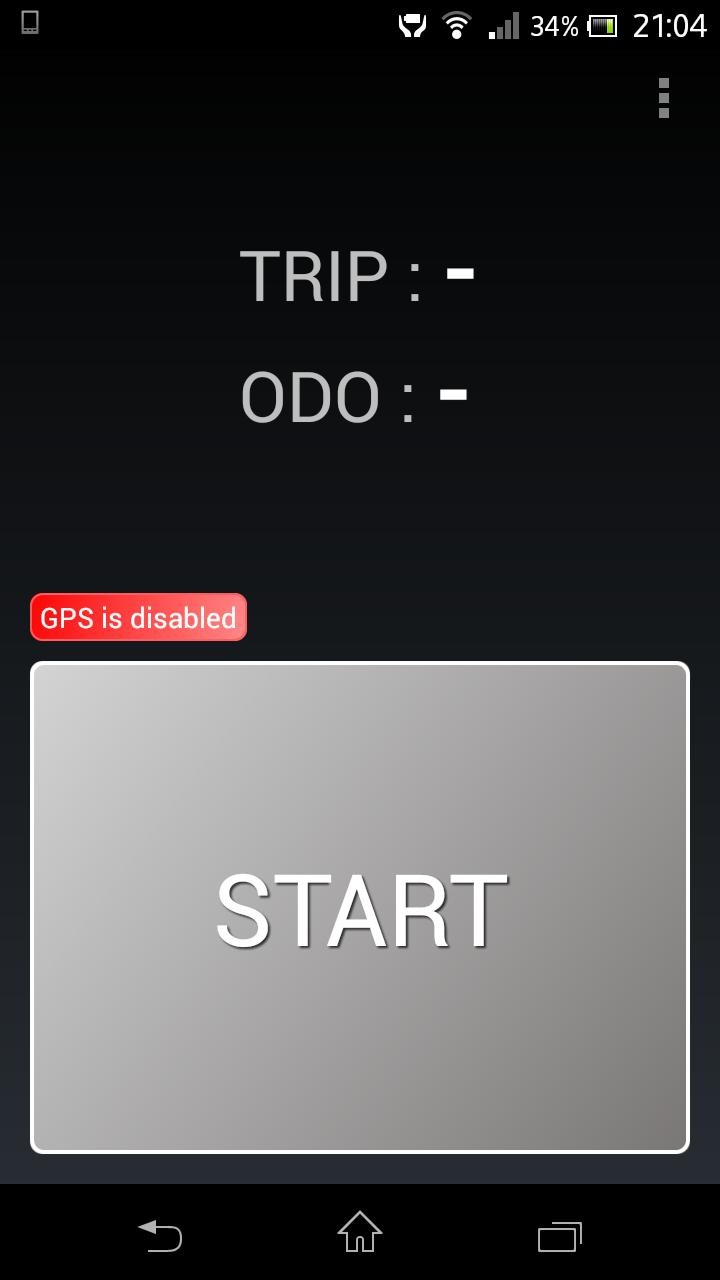
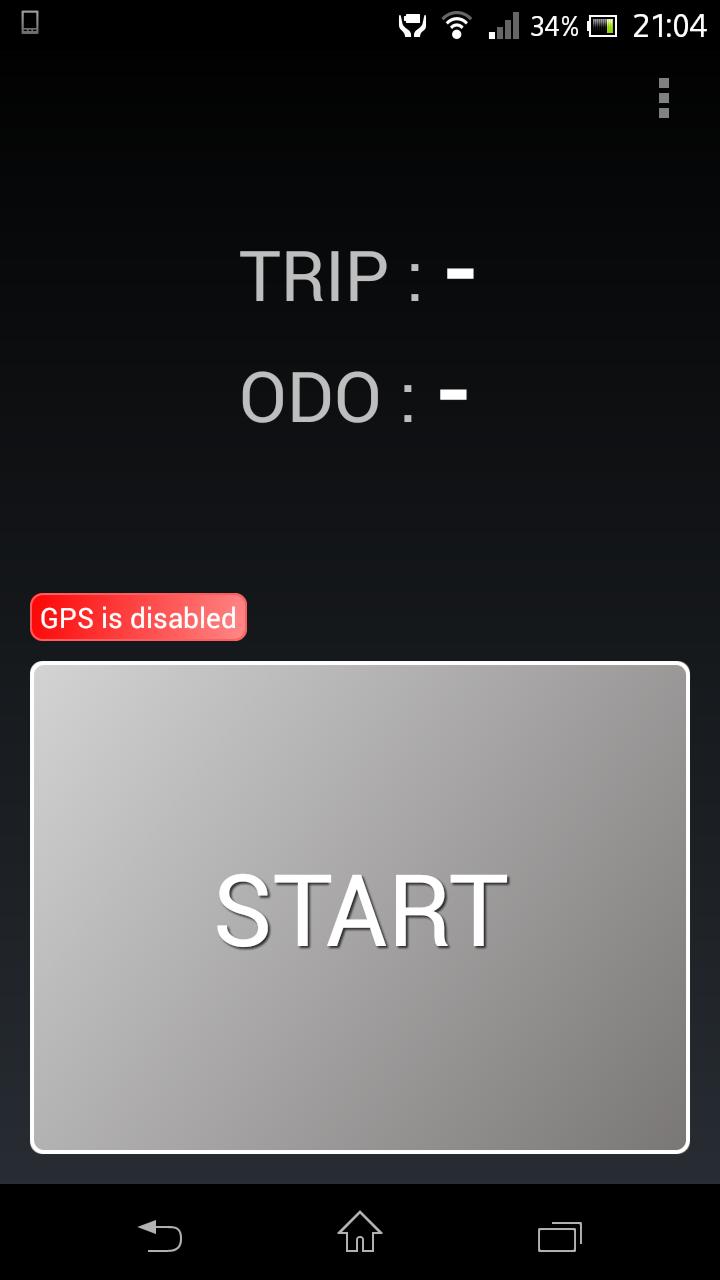
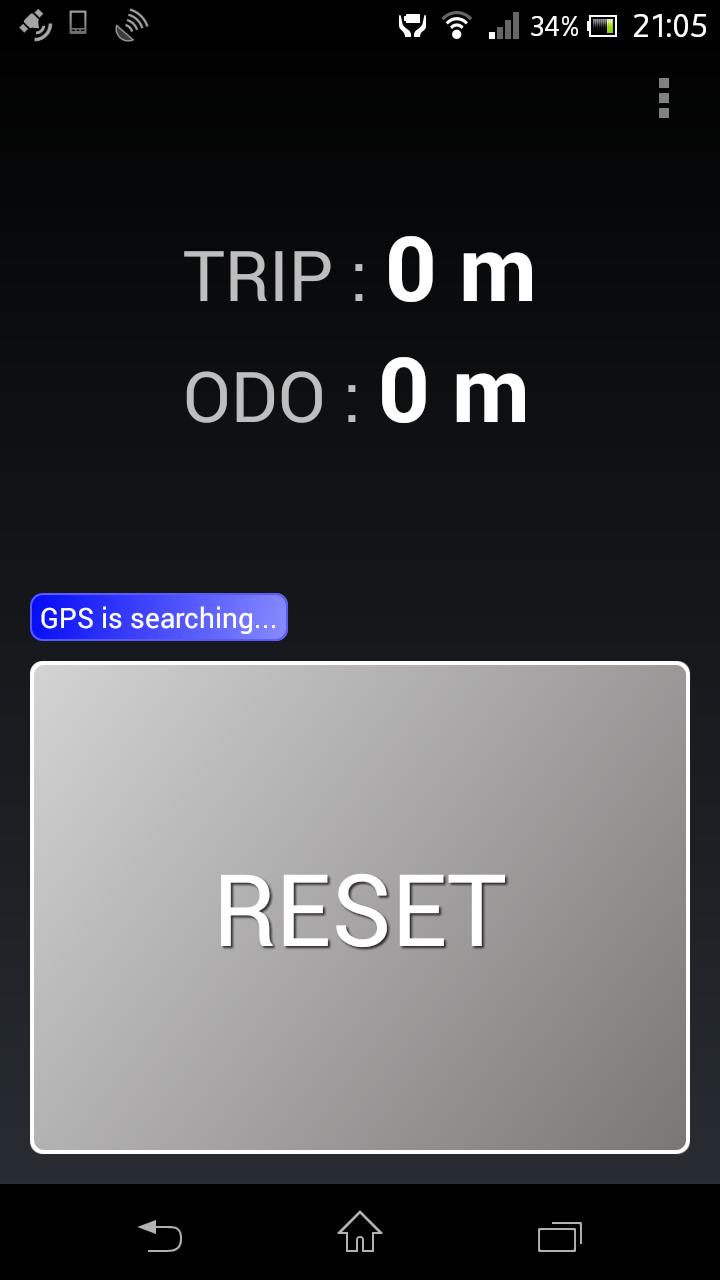
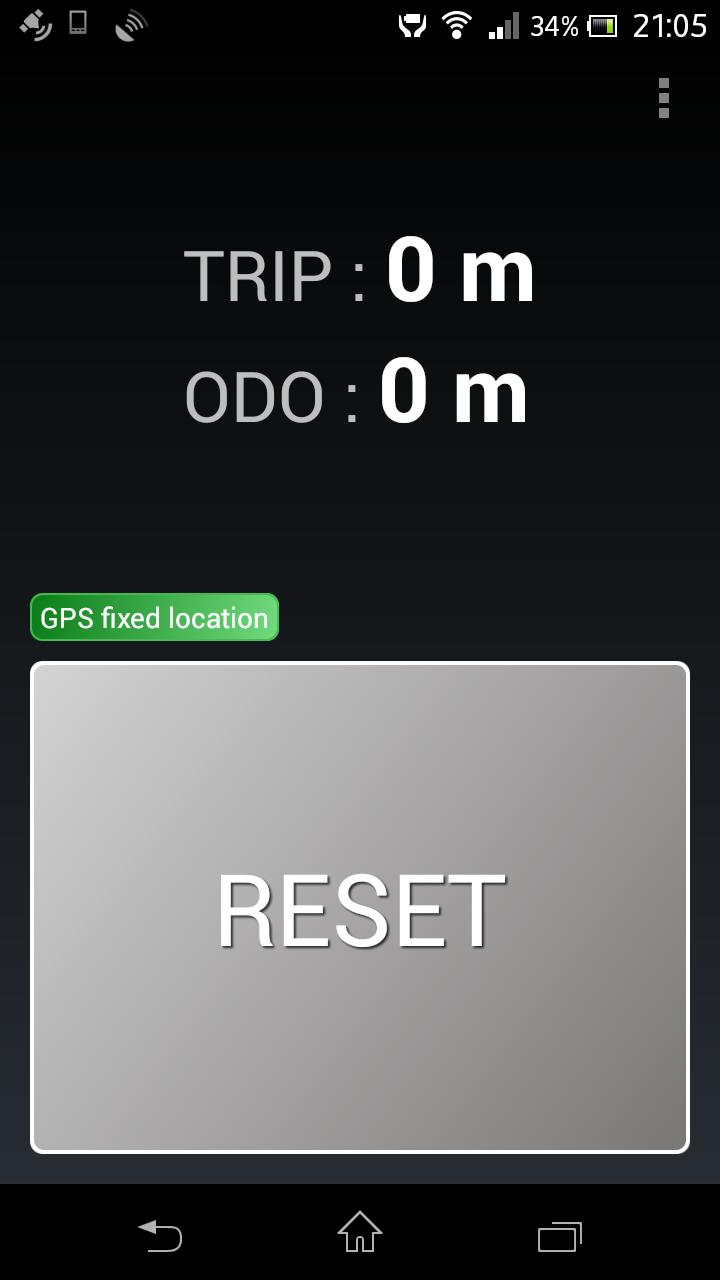
Rally Computer is a GPS odometer app useful in off-roading with roadbook.

Rally Computer measures 2 distances :

•distance since last reset (TRIP)

•total covered distance (ODO)

Features:

TRIP and ODO - Only most essential measurements

Big button - Easier to use during off-roading

Pause/Resume/Stop - Measurements can be pasused and resumed when needed

Kalman filter - Advanced filter used to smooth out the track. Improves accuracy

Export to Androzic - Export tracks to the navigation app Androzic (GPX file)

Quick distance adjustment - Allows to quickly adjust distance by a fling gesture.

Menu options:

•PAUSE - the measurement is paused (GPS is on)

•STOP & CLEAR - the measurement is stopped, all distances are cleared (GPS is switched off)

•EXPORT GPX TRACK - current track since last START is exported to a GPX file (see the tip below)

•SETTINGS - additional settings such as selecting destination folder for exported tracks, Kalman filter to improve measurement accuracy, Units (miles, kilometres).

•ABOUT

•EXIT

Settings:

•Folder for exported GPX files - You can browse the file system and select a folder where exported GPX files will be stored.

•Kalman filter settings - Kalman filter is an algorithm used to smooth out the track. This improves distance measurement since GPS accuracy is often far from ideal.

TIP:

If you would like to load the track in Androzic then

1. Select menu option Settings

2. Select the folder where Androzic stores GPX file, should be something like [SDCard or internal memory]/Androzic/data.

3. Once you export GPX track it will be stored in this folder so that it will be available in Androzic

4. In Androzic select menu option Tracks -> Manage -> Load track from file

5. Pick the track file (rallycomputer_track_[date]__[time].gpx)

[email protected]

http://www.serioustraveller.com/otherapps/
What's New in the Latest Version 1.3

Last updated on Jul 24, 2015 ver. 1.3
Added quick correction of distance.

ver. 1.2
Fixed crash on android 4.4
Added units of distance (kilometers/miles)
Download(2.38MB)
Users also viewed
  • AndroSport

    AndroSport

    v11.5.8 April 19, 2026
  • My Cycles Period and Ovulation

    My Cycles Period and Ovulation

    2.4.1 April 19, 2026
  • Rose's Bella Cucina

    Rose's Bella Cucina

    2.8.7 April 19, 2026
  • StreetFood In Italy

    StreetFood In Italy

    2.0.0 April 19, 2026
  • Gnaural for Android FREE

    Gnaural for Android FREE

    1.0.20140623 April 19, 2026
  • PPP Agency

    PPP Agency

    2.6 April 18, 2026
  • HeartWatch

    HeartWatch

    0.9.4.36 April 18, 2026
  • Beauty Queen

    Beauty Queen

    1.2 April 18, 2026
  • trapauto

    trapauto

    2.9.6 April 18, 2026
  • Squash & Fitness Purmerend

    Squash & Fitness Purmerend

    4.0 April 18, 2026
  • Kick boxing

    Kick boxing

    1.10 April 17, 2026
  • Laborlelet Kisokos

    Laborlelet Kisokos

    1.0 April 17, 2026
  • 50 beauty tips

    50 beauty tips

    1.1 April 17, 2026
  • RadexRead Radiation Mapping

    RadexRead Radiation Mapping

    1.0.2 April 17, 2026
  • Walk in the Field - Paintball

    Walk in the Field - Paintball

    1.12 April 17, 2026
About Privacy Policy Terms of Service Cooking Policy

© Copyright 2017-2026 downzq.com