

Simple QWERTY input for your wrist.
Simple QWERTY input for your wrist.
--------------------------------------------------
NOT COMPATIBLE WITH ANDROID WEAR. This was a decision by Google in designing Android Wear to not have soft keyboard input as an option, this app is only compatible with devices running third-party modified versions of full Android. Even if this app was installed on an Android Wear device, the watch would not use it for any purpose.
--------------------------------------------------
Most full keyboards are designed for full-size devices, and can be extremely frustrating to use on screens of about 1 inch. Alternate styles of input often sacrifice precision or require keeping a closer eye on automatic corrections. On a tiny screen, where the keyboard often covers the text box you are typing into, this can be a problem.
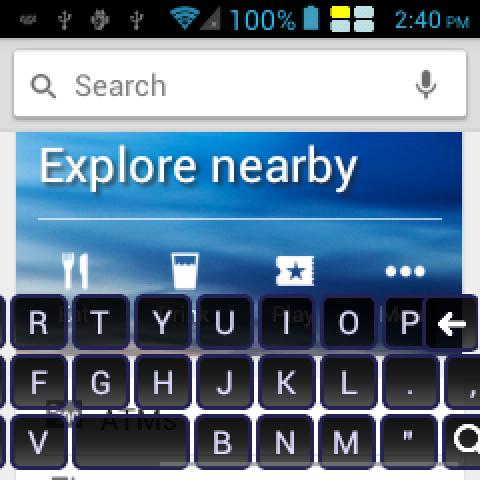
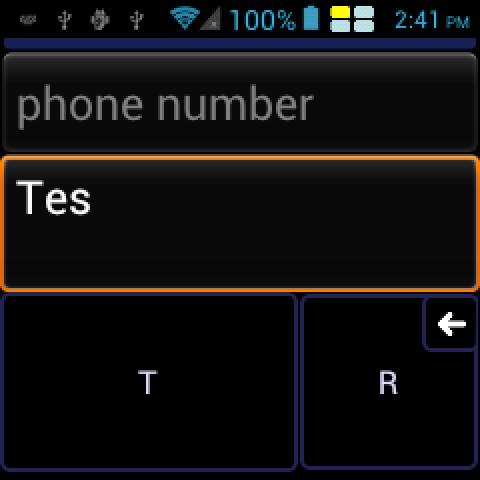
Qwerist aims to provide the most precise input for small form-factor devices. What you type is what you get, and when it isn't sure what you are trying to type, it asks rather than guesses. When your finger is half the size of the screen, it is hard to click right on the key you want. If the tap is on the edge between two or more keys, Qwerist will prompt you to verify which you intended to click. This slows the speed of typing, pays off by not having to go back and fix mistakes.
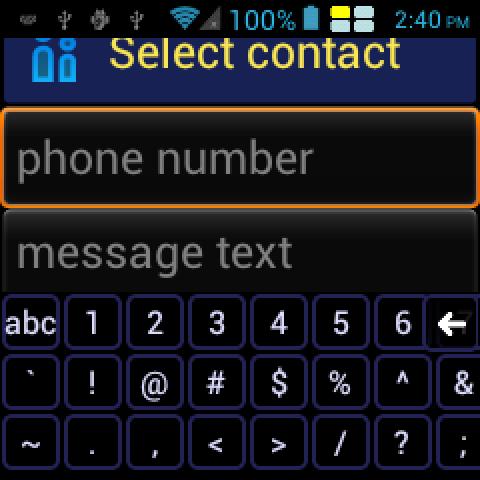
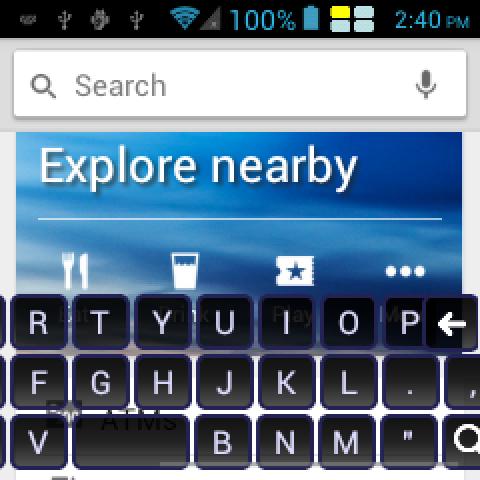
The full QWERTY layout you are used to is presented, but rather than squish into the small width available, it allows you to scroll left and right to access the keys you want. Once again, slow and steady is the way to go for small and fiddly screens.
Another problem with using conventional keyboards on non-conventional devices is that the keyboard often takes up far too large a fraction of the screen. Qwerist will shrink if needed to never take up more than half your screen, leaving room to see what you're doing and interact with the application.
This keyboard has been optimised for a particular smart watch device, but if there are problems on your watch or a particular use-case, let me know by the sending feedback to [email protected] and I'll see how I can help.
Don't have Google Play access? Such as on the Galaxy Gear? The apk for sideloading is available here: http://mens.ly/files/qwerist.apk


 Download