

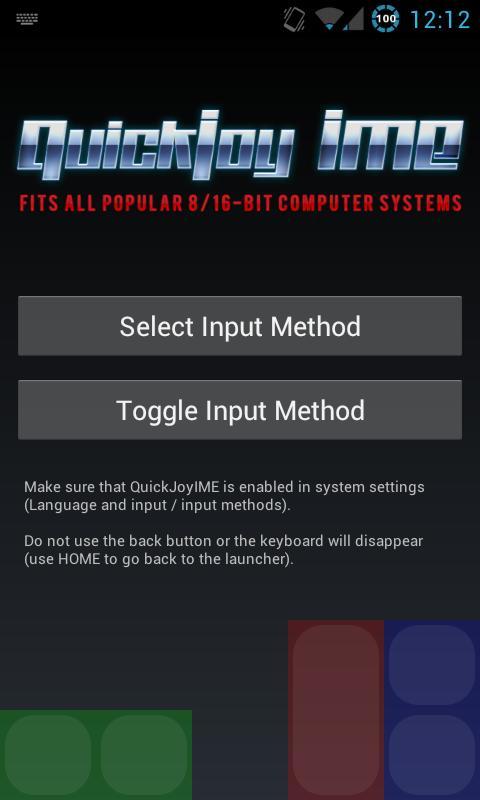
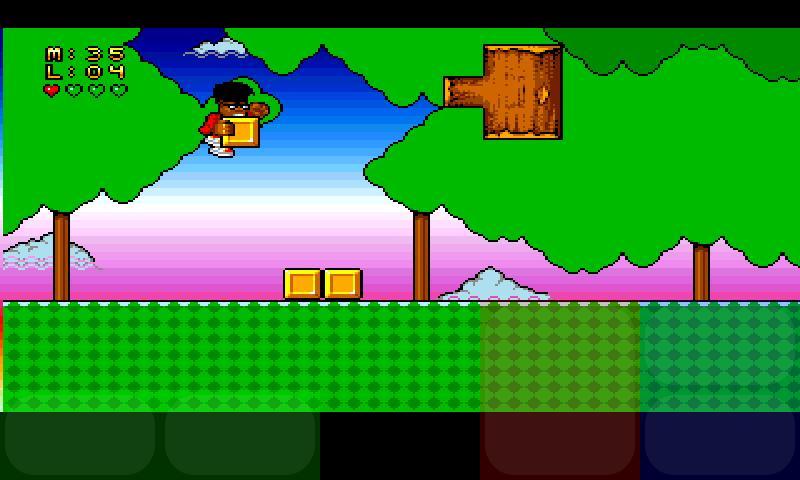
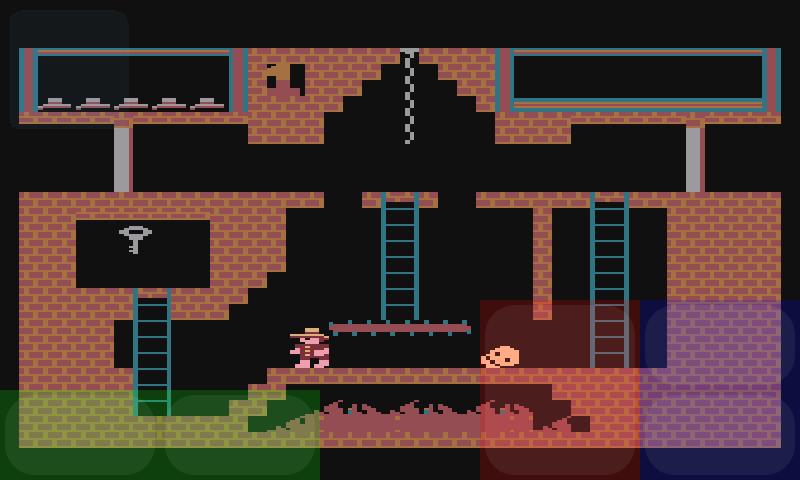
Software keyboard designed for gaming on 8-bit emulators.
Inspired by awesome controls in top-tier iOS platform games, I decided to create an universal soft keyboard for:
- 8/16-bit computer emulators (Atari, Amiga, C64) - "QuickJoyIME"
- NES ("QuickJoyIME for NES")
- QuickJoyIMEs requires Android 3.0+
- it's designed for phones, not for tablets (I don't have an Android tablet yet) but it's largely configurable
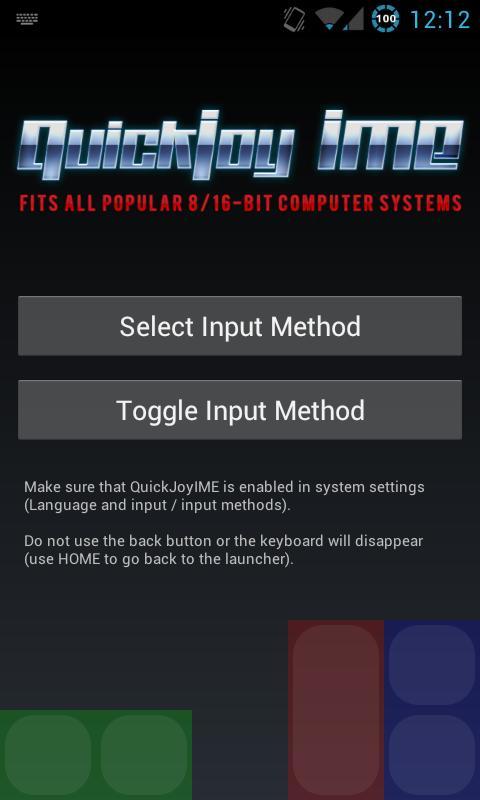
- "QuickJoyIME": the buttons are mapped to D (left), F (right), R (up), C (down), A (fire) - you have to reconfigure emulator to use with QuickJoyIME
- "QuickJoyIME for NES" - the buttons are mapped to D (left), F (right), R (up), C (down), A ("A"), S ("B"), 1 ("start"), 2 ("select") - you have to reconfigure emulator to use with QuickJoyIME
- it's not suitable for games requiring simultaneous pressing of fire button AND diagonals, i.e. Turrican, Metroid or Soccer Kid)
Recommended games - it works GREAT with 90% platform games such as Lethal Weapon, Addams Family, Superfrog, Super Mario etc.
Installation.
1. QuickJoyIME installs 2 input methods (soft "keyboards") - that are disabled by default - and a small utility app called QuickJoyTool. Use QuickJoyTool to manually add QuickJoyIMEs to the system input method list ("Select Input Method" > "Configure input methods") or use the system settings to do so.
2. QuickJoyTool may be used for quick switching between input methods and to set selected input method to stay on top permanently (allowing you to enter emulator input config and map QuickJoyIME controls to emulator controls).
Usage.
1. You can set QuickJoyIME as the default input method ("Select Input Method").
2. Use "Toggle Input Method" button to show/hide QuickJoyIME (it'll stay on top when you go to the launcher - remember that it'll disappear when you press the BACK button).
How to use it with UAE4DROID:
1. Enable "Alternate Input Method" in settings.
2. Launch QuickJoyTool and set QuickJoyIME as the default input method.
3. Toggle the keyboard on.
3. Go to UAE4Droid (don't use the BACK button, use HOME), go to settings, "Physical controls". Use QuickJoyIME controls to map the following:
Fire - A (red button)
Up - R (blue button up)
Down - C (blue button down)
Left - D (green button left)
Right - F (green button right)
4. Launch any game. Press MENU, more and press "Show touch controls" to DISABLE the buit-it UAE4DROID on-screen controls. Rotate the screen once (UAE4DROID bug) and the buil-in touch controls should disappear.
5. Launch QuickJoyTool, select QuickJoyIME as a default input method. Toggle the keyboard on, go back to UAE4DROID.
6. Enjoy.
Please report bugs & send feature requests.
UAE4DROID, Colleen, Atari800, Atari, Commodore 64, Amiga, C64, ZX Spectrum, VICE, virtual joystick, soft keyboard, gamepad, Nesoid.
Version 0.3:
- initial release




 Download