• Home
  • Games
    Action-adventure Simulation Business Role Playing Sports Competition Casual Intelligence Card Strategy Music Rhythm Text Puzzle Flying Shooting Love Development
  • Apps
    Business Office Newsletter Social Life Entertainment Online Shopping Practical Tools Travel Financial Management Educational Learning Information Reading Sports and Health
  • Articles

English 中文(简体) 中文(繁体) 한국어 日本語 Português Español Русский العربية Indonesia Deutsch Français ภาษาไทย
Home Apps Business Office Quick Launcher
Quick Launcher

Quick Launcher

1
2
3
4
5
Download
  • Version 1.2
  • Category Business Office
  • Package Name com.FavoriteAppps
  • Update Time April 16, 2025
  • Size 214.13KB
About this app

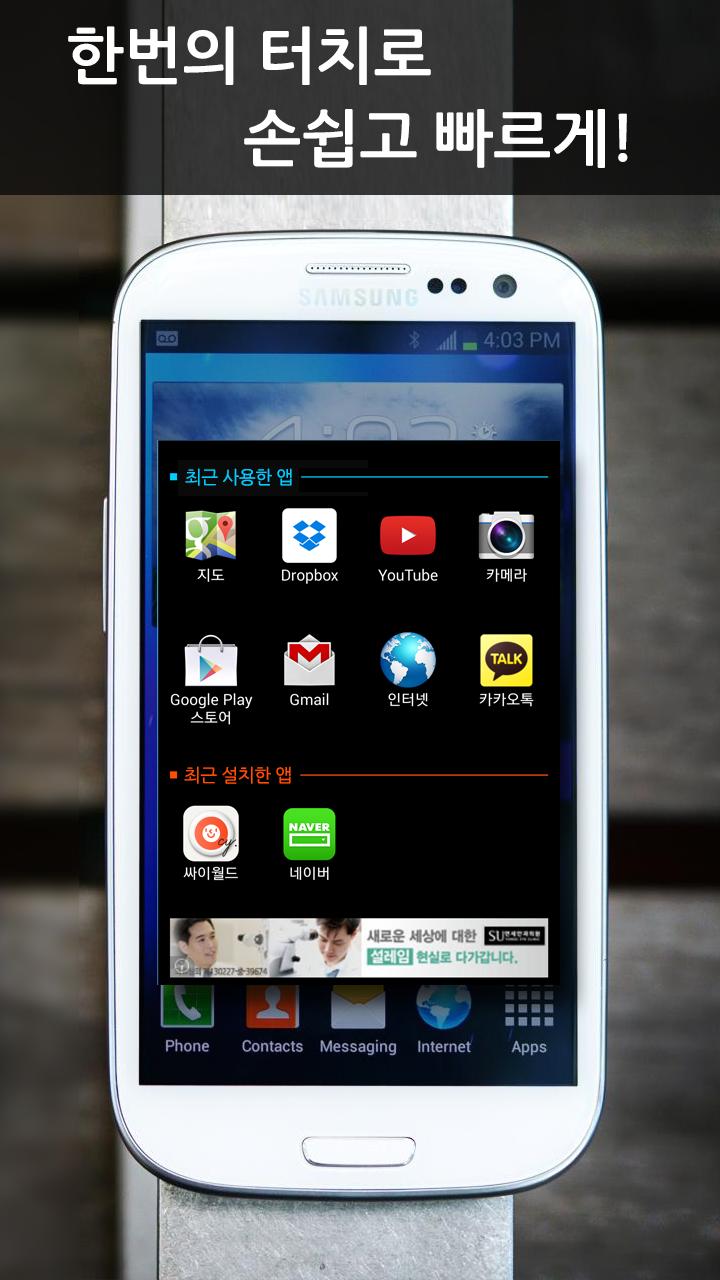
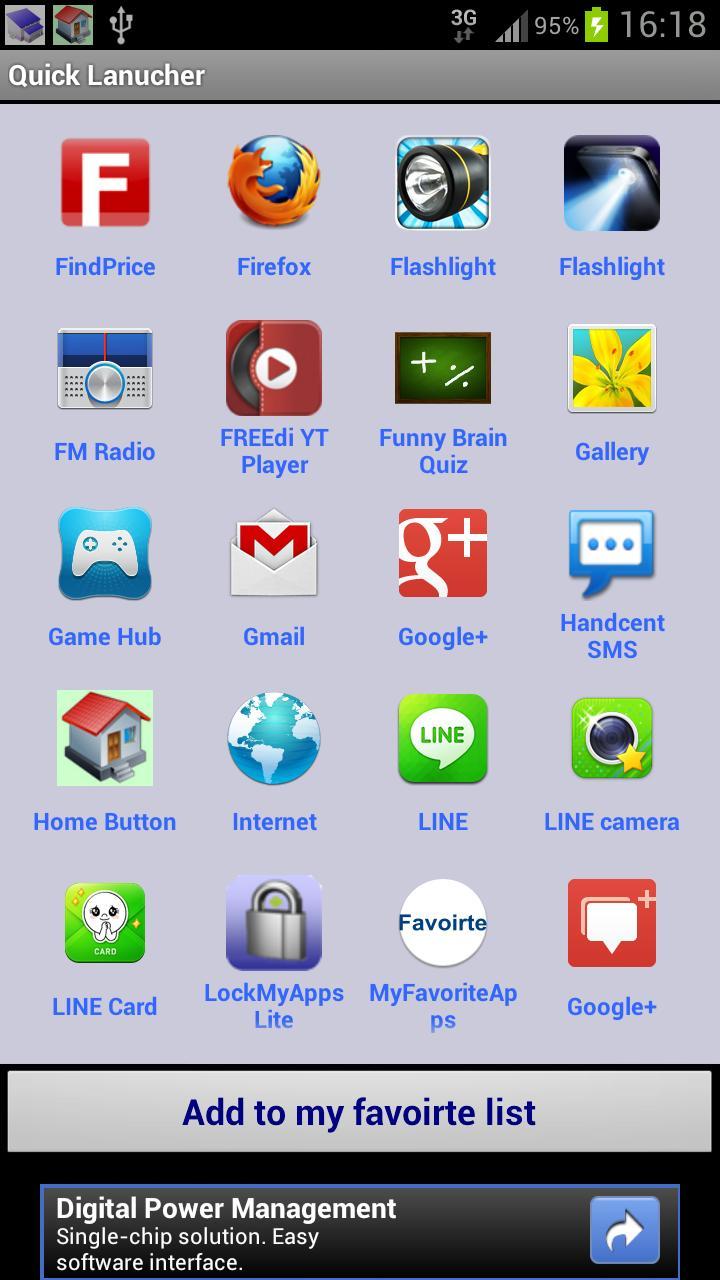
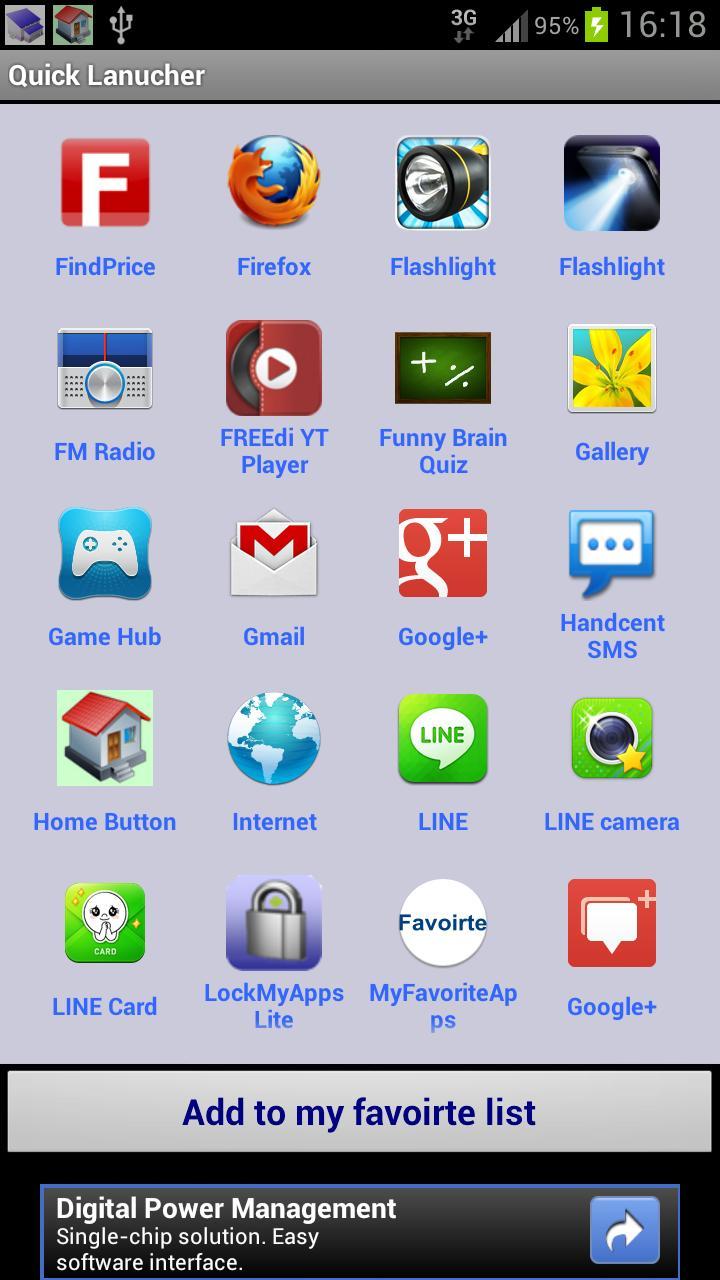
Quick Launcher help you run the often used app easily.

It is so difficult to find the often used apps from the 6-12 home screens. Quick Launcher help you solve this problem.

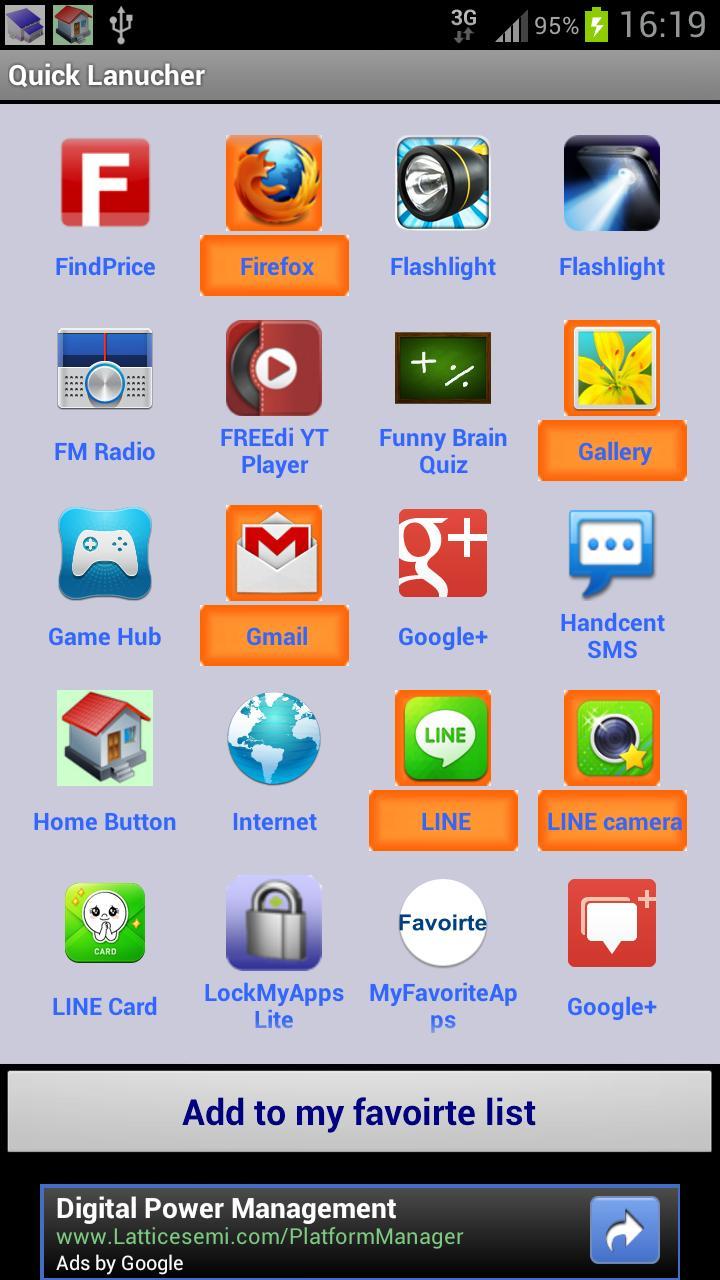
You can custom the often used apps to the favorite list, such as gmail, facebook, Line, or whatsapp. And slide it from the status bar to launch the app. Very easy to add and remove the app on the list.

Q&A:

* How to add the apps to the favorite list?

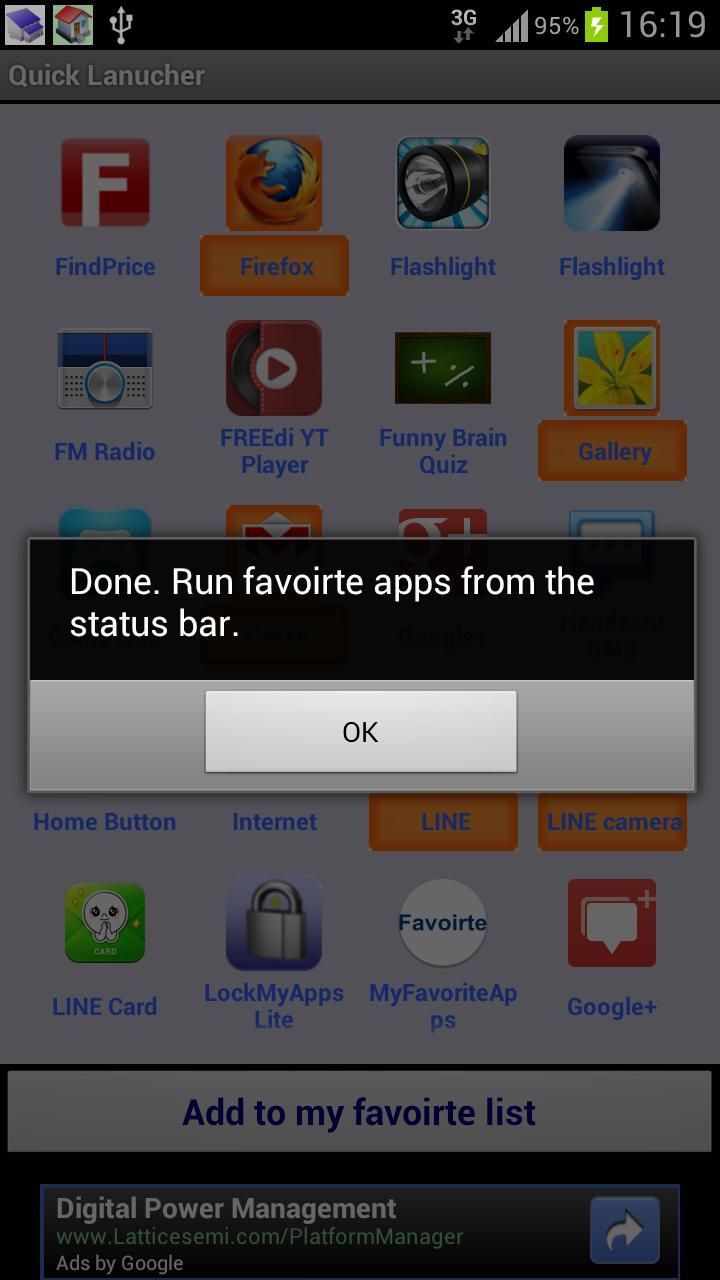
Please select the favorite or the most often used apps, and click Add to my favorite list.

* How to run the favorite apps?

Slide the status bar, and click Quick Lanuncher item. Click the app you want to execute.

* How to remove the apps from the Quick Launcher?

Step1: slide the status bar, and click Quick Lanuncher item.

Step2: click Manage apps.

Step3: click the app you want to remove.

Please note: it doesn't uninstall the clicked app, it just remove from the Quick Launcher list.

* How to hide Quick Launcher on the status bar?

Step1: slide the status bar, and click Quick Lanuncher item.

Step2: click the menu button on your phone, and click Hide the icon on the status bar.

* Will Quick Launcher drain the battery all the time?

No. It only runs as you open it from the status bar. As you don't run it, it is only a notification on the status bar, like other SMS app.

Any suggestion? please contact us at [email protected] Thank you very much.

Thanks designcontest for providing the free icon http://www.designcontest.com/
What's New in the Latest Version 1.2

Last updated on Aug 16, 2015 **** Top 10 app in the Productivity category ****
* Fix the bugs for displaying more apps.
* Support Android 2.1
* Support Korea & Spanish language.
* Run automatically when the user reboot the phone.
Download(214.13KB)
Users also viewed
  • Dental CPD Pro

    Dental CPD Pro

    1.01 March 4, 2026
  • SLAMBench

    SLAMBench

    1.0-11 March 4, 2026
  • New XLife

    New XLife

    3.60 March 3, 2026
  • The AddressBook to communicate

    The AddressBook to communicate

    1.2.3 March 3, 2026
  • Asistente Agenda

    Asistente Agenda

    3.7 March 2, 2026
  • PlanPlus Online Shortcut

    PlanPlus Online Shortcut

    1.0 March 2, 2026
  • All Document Reader

    All Document Reader

    2.0.21 March 2, 2026
  • Quilicura Inteligente

    Quilicura Inteligente

    1.0.0.6 March 2, 2026
  • Leopard

    Leopard

    2.1 March 2, 2026
  • Mr.Box2 -Magic Finger Plugin

    Mr.Box2 -Magic Finger Plugin

    1.0.0 March 2, 2026
  • Alarm every 15 minutes

    Alarm every 15 minutes

    0.1.3 March 1, 2026
  • Kurdistan Flag for Kurdish

    Kurdistan Flag for Kurdish

    1.1 March 1, 2026
  • Stock Market Guide

    Stock Market Guide

    1.0 March 1, 2026
  • Mexico Calendario 2025

    Mexico Calendario 2025

    2.1.0 March 1, 2026
  • VT-Live

    VT-Live

    2.6 February 27, 2026
About Privacy Policy Terms of Service Cooking Policy

© Copyright 2017-2026 downzq.com