• Home
  • Games
    Action-adventure Simulation Business Role Playing Sports Competition Casual Intelligence Card Strategy Music Rhythm Text Puzzle Flying Shooting Love Development
  • Apps
    Business Office Newsletter Social Life Entertainment Online Shopping Practical Tools Travel Financial Management Educational Learning Information Reading Sports and Health
  • Articles

English 中文(简体) 中文(繁体) 한국어 日本語 Português Español Русский العربية Indonesia Deutsch Français ภาษาไทย
Home Apps Practical Tools Quick Bar(Noti bar Short cut)
Quick Bar(Noti bar Short cut)

Quick Bar(Noti bar Short cut)

1
2
3
4
5
Download
  • Version 1.2.0
  • Category Practical Tools
  • Package Name kr.co.two_khan.quickbar
  • Update Time October 1, 2026
  • Size 3.71MB
About this app

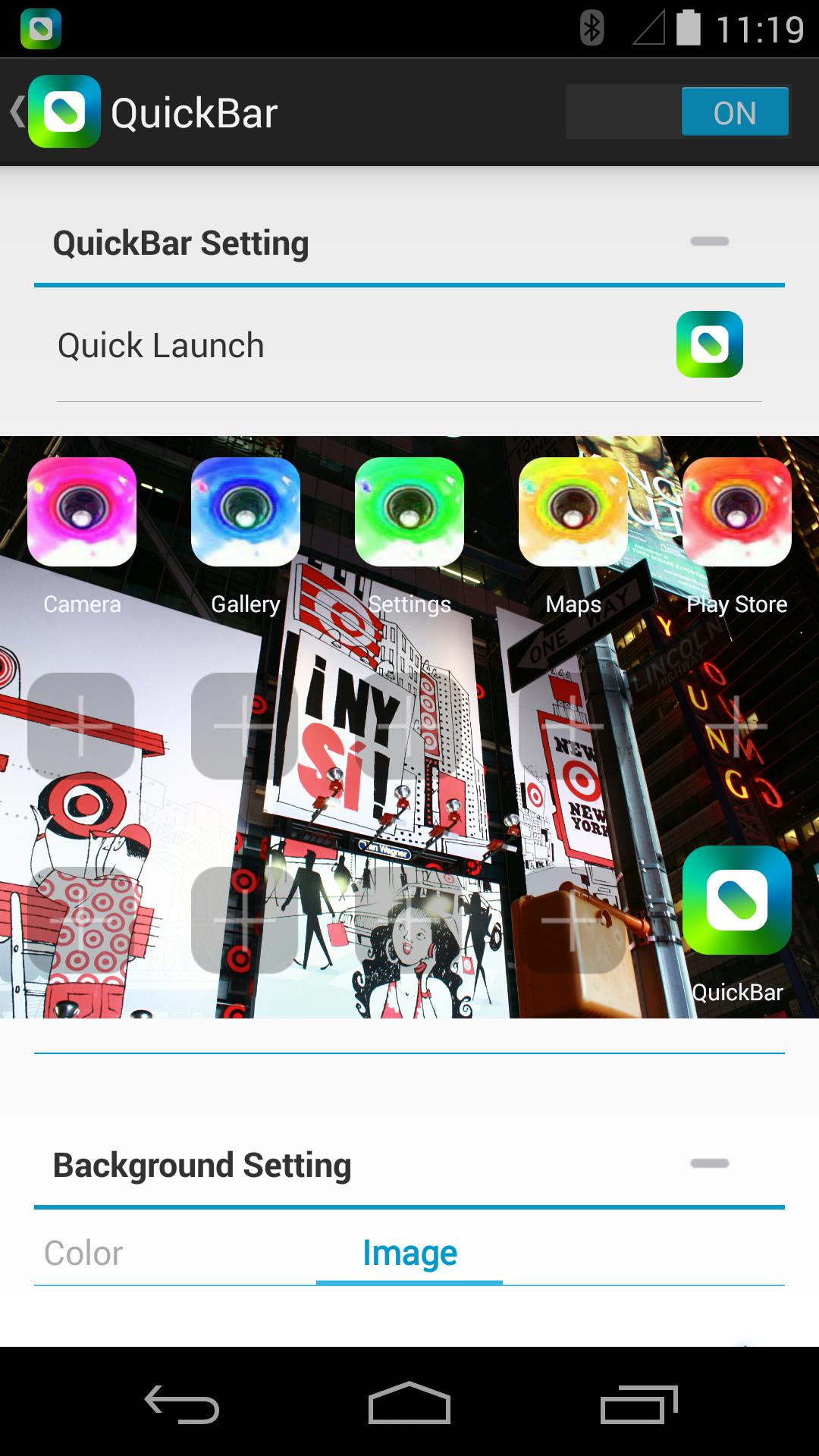
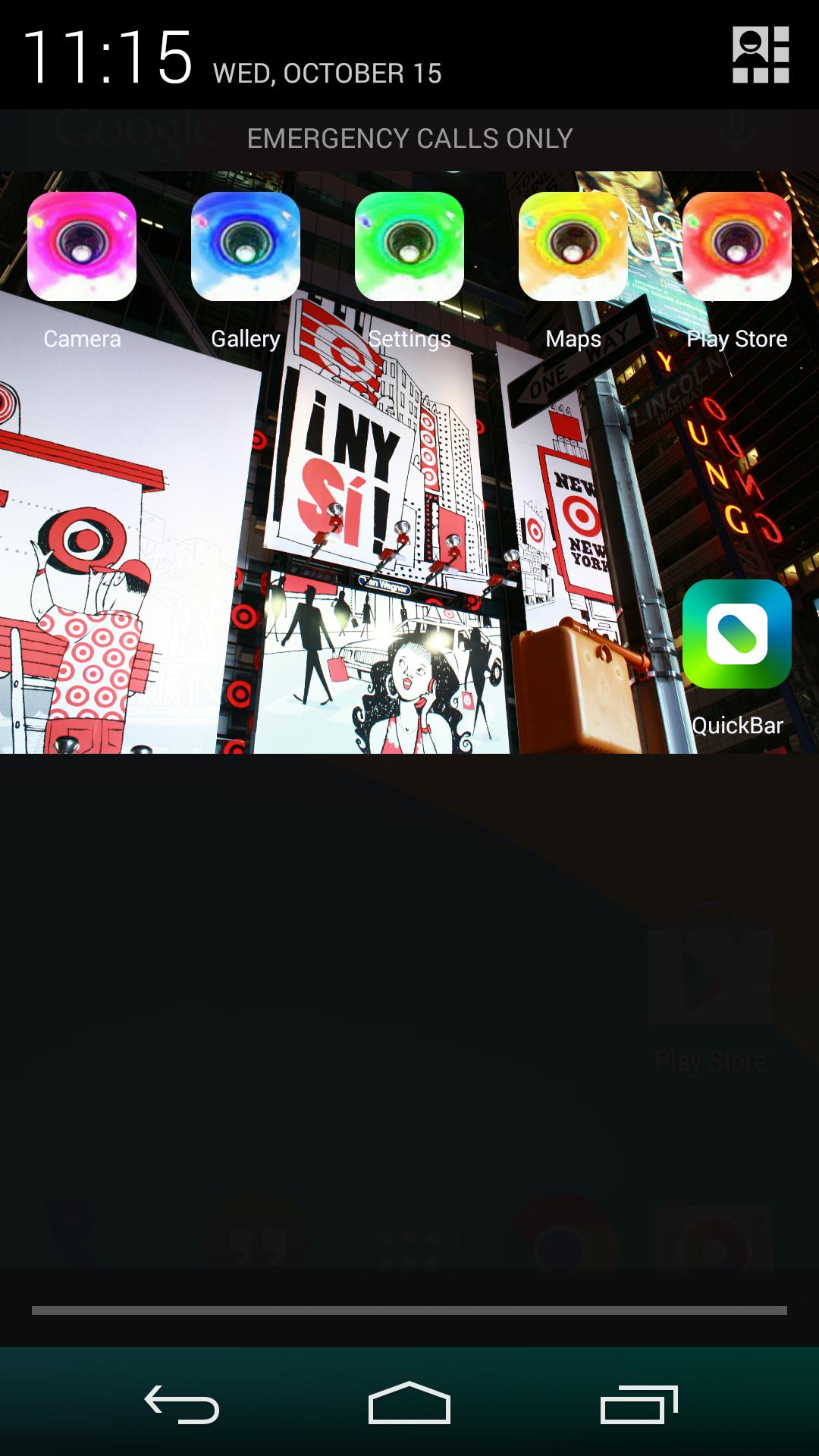
Register Frequently-used apps in one place!Plus You can decorate it freely!

▶ (New) The Tool "QuickSlider" is Added to QuickBar Application!!!

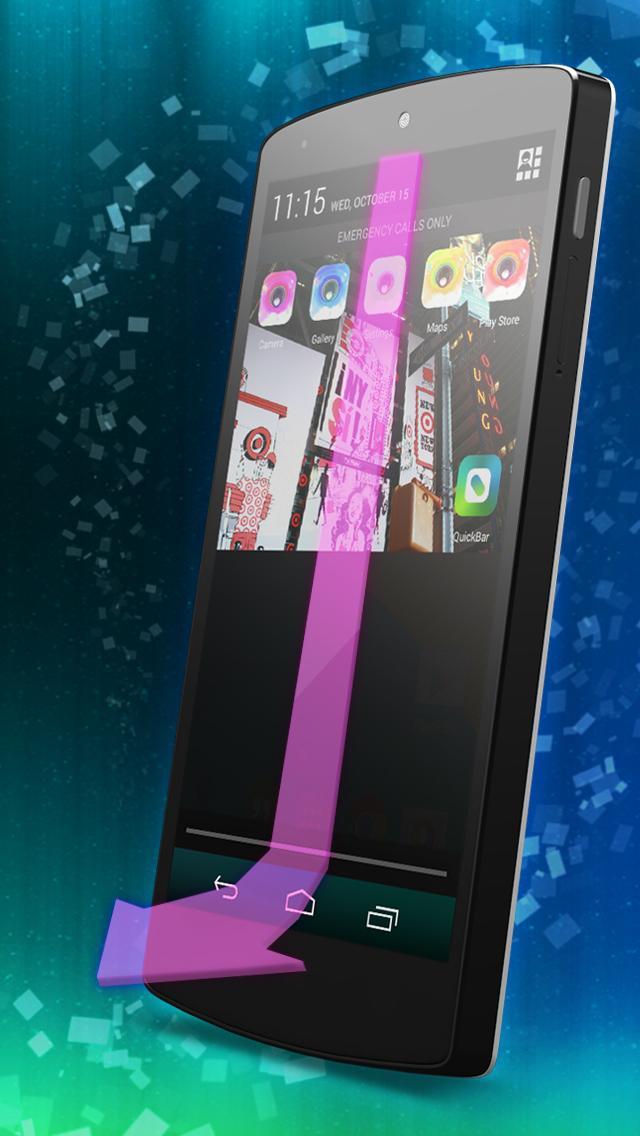
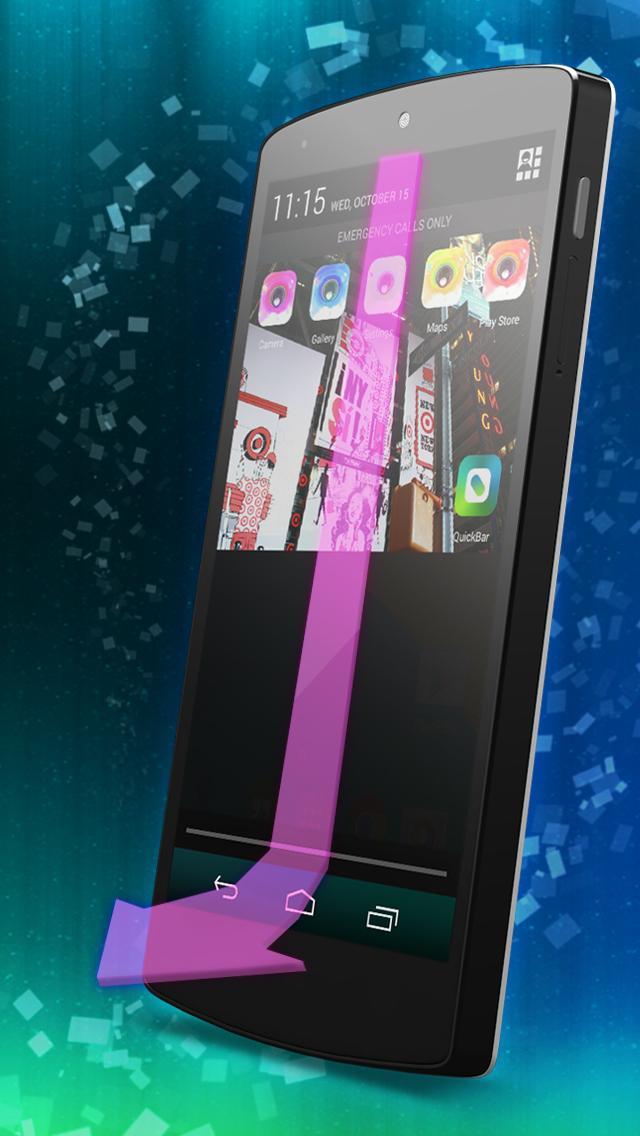
You can pull down the Notification Bar easily by touching this "QuickSlider"!!!

It is useful for user who using Big-Screen phone like Galaxy Note.

▶ How to use motion

- Slide Down or Slide Up with multi-touch!, Slide to both sides or Fold sides with multi-touch!

(When you Slide Down, Slide to both sides -> QuickBar will extended)

(When you Slide Up, Fold sides -> QuickBar will reduced)

- Slide Down twice or Slide Up twice with multi-touch!, Slide to both sides twice or Fold sides twice with multi-touch!

(When you Slide Down twice, Slide to both sides twice -> QuickBar's Size will fixed)

(When you Slide Up twice, Fold sides twice -> QuickBar's fixed size will released)

Going back and forth in your Home screen,

It is quite difficult to find the app you want to use!

From now on, just Slide down & Touch!

Touching home, back, even list button,

Are these too much buttons confusing to you?

Just Slide down and Touch!

Does your notification bar look too simple?

You can easily design your notification bar as you want!

Just Slide down and Touch!

Just Slide down and Touch~

Feature

1. Up to 14 apps can be added

2. Various app icons

3. The background of your own

4. 7 Basic themes provided

5. App title change or edit

6. Multi-touch available for noti bar size adjustment

Information

- This app supports Android 4.1.2 or higher

Permissions

One essential access ; Camera, Storage

Search Word

Quick Bar, QuickBar, Status Bar, Status, Notification, Notification Bar, Noti Bar, Noti, Launcher,

Shortcut Icon, Shortcut, Icon, Decoration, Deco, Background, BG, Image, photo, pull down, pull, drop, show, hide

Name, Title, Color, Change, Changing
What's New in the Latest Version 1.2.0

Last updated on Oct 13, 2015 Quick Bar -Ver 1.2.0
1. The QuickSlider is added to App.
2. Support Drag and Drop in Setting view.
3. Reduce using memory.
4. Video User Manuals is added.
5. Theme "BroadWay Street" is added.
6. Fixed bugs
Download(3.71MB)
Users also viewed
  • WLWT Weather

    WLWT Weather

    4.5.1402 October 2, 2026
  • OS Lock Screen - Passcode Lock

    OS Lock Screen - Passcode Lock

    1.0 October 1, 2026
  • Glossy Keyboard

    Glossy Keyboard

    2.5 October 1, 2026
  • Blue Skull Live Wallpaper

    Blue Skull Live Wallpaper

    4.1 October 1, 2026
  • Stop Motion Maker - KomaDori L

    Stop Motion Maker - KomaDori L

    1.3.7c October 1, 2026
  • Insta360 - Selfie Photo Editor

    Insta360 - Selfie Photo Editor

    1.8 October 1, 2026
  • Family Photo Frames

    Family Photo Frames

    1.12 October 1, 2026
  • RCA TV Remote

    RCA TV Remote

    1.0.7mts October 1, 2026
  • Leather Keyboard

    Leather Keyboard

    2.9.5 October 1, 2026
  • Day and Night for smartphone

    Day and Night for smartphone

    1.0 October 1, 2026
  • Cactusini live weather

    Cactusini live weather

    2.3.102 September 30, 2026
  • AQHI HK - Pollution & Health

    AQHI HK - Pollution & Health

    1.3 September 30, 2026
  • Katana wallpapers

    Katana wallpapers

    60 September 30, 2026
  • Encdroid Multi Cloud

    Encdroid Multi Cloud

    2.0.17 September 30, 2026
  • Dual Camera

    Dual Camera

    1.6 September 30, 2026
About Privacy Policy Terms of Service Cooking Policy

© Copyright 2017-2026 downzq.com