• Home
  • Games
    Action-adventure Simulation Business Role Playing Sports Competition Casual Intelligence Card Strategy Music Rhythm Text Puzzle Flying Shooting Love Development
  • Apps
    Business Office Newsletter Social Life Entertainment Online Shopping Practical Tools Travel Financial Management Educational Learning Information Reading Sports and Health
  • Articles

English 中文(简体) 中文(繁体) 한국어 日本語 Português Español Русский العربية Indonesia Deutsch Français ภาษาไทย
Home Apps Practical Tools Pie - MagicLockerTheme
Pie - MagicLockerTheme

Pie - MagicLockerTheme

1
2
3
4
5
Download
  • Version 1.2
  • Category Practical Tools
  • Package Name mobi.lockscreen.magiclocker.theme.free.haron.Pie
  • Update Time November 12, 2025
  • Size 539.1KB
About this app

'Pie - MagicLockerTheme' is a MagicLocker Theme App

'Pie - MagicLockerTheme' is a MagicLocker Theme App. To run this theme app, you must install MagicLocker App first

********

Features:

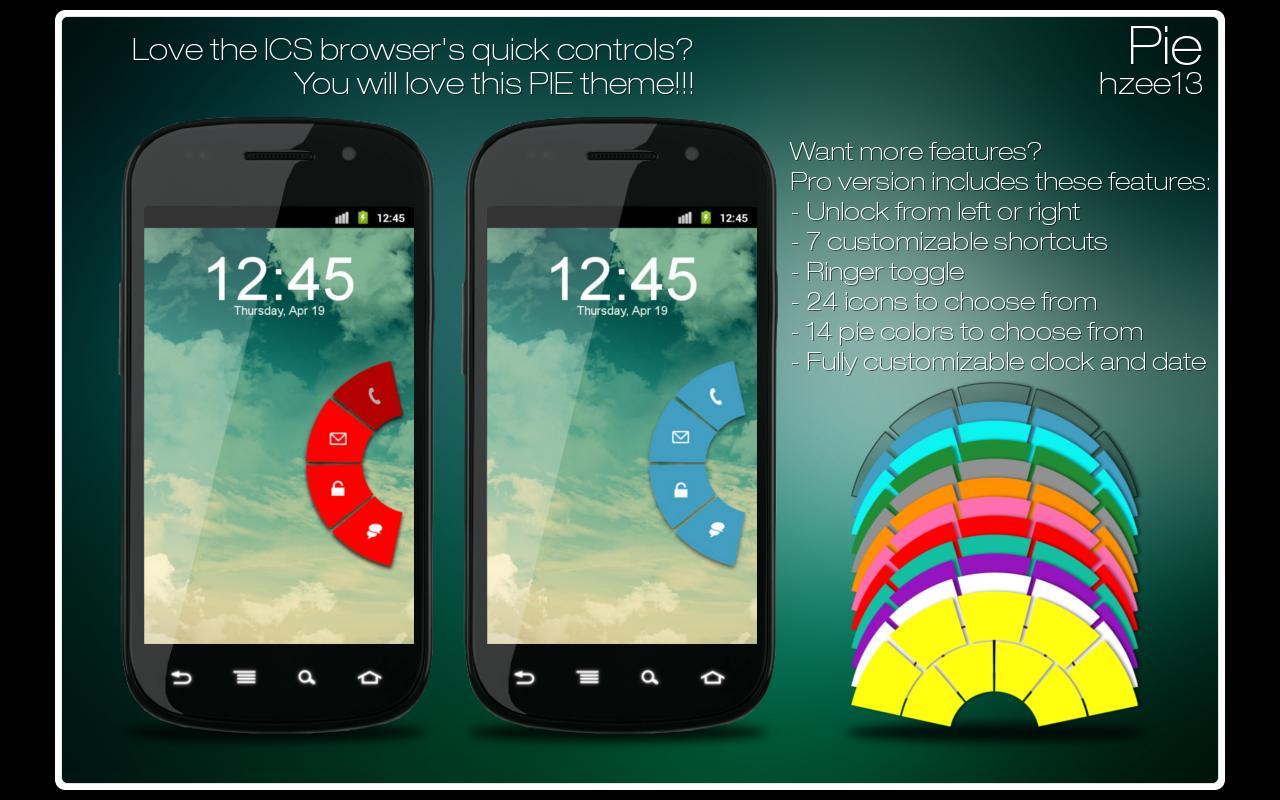
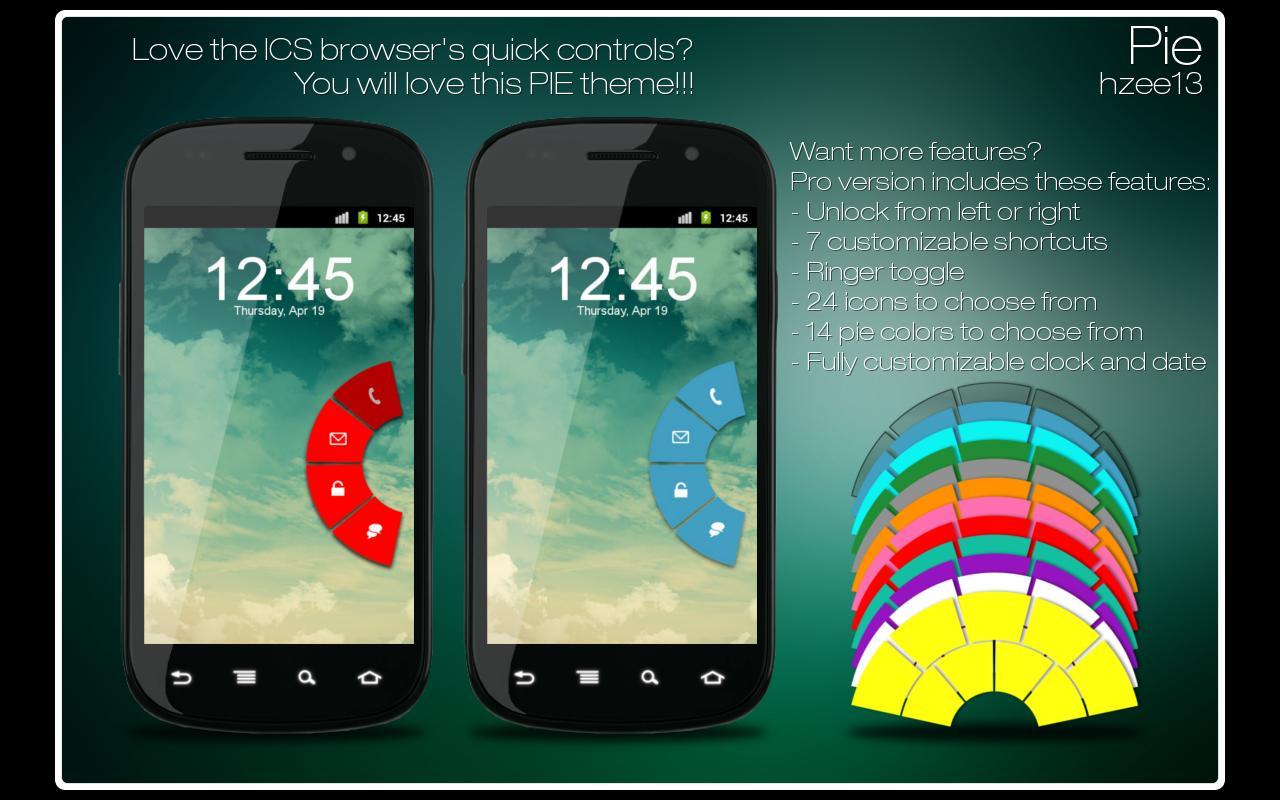
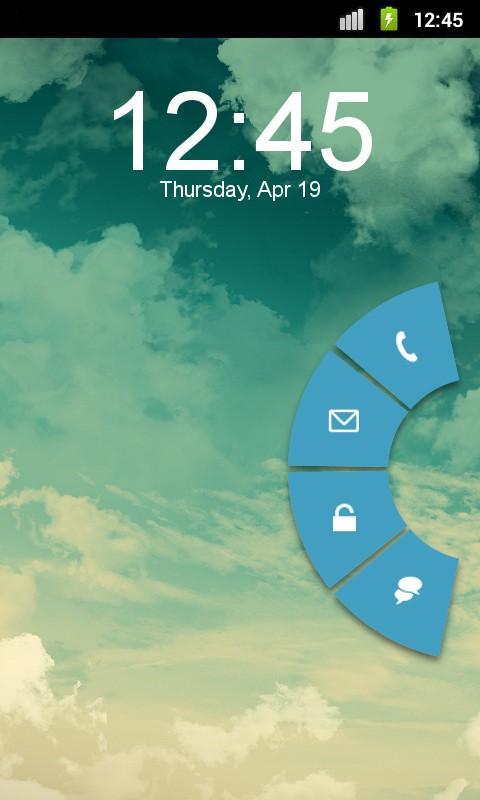
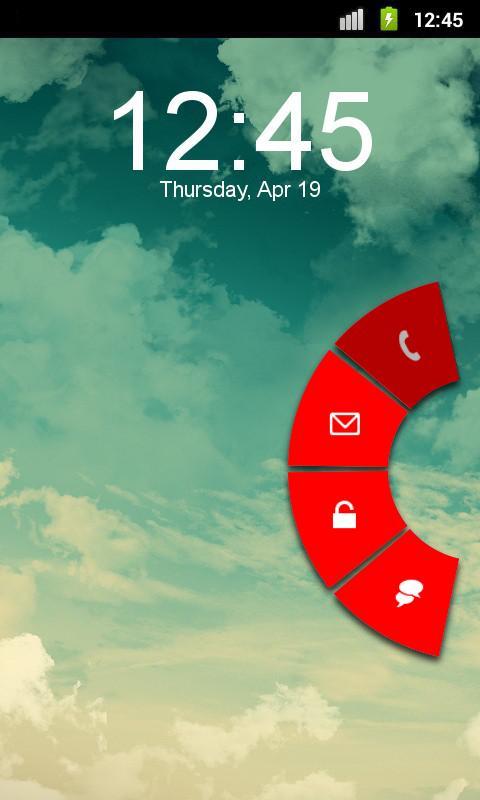
- Lockscreen based on ICS browser's quick controls

- Unlocker appears on the right edge of the screen

- Shortcut for phone, messaging, and gmail app

- 2 pie colors to choose from

- Missed calls and unread sms notifications

If you like this theme and would like to support me and have more features,

then please consider purchasing the Pro Version

Pie Pro Version includes:

- Both left and right unlockers

- 7 customizable shortcuts

- Ringer toggle

- 24 icons to choose from

- 14 pie colors to choose from

- Fully customizable clock and date

********

Design and icons copyright belongs to the author.

Q&A:

Q: How to find more MagicLocker Themes?

A: You can press 'More Themes' button in 'MagicLocker Setting -> Themes Tab'. Or search 'mobi.lockscreen.magiclocker.theme' in Google Market directly.

Q: How to install MagicLocker Themes?

A: After you install a MagicLocker theme app, you need to run the theme app and press 'Install this theme' button in the theme dialog.

Q: How to uninstall MagicLocker Themes?

A: You can long press a theme in 'MagicLocker Setting -> Themes Tab' then press 'Uninstall theme'. Or go to 'System Setting -> Applications -> Manage applications' then find the theme App to uninstall as general App.

Q: Why the 'Lost Robot' theme can't be uninstalled from MagicLocker?

A: 'Lost Robot' is the default theme in MagicLocker and MagicLocker must ensure there is at least one theme exist.

Q: Why a theme disappeared from 'MagicLocker Setting -> Themes Tab'?

A: First, please ensure your SD card is available, if yes, please try to reinstall the theme app.

What's New in the Latest Version 1.2

Last updated on Aug 12, 2015 v1.2:
Added option to choose your own app for email, dialer, and sms

v1.1:
added the default white color for the date and clock
Download(539.1KB)
Users also viewed
  • Root Verifier

    Root Verifier

    2.0 December 1, 2025
  • Mountain Weather

    Mountain Weather

    1.8.2 December 1, 2025
  • Pest Detection

    Pest Detection

    4.0 December 1, 2025
  • ADWTheme Symbian

    ADWTheme Symbian

    1.0.5 November 30, 2025
  • Third Party Inspections

    Third Party Inspections

    1.6 November 30, 2025
  • Key Chain

    Key Chain

    1.7 November 30, 2025
  • dodol Phone (data)

    dodol Phone (data)

    3.1.33 November 30, 2025
  • Fast Translator

    Fast Translator

    1.0 November 30, 2025
  • Kawaii Pic

    Kawaii Pic

    1.085 November 30, 2025
  • South African ID

    South African ID

    7.4.0 November 30, 2025
  • Puppies Live Wallpaper

    Puppies Live Wallpaper

    2.12 November 29, 2025
  • UltraShield

    UltraShield

    1.9 November 29, 2025
  • GO Locker Star Heart  (Gray)

    GO Locker Star Heart (Gray)

    2.7 November 29, 2025
  • Falling Leaves Live Wallpaper

    Falling Leaves Live Wallpaper

    16.5 November 29, 2025
  • AFTrack Grib plugin

    AFTrack Grib plugin

    1.0.6 November 29, 2025
About Privacy Policy Terms of Service Cooking Policy

© Copyright 2017-2025 downzq.com