• Home
  • Games
    Action-adventure Simulation Business Role Playing Sports Competition Casual Intelligence Card Strategy Music Rhythm Text Puzzle Flying Shooting Love Development
  • Apps
    Business Office Newsletter Social Life Entertainment Online Shopping Practical Tools Travel Financial Management Educational Learning Information Reading Sports and Health
  • Articles

English 中文(简体) 中文(繁体) 한국어 日本語 Português Español Русский العربية Indonesia Deutsch Français ภาษาไทย
Home Apps Educational Learning Pearson eText for Schools
Pearson eText for Schools

Pearson eText for Schools

1
2
3
4
5
Download
  • Version 2.0
  • Category Educational Learning
  • Package Name com.pearson.android.etext.rumba
  • Update Time March 4, 2026
  • Size 6.65MB
About this app

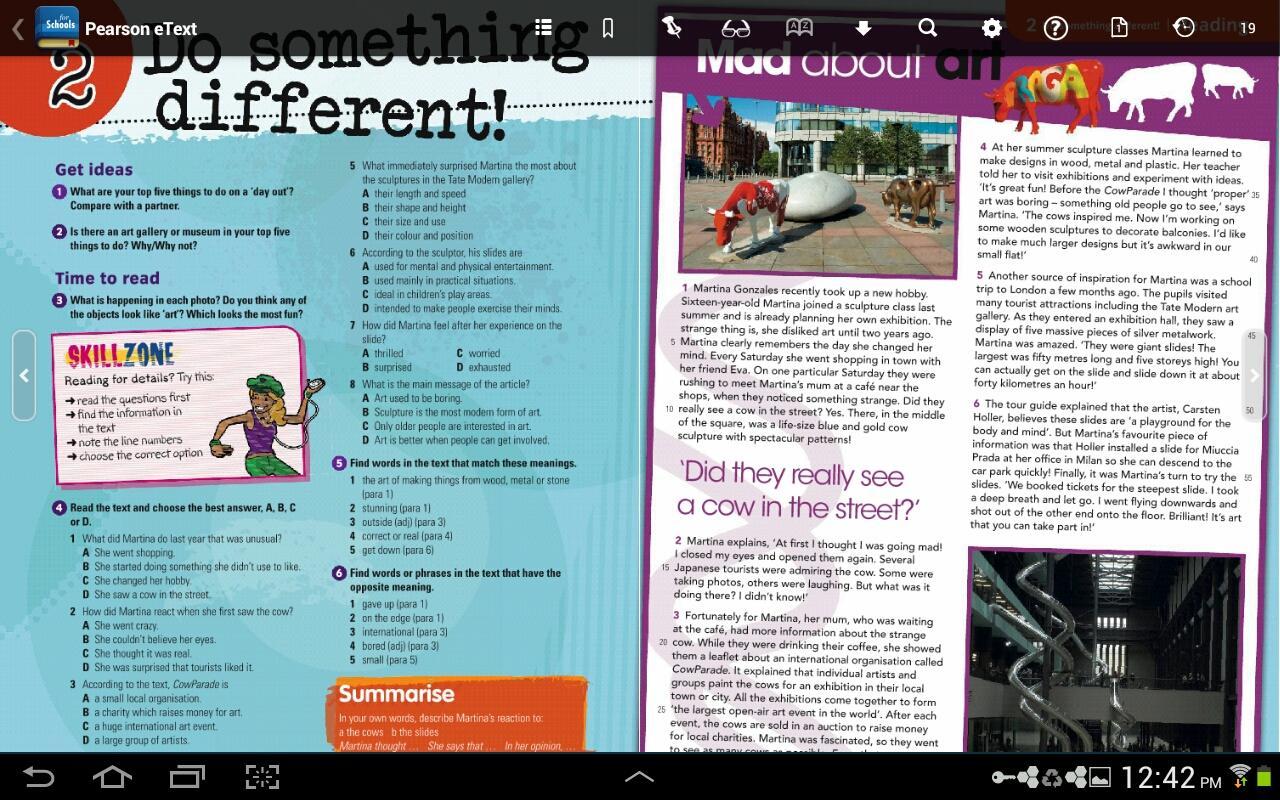
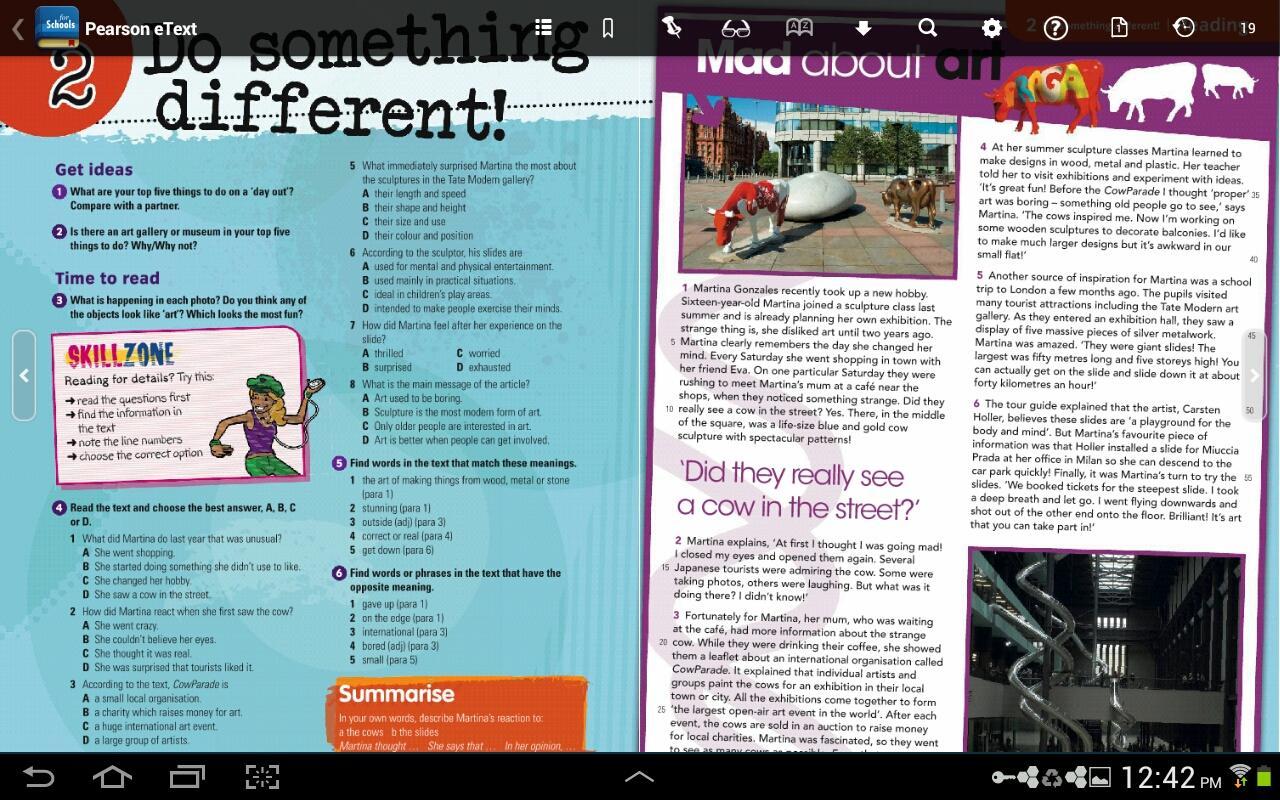
Pearson eText for Schools app allows teachers & students to view Pearson titles.

The Pearson eText for Schools app is a great companion to Pearson’s eText browser-based ebook reader. It allows existing subscribers who view their Pearson eText titles on a Mac or PC to access their titles in a bookshelf on a 7” or 10” Android Tablet either online or via download. The tablet device must support Android OS 3.1 or newer.

Pearson eText for Schools is also the eText app of choice for users of the Pearson Custom Library when using an Android tablet.

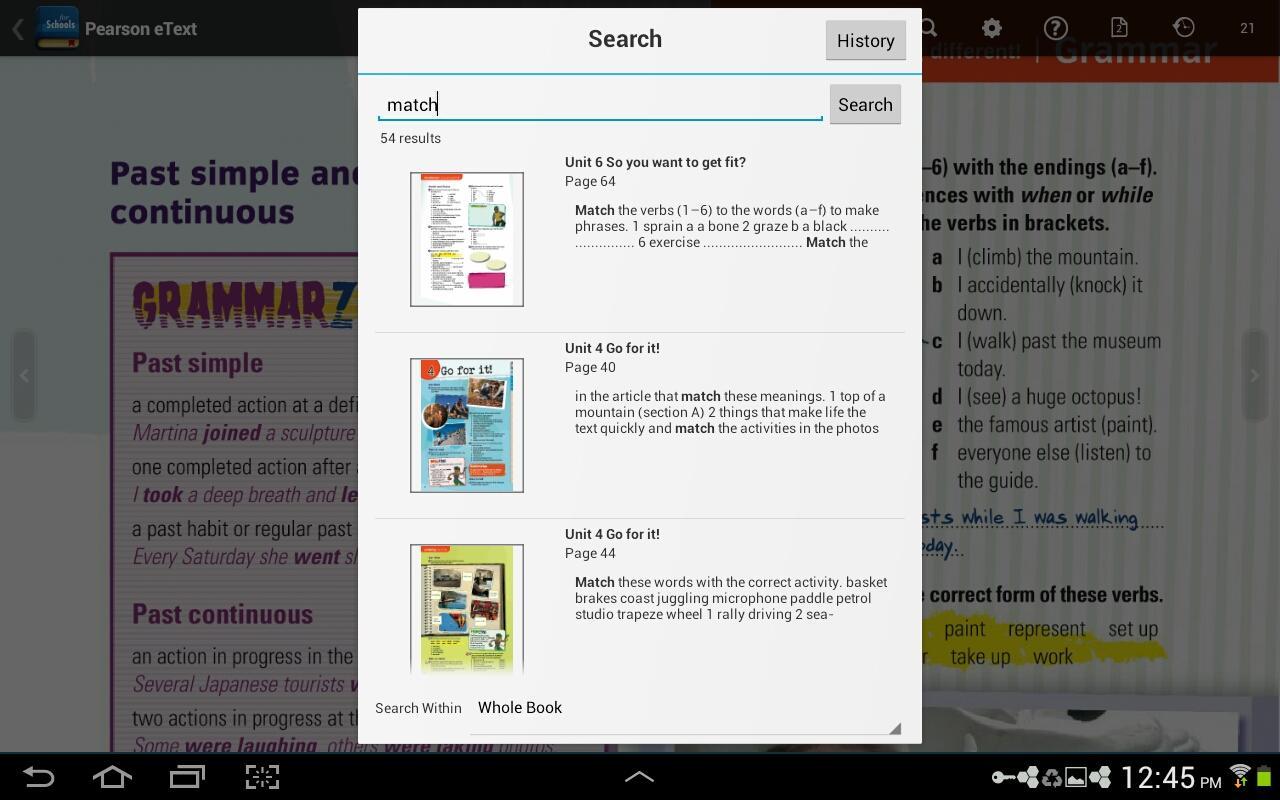
With the Pearson eText for Schools app, book content is displayed with the highest quality fidelity to the print and online versions of the textbook. The Pearson eText for Schools app provides students and teachers with many of the same features available to web-based eText subscribers such as full-text search capabilities, a notes manager, support for multimedia content, glossaries, and many other exciting features.

To access your titles:

1. Install this app on your Android tablet and connect to the Internet.

2. Launch the app.

3. In the eText app, when prompted to login, enter a valid Pearson username and password.

4. Your bookshelf will display your subscribed titles.

Note: If you receive a message stating "Invalid Username or Password" and you've entered the information correctly, your subscribed titles may not yet be available on the Android tablet.

Highlights:

• Bookshelf displaying subscribed titles

• Page fidelity to the original textbook display

• Single and two-page view

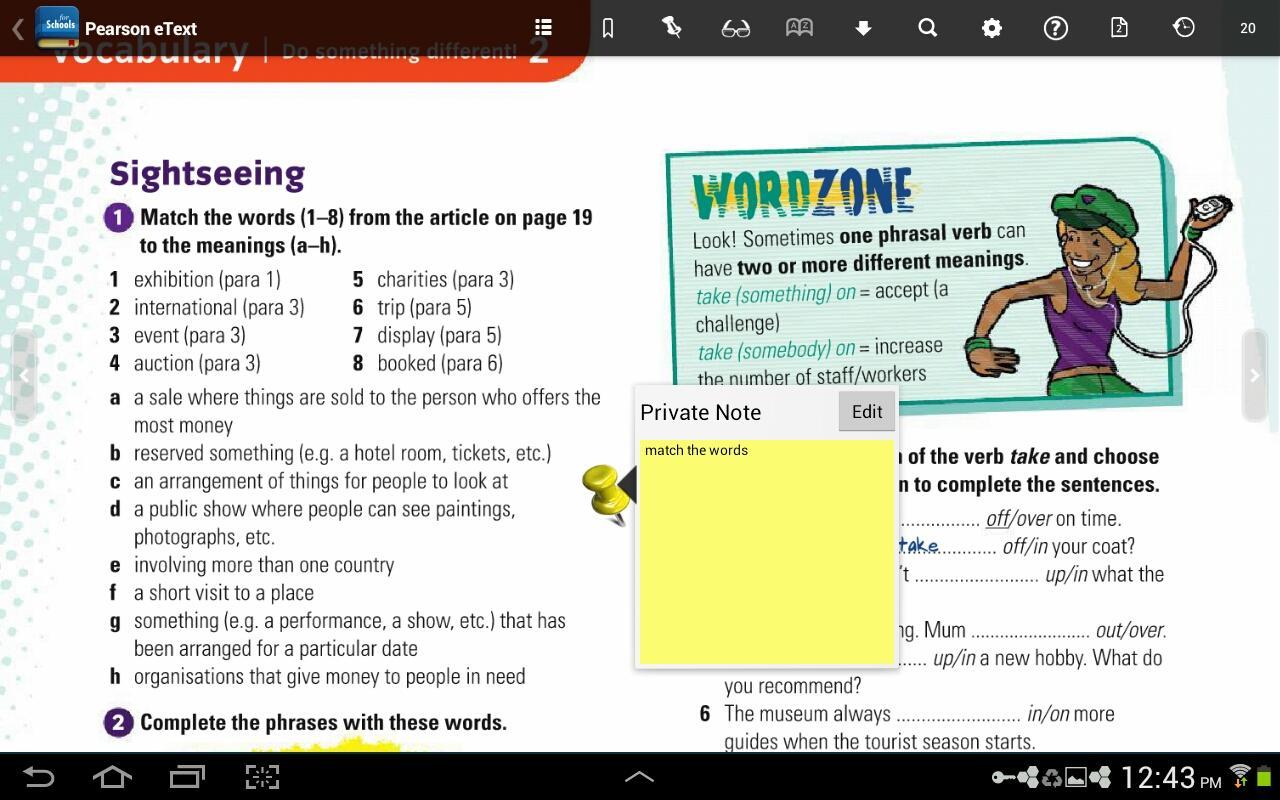
• Notes, highlights, bookmarks on or offline

• Hotspot links to rich browser-based media (online only)

• Text Search and Search History

• Download Manager for offline access

• Table of Contents

• Glossary (selected titles)

• Help
What's New in the Latest Version 2.0

Last updated on Feb 19, 2020 This release of eText for Schools App changes the authentication and subscription management system to Pearson K-12 Learning managed services. This is a mandatory upgrade and is required for continued use of the app for K-12 users.

Minimum version supported: Android 19 and above.
Download(6.65MB)
Users also viewed
  • BI Group

    BI Group

    1.6.10 May 2, 2026
  • MAI

    MAI

    1.2.41 May 2, 2026
  • Grade Blade

    Grade Blade

    2.1.3 May 2, 2026
  • Antivirals14

    Antivirals14

    1.0.0 May 1, 2026
  • Brain IQ Test

    Brain IQ Test

    1.0.2 May 1, 2026
  • Napoleon Bonaparte

    Napoleon Bonaparte

    1.1 April 30, 2026
  • ServiceDesk Plus | Cloud

    ServiceDesk Plus | Cloud

    6.32.0 April 30, 2026
  • smg360

    smg360

    4.18.3 April 30, 2026
  • HSEQ Manager

    HSEQ Manager

    8.3.1 April 29, 2026
  • [Hello Cocomong]Dance Time 4

    [Hello Cocomong]Dance Time 4

    2.95 April 29, 2026
  • Engineering Geology

    Engineering Geology

    7 April 29, 2026
  • Time To Pet

    Time To Pet

    3.4.45 April 29, 2026
  • NL International France

    NL International France

    1.1.1 April 29, 2026
  • Adaoi

    Adaoi

    1.5 April 29, 2026
  • My Shift

    My Shift

    1.51.0 April 28, 2026
About Privacy Policy Terms of Service Cooking Policy

© Copyright 2017-2026 downzq.com