• Home
  • Games
    Action-adventure Simulation Business Role Playing Sports Competition Casual Intelligence Card Strategy Music Rhythm Text Puzzle Flying Shooting Love Development
  • Apps
    Business Office Newsletter Social Life Entertainment Online Shopping Practical Tools Travel Financial Management Educational Learning Information Reading Sports and Health
  • Articles

English 中文(简体) 中文(繁体) 한국어 日本語 Português Español Русский العربية Indonesia Deutsch Français ภาษาไทย
Home Apps Business Office Overlay Music Player
Overlay Music Player

Overlay Music Player

1
2
3
4
5
Download
  • Version 0.1.9
  • Category Business Office
  • Package Name com.yohpapa.overlaymusicplayer
  • Update Time January 26, 2025
  • Size 343.83KB
About this app

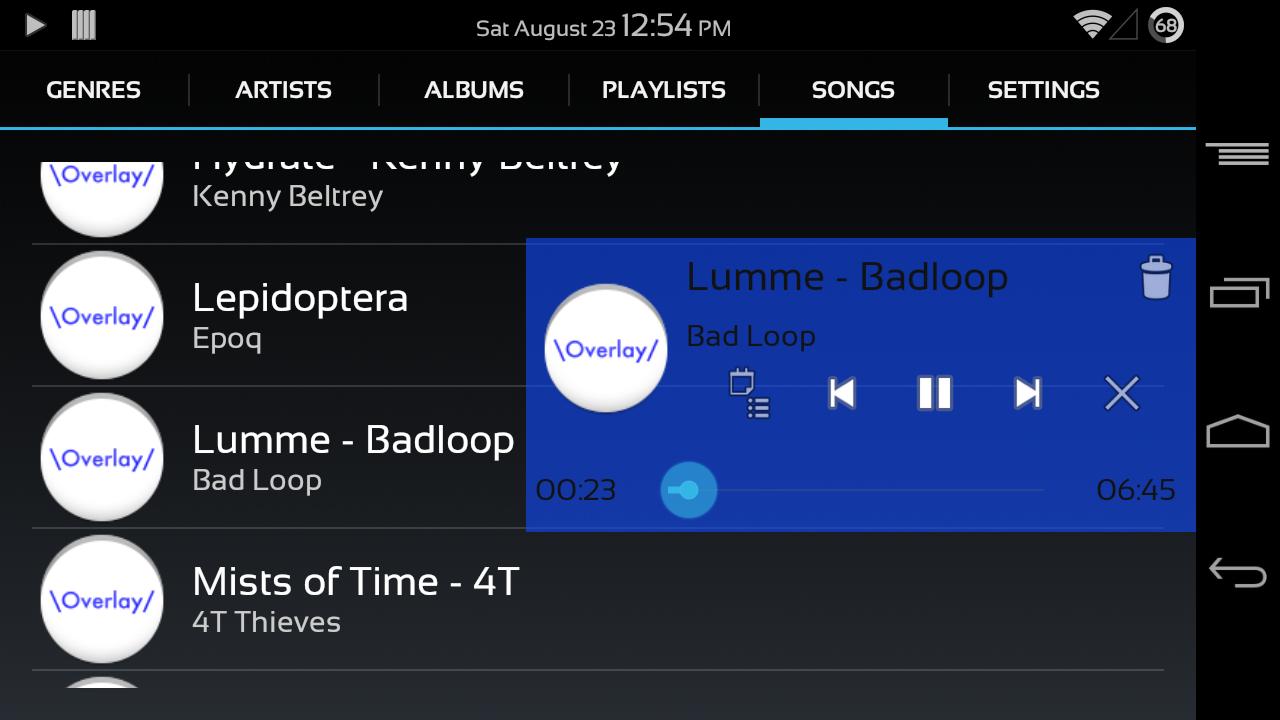
This is the unique music app. It always shows you the control panel. Enjoy it!

This is a really simple music player. But its control panel is laid on the top of any other app. You can control the music player on the panel anytime, anywhere and as you like!

The project of the app has been published on github under Apache License v2. Please fork me on GitHub!

https://github.com/yohpapa/overlaymusicplayer

Usage:

Select a tab from genres, artists, albums, playlists, songs tab by tapping a tab or swipe between them. And then select a category in the selected tab. So songs which belong to your selected category will be started playing.

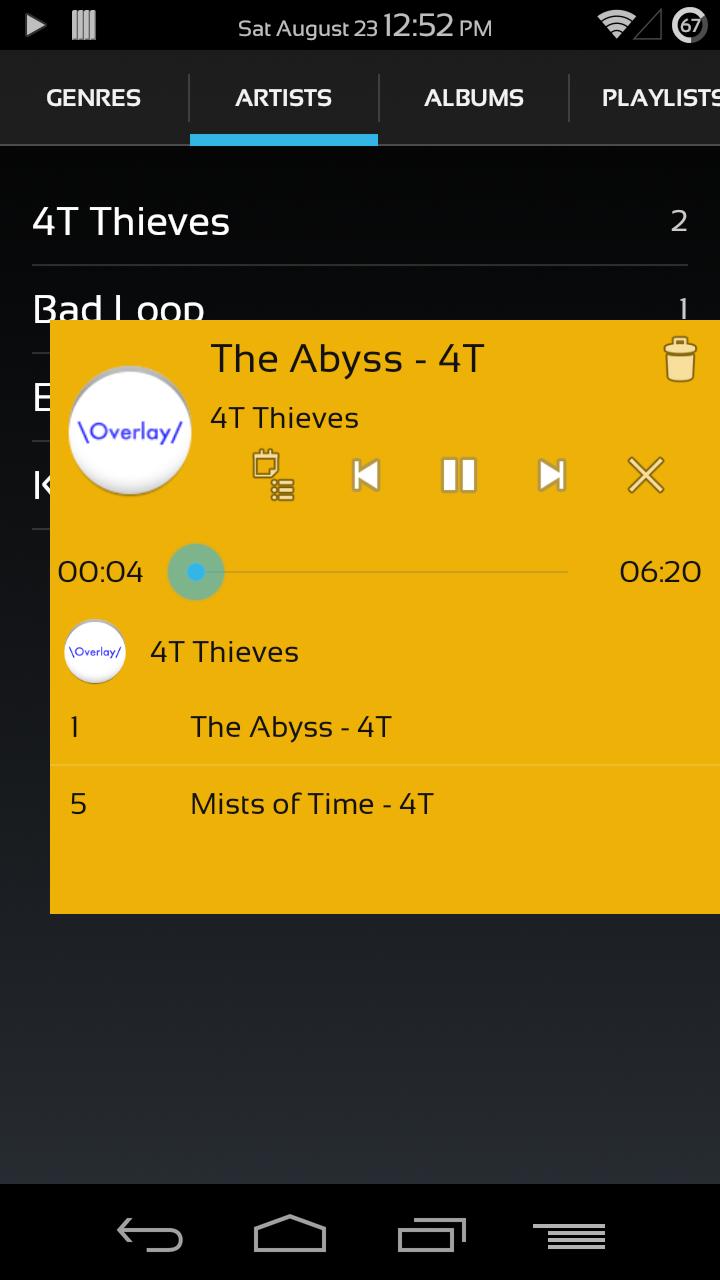
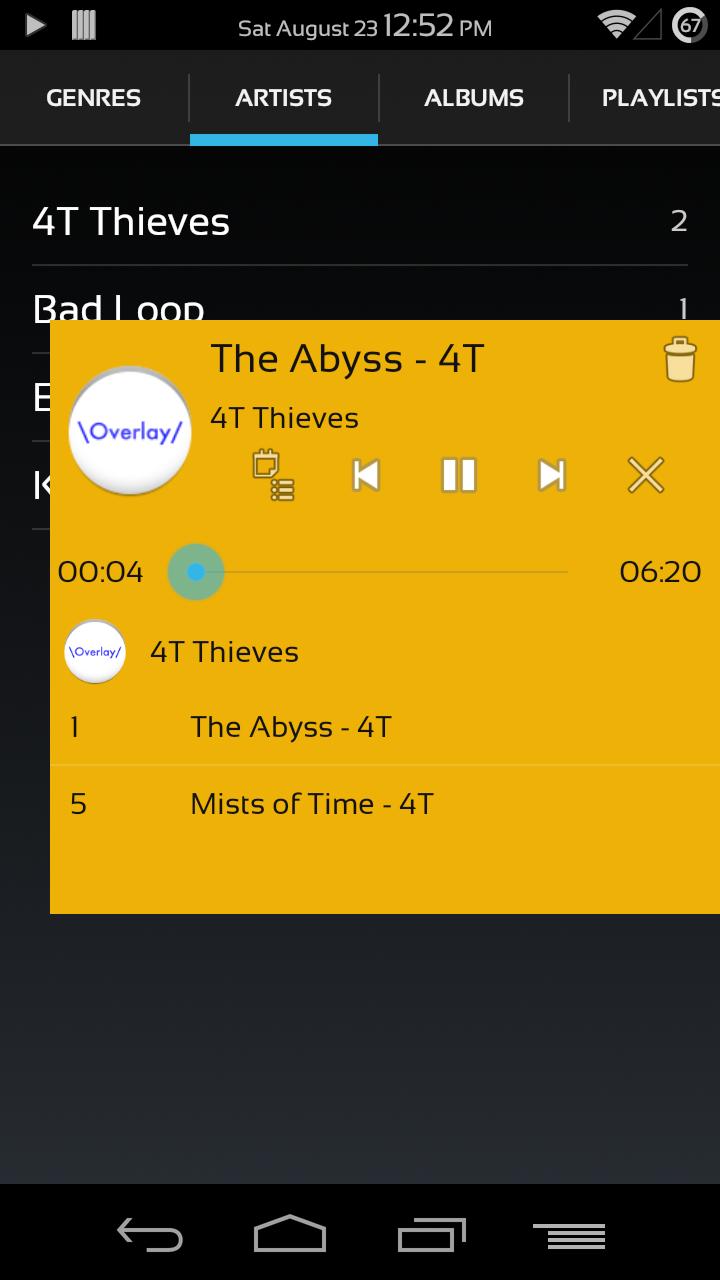
After that, you will see the control panel on top of the screen. The control panel will disappear if you do not touch the screen for a few second. If you want to show the control panel again, touch anywhere on the screen to show a white button on right side of the screen and tap the white button.

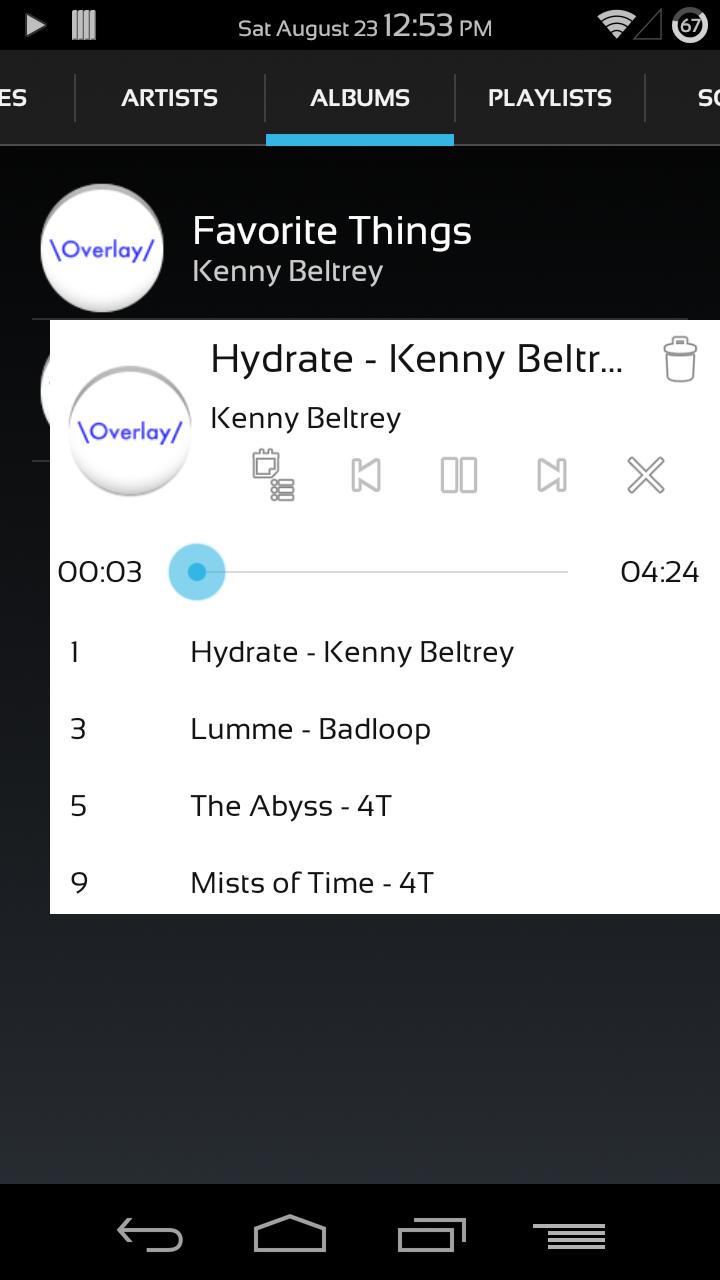
You can control the music player such as play, pause, track up, track down and stop on the control panel. In addition you can see the songs’ list which belong to the selected category and you can select one from them and play it.

When you want to change background color of the control panel, go to the settings tab. You can change the background color. If you also want to change text color ont the control panel to fit to the background color, tap title text area or artist text area. If so text text color will toggle between black and white.

Special thanks for awesome songs on the screenshots!

http://www.vorbis.com/music/
What's New in the Latest Version 0.1.9

Last updated on Jan 16, 2016 v0.1.9
This is also minor update. I have fixed the display problem on some devices. The detail is described on GitHub (Issue #10.)
Download(343.83KB)
Users also viewed
  • Carrier Signal 3G/4G SpeedTest

    Carrier Signal 3G/4G SpeedTest

    3.0.4 December 15, 2025
  • Myat Min Keyboard - Unicode

    Myat Min Keyboard - Unicode

    2.0 December 14, 2025
  • BunkMaster

    BunkMaster

    3.2.1 December 13, 2025
  • SURFdrive

    SURFdrive

    4.1.0 December 13, 2025
  • Rich Data

    Rich Data

    5.22.3.0 December 13, 2025
  • Shinhan SOL Viet Nam

    Shinhan SOL Viet Nam

    3.4.2 December 13, 2025
  • Folder Notes

    Folder Notes

    1.06 December 12, 2025
  • Sermon de Vendredi au Fouta

    Sermon de Vendredi au Fouta

    1.2 December 12, 2025
  • Touch Text Keyboard

    Touch Text Keyboard

    3.4 December 10, 2025
  • My Ears

    My Ears

    1.131 December 10, 2025
  • FileDrop

    FileDrop

    4.0.0 December 10, 2025
  • Gun Sounds: Tough Guns

    Gun Sounds: Tough Guns

    8.7 December 9, 2025
  • GTD Task Manager - Free

    GTD Task Manager - Free

    0.99 December 9, 2025
  • Recetas de cocina

    Recetas de cocina

    1.5 December 8, 2025
  • Gps Notes Lite

    Gps Notes Lite

    1.03 December 8, 2025
About Privacy Policy Terms of Service Cooking Policy

© Copyright 2017-2025 downzq.com