

Enjoy millions of the latest Android apps, games, music, movies, TV, books, magazines & more. Anytime, anywhere, across your devices.
By installing this app you agree to the End User License Agreement terms at http://www.oracle.com/technetwork/server-storage/sunrayproducts/docs/default-1938992.html.
Oracle Virtual Desktop Client for Android is an ideal application for highly mobile and secure access to your virtual Windows, Oracle Linux, and Oracle Solaris desktops and applications, including Oracle's industry-leading applications.
WORK VIRTUALLY ANYWHERE
Gain higher productivity and flexibility to work virtually anywhere, anytime, with access to all your server-hosted desktops and applications from your Android tablet.
HIGHLY SECURE ACCESS
Access your desktop and applications with confidence that no sensitive data is stored on the iPad but kept secure and centralized in the safety of the datacenter.
BROADEST CHOICE OF PLATFORMS
Oracle Virtual Desktop Client offers you the broadest choice and greatest flexibility of accessing desktops and applications running on various platforms including Windows, Oracle Linux or Oracle Solaris.
UNCOMPROMISED PERFORMANCE
Oracle's Appliance Link Protocol delivers performance and a superior multimedia playback experience, even over low bandwidth and high latency WAN environments, without the additional costs of WAN accelerators or branch repeaters.
MOBILE ACCESS TO APPLICATIONS
Secure and easy access to Oracle's industry leading applications along with your Microsoft Windows and native Android applications.
BACKED BY ORACLE'S WORLD CLASS SUPPORT
Only Oracle offers and supports the industry's most complete desktop virtualization solution.
FEATURES:
Optimized User Interface for Android Tablets
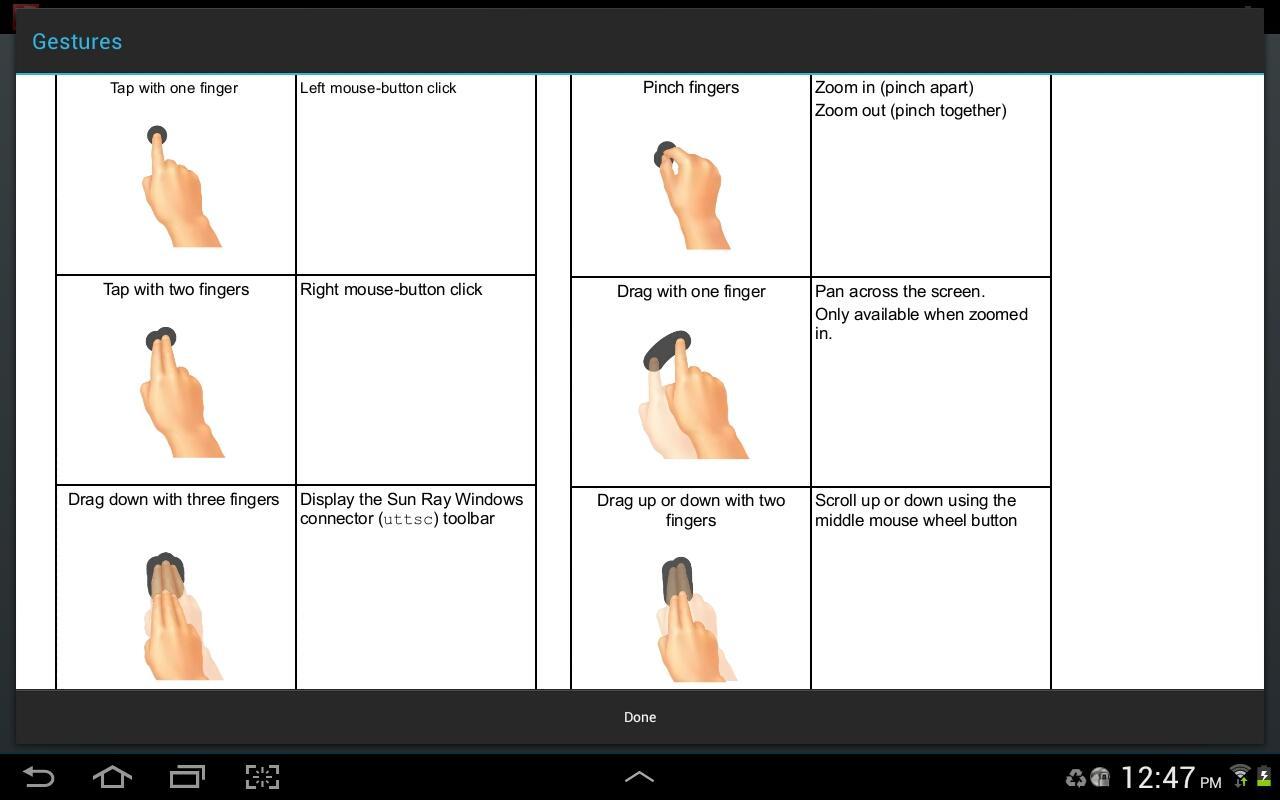
- Simple and intuitive gestures and navigation
- Rich keyboard support (including Ctrl, Alt, Esc, Insert, Delete, Tab, Home, End, Function, paging, and cursor keys) enables enhanced user interactions with your virtual applications
- International on-screen keyboard support
- Clipboard for copy and paste of text between Android tablet and virtual desktop
Enhanced Multimedia Experience
- Smooth multimedia playback experience on Oracle Desktop Virtualization hosted applications, including Adobe Flash Player and Windows Media Player
- Optimized multimedia delivery to the local client provides enhanced network utilization and scalability
Greater Security
- Secure remote access using your existing VPN software
- Leverages the ultra secure Appliance Link Protocol (ALP) with Sun Ray Software or Oracle Virtual Desktop Infrastructure
Multi-tasking Support
- Increase productivity with the ability to instantly switch between virtual and native Android applications
Flexible and Hassle-free Configuration
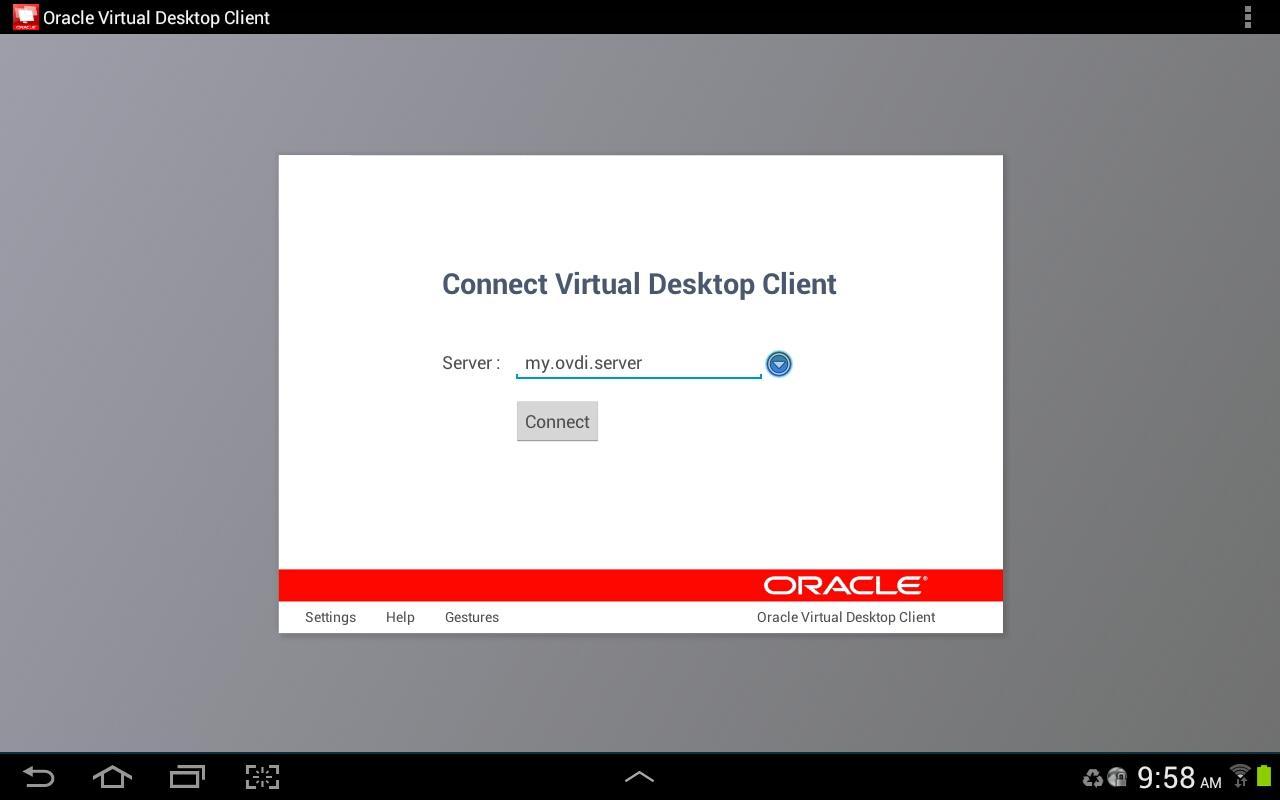
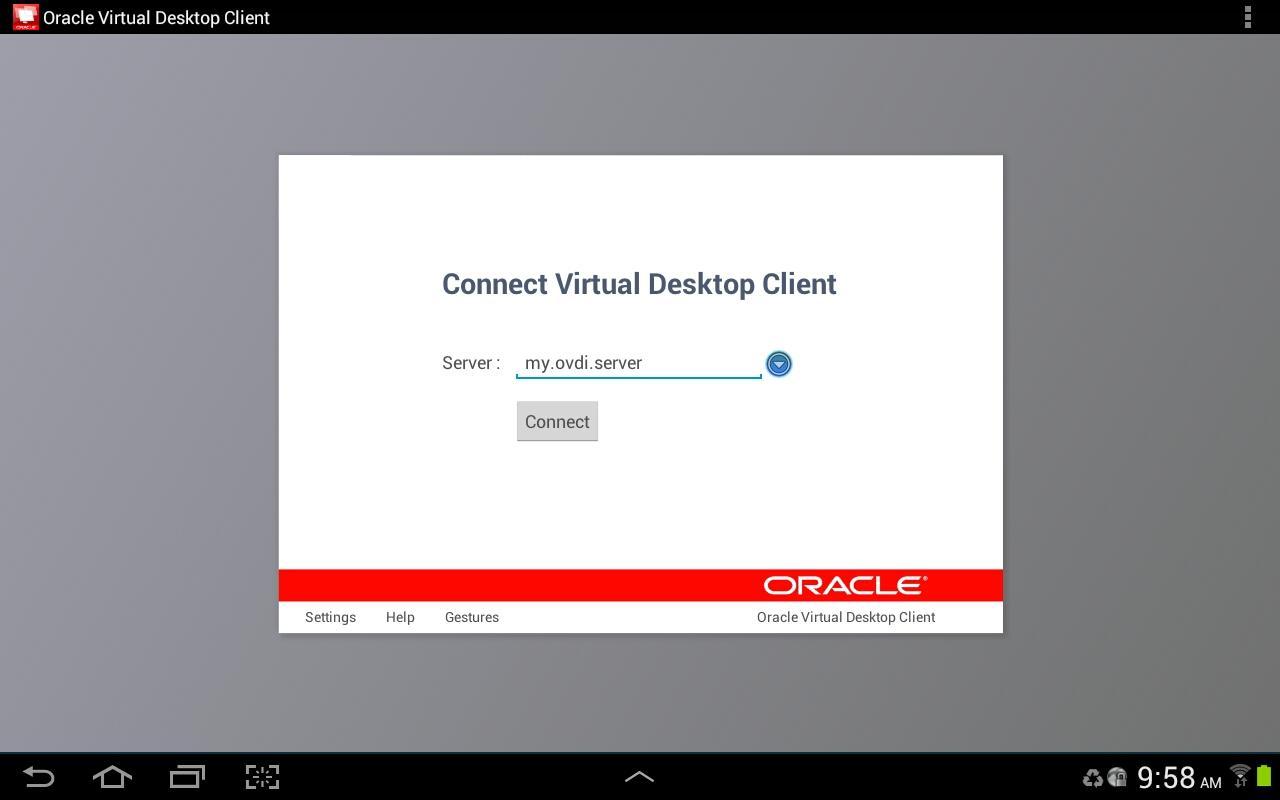
- Simple UI configuration and connection server settings
- Auto-discovery of available Sun Ray Software and Oracle Virtual Desktop Infrastructure servers
Fast and Easy Connectivity
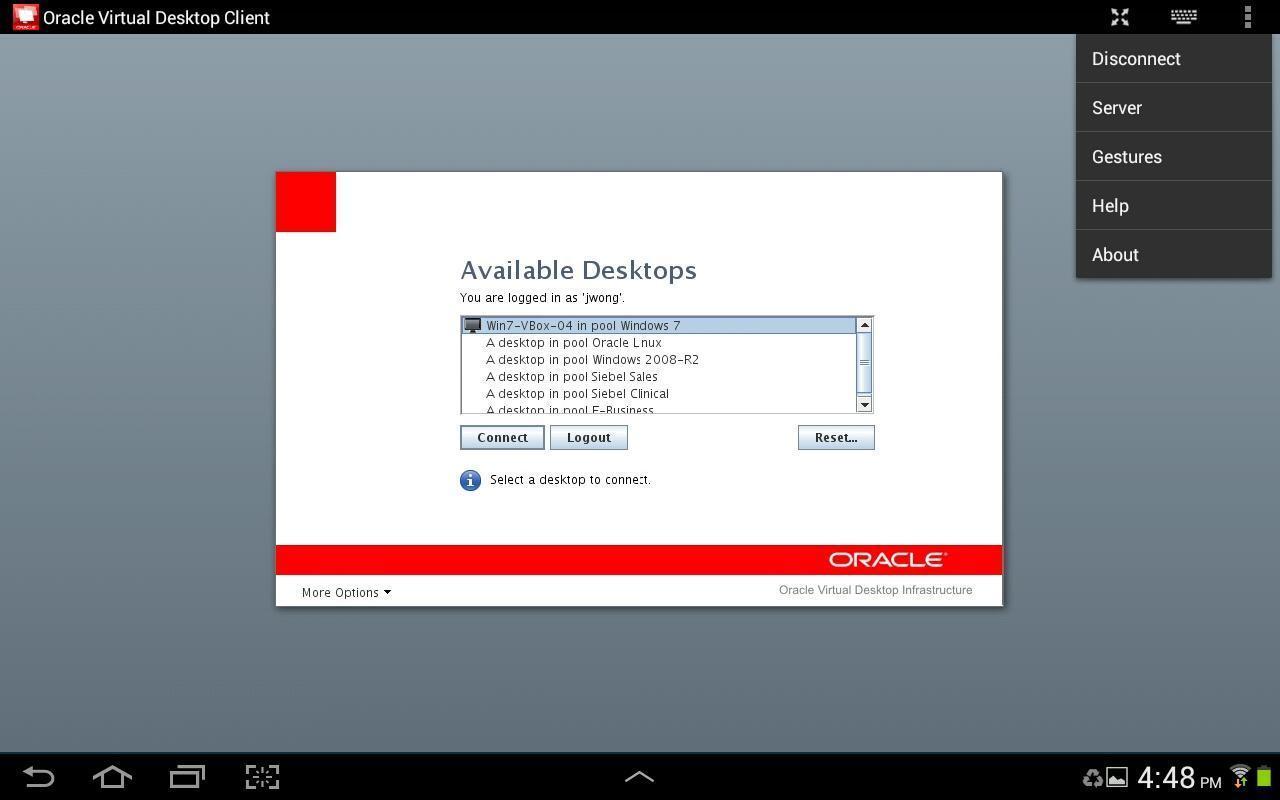
- Click-and-go connectivity to configured and available desktops and applications
REQUIREMENTS:
Client: Compatible with tablet devices running Android 4.x. Not supported on Android phones. Oracle Virtual Desktop Client was tested with several preferred models of Android tablet devices under specific configurations of Sun Ray Software and Oracle Virtual Desktop Infrastructure. Due to the wide choice of Android tablets available in the market, there may be variations in Oracle Virtual Desktop Client feature availability and functionality due to device vendor specific features and modifications made to the Android operating system that may affect feature compatibility.
We highly recommend that you test Oracle Virtual Desktop Client with your tablet device to ensure that it is compatible with your network and firewall configuration, software, systems, and client device prior to making purchasing decisions.
Server: Sun Ray Software 5.1 or higher or Oracle Virtual Desktop Infrastructure 3.2.2 or higher.
License: Use of Oracle Virtual Desktop Client requires a valid Sun Ray Software or Oracle Virtual Desktop Infrastructure license.



 Download