

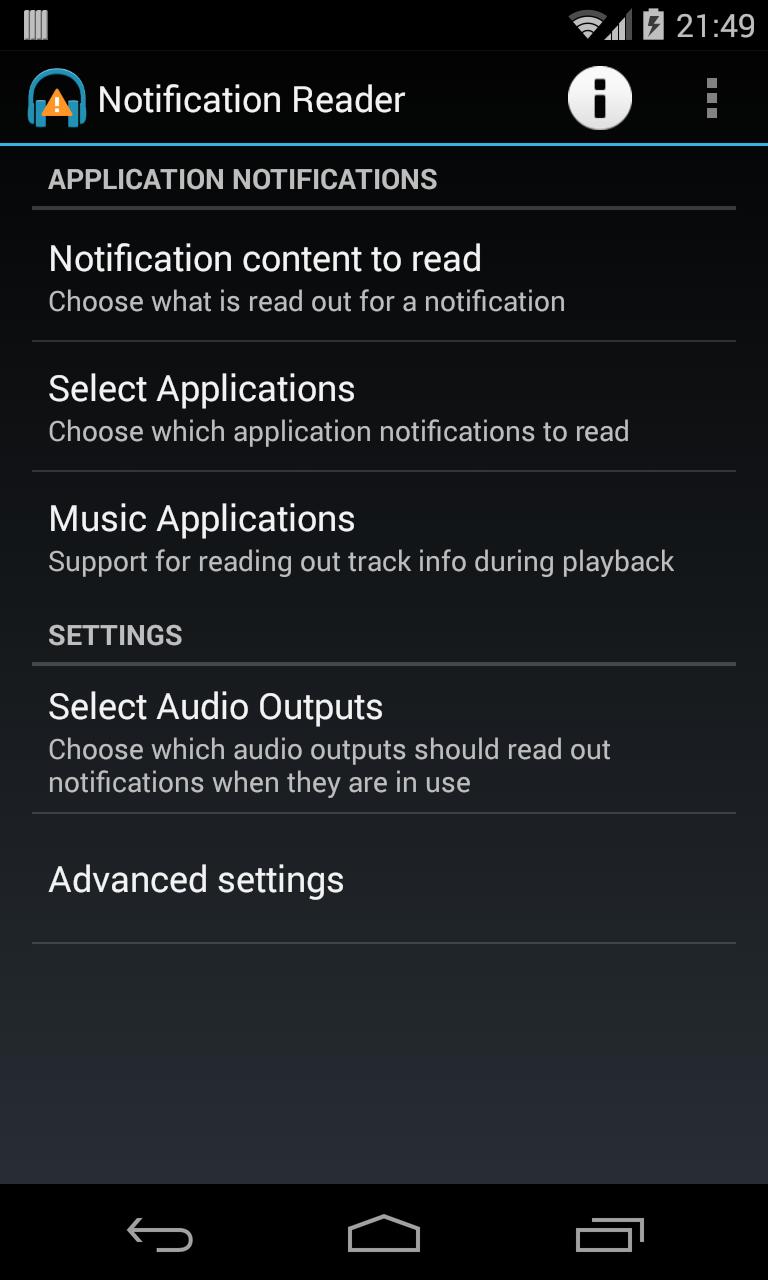
Read aloud notification messages over Bluetooth connections and wired headphones
Read aloud Android notifications using Text To Speech when using different audio outputs like headphones or Bluetooth headsets.
Ideal for when you listen to music on your device, and just want to get some info about a notification without having to take your phone out of your pocket to look at the screen - the notification will be read out to you and the audio mixed with your music.
Main features -
Respects device audio focus to allow the notification prompts to be mixed with music playback, but not interrupt important applications like games if they request exclusive audio access.
Detects phone call state to not play messages and interfere with ongoing phone call or when phone is ringing.
• Enable or disable for different audio outputs individually:
- Wired headphones / headsets
- Bluetooth audio connections like headphones / headsets / A2DP media profile car kit connections
- Normal phone speaker (disabled by default, please be aware that notification content could potentially include private info that could be heard by others before enabling this output!)
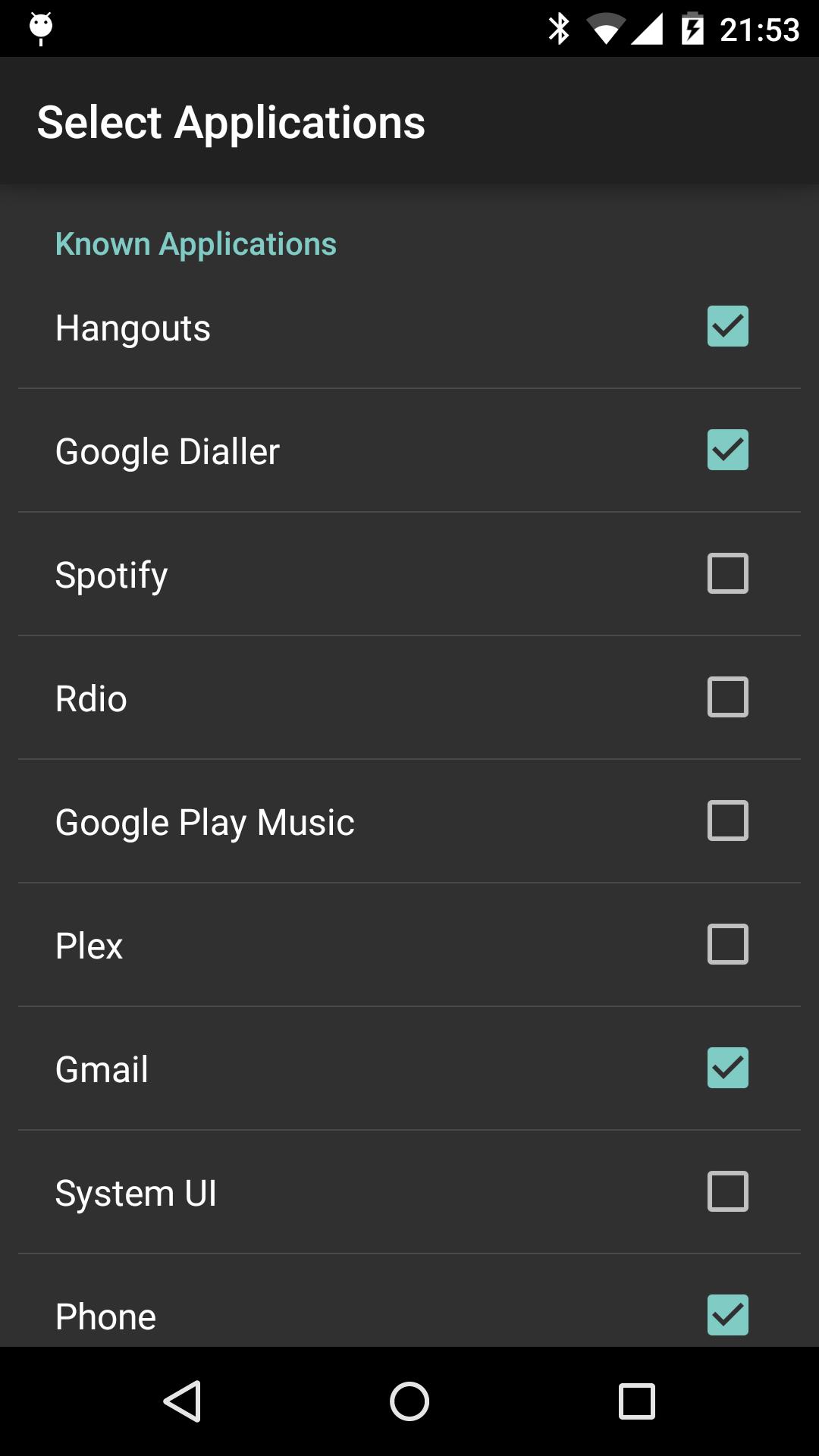
• Only read notifications posted by user selected applications
- A number of common apps are included and disabled by default, see note below.
• Automatically enable or disable notifications for “new” applications the first time they occur.
• Option to automatically dismiss the notification from the notification drawer once it has been read out.
• Manually dismissing a notification from the notification drawer will cancel the reading of that message if it's currently playing, or stop it from being played if it's in a queue of events.
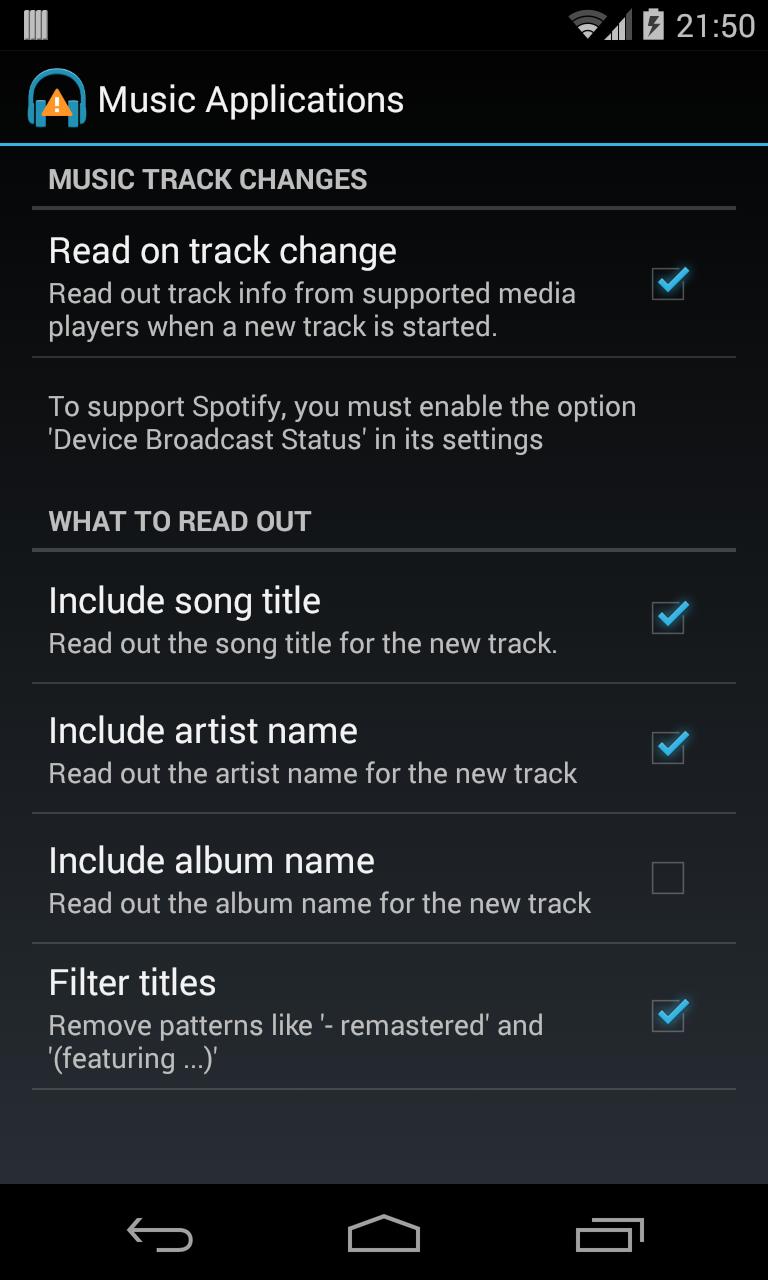
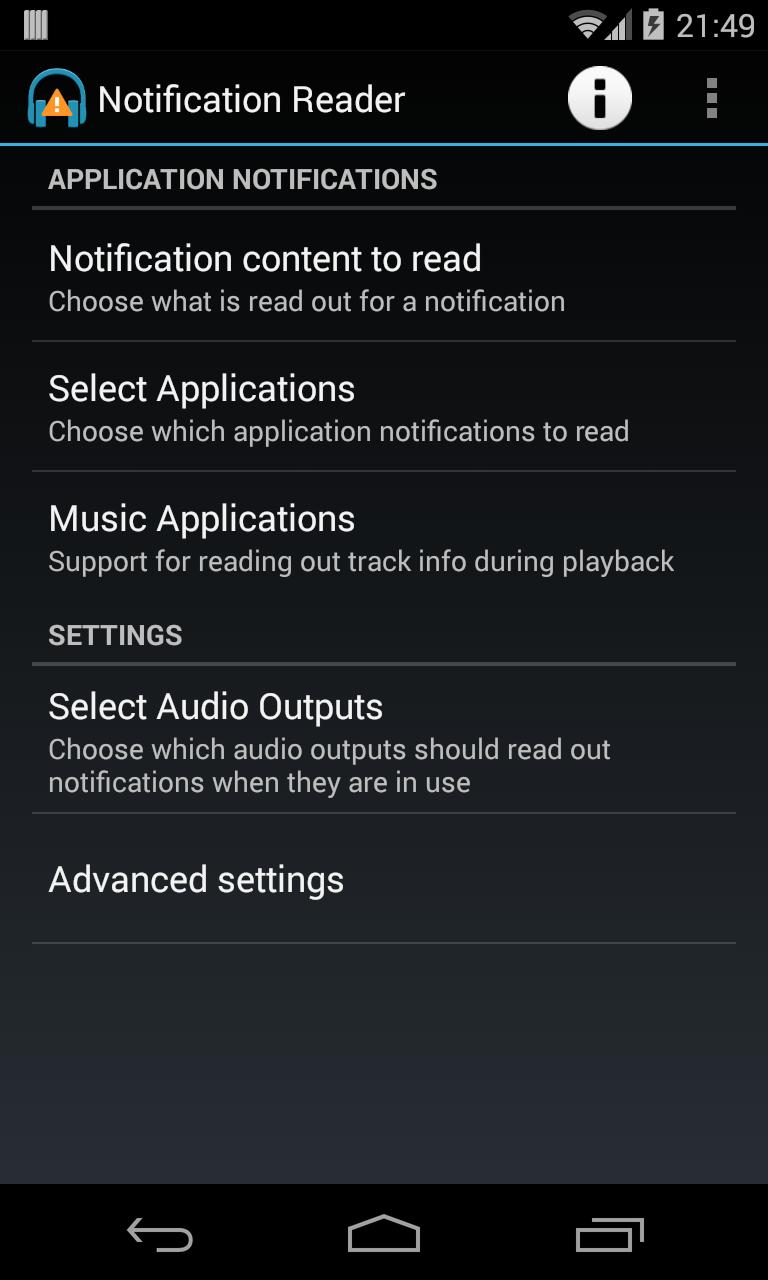
• Support reading out music track info during playback from Google Play Music, Spotify & Rdio.
Please note, the setting “Device Broadcast Status” must be turned on in Spotify to receive track info from it.
Music apps should continue to be disabled in the applications list to avoid the constant updates they post as notifications being read out.
General app notes -
• To use this app you must grant it Notification Access rights from the System Security settings. The first time the app is launched you’ll be prompted to do this and taken to the Security settings page.
The app will not be able to access and read any notifications until this access is granted.
• The standard device text to speech service on a device is used, so requires that you are using a supported language and have installed the voice data to enable it. You can find a shortcut to the TTS settings in the action menu.
• The content read for each notification is dependant on the actual text description in the notification that each application provides.
For example, single text messages from SMS/Hangouts will include the actual message content, emails from different email applications will typically only include the sender & subject line and not the email message content.
A number of common applications notifications are automatically disabled by default. These include -
Android System, Google Play Store, System UI, Download Manager, Google Play Music - as they tend to produce either frequent (Google Play Music download progress notifications!), or just notifications that you are unlikely to want to hear, i.e. USB connections, apps being installed or updated.
These can be enabled if wanted, but be aware that something like downloading music from Google Play Music can produce a lot of messages for progress bar updates!
For 4.4+ devices -
Improved GMail notification support
Improved Google Now cards support - the content that you want from most cards should now be read out properly!
For 4.3+ devices -
A few bug fixes.
This will probably be the last update compatible with devices on 4.3 as extra features in the works will require 4.4+ APIs to be able to implement them.






 Download