

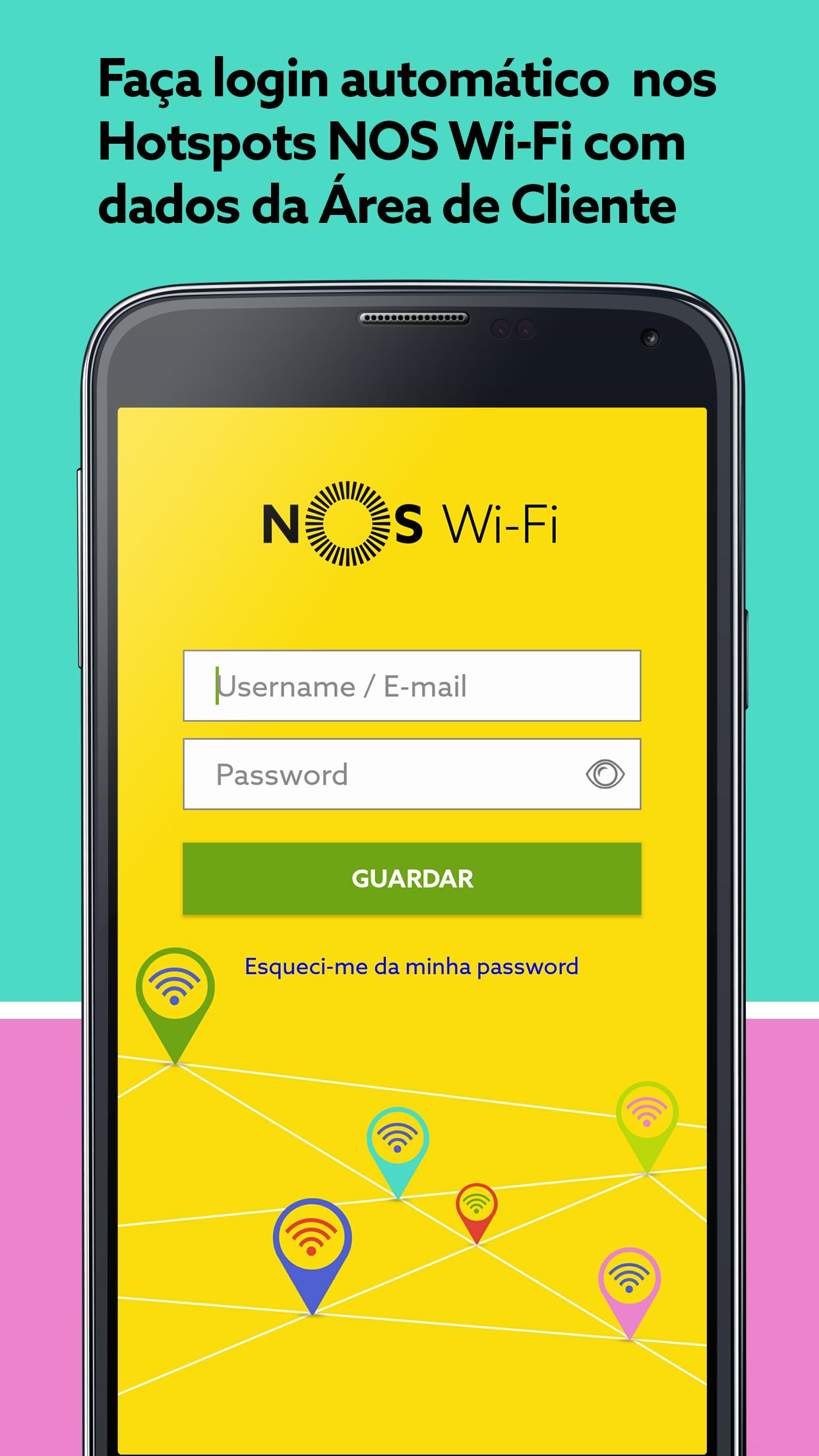
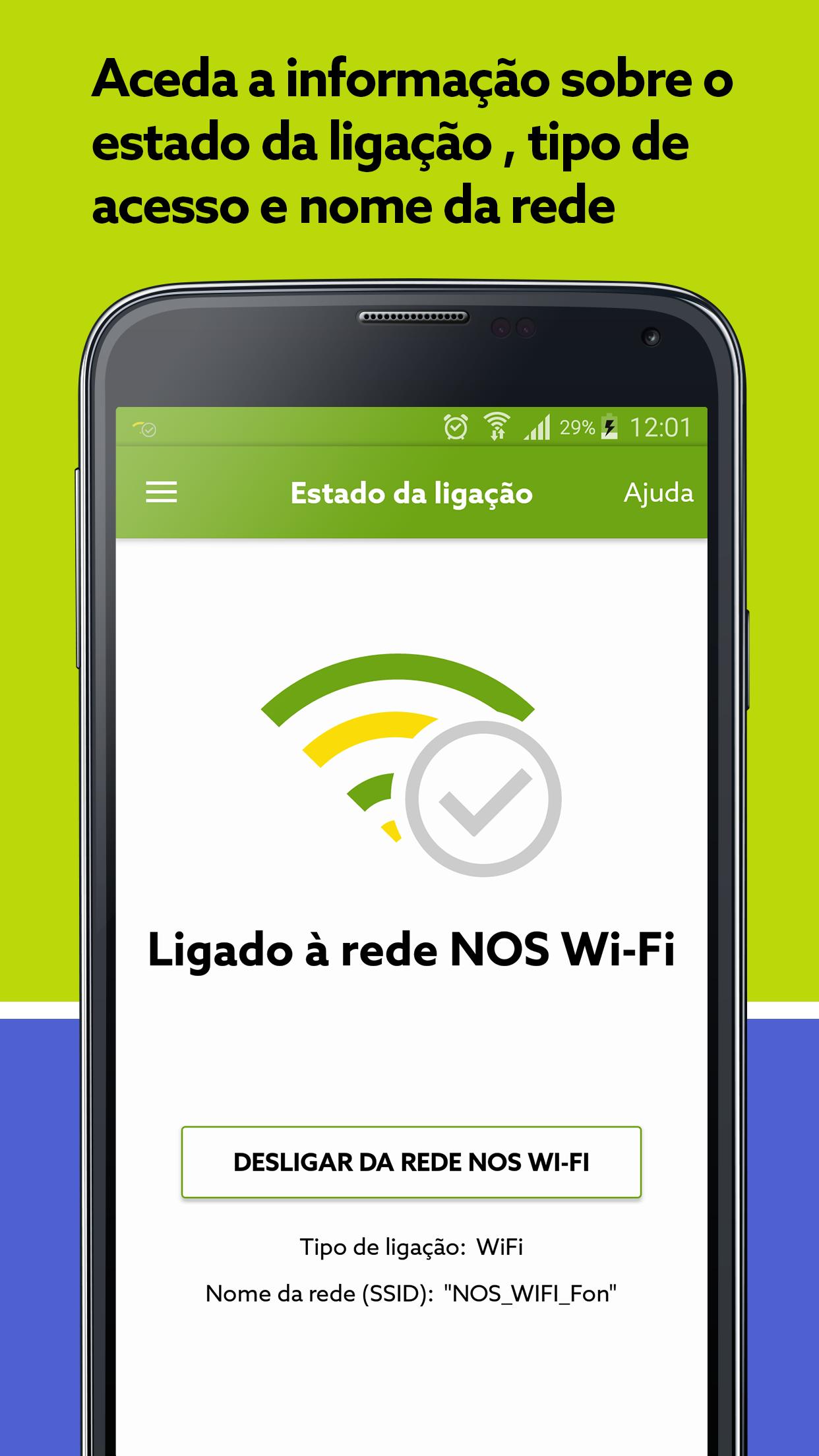
Automatic Login in Hotspots in Wi-Fi with the Credentials Area in Client.
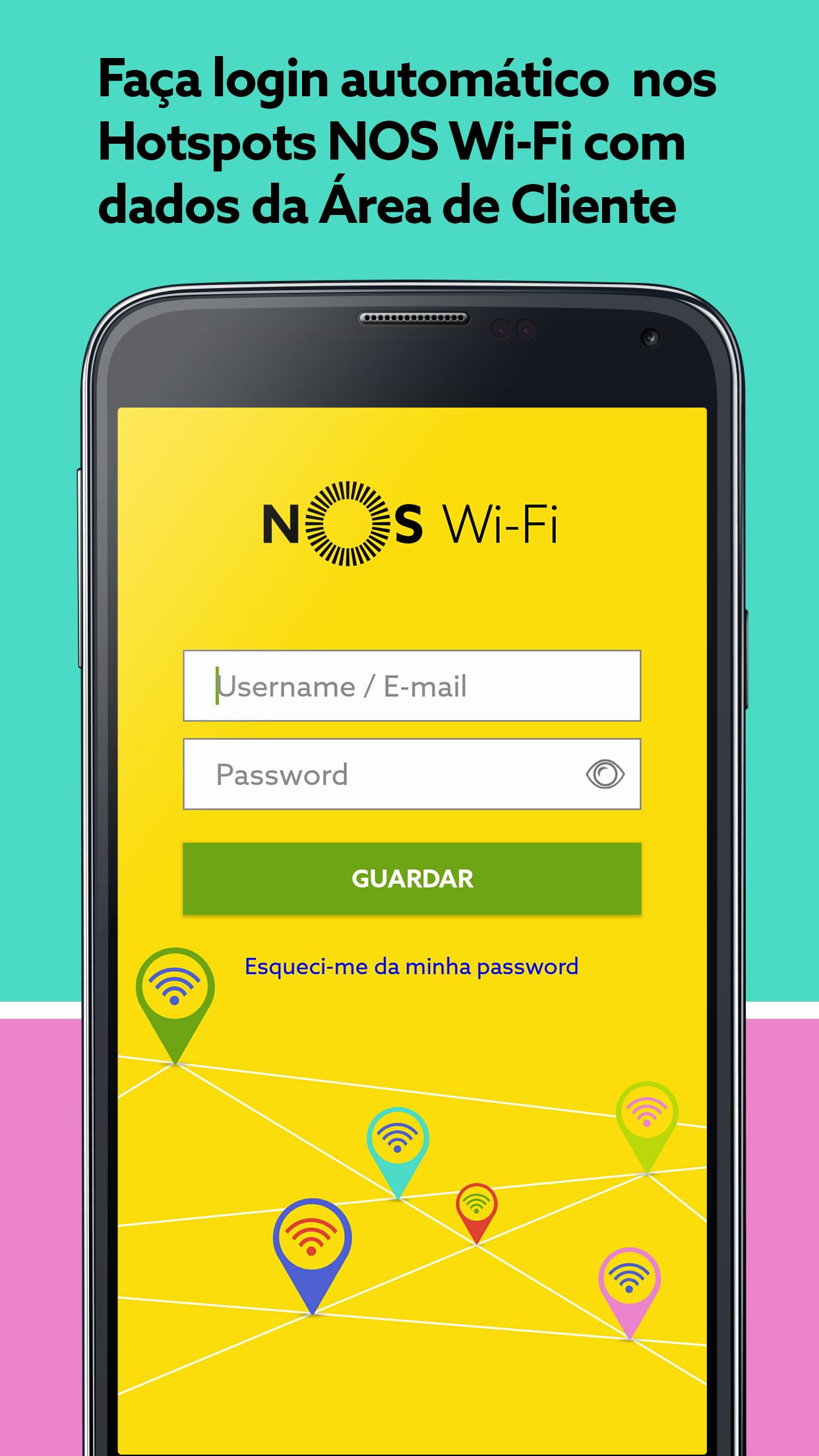
The NOS wi-fi app allows you to automatically turn on Hotspots NOS wi-fi from your smartphone or tablet. You just need to get closer to a NOS wi-fi hotspots and the application will login in the world's largest Wi-Fi network, with about 1 million hotspots in Portugal and over 20 million worldwide.
------------------------------------------------------------------------------------------------------------------------------
Main features?
------------------------------------------------------------------------------------------------------------------------------
- Store your username and password NOS wi-fi (Customer Access Credentials of NOS)
-Possibility to prioritize private Wi-Fi networks (eg that of your home) in relation to the hotspot chain NOS wi-fi
-Call yourself automatically whenever you are close to a hotspot NOS wi-fi
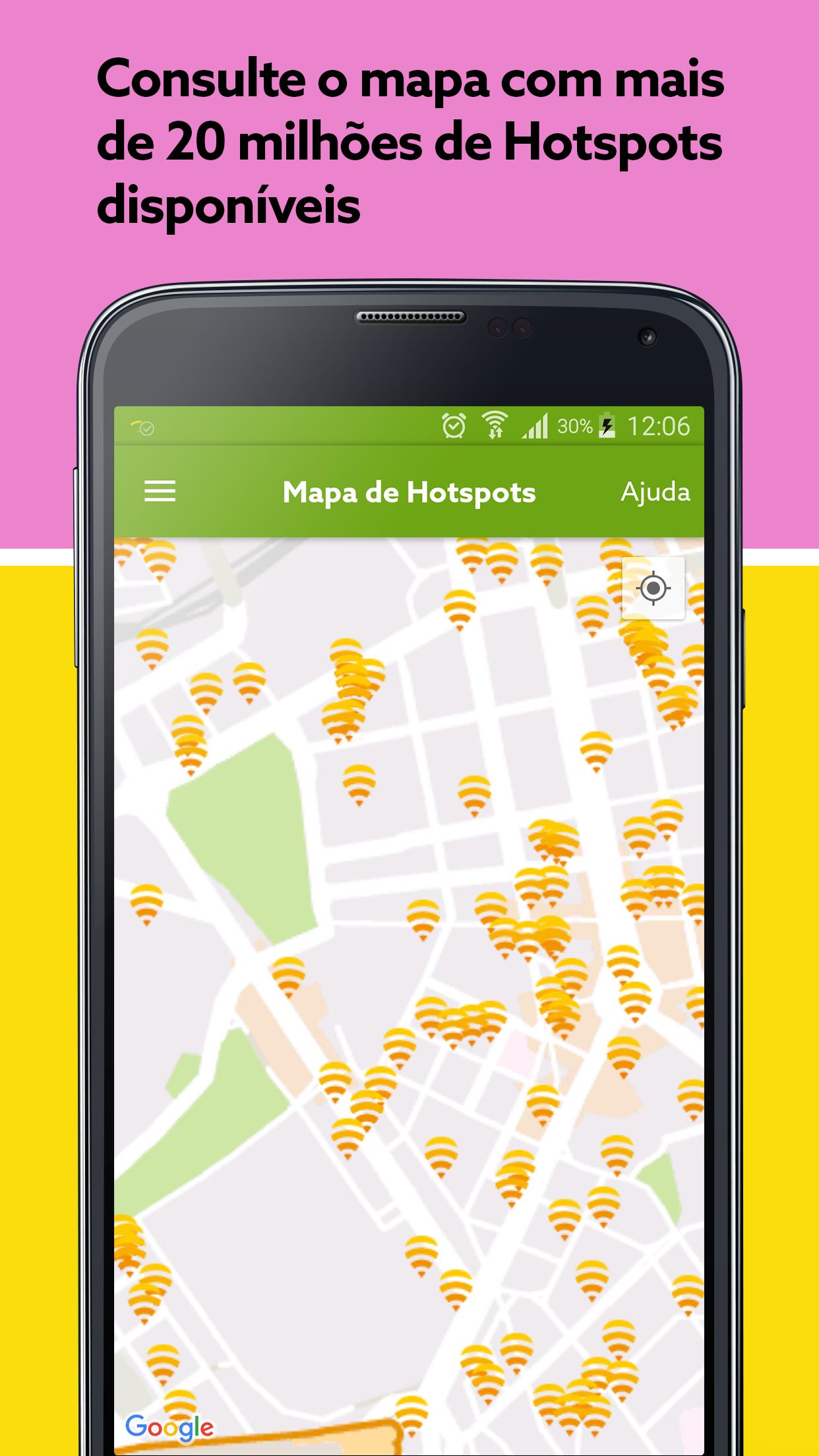
- Hotpots location map NOS wi-fi ;
------------------------------------------------------------------------------------------------------------------------------
Known limitations
------------------------------------------------------------------------------------------------------------------------------
Android 6.X version has some limitations and there may be some constraints in the use of the application. For the application NOS wi-fi to work, without embarrassment, in this version of Android must have:
• Google Active Location Services
• Use of data (eg 4g) off
------------------------------------------------------------------------------------------------------------------------------
How to start using?
------------------------------------------------------------------------------------------------------------------------------
In the first use your username and password will be requested NOS wi-fi . After introducing your credentials, click Guard/Save. The application will look for a NOS wi-fi network to start surfing the internet.
If you are a customer and do not yet have username and password to access the NOS wi-fi service, then you should register in the NOS customer area.nos.pt.
More information in nos.pt/wifi
If you are not a customer, you can get a pass to browse the hotspots NOS wi-fi . You just need to connect to a Hotspot NOS wi-fi , access the input page and choose the pass you want to purchase. Subsequently, and if you wish, you can use the NOS wi-fi application to automatically turn on.
------------------------------------------------------------------------------------------------------------------------------
What are the requirements?
------------------------------------------------------------------------------------------------------------------------------
-Android 2.3.x or higher
-Wi-Fi (with internet access)






 Download