

Android Accessibility for the Blind
This application has been designed for blind people.
It is a fully functional Mobile Accessibility test version that lasts 30 days.
Mobile Accessibility is an accessible application that allows blind people to use an Android phone intuitively, easy and simple.
Mobile Accessibility is 2 products in 1:
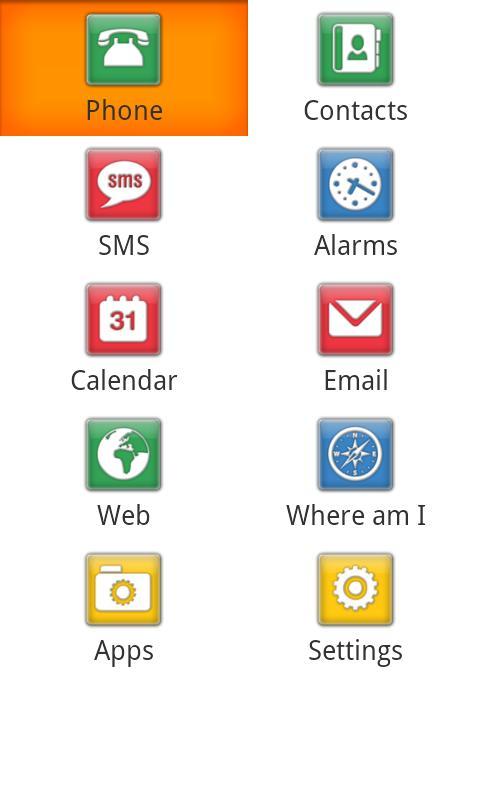
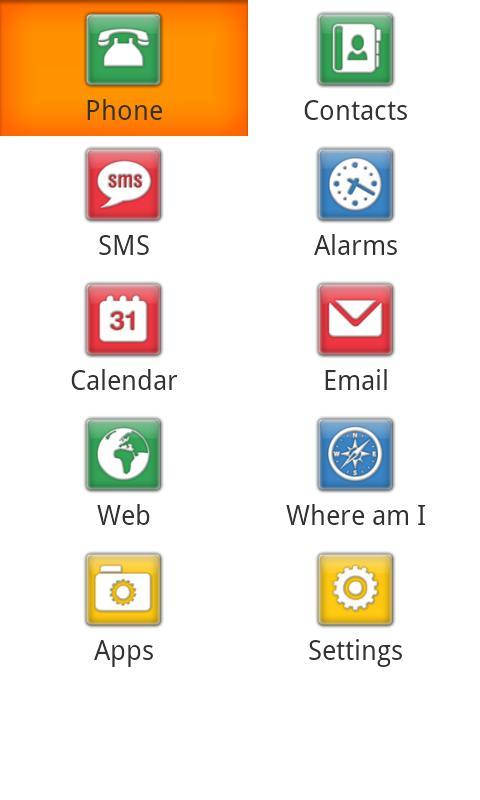
- It is a set of 10 accessible applications (telephone, contacts, SMS, alarm, calendar, email, web, where I am, applications and adjustments) that have been specially designed for blind people. They have a simplified interface whose textual information is verbalized by the voice synthesis of Nuance Vocalizer® or can also connect their Braille device for Braille output.
-It is also a screen reader allows you to navigate the standard interface of your phone when it is outside the set of accessible applications.
Keep in mind that if you want to use the functionality of the Mobile Accessbility screens reader, you will need a phone with physical navigation controls such as a navigation wheel.
Within the set of accessible applications of Mobile Accessibility, the following operations can be done:
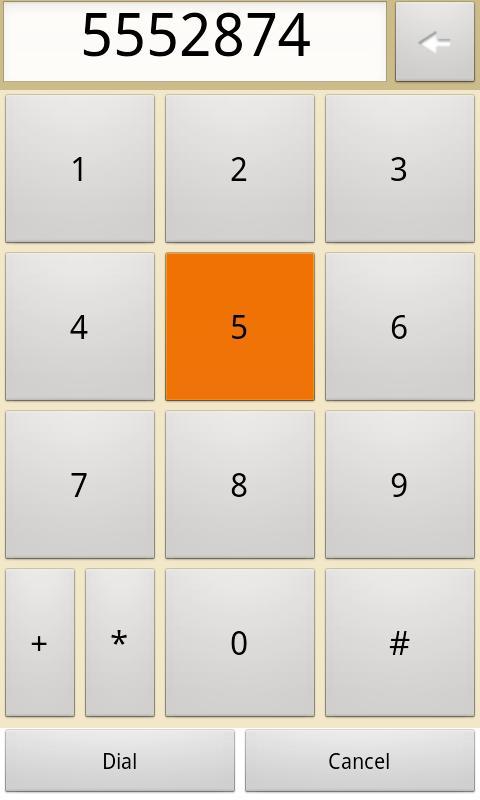
-Thephone: make and respond calls, identify the origin of the calls, manage the registration of calls.
-Contacts: manage their contacts, even those of social networks such as Facebook.
-SMS: Write and read text messages.
-Alarmas: Configure your alarms.
-Web: Navigating the Internet as I would with your PC. Jump through the control of your choice (links, paragraphs, titles, etc.) to navigate faster for the information of your interest. Mark your favorite web pages.
- Calendar: Create, edit and delete a calendar entrance. See all events per day, week or month.
- Email: full access to your Gmail account.
- Where am I? : GPS application that communicates its current position.
- Applications: Access to the list of applications installed on your Android phone.
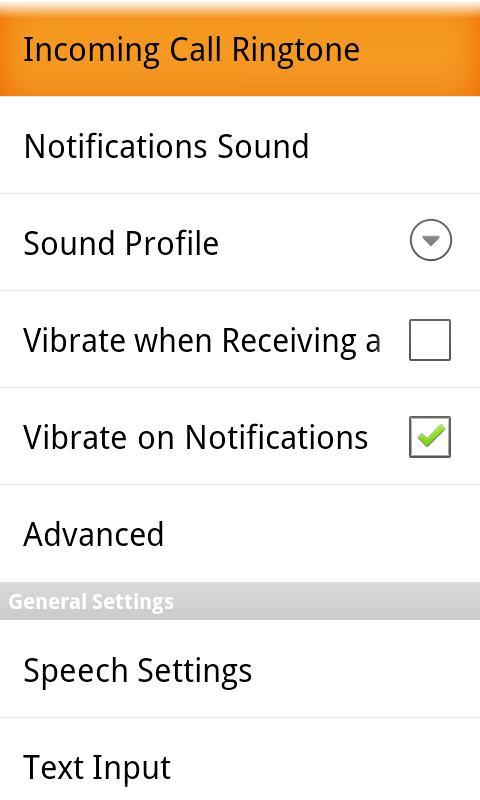
- Settings: Change the call tone. Adjust notifications (vibration or audio). Configure keyboard echo, score, tone, voice speed, etc. level etc.
- Fast access to the date and time, telephone state information such as battery and coverage level, number of lost calls, number of messages without reading, etc.
Outstanding functions:
- Exploration of the touch screen: You can use Mobile Accessibility not only with the navigation wheel or the physical keyboard of your phone, but also with your touch screen! Simply move your finger on the screen and voice synthesis will read the text under your finger. Or if you prefer, you can slide your finger up/down/right/left and press the screen to navigate the interface. And if you wish you can enable sound or vibration response.
- Easy text input: Inside or outside the Mobile Accessibility Applications. You can use the Qwerty Tactile keyboard in addition to voice recognition to write text easily and quickly. Imagine Write an SMS or email using only your voice
-Voice synthesis: Code Factory has been doing accessible mobiles for blind people for years and we know that the voice matters a lot! For Mobile Accessibility, Code Factory has reached an agreement with Nuance® and Vocalizer® is therefore the voice of Mobile Accessibility.
-Mobile Accessibility has advanced Braille support: Braille commands have been assigned logically to give uniformity in all braille devices supported.
System requirements:
All Android phones from version 2.1 and superior are supported. Keep in mind that voice recognition is only supported by version 2.2 and upper.
Keep in mind that if you want to use all the functionality of the Mobile Accessbility screens reader you will need a phone with physical navigation controls such as a navigation wheel.












 Download