

Designed for the blind
The app is designed for people with blindness.
This is a fully functional 30 -day rating version of mobile accessibility.
Mobile accessibility is a screen access application that allows blind or people with reduced vision to use Android phones easily and simply.
Mobile accessibility is 2 products in 1:
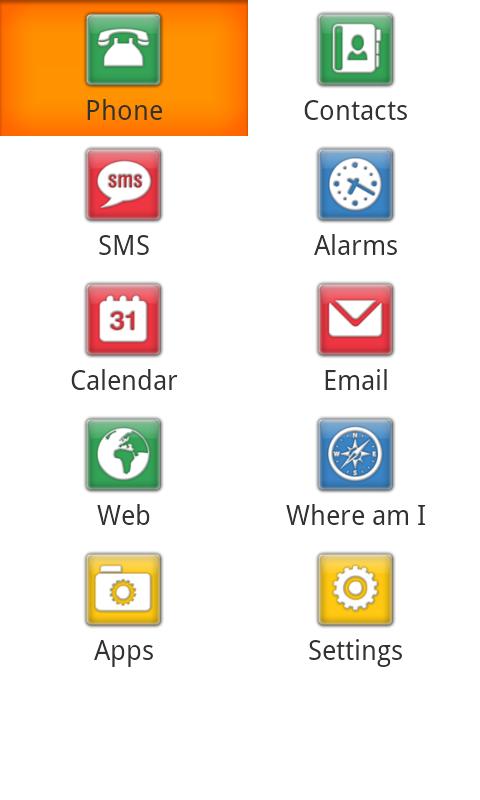
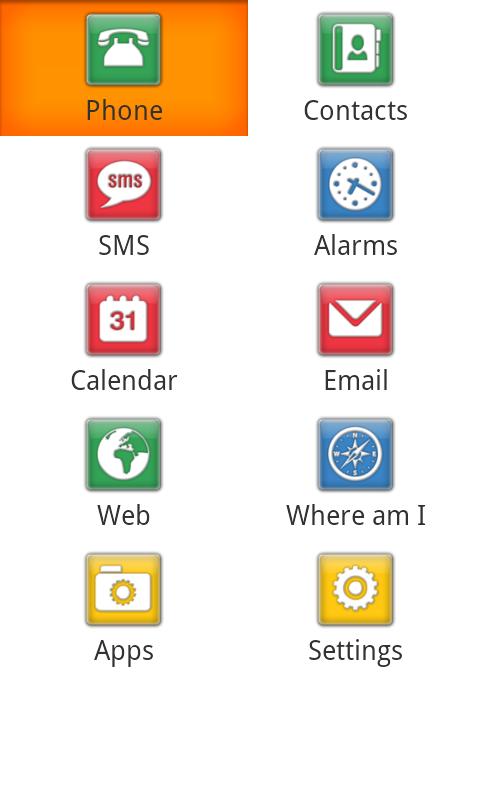
-Family of 10 Accessibility Applications (Phone, Contacts, SMS, Alarm clock, Calendar, Email, Internet, where I am, applications and settings) designed for people with blindness or reduced vision. They have a simplified interface, while its textual information is pronounced through Nuance Vocalizer® voice composition or displayed on a brain on your bray screen.
-Screen reader allowing to leave the applications family and navigation in the regular interface of the phone.
To use the screen reader functionality, you need a phone with material navigation such as trackball or trackpad.
With the family of mobile accessibility applications, you can do the following:
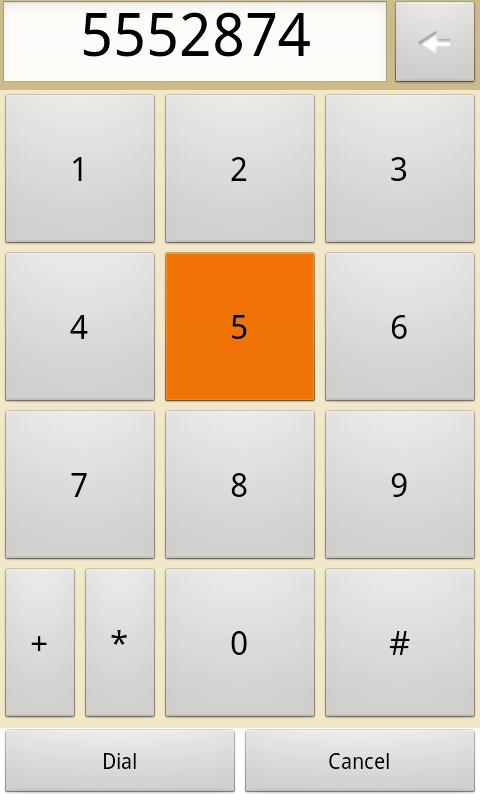
-The: make and answer calls, listen to the name of the caller and manage the call file
-Presses: Manage contacts, even those from social media such as Facebook
-SMS: compose and read SMS. Manage conversations
-Excount: Adjust the alarm notifications
-Nice: Full traveler experience, similar to your computer. Choose a criterion (links, paragraphs, heads, forms, etc.) to navigate faster in the information you want. Put bookmarks on your favorite websites
-Calendar: Create, edit and delete entries. View all events per day, week or month
-Email: Full access to Gmail Account
-Where am I? GPS application with updates for your current position
-Ants: Access to the list of installed applications on your Android phone
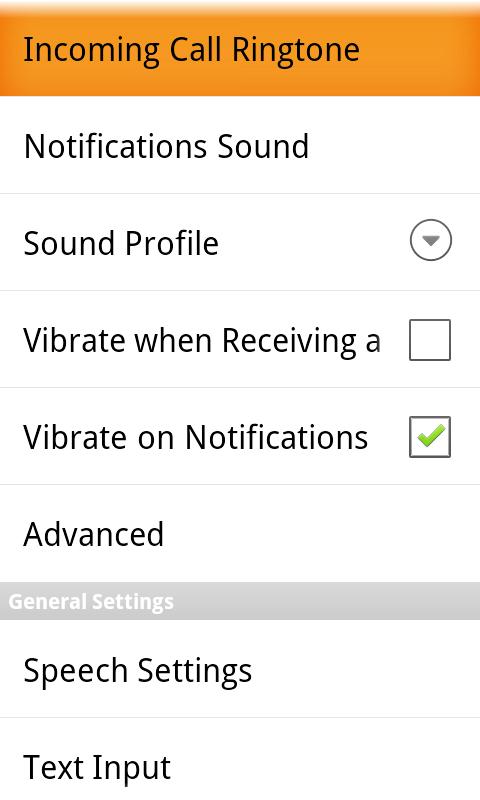
-Records: Change a call sound. Adjust feedback and notifications (vibration or sound). Set the keyboard echo, the level of punctuation points, the tone and the voice speed etc
-Day access to date and time, phone status information such as battery charging level and network coverage, number of unanswered calls and unread messages, etc.
Main features:
-Touching: You can use mobile accessibility not only with trackball or the phone keyboard on the phone, but also with the touchscreen! Just move your finger around the screen and the voice composition will read the text you touch. Or, if you prefer, you can scan up/down/left/right and touch the screen to navigate the interface. If you want, you can still activate feedback with sound and vibration.
-Plenty of text introduction: In or outside the accessibility family for mobile devices, you can use QWERTY touch keyboards, as well as voice recognition, to write quickly and easily. Imagine writing sms or email using only your voice ... fantastic!
-Voice Composition: For years Code Factory allows people with blindness and reduced vision to access mobile phones and this has taught us that the voice counts ... and very much! To create the accessibility of mobile devices, Code Factory has worked with NUANCE® and therefore uses the voice of Vocalizer®.
-Coving mobile accessibility has advanced brain support. Logically mounted Braille commands provide uniform functionality to all supported devices.
System Requirements:
Android phones are backed by version 2.1 and newer. Note that voice recognition is supported only in version 2.2 and newer.
To use the functionality of the screen reader, you need a phone with material navigation such as trackball or trackpad.




 Download