• Home
  • Games
    Action-adventure Simulation Business Role Playing Sports Competition Casual Intelligence Card Strategy Music Rhythm Text Puzzle Flying Shooting Love Development
  • Apps
    Business Office Newsletter Social Life Entertainment Online Shopping Practical Tools Travel Financial Management Educational Learning Information Reading Sports and Health
  • Articles

English 中文(简体) 中文(繁体) 한국어 日本語 Português Español Русский العربية Indonesia Deutsch Français ภาษาไทย
Home Apps Practical Tools Max Protractor
Max Protractor

Max Protractor

1
2
3
4
5
Download
  • Version 1.1.8.AF
  • Category Practical Tools
  • Package Name com.maxcom.maxprotractor
  • Update Time May 19, 2025
  • Size 12.75MB
About this app

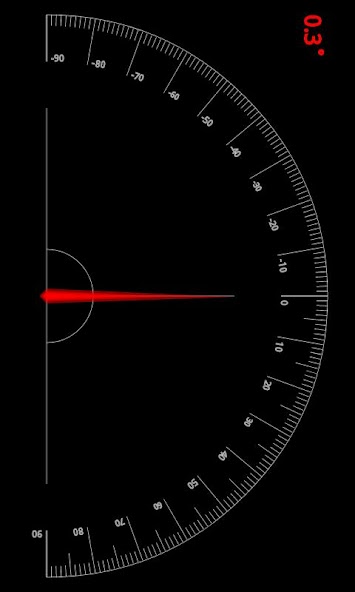
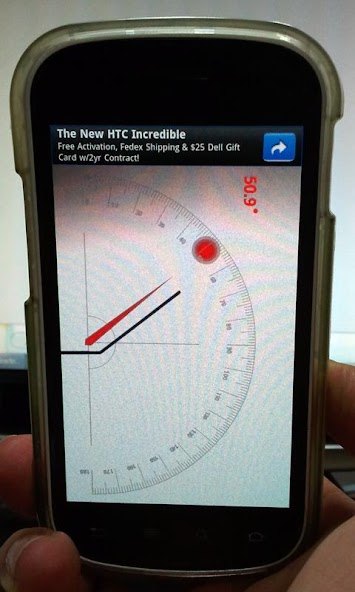
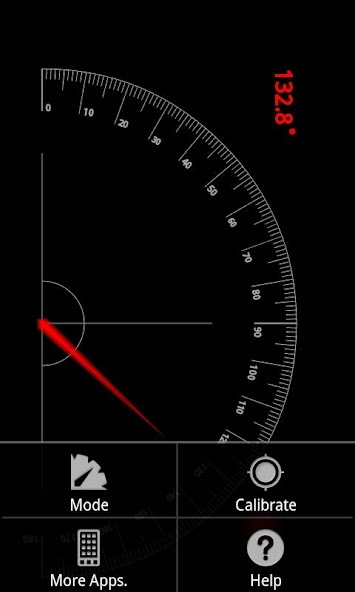
Max Protractor is a multi-method angle measurement tool.

It is application for measuring angle with various method.

Main Function

1. Various measuring method : Gravity Sensor, Camera, Touch, Magnetic Sensor etc.

2. Calibration : Calibration function makes easy and accurate measure when measuring angle with sensor.

Instruction

1. Plumb Mode

1) Set device in parallel to the baseline of the measuring object.

2) If you need, turn on the Camera by touching Camera button on the upper-right corner of the screen.

3) Read tilted Angle on the upper-left side of the screen.

2. Frame Mode

1) Set device in parallel to the baseline of the measuring object.

2) If you need, turn on the Camera by touching Camera button on the upper-right corner of the screen.

3) Read tilted Angle on the upper-left side of the screen.

3. Inclination Mode

1) Contact your device on the slope.

4. Touch Mode

1) Set device in parallel to the baseline of the measuring object.

2) If you need, turn on the Camera by touching Camera button on the upper-right corner of the screen.

3) Touch measured point and check the value of angle on screen.

5. Plane Angle Mode

1) Set device in parallel to the baseline of the measuring object.

2) Calibrate measuring value.

3) Rotate device to measure angle and check the value of angle on screen.

Reference

- Some device is difficult to measure when battery is low state. Especially, Plane Angle Mode because of Magnetic sensor.

- Can be a tolerance caused by sensor accuracy of device.
What's New in the Latest Version 1.1.8.AF

Last updated on Apr 14, 2024 - Apply GDPR requirements for EU region to the AD version.
Download(12.75MB)
Users also viewed
  • Quick App Search

    Quick App Search

    1.0 September 10, 2026
  • Raven Live Wallpaper

    Raven Live Wallpaper

    1.0 September 10, 2026
  • I Love You Live Wallpaper

    I Love You Live Wallpaper

    4.0 September 10, 2026
  • Arowana Luck Trial

    Arowana Luck Trial

    2.5.0 September 10, 2026
  • Real Drum

    Real Drum

    11.4.3 September 9, 2026
  • View in Gujarati :  Read Text

    View in Gujarati : Read Text

    3.20.1 September 9, 2026
  • GO Locker Theme Color Smoke

    GO Locker Theme Color Smoke

    11.2 September 9, 2026
  • IC Weather for Japan

    IC Weather for Japan

    1.5 September 9, 2026
  • The Best Hashtags for Instagram

    The Best Hashtags for Instagram

    1.0 September 9, 2026
  • SwatchMatic

    SwatchMatic

    1.88 September 9, 2026
  • App Fetch

    App Fetch

    1.3.4 September 9, 2026
  • Catch HomeControl

    Catch HomeControl

    2.1.6 September 9, 2026
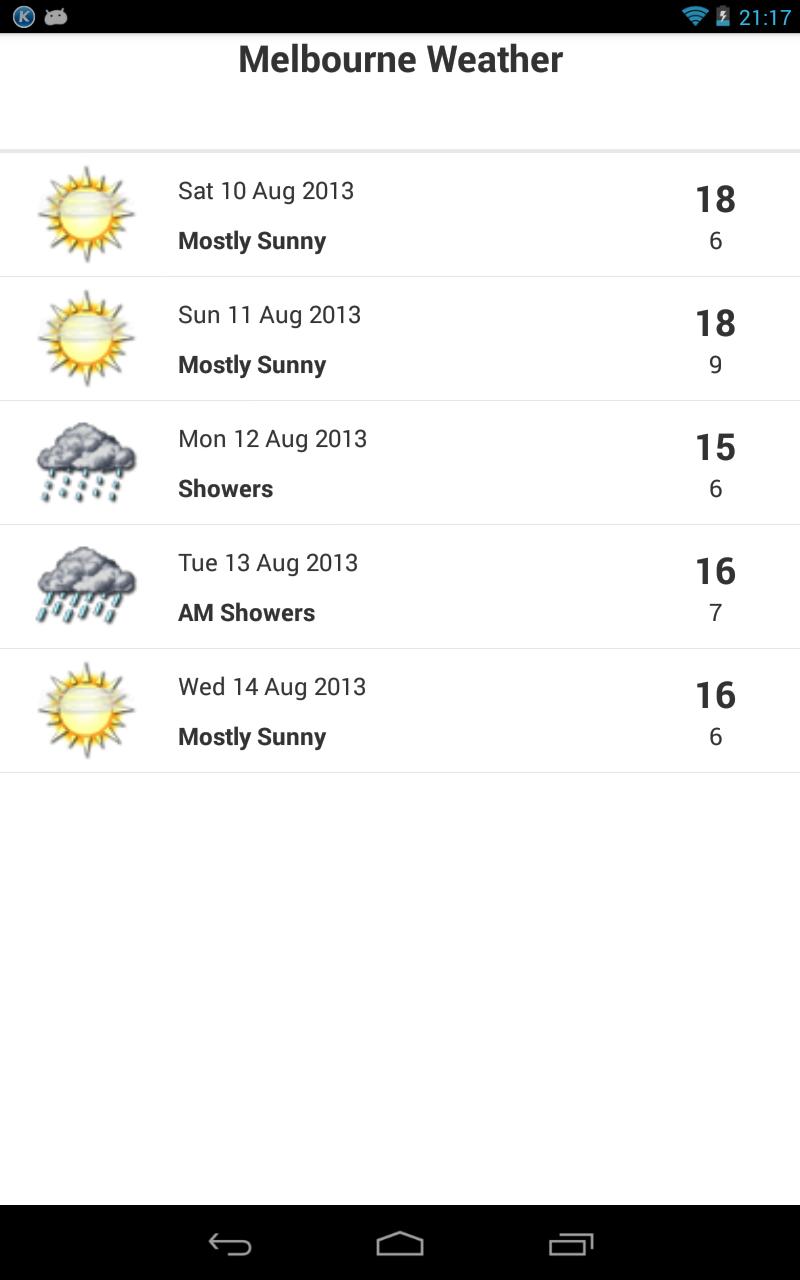
  • Melbourne Weather

    Melbourne Weather

    1.2 September 8, 2026
  • HalloweenClick GOLauncherTheme

    HalloweenClick GOLauncherTheme

    v1.0 September 8, 2026
  • Kyocera MSL Reader

    Kyocera MSL Reader

    1.0 September 8, 2026
About Privacy Policy Terms of Service Cooking Policy

© Copyright 2017-2026 downzq.com