

Perfect manual of the 9860Gll which includes all relevant topics for high school
Short description:
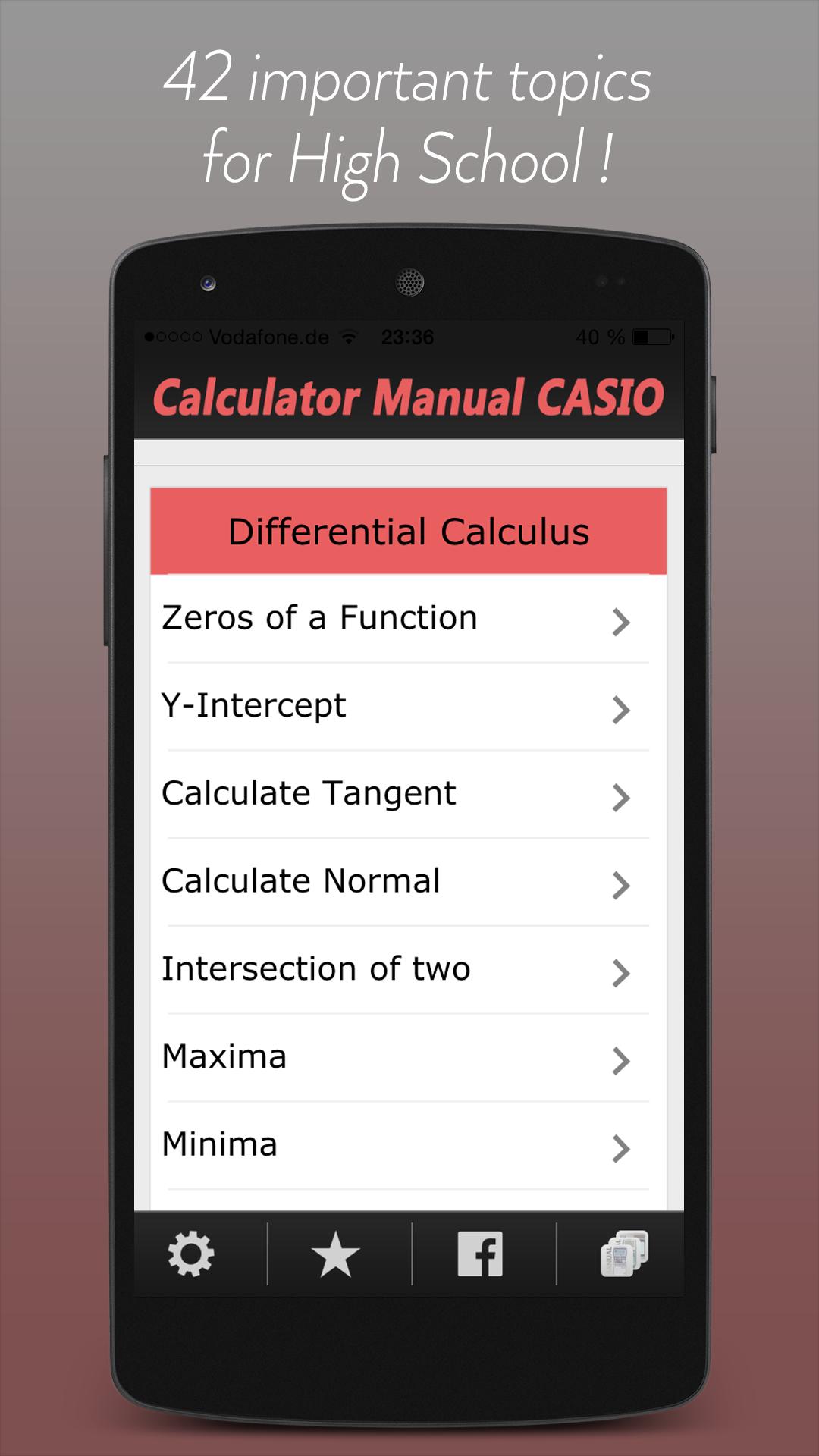
•This manual (the app is no calculator) shows all important functions of the graphing calculator CASIO fx-9860Gll, which are very useful for high school (also suited for fx-9860G and CFX-9850G) and the ACT/SAT exams.
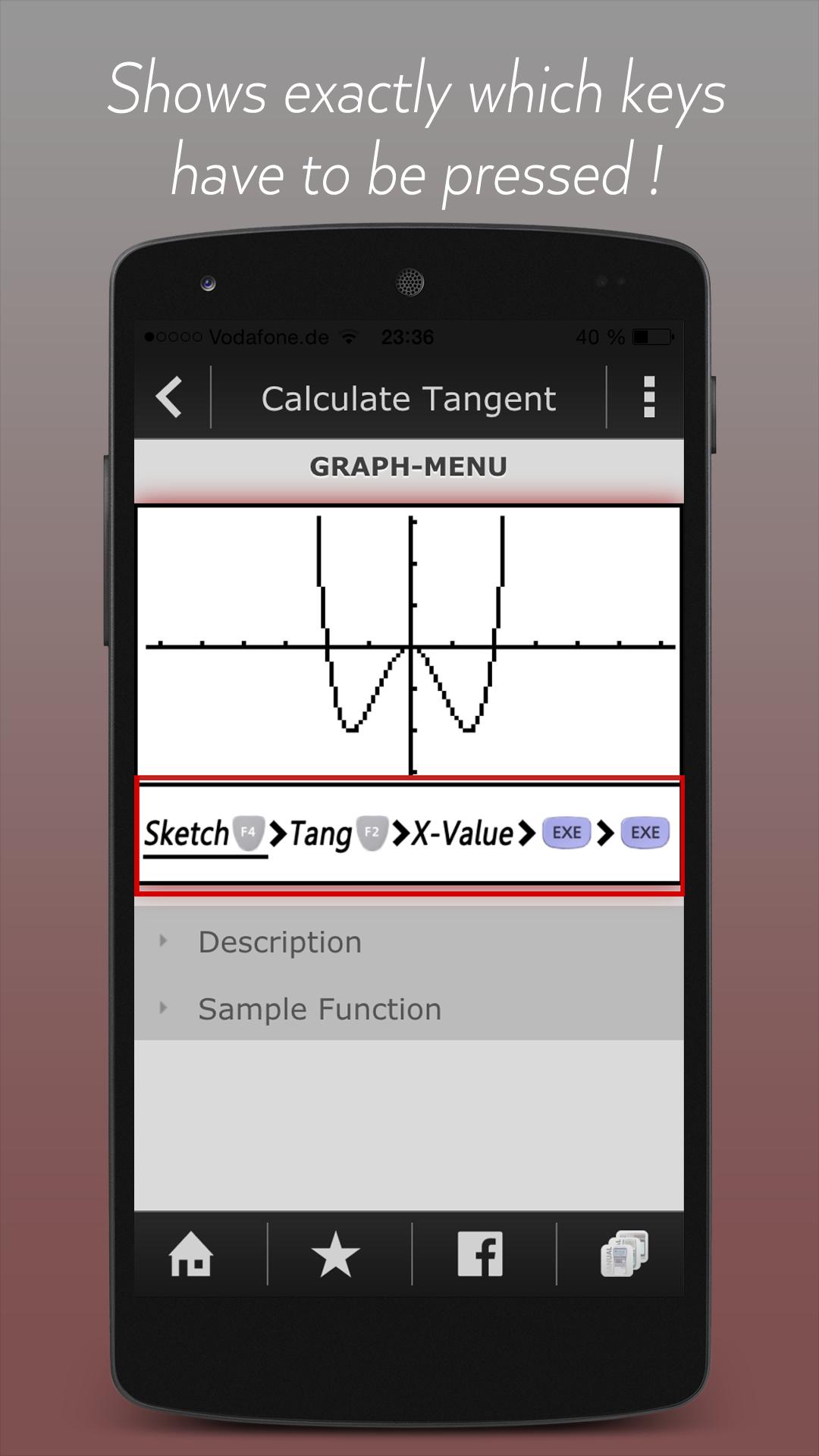
•The app shows exactly which buttons you have to press on your calculator for every topic.
•Through the support of CASIO the original illustrations can be used.
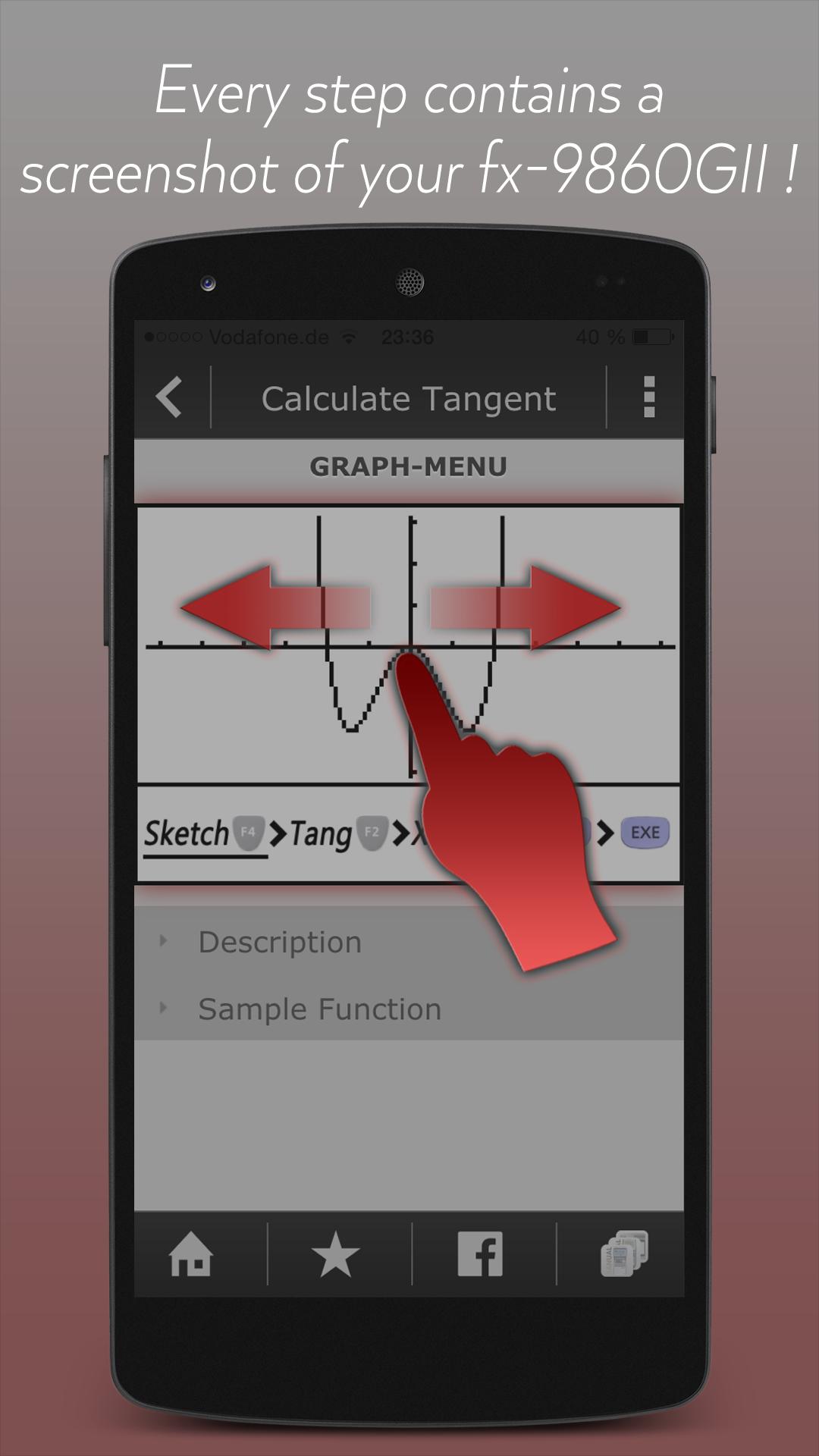
•You can swipe through screenshots of the original graphing calculator which show every step you have to do.
•There are helpful descriptions in the app which give some additional info.
For whom?
•For all owners of a graphing calculator of CASIO.
•For the models: fx-9860GII, fx-9860G and CFX-9850G
App-Features Overview:
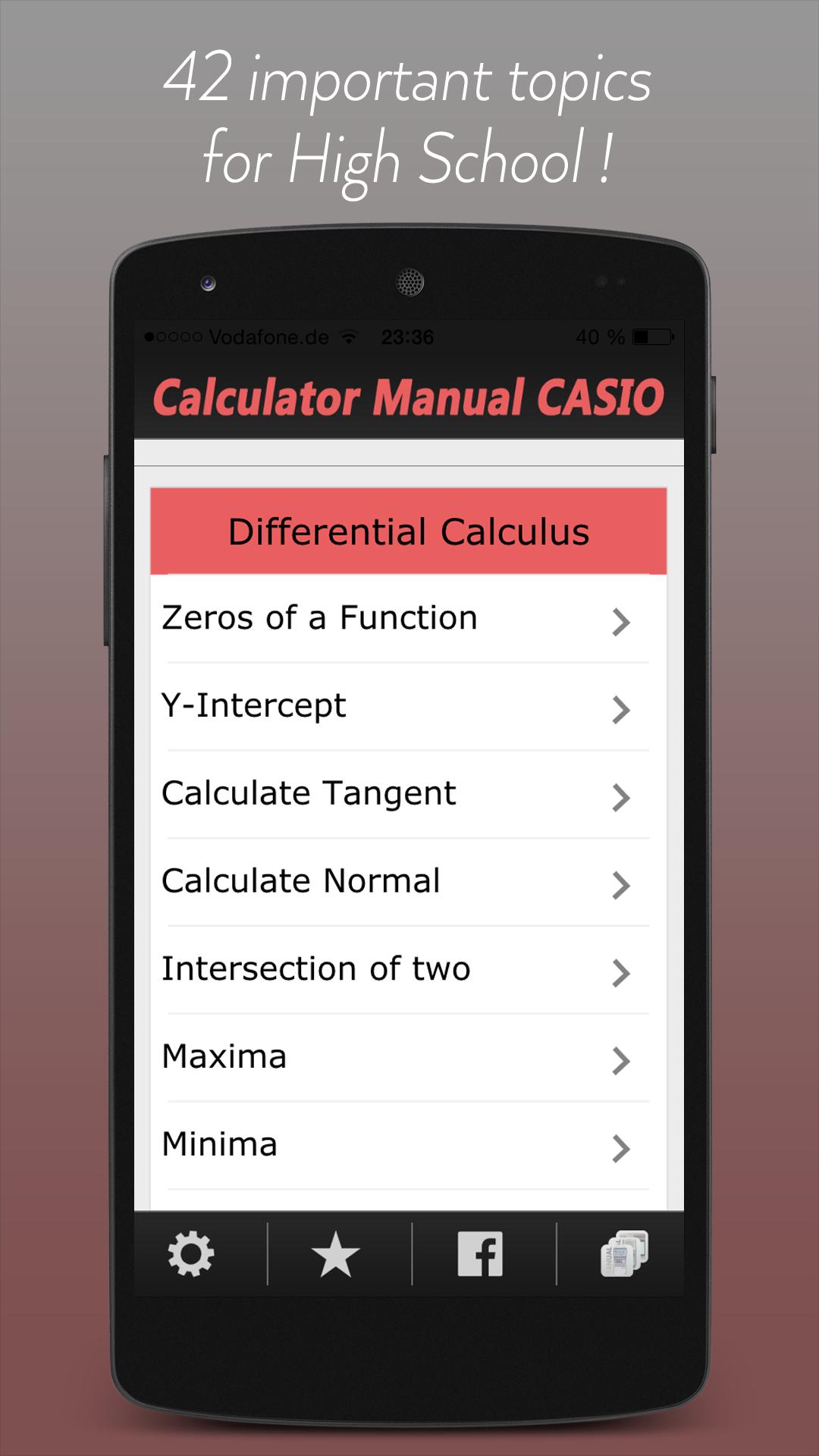
•Describes in 42 topics all functions, which are important for high school. Not more and not less!
•Every topic includes an exact key press sequence, which makes sure you always know how to do.
•For each topic exists an example, so that you become familiar with the graphing calculator.
•There is one screenshot for every step you have to do. Just swipe to show the next screenshot.
•The good thing is, that the display of your calculator looks similar with the app while you learn new topics.
•If the key press sequence is not enough, there is many additional info in a lot of infoboxes provided.
•To pass over directly from theory to practice, there are more than 60 math problems with solutions.
Recommended Usage:
•Parallel in the lesson:
One main problem, why students don´t understand the graphing calculator is, that they get wrong results
and don´t know, what they have to enter.
•Discharge for the teacher:
If every student receive instantly the right solution, there will be no more wasted time to solve problems
with the calculator. You have more time for practicing!
•At home, when you are alone and have nobody to ask, this manual will help you to solve the problems.
Not yet convinced? Here's the detailed description:
•Every topic shows a detailed instruction through Screenshots of the original graphing calculator how to solve the exercise. You only have to slide to get the next Screenshot which looks similar with your calculator!
•To ”become warm” you have the possibility to insert a sample function in your calculator which is used in the App. The App shows an example for every topic (e. g. a registered function in the GRAPH-Menu). •After that, press the first button of the particular key combination on the graphing calculator. Then slide once again to get the next Screenshot. These will look like the display of your calculator, if you did everything right. The App contains for each step a picture to make it easier to solve the exercise.
Of course there is an exact key sequence for every topic which uses images of the original buttons!
•The app is also useful for preparing your examination, because you often don't remember all instructions of the calculator.
•Your teacher will be grateful as well, because he doesn't have to walk around the classroom until everyone's calculator shows the right solution. You only have to take a look at the app and know how to do !
•The app contains the following topics:
Differential Calculus, Integral Calculus, Solve Equations, Matrices, Basic Knowledge in GRAPH-Menu, how to fix all kinds of errors, the calculator might show (Syntax Error, Condition Error…) and:
•CAS (Computer Algebra System)
The App describes the CAS, how to install it on your calculator ( then you can install games on the same way) and the use of it. With a CAS you are able to calculate the derivative or antiderivative (not only graphically) and much more.
For example you enter: 5x^3 + 2x in your calculator and the derivation of 15x^2 will be calculated automatically. This is very useful in case of checking your own results. (An example is included in the Store as a Screenshot)
Also take a look on our other apps, which are useful for high school.





 Download