

Login Sample App for the AirID® Smart Card Reader
Note: The AirID® Login Sample app is only fully operational exclusively in combination with the AirID® smart card reader and the AirID® Central app. AirID® is a card reader which provides a secure wireless connection via Bluetooth low energy to your Android device. The AirID® Central app is a management software for your AirID® forming the basis for usage of the device.
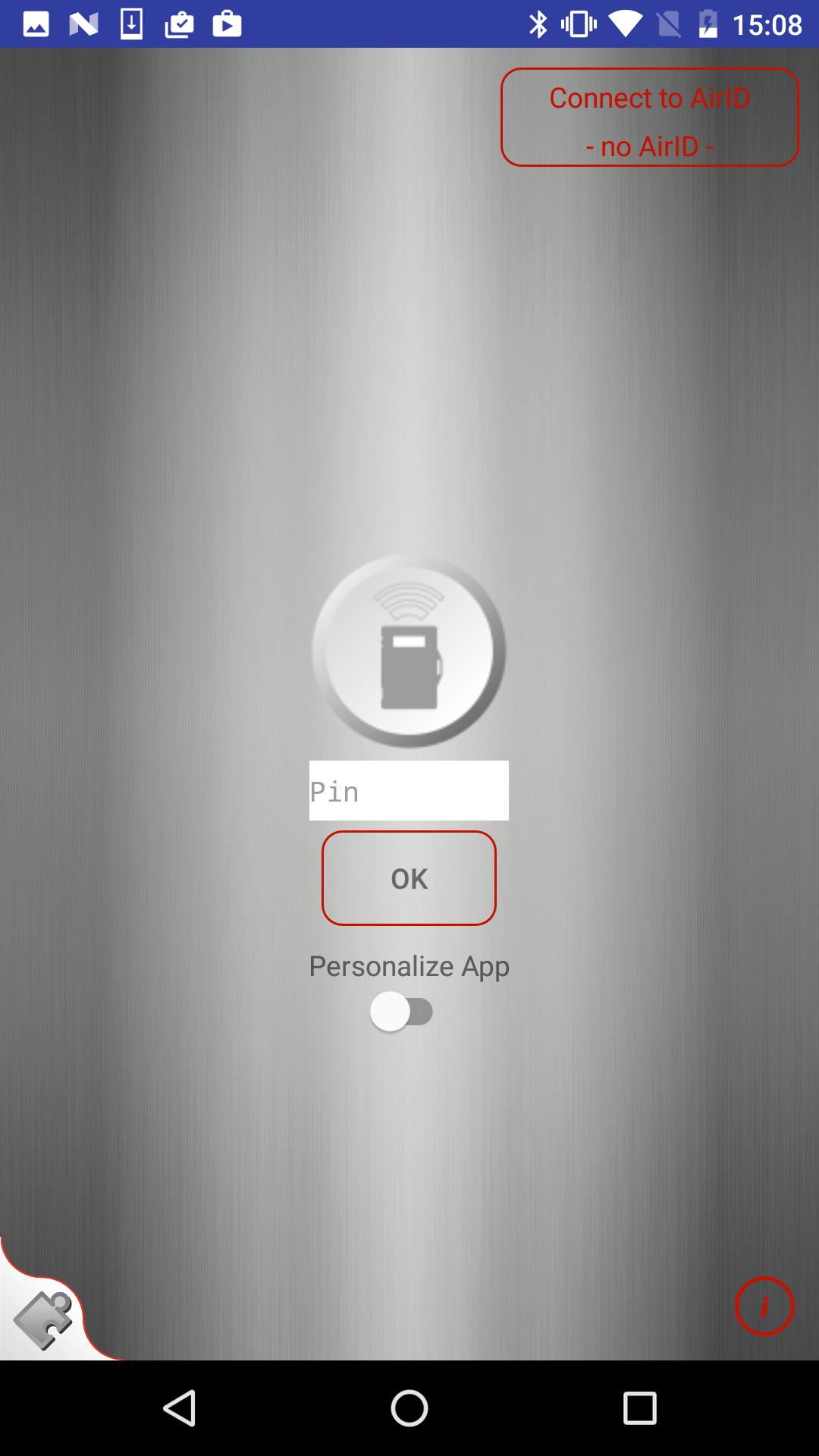
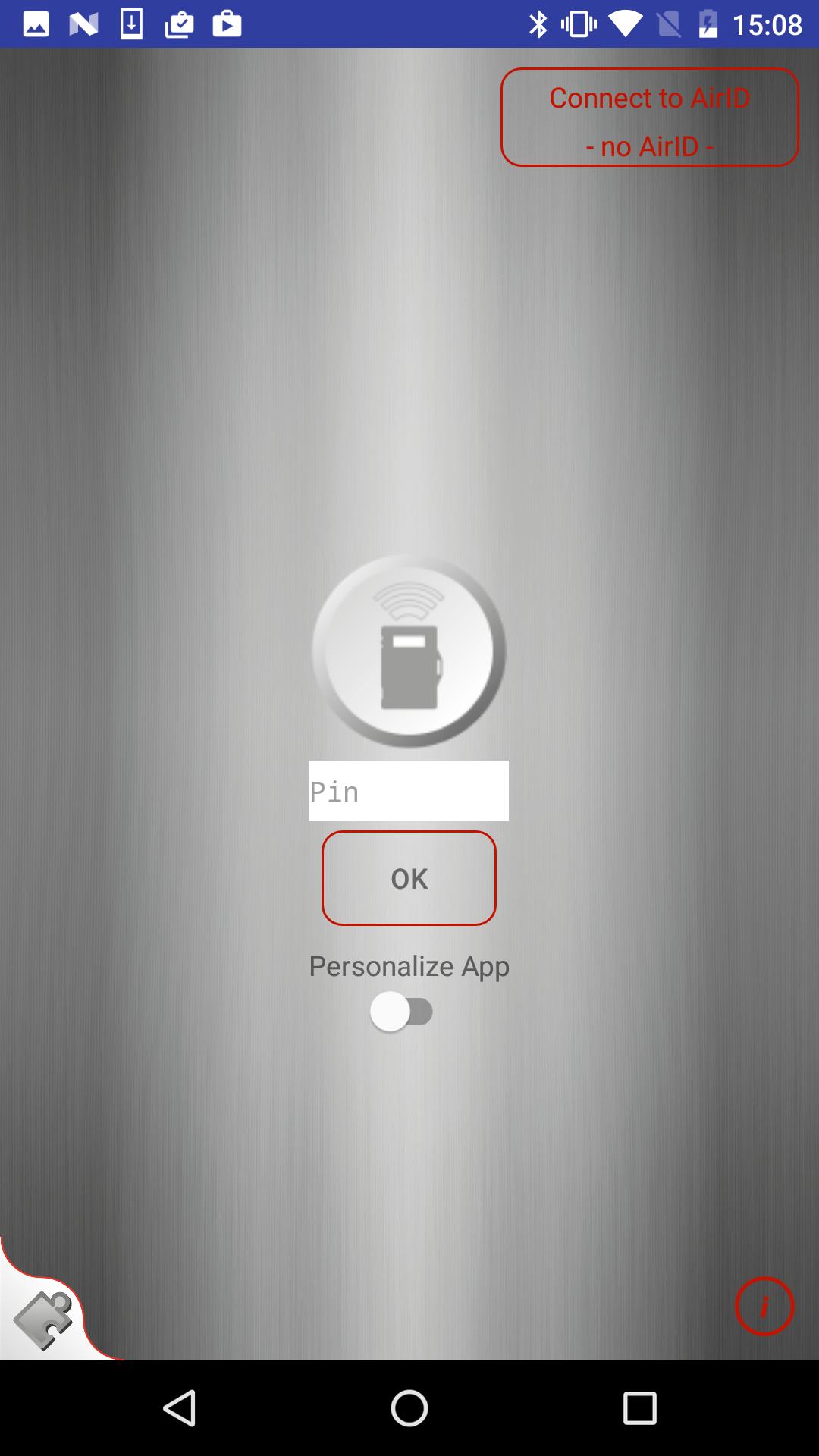
The AirID® Login Sample app demonstrates the PIN-Input in conjunction with the AirID® card reader and smart card. After starting the app, the user is first prompted to enter the smart card PIN before he can accessing the infodata.
The AirID® Login Sample app provides two login variants:
1. Standard Login
The standard login only verifies that the entered PIN matches with the PIN of the smart card (PIN verify). No certificate of the smart card is read.
2. Personalized Login
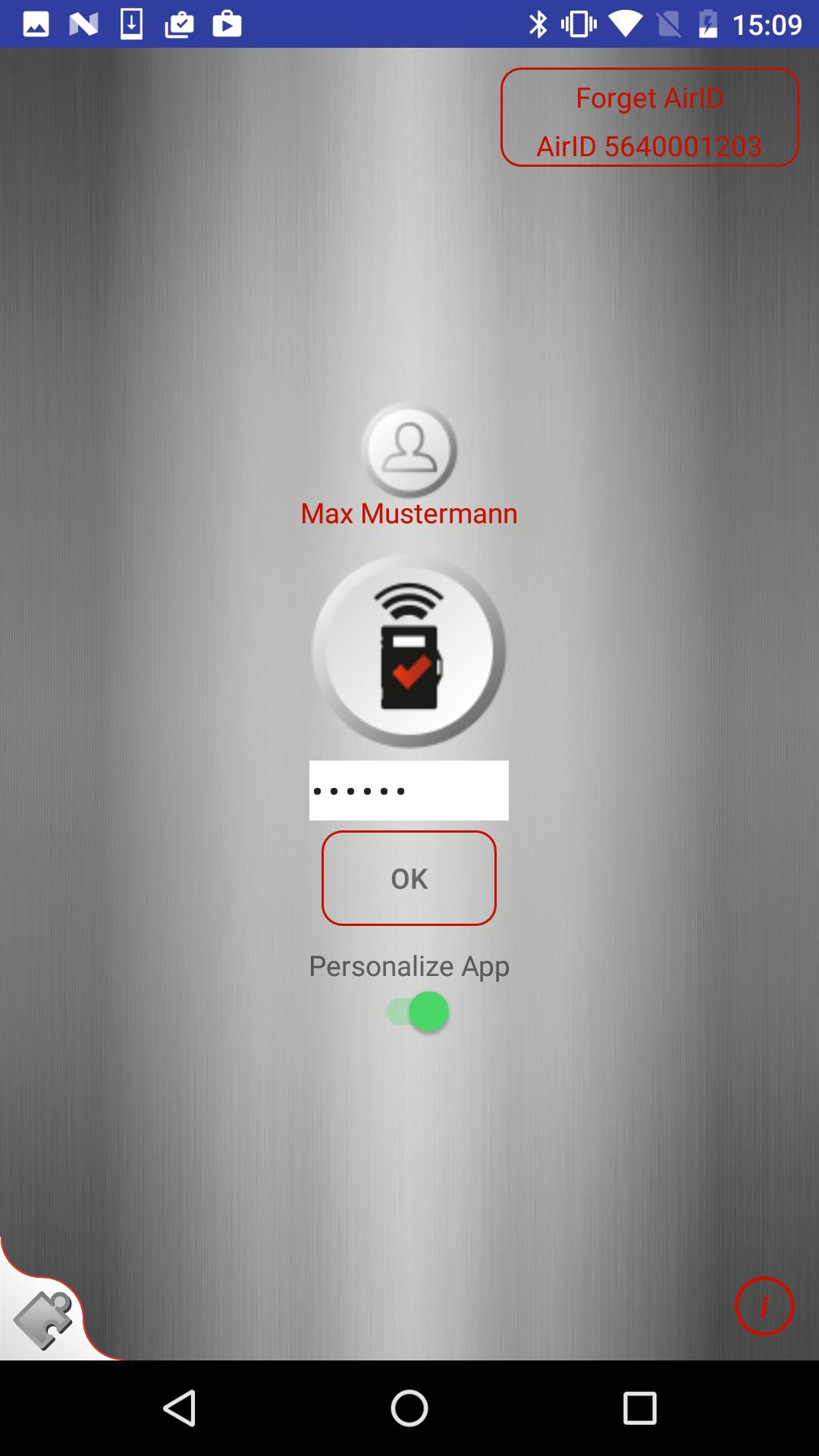
This Login variant uses a certificate based authentication. This means that the certificate is read before the PIN entry and that the app is linked to the user after the first login. Since this is a Sample app, the user can break the link by clicking the button “Delete Certificate” which appears after the login.
You can choose the login variant by a switch. To sign off click the button “logout”. When the app is in the background or the Android device is locked, there is an automatical logout.
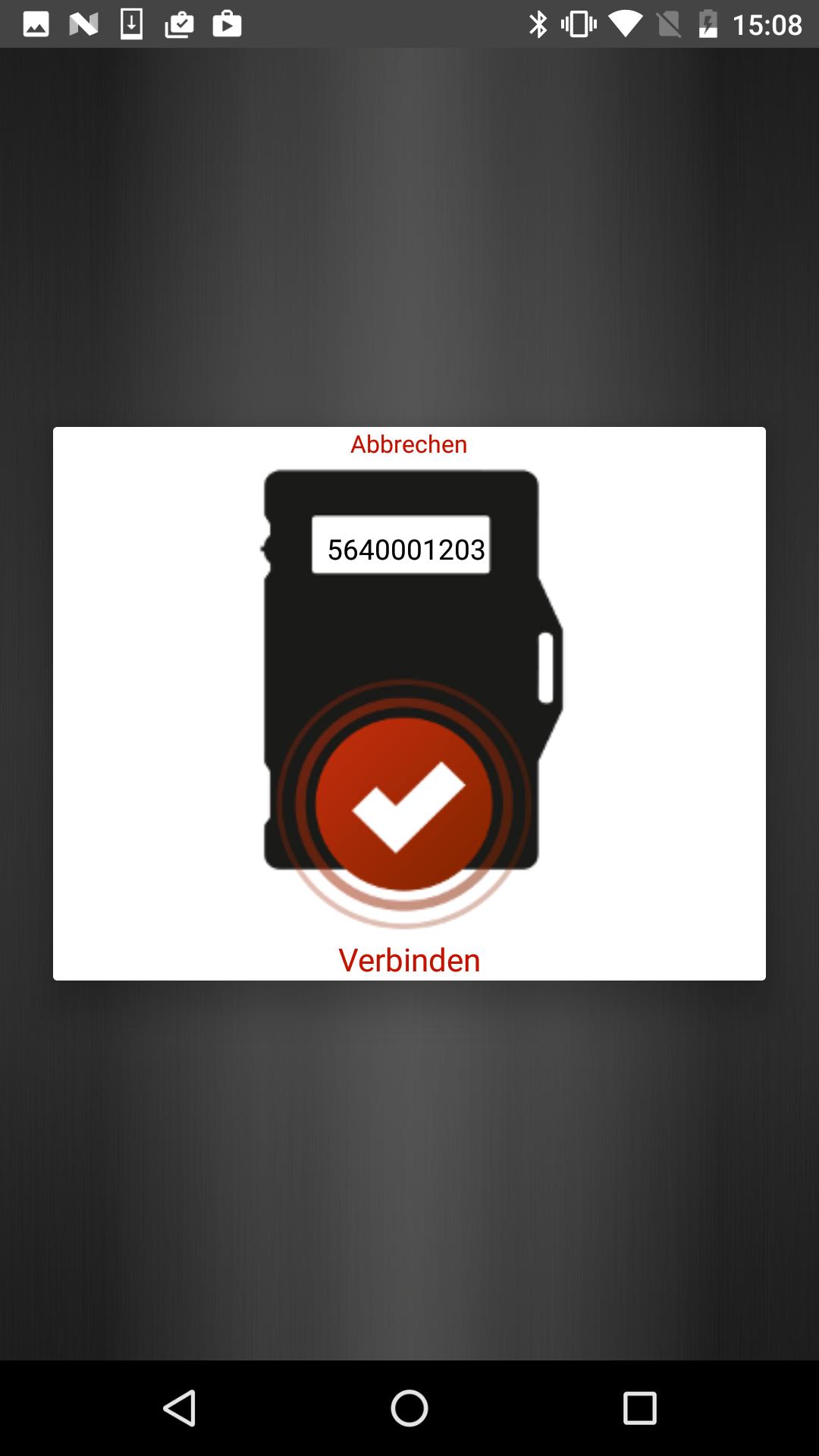
This Sample app uses Intents to communicate with the AirID® Central App. After selecting and connecting the AirID® device to the AirID® Central app, the AirID® is stored in the AirID® Central app and passed to the Sample app via a pop-up window. For the transfer, select the button "Connect AirID" and choose the option “Connect” in the pop-up window. Before using the Sample app, the AirID® device must be selected in the AirID® Central app.
Please note that AES-256 encryption may requires exchange of keys when switching between apps.
The Sample app supports the following cards:
Atos 4.3b
Atos 4.4
Atos 5.0
Atos 5.3
Starcos 3.0
Starcos 3.2
Crescendo C700
SmartcardHSM
SITHS Card
Compatibility
The functioning of the AirID® apps with your Android device cannot be guaranteed due to the heterogeneity of Android.
Minimum requirements for using the AirID® are the Bluetooth Low Energy functionality and an Android version from 4.4 upwards.
Furthermore, the utilized firmware version of the AirID® card reader has an impact on the stability of the Bluetooth connection. The best stability can be achieved by the latest beta release 1.2.0-18.
In case of an unstable connection of AirID® with your Android device or issues concerning the establishment of the connection, please contact us!


 Download