

Save your Battery and change the look of your Display - works across All Apps!
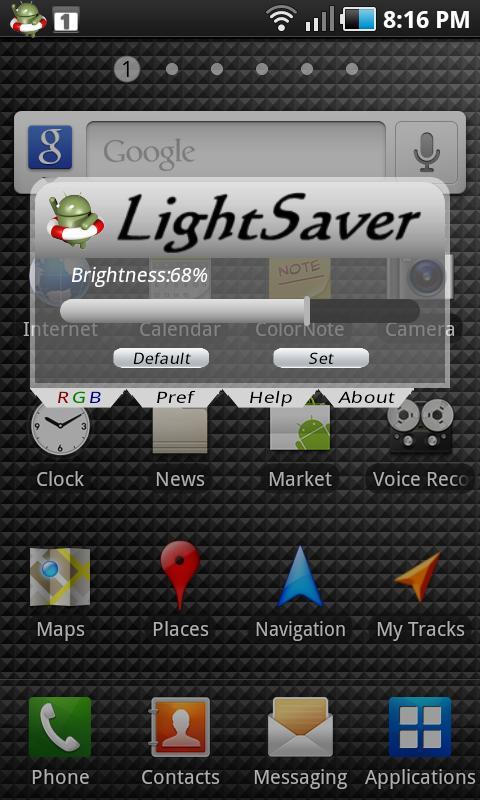
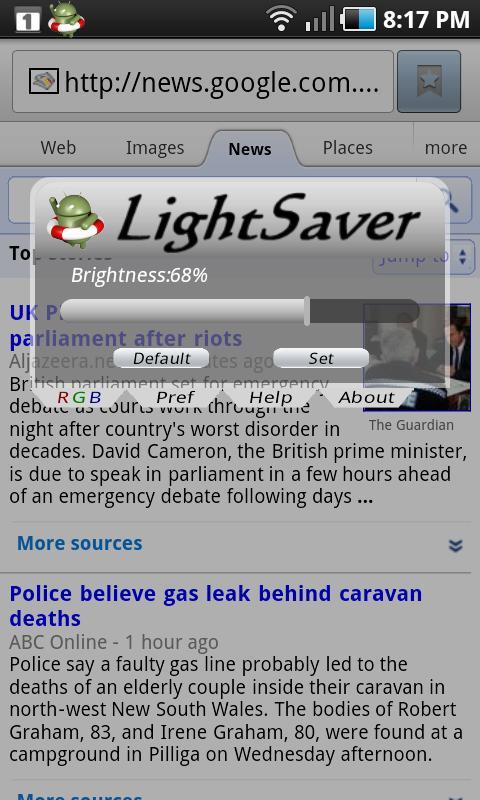
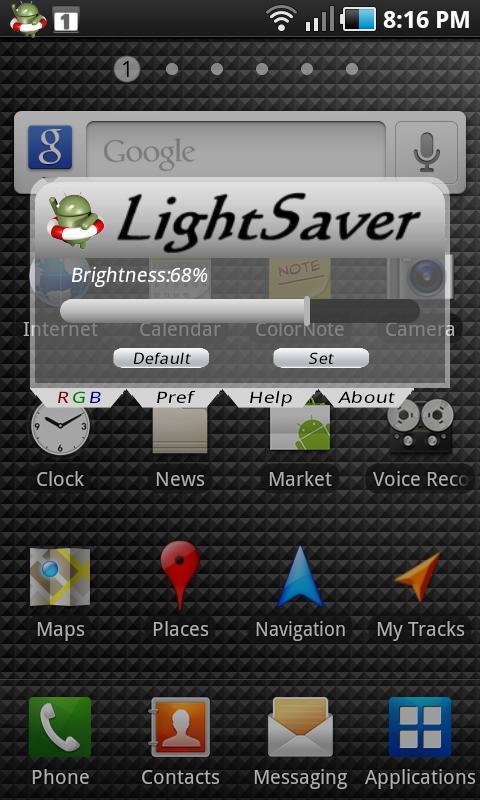
LightSaver gives you instant Brightness control of your display (from 100% down to 5%)which works across all your Apps. This increases the endurance of your Battery (up to 5 times longer) and allows more use of your Android device without disabling any of its functionality.
Instead of restricting your device's connectivity, killing apps, and otherwise converting your phone to a useless lump of plastic, LightSaver saves your battery by allowing you to fully manage your display brightness (the display being the biggest power consumer by far).
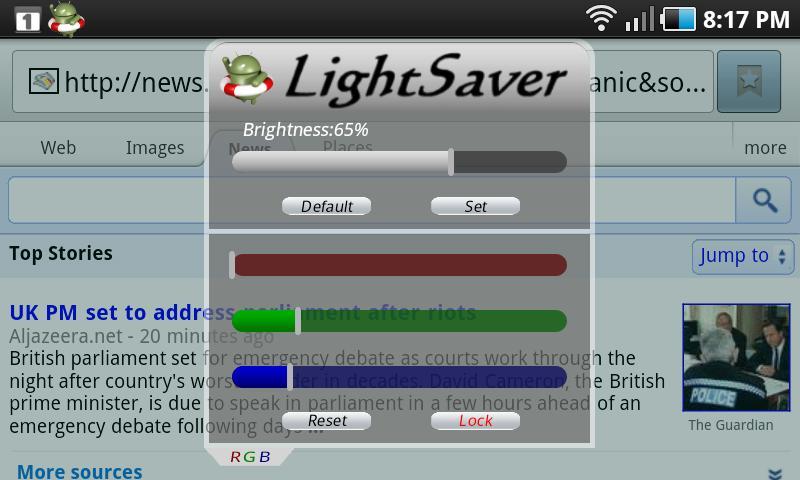
LightSaver also has a Color Adjustment feature which instantly changes the look of any App and lessens eye-fatigue.
If you would like to see if LightSaver works for you, follow the Test Procedure listed below(scroll down) to ensure an accurate test.
The most power-hungry component of your Android device is the big, beautiful, and bright Display. A quick look Menu Settings, About Phone, Battery Use will usually show over 80% of your power goes to the Display.
LightSaver allows very fine control of your Display's Brightness (and hence, your Battery Use) while you are running any App. LightSaver is normally accessed thru the Notification Bar or thru the Task Manager and is only a few presses away from all Apps.
Features:
-Extend your Battery Endurance by up to 5 Times
-Full Color Control with RGB Sliders - change the look of your Display across all Apps - instantly
-Total Brightness Control (from 100% down to 5%) of your System across all Apps
-Use WIFI and GPS longer on a single charge
-All LightSaver functions will work on All Apps
-Retains full functionality and connectivity while saving power
-Easily Double your Browsing and Gaming Times
-Cooler Battery due to lower consumption results in longer Battery Life
-Access from all Apps thru the Notification Bar or Task Manager
-Minimal CPU Loading - won't slow down your Phone
-Prevents Screen Burn or Afterimage
-Minimize Eye Strain
-Tiny Screen Footprint
-Auto Start at Phone Boot
-Fast, Instant Response to Brightness and color changes
-Customize Your Phone with full Display color control
-Full Brightness Control Dynamic Range from 5% to 100%
-Works properly in Small, Medium, and Large resolution displays (small to large phones and tablets)
-Small Memory Requirements
-Full Help provided
-Battery-Saving Hints (in Help)
-Troubleshooting Hints (in Help)
Test Procedure:
Here's the recommended test procedure. This avoids the effect of the battery overheating and giving an incorrect reading.
1) Note the battery level
2) Play a game or App which heavily loads your Screen for 30 minutes.
3) Note change in battery level.
4) The battery will be warm so switch off your device for about 30 minutes or longer until cool. This is important so you get an accurate reading.
5) Run LightSaver at 20% brightness. Do not use the RGB feature (set these sliders to 0)
6) Repeat steps 1 to 3
Typical results will show a 50-100% increase in Battery Life, depending on what you run on step 2. Also, the battery will be cooler and will result in longer battery life.
How to Extend Battery Life
The most power-hungry component of your Android device is the big, beautiful, and bright Display. A quick look Menu Settings, About Phone, Battery Use will usually show over 80% of your power goes to the Display.
LightSaver allows very fine control of your Display's Brightness (and hence, your Battery Use) while you are running any App. LightSaver is normally accessed thru the Notification Bar or thru the Task Manager and is only a few presses away from all Apps.
Normal Phone Use
A large part of Phone Use is in answering and making calls (it is a phone after all). Full brightness is not normally needed in this case. Most users can answer and make calls with the brightness setting set as low as 30%.
*Bug that causes lockups fixed
*Now works on full range of devices from smallest phone to largest pad
*Improved graphics
*Faster, more efficient operation





 Download