• Home
  • Games
    Action-adventure Simulation Business Role Playing Sports Competition Casual Intelligence Card Strategy Music Rhythm Text Puzzle Flying Shooting Love Development
  • Apps
    Business Office Newsletter Social Life Entertainment Online Shopping Practical Tools Travel Financial Management Educational Learning Information Reading Sports and Health
  • Articles

English 中文(简体) 中文(繁体) 한국어 日本語 Português Español Русский العربية Indonesia Deutsch Français ภาษาไทย
Home Apps Practical Tools Kannada Voice Typing Keyboard
Kannada Voice Typing Keyboard

Kannada Voice Typing Keyboard

1
2
3
4
5
Download
  • Version 8.2.0
  • Category Practical Tools
  • Package Name com.lipikaar.android.keyboard.kannada
  • Update Time June 5, 2026
  • Size 10.66MB
About this app

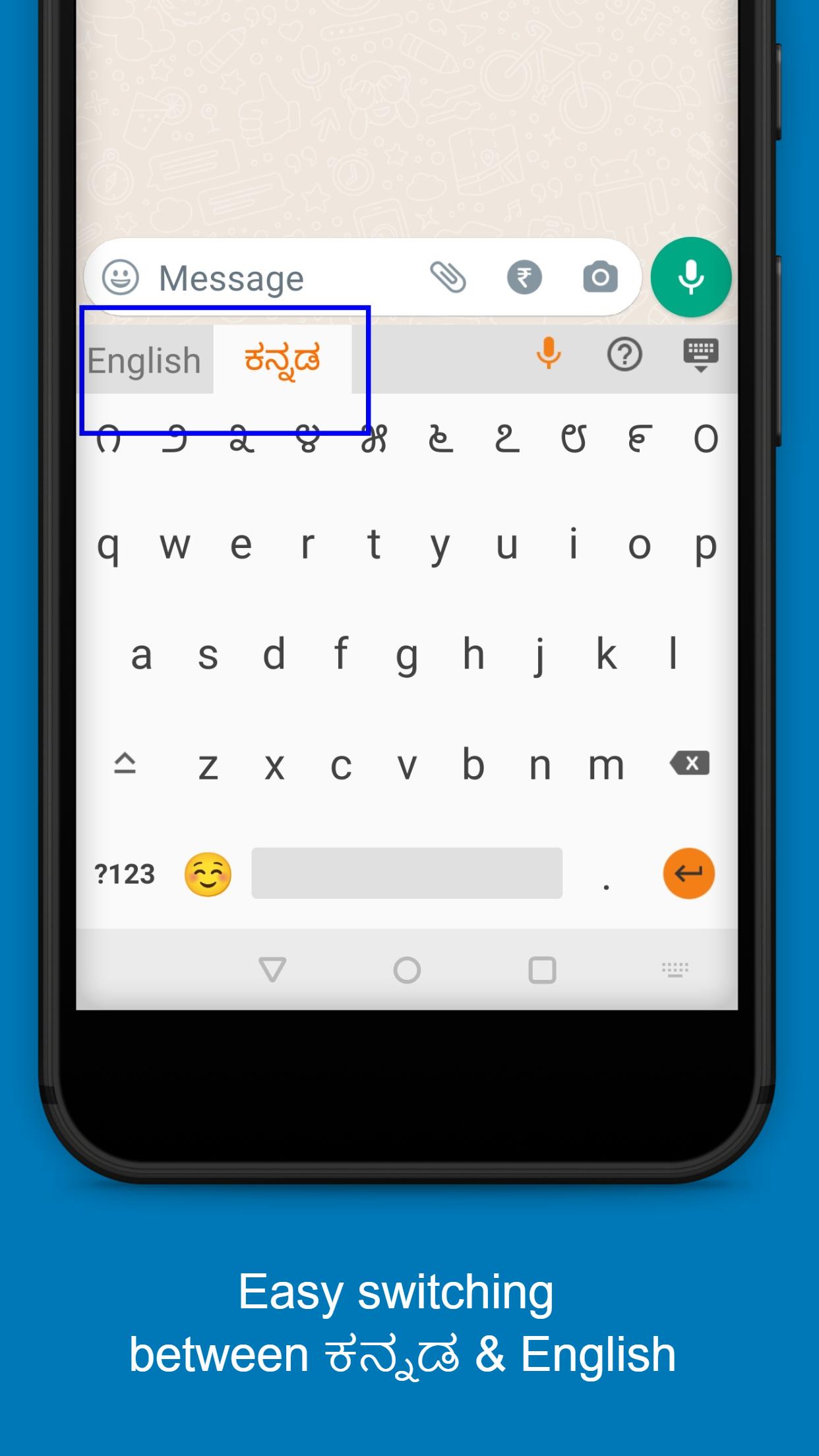
Simple & easy to use English to Kannada Keyboard along with Kannada Voice Typing

Lipikaar Kannada Keyboard is one of the most popular Kannada speech to text keyboards on Google Play. Join 1Million+ users who save time using our Kannada voice to text typing.

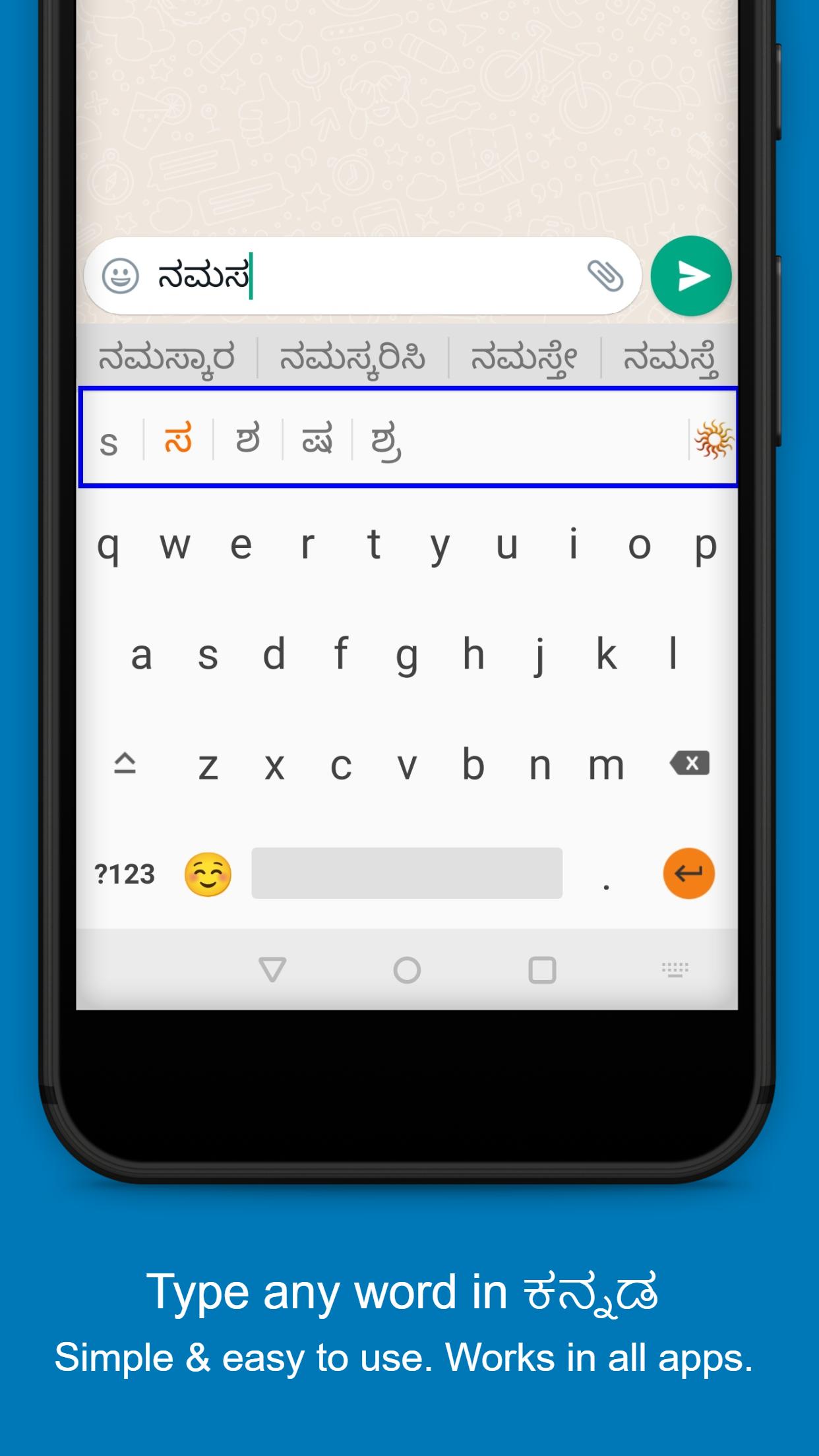
Kannada Keyboard Typing - Lipikaar provides simple and intuitive typing in Kannada using English keyboard.

Rule 1: Repeatedly type the closest sounding key till you see the correct Kannada script character.

s = ಸ ss = ಶ sss = ಷ krr = ಕ್ರ krrr = ಕೃ

Rule 2: Use "x" key to join two characters

txt = ತ್ತ rxt = ರ್ತ rkxt = ರಕ್ತ

Rule 3: Use "z" key to add a special symbol of the script.

z = ಂ zz = ಃ zzz = ಼ zzzz = ಽ

For more details visit: http://www.lipikaar.com/kannada

Works in all apps. Chat with your friends and family in your language - use Kannada on Whatsapp, Facebook or any other app.

Easy to install

• Download the app and open it.

• Step 1: Enable Lipikaar Kannada Keyboard.

• Step 2: Set it as your current keyboard.

• Step 3: Provide permissions to enable voice to text typing.

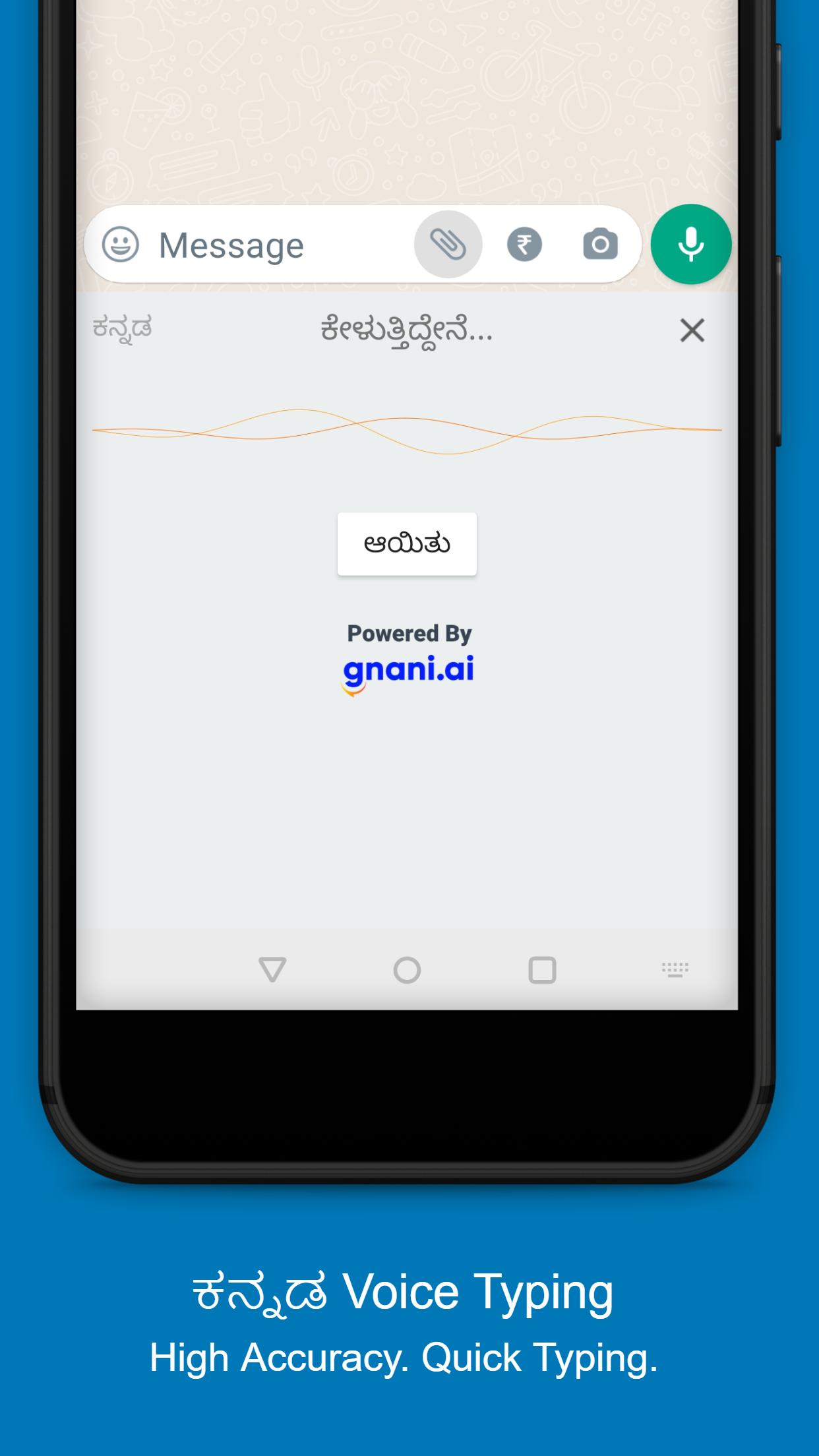
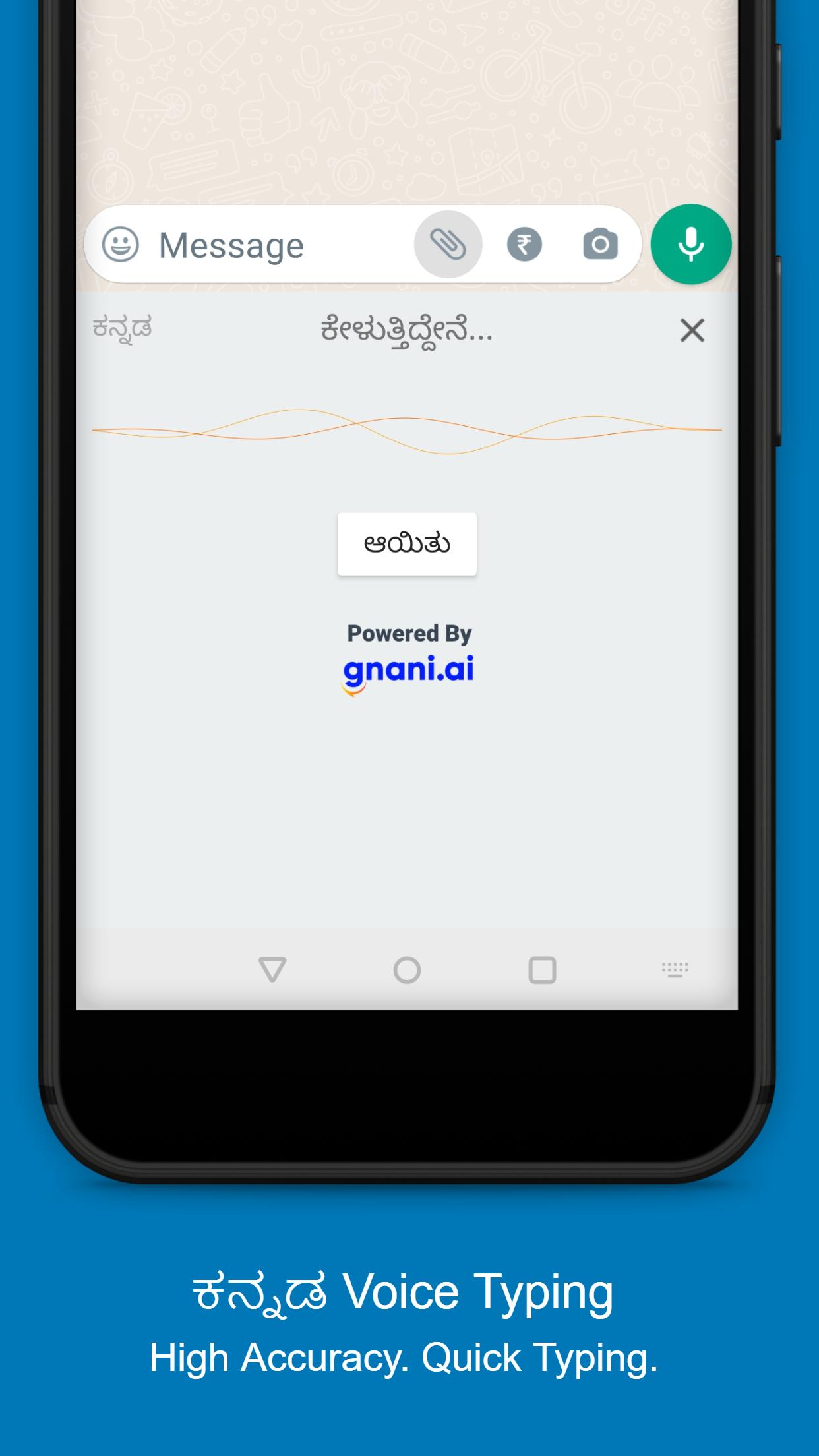
• That's all! You can now type in Kannada(ಕನ್ನಡ) in any app using the keyboard or just your voice.

• Press the mic icon. Speak in Kannada and the app will do the typing for you.

When enabling any keyboard that you download, Android shows a standard warning. Lipikaar does not collect any personal information (passwords, credit card details etc.) in any form, from any of our users. We are 100% safe.

Please share your suggestions & feedback at [email protected]

What's New in the Latest Version 8.2.0

Last updated on May 30, 2022 - Integration with AppNext - App suggestions
Download(10.66MB)
Users also viewed
  • RW Zooper Theme

    RW Zooper Theme

    2.0 June 8, 2026
  • Horror Flower GO Keyboard

    Horror Flower GO Keyboard

    5.0 Grass June 7, 2026
  • Waltech GSM Alarm

    Waltech GSM Alarm

    1.6.1 June 7, 2026
  • Hamilton Height RWA

    Hamilton Height RWA

    5.0 June 7, 2026
  • Icon Pack - Blackxmas(free)

    Icon Pack - Blackxmas(free)

    1.0 June 7, 2026
  • Note4 For All

    Note4 For All

    2.0 June 7, 2026
  • Glass clock widget B -Me Clock

    Glass clock widget B -Me Clock

    2.0 June 7, 2026
  • Ka Le

    Ka Le

    1.1.14 June 7, 2026
  • Bubbles - Icon Pack

    Bubbles - Icon Pack

    2.0 June 7, 2026
  • Dreamstime: Sell Your Photos

    Dreamstime: Sell Your Photos

    7.7.0 June 6, 2026
  • Real Prison Escape

    Real Prison Escape

    1.4 June 6, 2026
  • SPC Mobile

    SPC Mobile

    1.3.25 June 6, 2026
  • Scores Keeper

    Scores Keeper

    2.2.1 June 6, 2026
  • Telnet Client

    Telnet Client

    1.3.3 June 6, 2026
  • SGS4 Flasher

    SGS4 Flasher

    1.1.1 June 6, 2026
About Privacy Policy Terms of Service Cooking Policy

© Copyright 2017-2026 downzq.com