

Text scanner extract text from images & OCR scanner with image to text convertor
?OCR Image to Text Converter - Extract Text from Images
Are you tired of typing out text from photos or documents by hand?
Unlock the power of effortless text extraction with image to text scanner app! Transform images into editable text with just a tap. OCR Scanner app supports over 100 languages and extract text from image, regardless of its format.
? Features of OCR Text Scanner:
? Advanced OCR Technology:
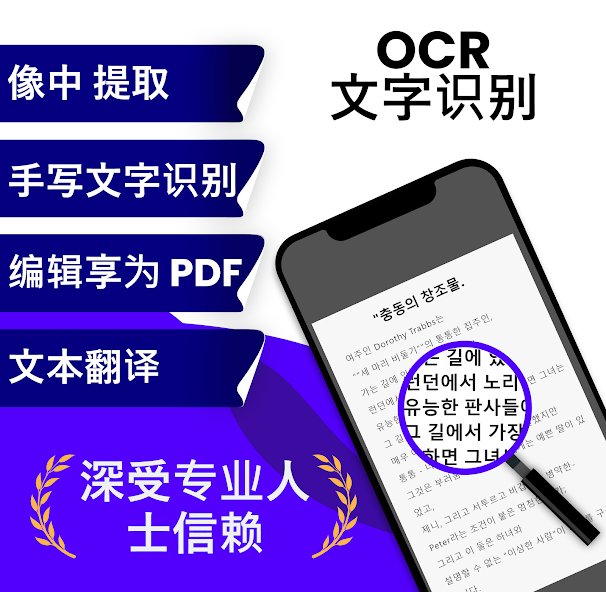
Advanced OCR image to text converter refers to highly developed optical character recognition that accurately converts images or scanned documents into editable text. Extract text from images in seconds and also convert handwriting to text with our text scanner app.
? Auto Language Detection:
Automatically detect and scan text in over 100 languages, including complex multi-language documents. Auto Language Detection in a text scanner refers to the capability of the scanner to automatically identify and process the language of the text in scanned images or documents.
? Save, Share & Export:
Once the text is extracted, you can easily edit it within the app. Share your text directly via email, social media, or other apps with just a tap. Export as PDF, TXT, DOC, XLS, RTF, CSV, ODT, XLSX, HTML and DOCX
for seamless integration.
? Scan History:
Keep a record of your scans with the handy scan history feature. Easily access previously scanned texts without having to rescan documents, saving you time and effort.
? Fast and User-Friendly:
Ideal for students, businessmen, journalists, and more. Simple enough for anyone to use.
How to use OCR Image to Text Scanner:
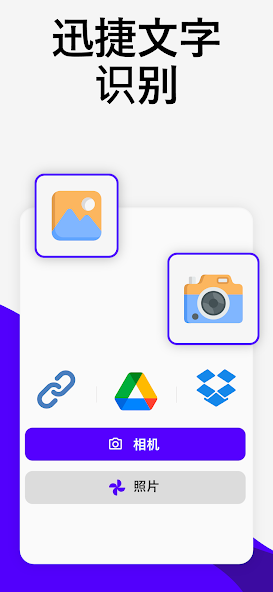
◆ Open the picture to text converter app and select the image you want to scan text from photo.
◆ The handwriting to text converter app will automatically recognize the text in the image and display it on the screen with scan text to word.
◆ You can save the extracted text to your device or share it with others.
◆ To convert the image to a PDF file, tap the convert to PDF.
◆ This image to text scanner to translate the extracted text into another language, tap the "Translate" button and select the language you want to translate any language copy text on screen.
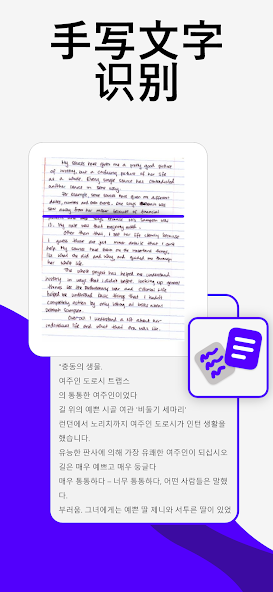
Unlock the potential of handwritten notes with the handwriting to text converter. This online OCR Image to text converter feature goes beyond traditional OCR scanner capabilities, accurately translating handwritten content into digital text with scan to text converter. Whether it's meeting notes, copy text from image, personal memos, or creative sketches, this handwriting to text converter preserves the authenticity of your handwritten input.
? Additional Features of OCR Image to Text Converter:
◆ JPG to Text Converter
◆ JPG to Word Converter
◆ JPG to Excel Converter
◆ JPG to PDF Converter
◆ PNG to Text Converter
◆ PNG to Word Converter
◆ PNG to Excel Converter
◆ PNG to PDF Converter
Why Choose our Scan to text converter App?
◆ Most Advanced OCR Technology: Ensures the highest accuracy in text recognition.
◆ Versatile and Powerful: Supports a wide range of languages and document types.
◆ User-Centric Design: Intuitive interface that makes text scanning a breeze for everyone.
Download OCR Scanner - Scan to Text today and start extracting text from images and scan text from images with ease!


 Download