

Design & Create personalized Jeans with the iDesigner App, Powered by LIVE IN
When it comes to your own fashion and your own style statement, the best person to decide is You, yourself. No one but you would know what suits you best. Which Blue denim looks great and whether Stretch fabric is your comfy zone? From the Wash Effect to the Fit, you know your denims the best.
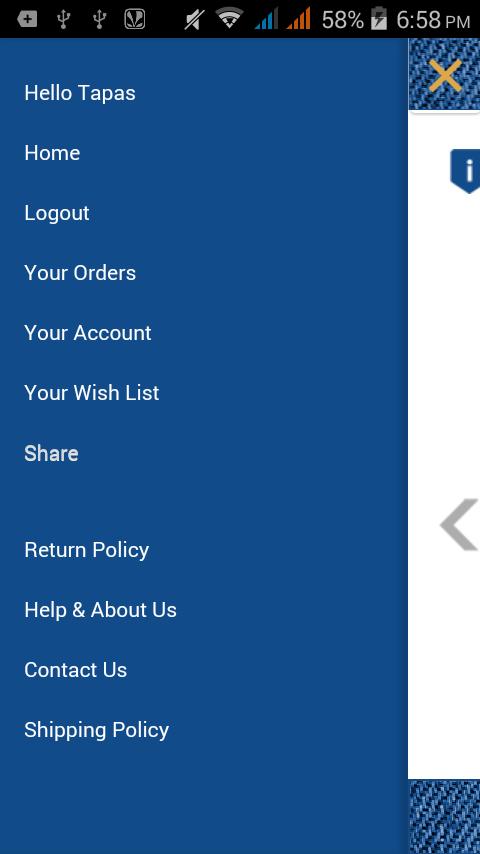
iDesigner gives you all the Options to build your own Jeans. Choose your favorite fabric, decide how the fabric feel should be. Choose your favorite shade, the Wash Effect you want and the Fit that you are comfy with. Power up your denims with your Choice of Washes - how deep you want the Indigo, an Effect of your choice and areas where you want it washed-down / distressed. iDesigner will present you with Selectable Options and let your imagination rule !
Once you have built your Jeans - You can even create a Custom Label for your Jeans. Have your own name or the name of that Special Person whom you want to gift this awesome Jeans. You can even inscribe a Customized message to be shown on the Leather badge. Isn’t it Amazing……having so many easy options to choose from ?
Steps to build your Very Own Jeans:
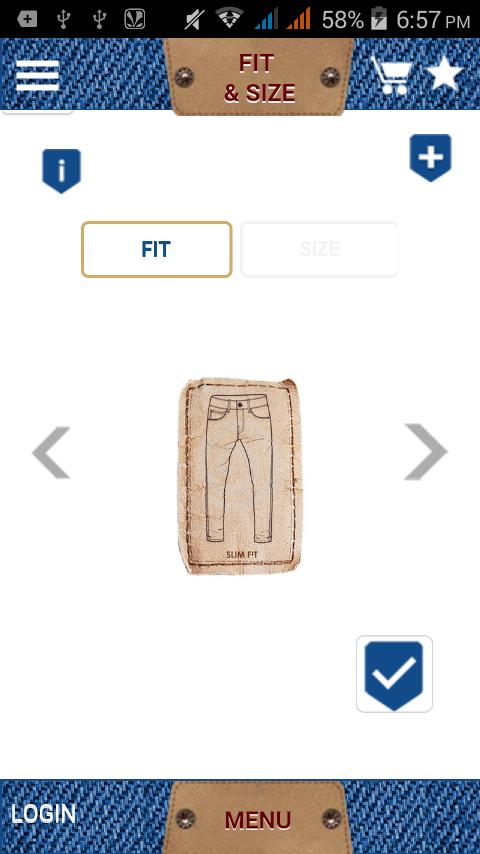
1-Select FIT and then Select SIZE – length is 44 inch for all jeans.
2-Select Style – First WAIST (Mid or Low) and then LEG (Straight or Tapered).
3-Select SHADE – Black or Blue. Move the marker to Get different Shades in Black and Blue.
4-Select FABRIC – Choose your favorite fabric , select the feel that you want: Soft / Rugged / Silky
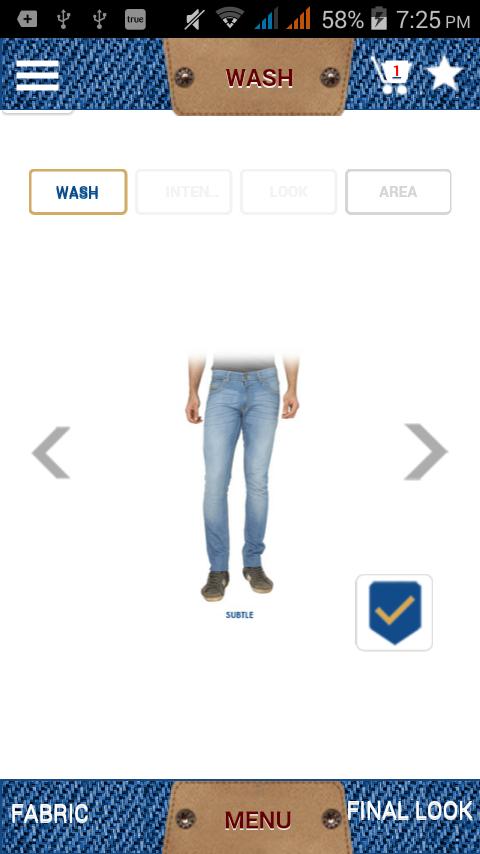
5-Select WASH type: Intensity, Look and the Areas where you want Wash Effects.
6-Check the FINAL LOOK here - select Any or All from these and Add to Cart.
7-Custom Label – Customize your Leather Label’s Colour, add your Signature and Add the Message that you want.
8-Check out with one product. If you have many products in the Cart – you can either apply the same Customization to all products or you could Check out one by one.
Design your Own Jeans in your personal way………we will built it for you. You will never buy off the rack again ! Be the First to flaunt it, it’s the 1st Time in India !
Be assured about the Quality as it is powered by India’s one of the most powerful Jeans Brand LIVE IN. “My Fave Jeans”……..has a whole new meaning now !








 Download