• Home
  • Games
    Action-adventure Simulation Business Role Playing Sports Competition Casual Intelligence Card Strategy Music Rhythm Text Puzzle Flying Shooting Love Development
  • Apps
    Business Office Newsletter Social Life Entertainment Online Shopping Practical Tools Travel Financial Management Educational Learning Information Reading Sports and Health
  • Articles

English 中文(简体) 中文(繁体) 한국어 日本語 Português Español Русский العربية Indonesia Deutsch Français ภาษาไทย
Home Apps Practical Tools IC Weather Widget - Black
IC Weather Widget - Black

IC Weather Widget - Black

1
2
3
4
5
Download
  • Version 1.2
  • Category Practical Tools
  • Package Name com.iczone.icsomething.widget.black
  • Update Time August 11, 2026
  • Size 1.77MB
About this app

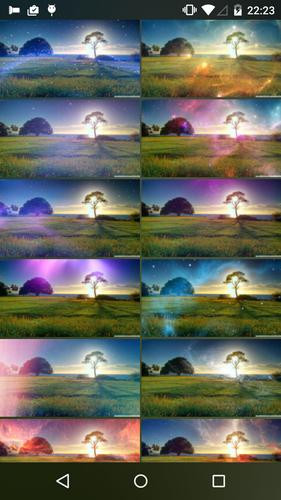
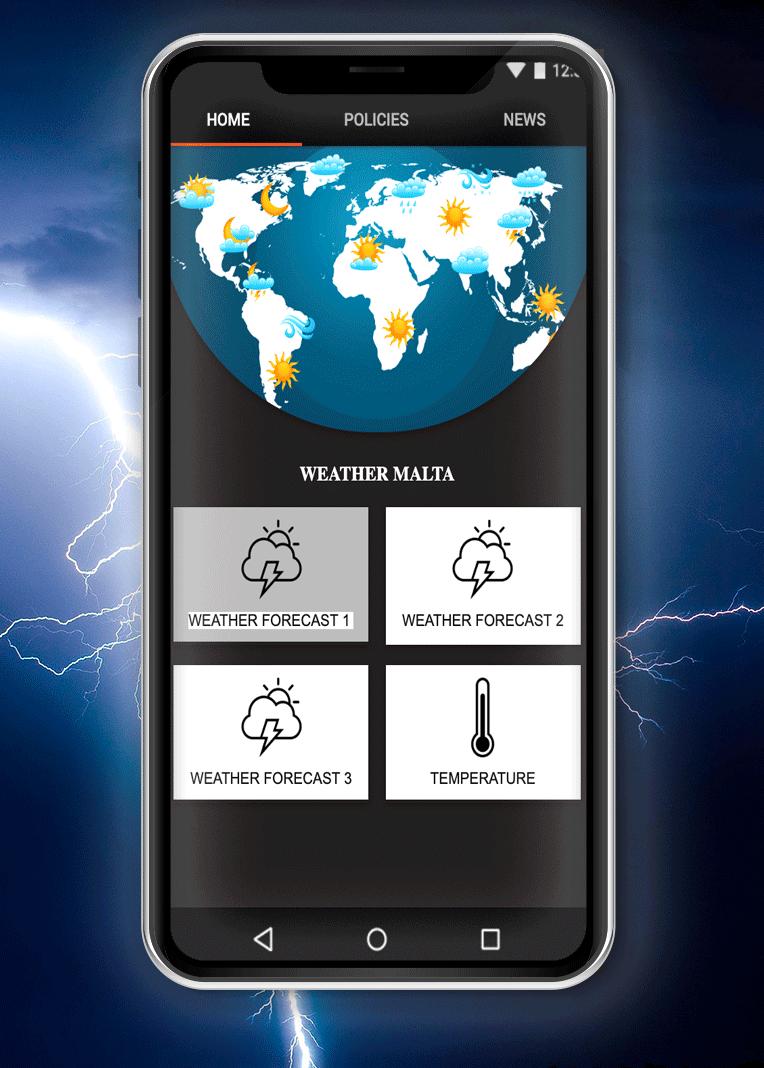
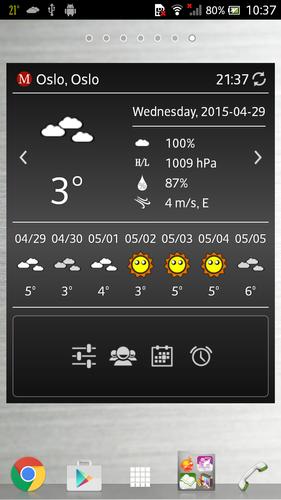
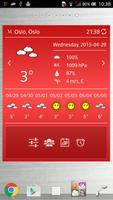
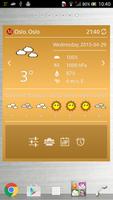
Resizable widget with highly customizable features. Customize your shortcuts now

This is IC Weather Pro widget plugin, you need to purchase IC Weather Pro before installing it.

*** NOTE:

Please install the main program before installing the plug-in. In the wrong order may cause the installation to fail.

Resizable widget allows you to switch the size between 2X2, 4X2, 4X3 and 4X4. With this highly customizable widget, you can set the color and font size as you like and customize up to four shortcuts. Moreover, it is also permitted to use the world time or local time.

- Multilingual interface:

English, 繁中, 简中, 日本語, 한국어, Deutsch, Français, Italiano, Polski, Ελληνικά, Русский, العربية, Українська, Română, हिन्दी, Türkçe, Nederlands, Hrvatski, Español, Čeština, Suomi, Български, Português, Svenska, Tiếng Việt, Magyar, Slovenčina, Norsk, Dansk, Српски, Català, Lietuvių, Latviešu, Eesti, Indonesia, ภาษาไทย, Қазақша, Íslenska, اردو, Azərbaycanca, ქართული, עברית, Khmer, IsiZulu, Lao, Shqip, বাংলা

*** You need to install the latest version of IC Weather Pro (1.4 and above)

Free version is also available as below:

- IC Weather

- Widget plugin

How to add widgets to your Home Screen?

1. Install IC Weather Pro 1.4 and above

2. Install IC Weather Widget - Black

3. Long press on an empty space of any home screen

4. Select a widget you wish to add

5. Make sure this is added into the whitelist of memory cleaning app

6. Enable auto update

***Please note:

If you clear data from application manager, please remove widget from Home Screen and restart from step 3. (It lost basic settings and will cause unpredictable errors)

Visit our website:

- http://www.icsuntime.com

- More APP: Please search IC Weather in Google Play

- Requirements: Android 4.0 and above

Android is a trademark of Google Inc.

What's New in the Latest Version 1.2

Last updated on Sep 8, 2015 Bug fixes
Download(1.77MB)
Users also viewed
  • SUIHOU -Bubbles- LiveWallpaper

    SUIHOU -Bubbles- LiveWallpaper

    3.4 August 12, 2026
  • Sleep Smarter

    Sleep Smarter

    1.0.00 August 12, 2026
  • Guangzhou Weather

    Guangzhou Weather

    1.1 August 12, 2026
  • FREE Linear Interpolator

    FREE Linear Interpolator

    1.03 August 12, 2026
  • AOKP WALLPAPERS 2

    AOKP WALLPAPERS 2

    4.0.1 August 12, 2026
  • Best Flashlight

    Best Flashlight

    1.3 August 11, 2026
  • Water Surfer Bike Beach Racing

    Water Surfer Bike Beach Racing

    1.01 August 11, 2026
  • Intermed

    Intermed

    1.0 August 11, 2026
  • VEXUS CAM

    VEXUS CAM

    V6.38.02.09 August 11, 2026
  • Opus Compass

    Opus Compass

    1.2 August 11, 2026
  • VPN Over DNS  Tunnel : SlowDNS

    VPN Over DNS Tunnel : SlowDNS

    2.6.7 August 11, 2026
  • Theme Weed Ganja for GO SMS

    Theme Weed Ganja for GO SMS

    3.0 August 11, 2026
  • wetter-profi.at

    wetter-profi.at

    5.421 August 11, 2026
  • Living Room Ideas & Design - F

    Living Room Ideas & Design - F

    2.1 August 11, 2026
  • Emotional Stickers

    Emotional Stickers

    1.6 August 11, 2026
About Privacy Policy Terms of Service Cooking Policy

© Copyright 2017-2026 downzq.com