• Home
  • Games
    Action-adventure Simulation Business Role Playing Sports Competition Casual Intelligence Card Strategy Music Rhythm Text Puzzle Flying Shooting Love Development
  • Apps
    Business Office Newsletter Social Life Entertainment Online Shopping Practical Tools Travel Financial Management Educational Learning Information Reading Sports and Health
  • Articles

English 中文(简体) 中文(繁体) 한국어 日本語 Português Español Русский العربية Indonesia Deutsch Français ภาษาไทย
Home Apps Practical Tools HotSpot Manager Demo
HotSpot Manager Demo

HotSpot Manager Demo

1
2
3
4
5
Download
  • Version 1.10
  • Category Practical Tools
  • Package Name es.infinitel.hotspot.demo
  • Update Time June 12, 2026
  • Size 248.21KB
About this app

Print tickets with random credentials for Mikrotik User Manager HotSpots

HotSpot Manager for Mikrotik generates customized printed tickets with randomly generated usernames and passwords for a Mikrotik User Manager based HotSpot. This demo version works exactly as the paid version but won't print the generated user password.

HotSpot Manager works connected to Mikrotik User Manager and prints to a thermal ESC/POS compatible Epson printer with network support (wifi or ethernet) to issue paper tickets.

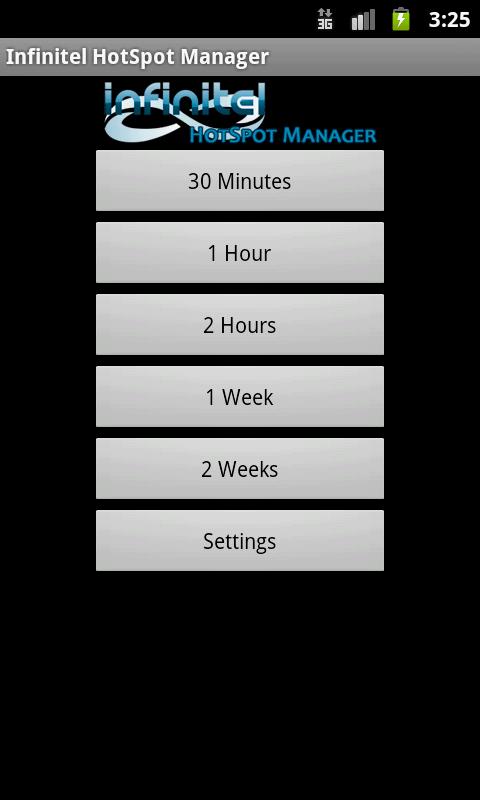
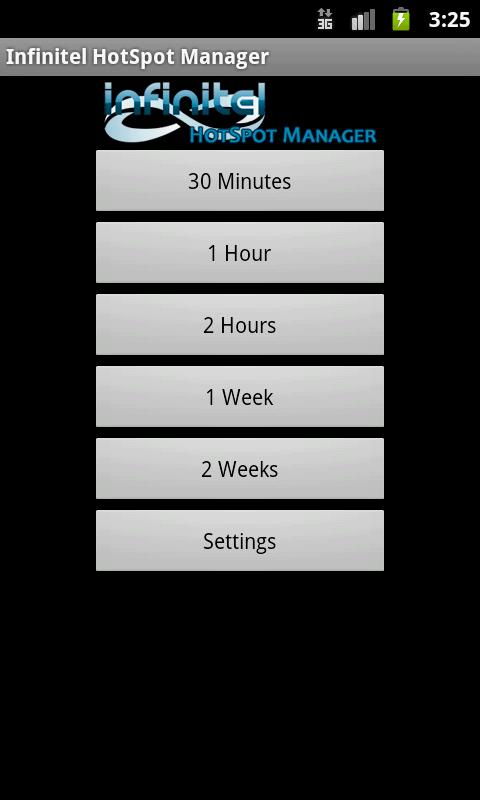
Infinitel HotSpot Manager supports as many Mikrotik User Manager profiles as you need. You can set your Mikrotik User Manager to set tickets duration in minutes, hours, days or weeks and print them with a single touch.

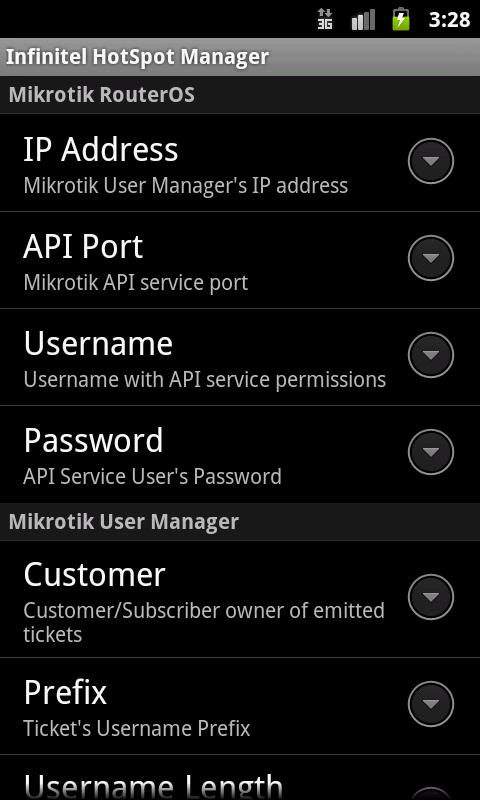
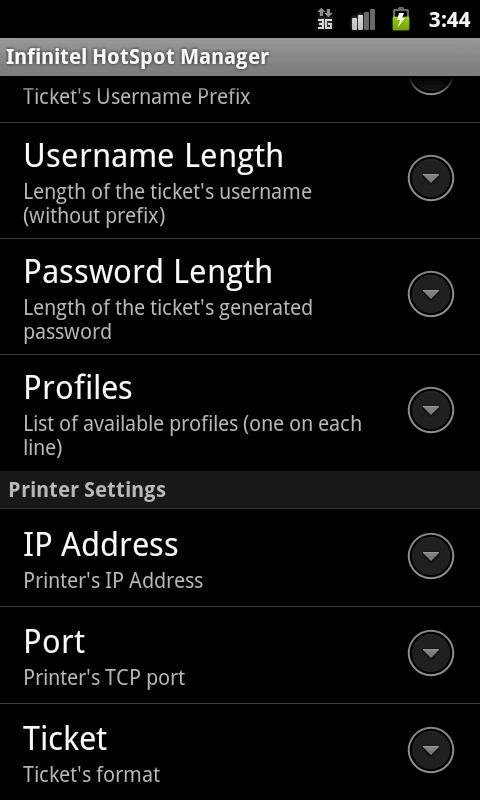
The app allows you to setup many options:

- Setup as many profiles/credits as needed.

- Define the username prefix and length.

- Define the password length.

- Define list of predefined reusable usernames

- Customize main screen logo.

- Protect settings with password.

- Define a customized ticket/voucher:

- Format your text font: bold, underlined, double tall, double wide.

- Align it to left, center or right.

- Print your custom logo.

- Print a QRCode to access hotspot captive portal and autofill username.

- Use the QRCode to redirect your users to a page of your choice after login.

- Set autocut paper if printer supports it.

You can find a detailed user's manual on developers page.

HotSpot Manager is compatible with Mikrotik RouterOS 4.17, 5.12 or higher.
What's New in the Latest Version 1.10

Last updated on Nov 17, 2015 1.10
- Added RouterOS 6.33 support
1.9
- QR support totally rewrited. Now uses ESC/POS printer QR native support instead of binary image printing.
1.8.2
- Updated to support RouterOS 6.30 or higher
1.8.1
- Allow password length 0
1.8
- Rebuilt Mikrotik API connection library
- Solved error that leaved opened sessions on RouterOS 5.12 or higher
Download(248.21KB)
Users also viewed
  • Disable Bloatware - Hide Apps

    Disable Bloatware - Hide Apps

    1.0.5 June 13, 2026
  • GO Keyboard Golden Age Theme

    GO Keyboard Golden Age Theme

    3.7 June 13, 2026
  • Live Wires 2.0 Live Wallpaper

    Live Wires 2.0 Live Wallpaper

    2.0 June 13, 2026
  • Cute Face&Words Box ThemeDECO+

    Cute Face&Words Box ThemeDECO+

    1.0.7876 June 13, 2026
  • Cupcake Theme GO Launcher EX

    Cupcake Theme GO Launcher EX

    5.0 June 13, 2026
  • Notification Folders

    Notification Folders

    1.1.5 June 13, 2026
  • Meteo7.it

    Meteo7.it

    3.9.5 June 13, 2026
  • CamSpot 3.4

    CamSpot 3.4

    3.4 June 13, 2026
  • Live Weather Pro

    Live Weather Pro

    1.1 June 13, 2026
  • Weather Alerts for DashClock

    Weather Alerts for DashClock

    2.0 June 13, 2026
  • Pinky Christmas Theme

    Pinky Christmas Theme

    1.0 June 13, 2026
  • Generator n Validator CPF CNPJ

    Generator n Validator CPF CNPJ

    6.1 June 13, 2026
  • AC400

    AC400

    1.1.1 June 12, 2026
  • Plumbing course

    Plumbing course

    1.00 June 12, 2026
  • Weather Radar - Live Maps & Alerts

    Weather Radar - Live Maps & Alerts

    3.6 June 12, 2026
About Privacy Policy Terms of Service Cooking Policy

© Copyright 2017-2026 downzq.com