

Enjoy millions of the latest Android apps, games, music, movies, TV, books, magazines & more. Anytime, anywhere, across your devices.
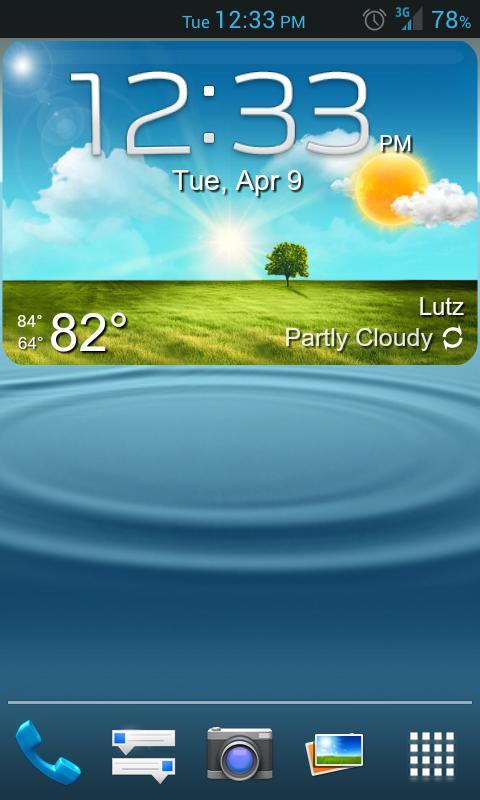
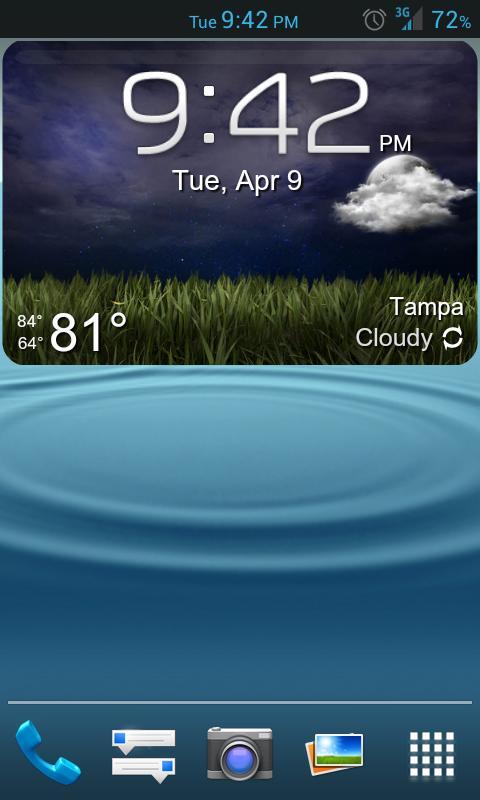
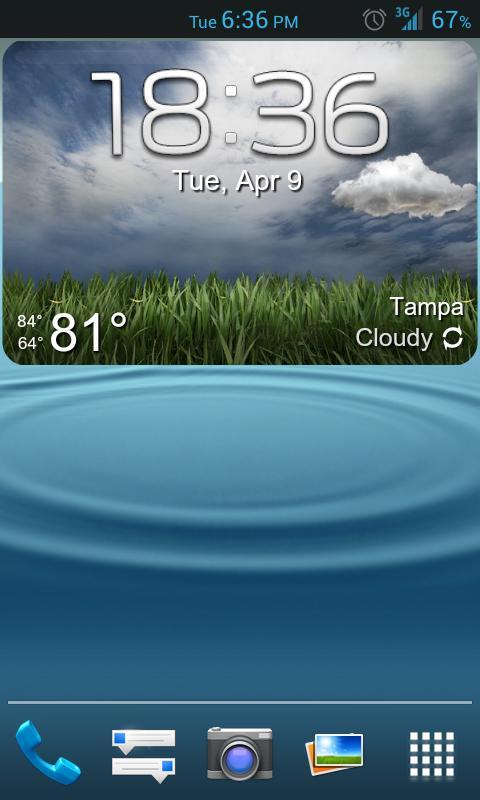
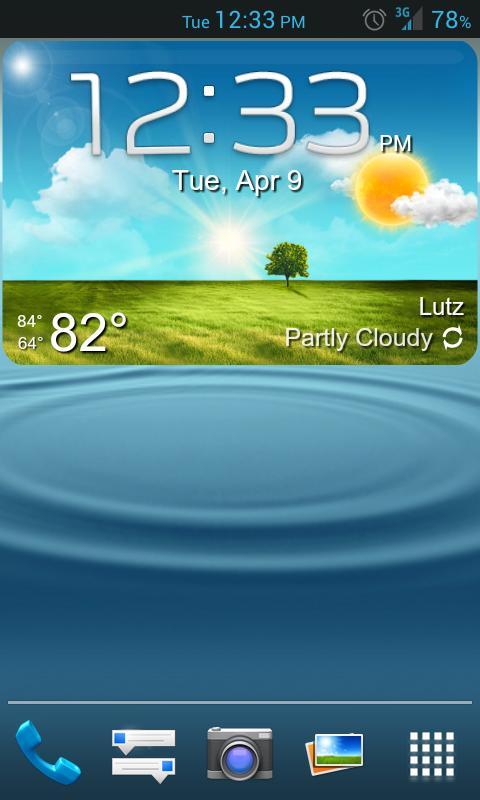
Galaxy S3 like weather widget, background photos change with the weather conditions -For both day and night... Also includes several widgets for your choice of size.
This is not a typical widget or app, this is a "UCCW Skin". So after you install, this skin will ONLY show up in the "UCCW widget list", which will only appear when you add a NEW standard sized UCCW widget to your homescreen, by following instructions below. ***You will not find this skin anywhere else on your device***
FAQ: I installed this app/skin, now where do I find it?
Answer: Install UCCW App (link provided below) & this skin, then PLEASE READ ALL the topics under the description below. Or even easier -Watch the Video- and If English is not your first language, you can watch it on your computer --> turn on Closed Captions (CC) --> select your native language --> then subtitles will translate all instructions for you..
--------------------------------
"UCCW" App Required Before Use
--------------------------------
You will first need the latest version of **Ultimate Custom Widget (UCCW)** a free app, before you are able to use this skin. If you haven't already you can install it in the Play store from this link: http://goo.gl/TZgw0 Props to VasuDev for creating UCCW and the ability to use other skins.
--------------------------------
How to use this widget
--------------------------------
Please follow these steps to add the widget to your homescren:
1) Long press homescreen, and select add widget. OR from your app drawers widget tab (varies depending on android version and home launcher).
2) Add a new standard UCCW widget (size 4x3 large, so on).
3) UCCW widget list will appear, choose "GS3-ish(large)" or other.
4) Touch the pointing finger when it appears and wait a few seconds.
5) Re-size as desired (depending on launcher/setup) and Enjoy!
Note: All widgets are optimized for a 4x6 or 5x6 icon grid for your homescreen.
--------------------------------
How to set custom Hotspots
--------------------------------
1) Make sure UCCW "Hotspots Mode" is turned [Off]
2) Tap the widget and it will open in the UCCW widget editor
3) You can scroll through options list at the bottom to:
-Set colors for each object
-Set Clock format to 24hr / 12hr
-Set all Hotspots (swipe widget to show color areas if they disappear)
4) After you are content with your settings, turn "Hotsopts Mode" back [ON] and it will exit to your homesceen.
Note: It is handy to set one hotspot to "Open UCCW editor" for quick access to settings.
--------------------------------
Other Important Notes
--------------------------------
It would be good to familiarize yourself with the UCCW app and all its internal settings. [Menu] -> [Settings] and check to make sure your location is found and correct (or set manually -direction on listed there). If your location is not found the backgrounds will not update to correct weather conditions, or a default image will be shown always. Be sure to also set your weather update interval, select your degrees displayed F/C, as well as the night start & end times (so the background photos change correctly). For more info on UCCW there are tutorials are on YouTube showing how work everything. And even create your own custom widgets!
Any trouble let me know,
Thanks everyone!











 Download