

Registered Installer app to easily complete their STC assignment forms
Sick of filling out STC assignment forms? Now you can do it all from your Android Device.
The Formbay Solar PV installer app has been designed to allow registered CEC installers & Designers to easily complete their STC assignment forms and related compliance info all via their Android Device. There’s no thumbing in numbers or data, you just point, click, scan, sign and upload!
The app works in conjunction with any Formbay web account, and replaces the need for paper assignment forms. So no more filling out paper forms, faxing, scanning or emailing, it’s now all electronic.
The way it works is simple, your office need to first creates the basic form in their Formbay web account, they then assign you as an installer for that form and it’s is then pushed to your Android Device instantly. When your onsite, you simply scan in all your serials, take photos of the install, capture the signatures, then once your done, simply click upload and off it goes back to the office as a complete assignment form, it’s that easy.
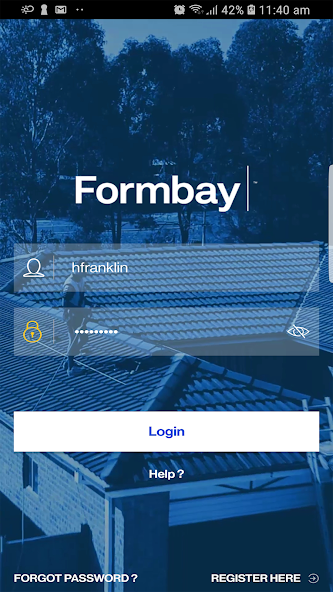
To gain a username and password you must first register yourself as a “Mobile Installer”, this will give you 60 days free and allow you to start accepting forms straight away.
Download now and click register on the apps welcome screen to get started.
Features include:
- Barcode Scanner
- Take photos of the install
- CEC installer can sign on the Android
- CEC design can sign on the Android
- Home owner can sign on the Android
- App records date & time for all information captured
- App records GPS co-ordinates (only in reception areas)
- Auto Backup of forms
- Front camera capture
- Silent upload of the documents.
- Document upload status screen.
- Show only serials for inst type 3.
- History form detail (Contains two functions 1.Reupload the form 2.Delete the form permanently)
- Serials might also be available in Form XML.
- Validation of signature
The app does require network coverage to first log in, and will work if without coverage if you have already logged in.
Terms of Use & Privacy Policy: https://formbay.com.au/legal










 Download