• Home
  • Games
    Action-adventure Simulation Business Role Playing Sports Competition Casual Intelligence Card Strategy Music Rhythm Text Puzzle Flying Shooting Love Development
  • Apps
    Business Office Newsletter Social Life Entertainment Online Shopping Practical Tools Travel Financial Management Educational Learning Information Reading Sports and Health
  • Articles

English 中文(简体) 中文(繁体) 한국어 日本語 Português Español Русский العربية Indonesia Deutsch Français ภาษาไทย
Home Apps Practical Tools Flashlight: No Permission (Nex
Flashlight: No Permission (Nex

Flashlight: No Permission (Nex

1
2
3
4
5
Download
  • Version 3.5
  • Category Practical Tools
  • Package Name com.humberto.nexusflashlight
  • Update Time August 12, 2025
  • Size 171.58KB
About this app

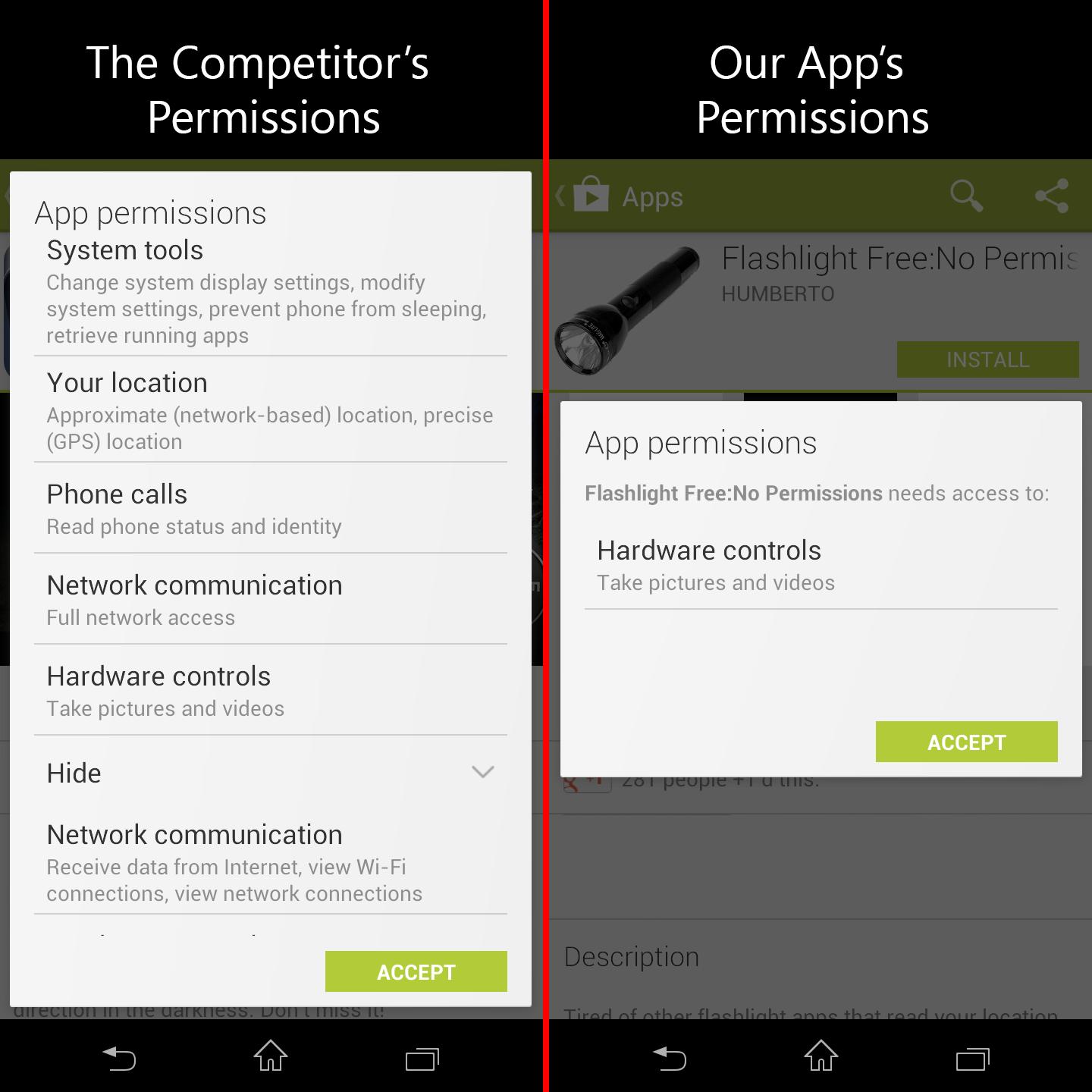
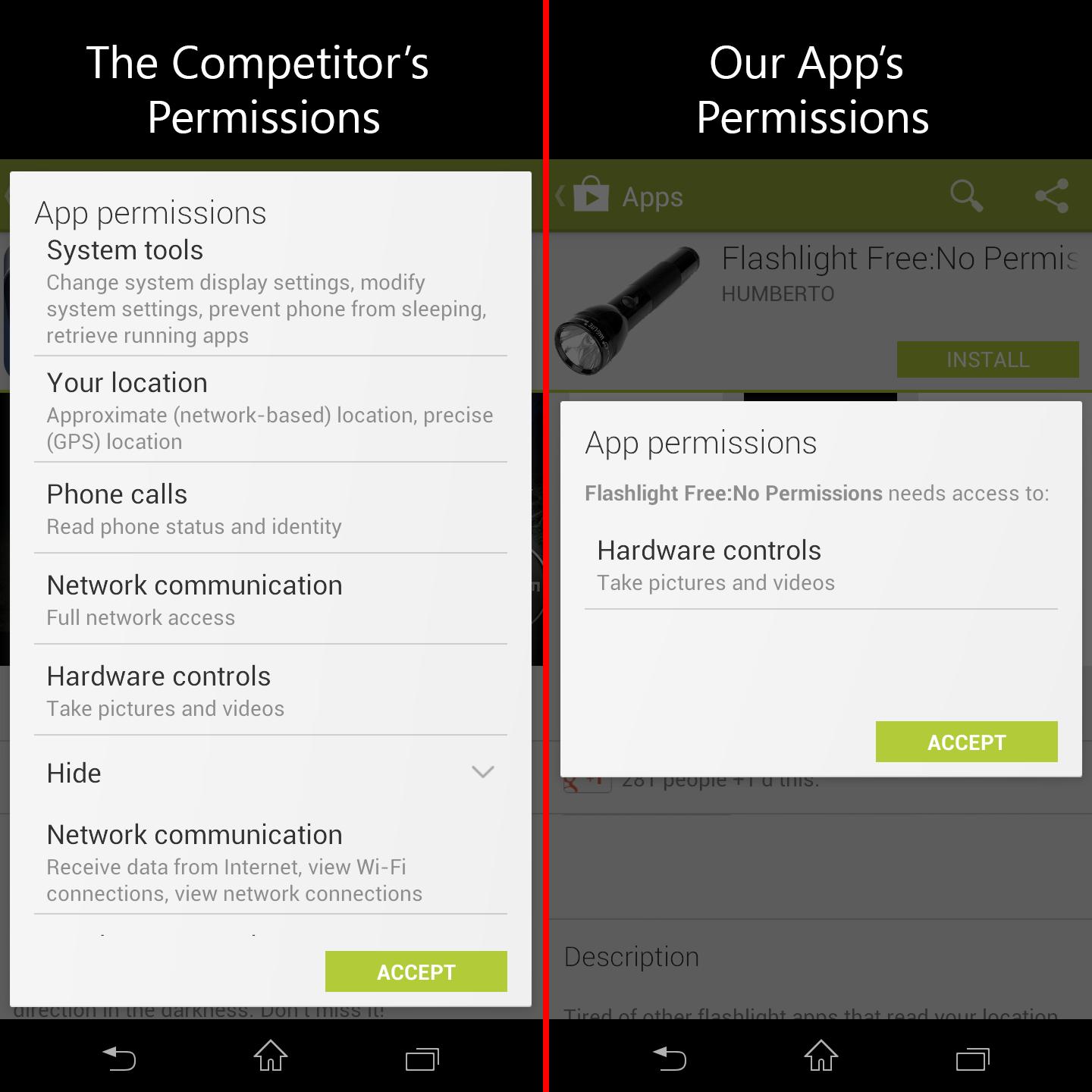
We don't read your location, personal information, phone calls, etc!

***Please read the note on the microphone permission at the bottom of the description***

Tired of other flashlight apps that read your location, personal information, phone calls, and network activity etc?

This app won't read any of your personal information! Go ahead and check. The only permissions are for Camera and Flashlight (which is used to access your flash LED.) We value your privacy 100%. The best part? This app doesn't have any annoying sounds or advertisements.

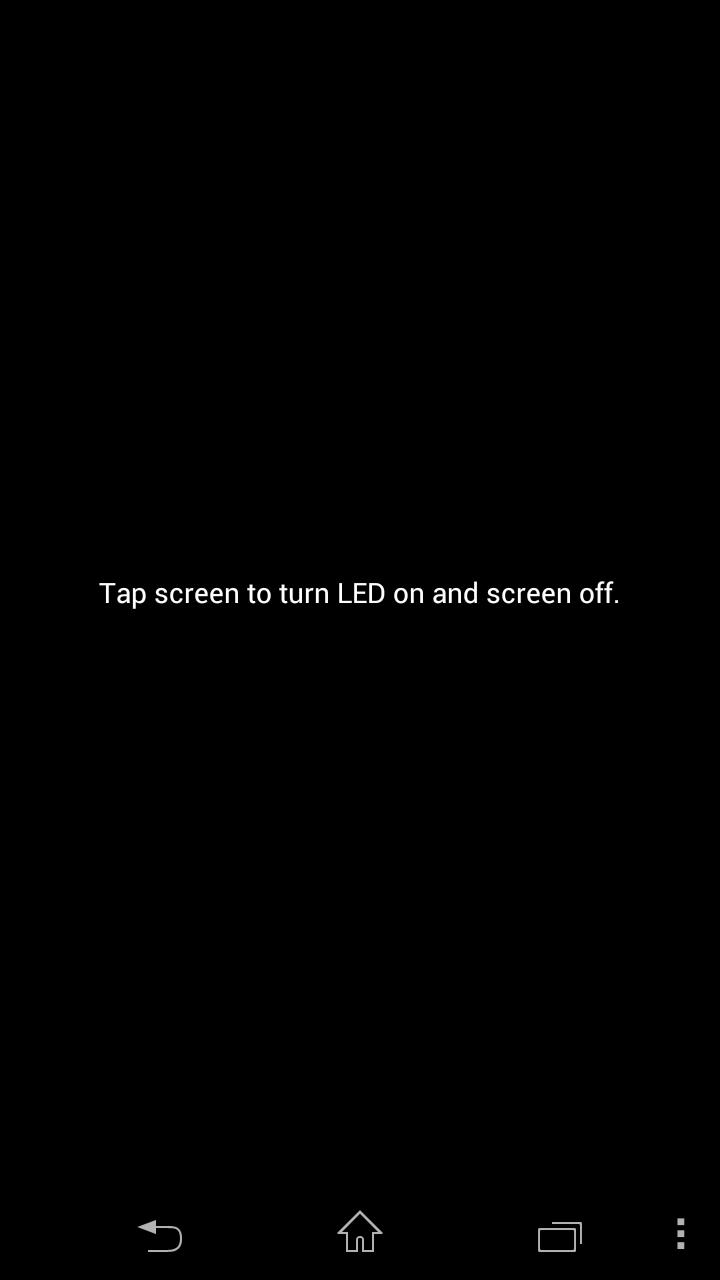
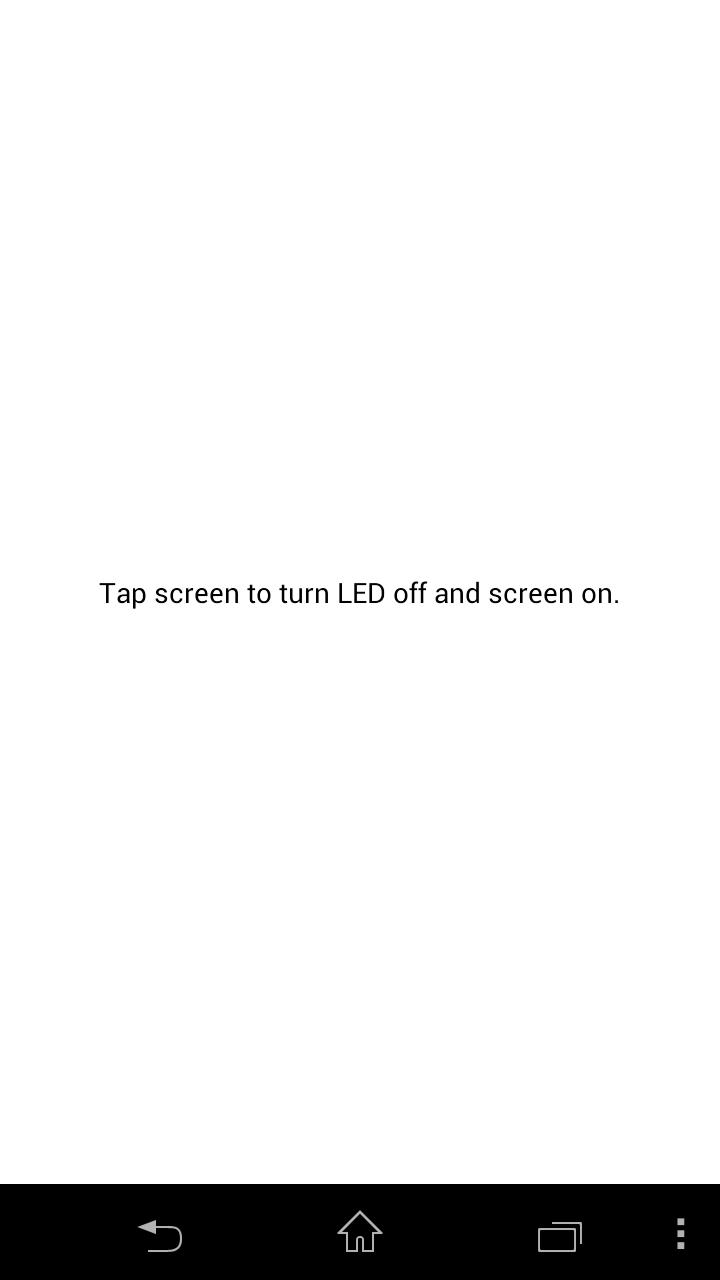
To switch off the flashlight, simply tap the screen or exit the app.

There is also a Pro Version of this App with the same exact features, but the money goes to feed a hungry app developer.

https://play.google.com/store/apps/details?id=com.humberto.flashlightpro

******A note on the microphone permission

I just want to address a recent issue that some users have been reporting to me about seeing a new permission show up for Microphone and Camera recordings. The truth is that I have not added any additional permissions to this app since the initial release. However, Google changed the way they display permissions to the users. The Camera permission is the one permission I've had since the beginning, and that's necessary in order to access the LED hardware. The reason Microphone is now showing up is that Google bundled the two together since that makes a lot of sense for anyone who makes apps that make use of the camera.

I know that for a lot of the users of my apps privacy is a huge concern but let me reassure you that my app does not take pictures or recordings. Even if it did, it does not have the ability to save any recordings (doesn't have the storage permission) or transmit them through the internet (no network permissions.) I apologize for any concern's that Google's new policy may have caused.


What's New in the Latest Version 3.5

Last updated on Oct 8, 2015 Patched crashing issue. Also reduced battery usage and startup time.
Download(171.58KB)
Users also viewed
  • RICOH THETA m15 (formerly RICOH THETA)

    RICOH THETA m15 (formerly RICOH THETA)

    1.23.2 April 19, 2026
  • HQ Easter Topic Clock Widget

    HQ Easter Topic Clock Widget

    1.2 April 19, 2026
  • Amber Weather Widget

    Amber Weather Widget

    1.0 April 18, 2026
  • KoControl

    KoControl

    1.0 April 18, 2026
  • One Click Flash Light

    One Click Flash Light

    1.2.2 April 18, 2026
  • Calendar Wall App

    Calendar Wall App

    16.7 April 18, 2026
  • Dance with Alice Wallpaper

    Dance with Alice Wallpaper

    1.0.12 April 18, 2026
  • Altitude

    Altitude

    2.09a9 April 18, 2026
  • Bakul Rumah

    Bakul Rumah

    3.2 April 18, 2026
  • Dropson Control

    Dropson Control

    1.21 April 18, 2026
  • G3 Launcher and Theme

    G3 Launcher and Theme

    1.1.2 April 18, 2026
  • REI Estimator Pro for Investors

    REI Estimator Pro for Investors

    1.0.15 April 18, 2026
  • Cyprus Weather

    Cyprus Weather

    1.0 April 18, 2026
  • Device Info Live Wallpaper

    Device Info Live Wallpaper

    1.0 April 17, 2026
  • CM11 Transparent theme Addons

    CM11 Transparent theme Addons

    1.0 April 17, 2026
About Privacy Policy Terms of Service Cooking Policy

© Copyright 2017-2026 downzq.com