

Lock/unlock app you want, secure your privacy via your finger/facial/voice/pw.
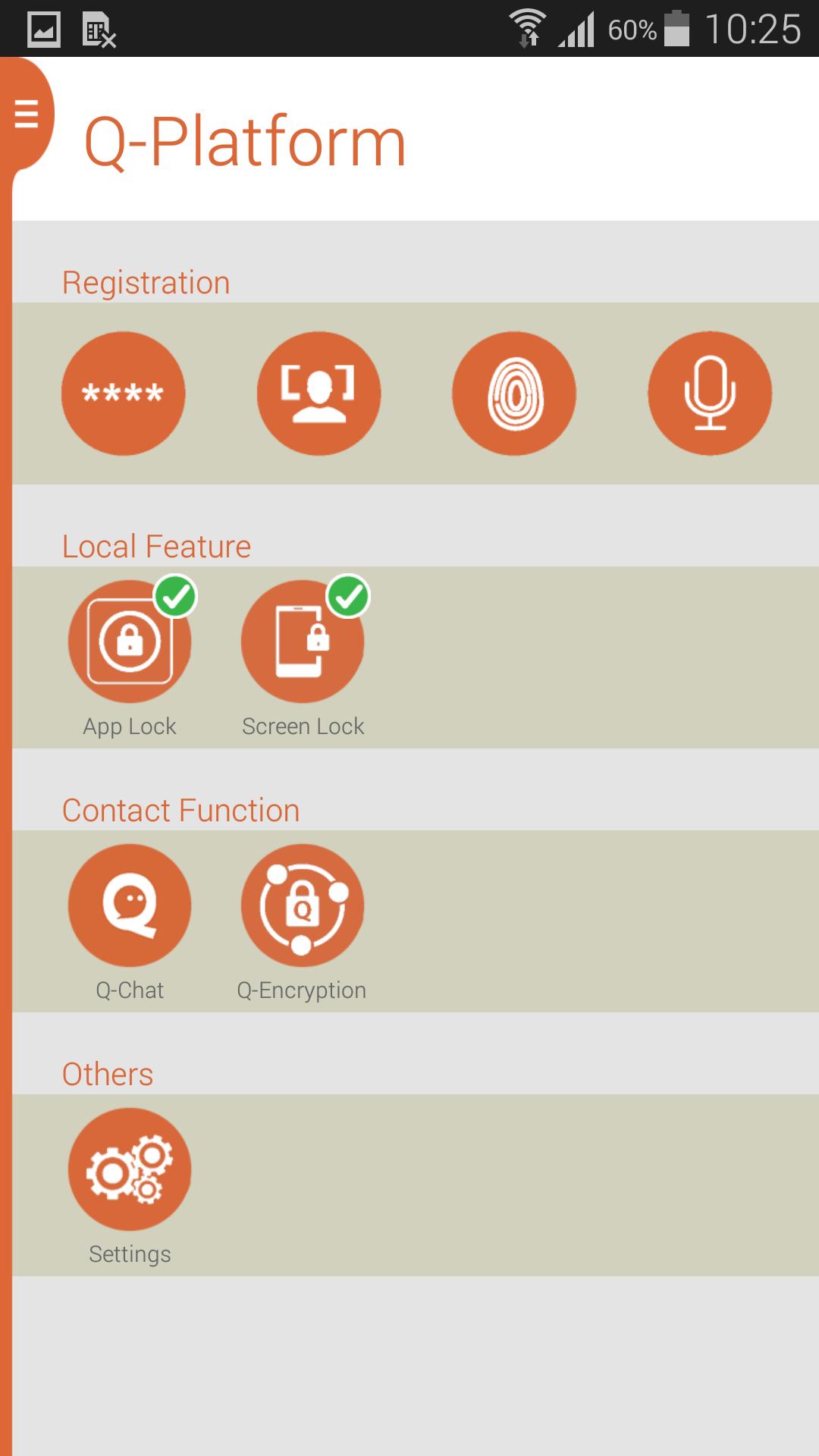
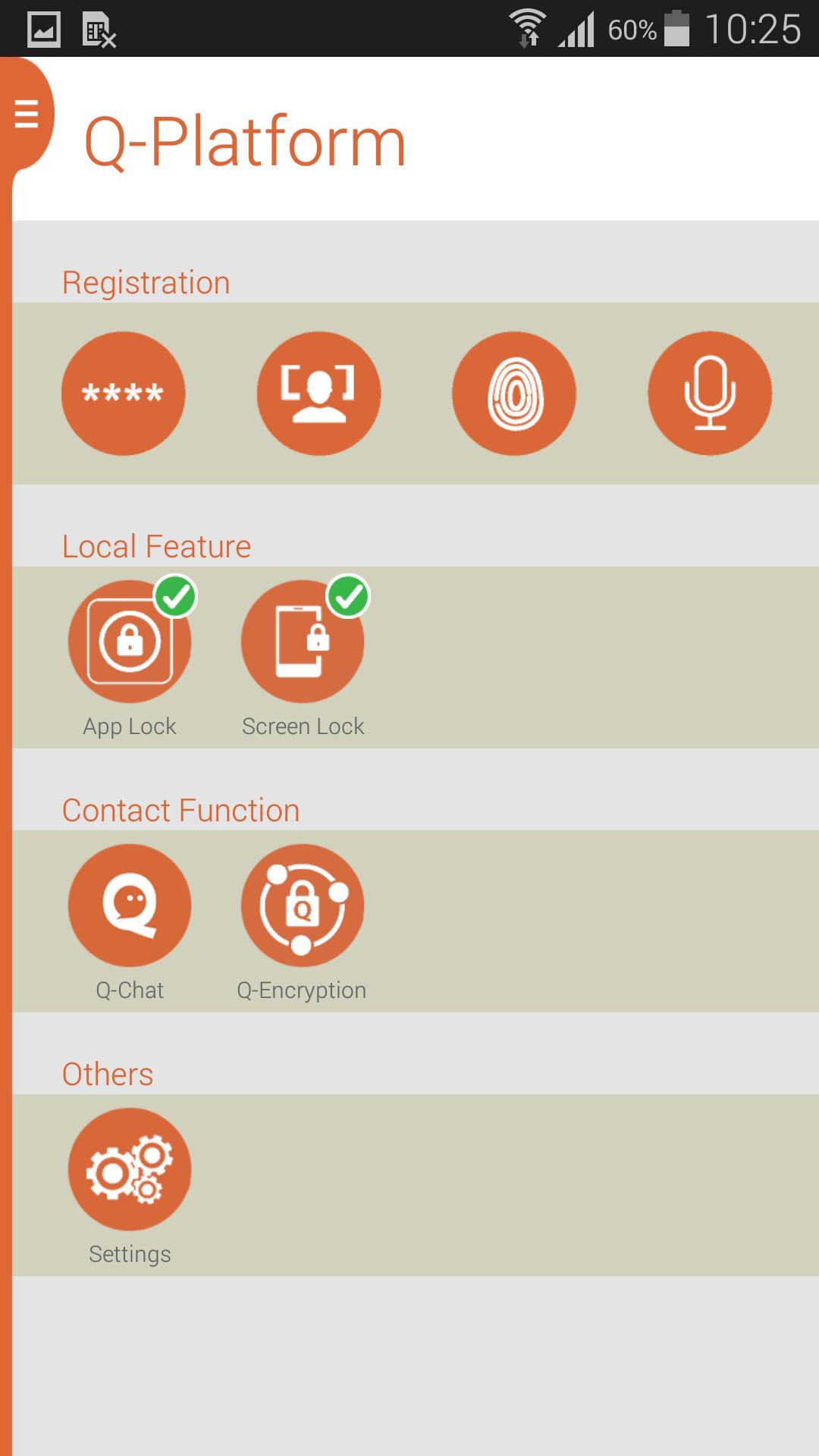
Q-Platform is a biometric application connecting your smart phone and biometric scanner devices (fingerprint / face / voice /etc.) together. The major features include:
★ Enroll and manage your fingerprint, face and voice.
You can enroll and manage your multi biometric information(fingerprint, face and voice), and you can user your multi biometric information to unlock app and screen when you use FingerQ Platform to lock your phone and app.
★ Professional and totally free App Lock:
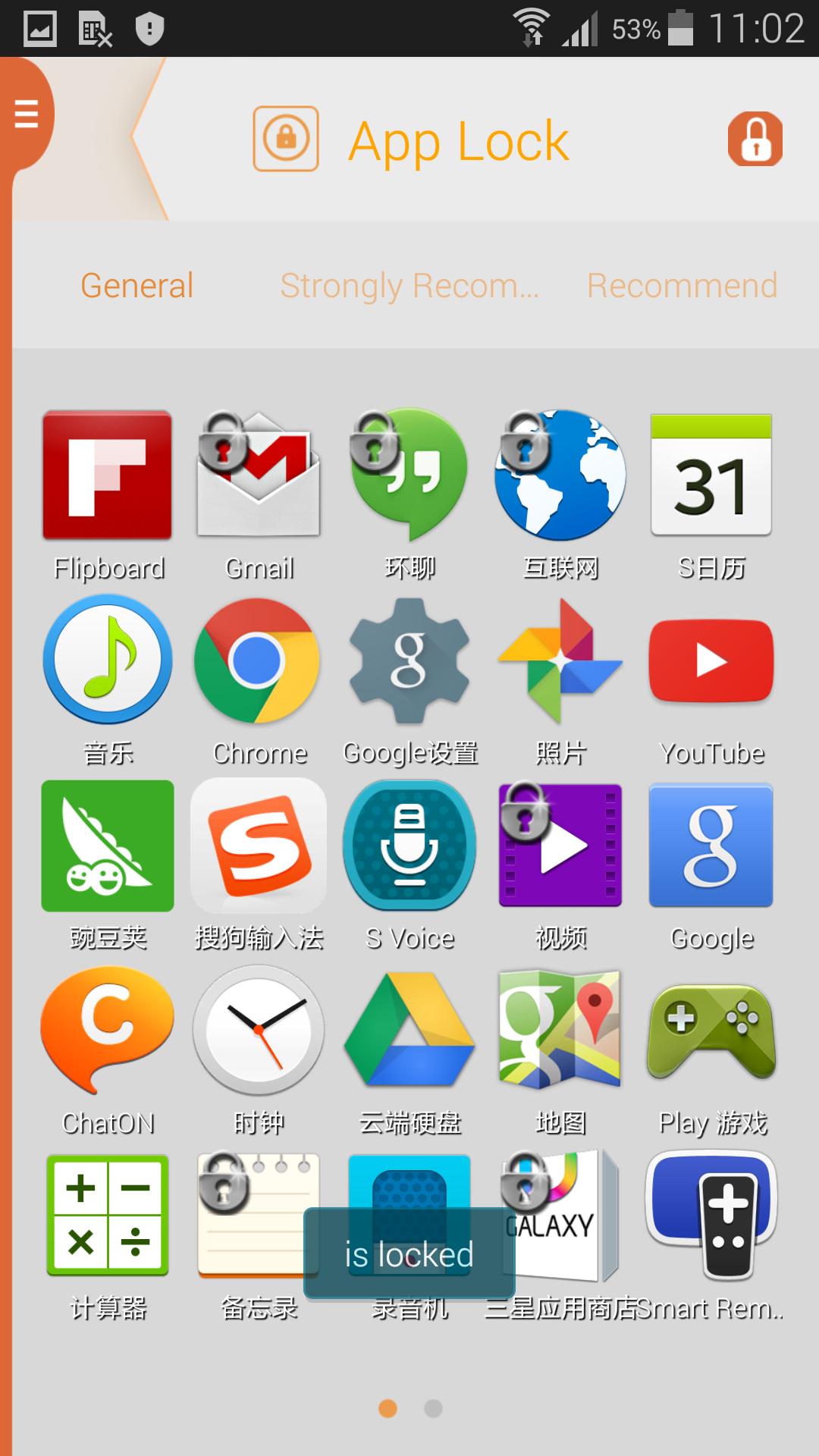
The top-rated, faster and safest app lock, multi biometrics, you can lock app or unlock app via your fingerprint, face, voice or password;
★ With the app lock, you can secure your privacy:
Lock apps - Lock WhatsApp, Facebook Messenger, QQ, WeChat, Skype, ChatON etc. from prying eyes and nosy friends.
Lock marking & settings - Prevent your children from buying unwanted apps/games and change your phone setting random .
Lock privacy - App Lock for SMS, contacts, gallery, photos, and files, never worry about private data may be read by someone.
★ Screen lock, you can secure your privacy:
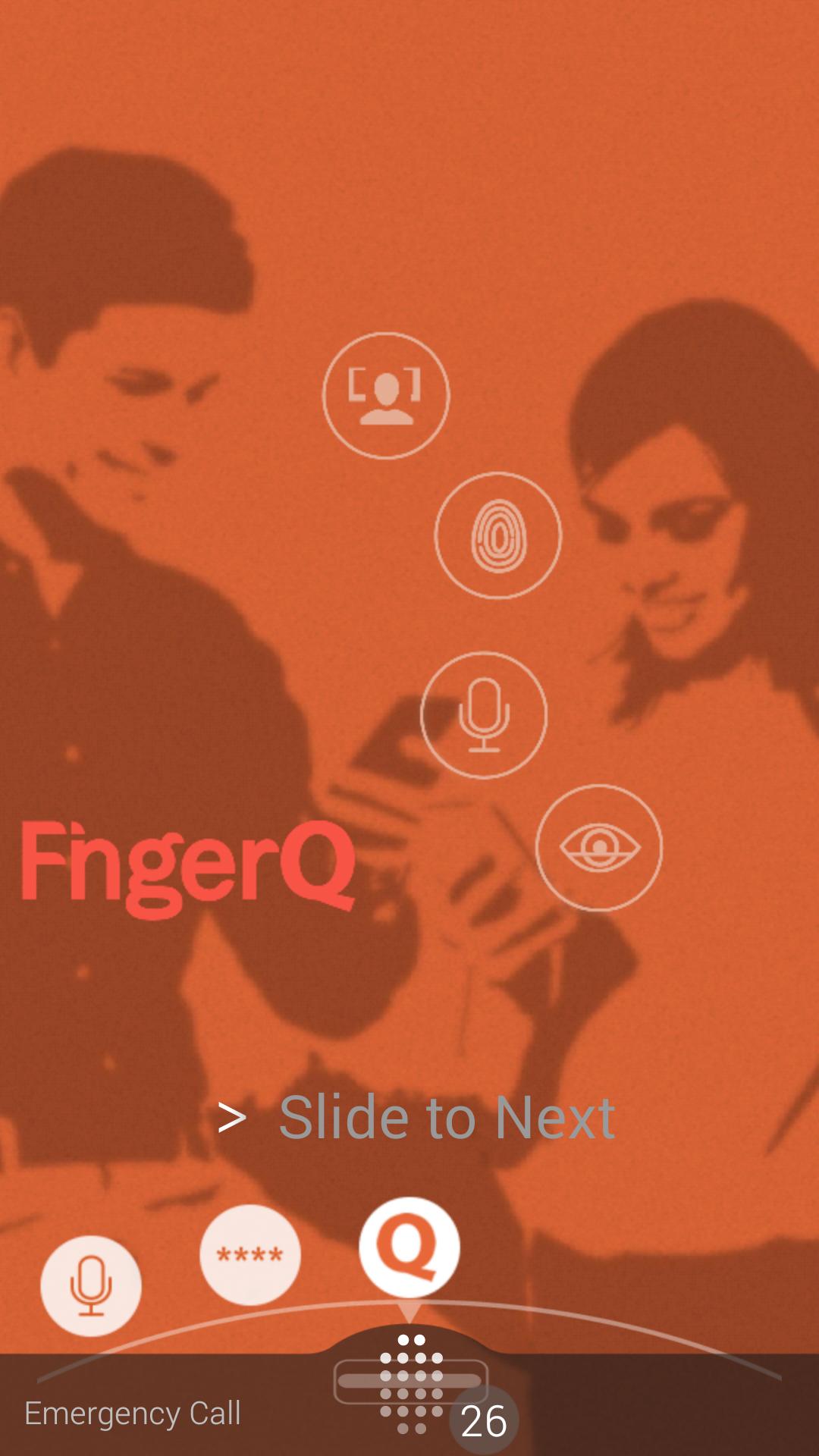
Don't worry about forgot your phone, security to protect your privacy, easy and convenient to unlock, sweeping your fingerprint, scanning your face Or sat some words, your phone will automatically unlock.
★ Q-Encryption, to share secure information via different platform.
Q-Encryption is a secure sharing applications within Q-Platform. Message, pictures or files could be encrypted and then share via different platform(QQ).
★ Encrypt photo, message and files by your fingerprint, face voice etc.
Worried about them leaked when you send friends photos, messages or files, you can use FingerQ Encryption within FingerQ Platform to encrypt first, and then send to friends through different platform(QQ, WeChat, ChatON, Facebook Messenger etc.), safe and convenient.
Noted:
1. You can use fingerprint feature when you install PrivacQ device, for PrivacQ devices, please click https://shop.fingerq.com/ to choose suitable type of hardware;
2. Besides PrivacQ Device, FingerQ support Samsung fingerprint (Galaxy S5 / Note4 ) and Touch ID(iPhone 5S, iPhone 6 plus, iPad mini 3);
3. For details, please visit our website at http://www.fingerq.com.
-----------------------FAQ------------------------
Q:Besides fingerprint, what other biometrics we support?
A:We also support password, facial and voice recognize.
Q:If my friend does not have a FingerQ device, how do I share an encrypted messages or photo with him/her ?
A:You can share the encrypted photo by the “share ” function on i2U Chat or share encrypted messages and photo by Q-Encryption.
Once you friends become FingerQ member, they can decrypt the message/photo by password even without FingerQ device.
Q:Can I share an encrypted message with my friend owns an iOS device?
A:Yes. FingerQ supports iOS device
Q:Beside FingerQ device, what other fingerprint devices supported by FingerQ?
A:FingerQ supports below fingerprint devices: The iOS device support Touch ID (iPhone 5S, iPhone 6 plus, iPad mini 3 )and Samsung Galaxy S5, Note 4.
Q:Why FingerQ devices cannot work on my android phone?
A:Please make sure your android phone supported OTG.
Q:How much does FingerQ cost?
A:There is currently free for using the FingerQ platform. However, you do require to purchase the PrivacQ hardware to utilize the full functionality of the FingerQ features.
2. Prevent Q-Chat / Q-Encryption from being downloaded in Q-Platform when network is unavailable.













 Download