

The FastViewer app is a powerful tool for communication and remote access.
The FastViewer app lets you attend FastViewer sessions from the comfort of your Android-Device. Even if you’re on the go, you no longer have to miss out on presentations, web conferences, online meetings or training sessions. What’s more, the FastViewer app is free of charge.
How the FastViewer app works
······································································
If you already have and use FastViewer software, you can get started right away! If FastViewer is new to you, give it a try. Our free trial version is available at: http://www.FastViewer.com/FastViewer_verbindungsaufbau_EN.html
1. Start FastViewer on your PC or Mac (FastMaster.exe / Fastmaster.app)
2. Open FastViewer on your Android-Device
3. Enter the session number
And there you go: you’re connected!
Features
······································································
Desktop:
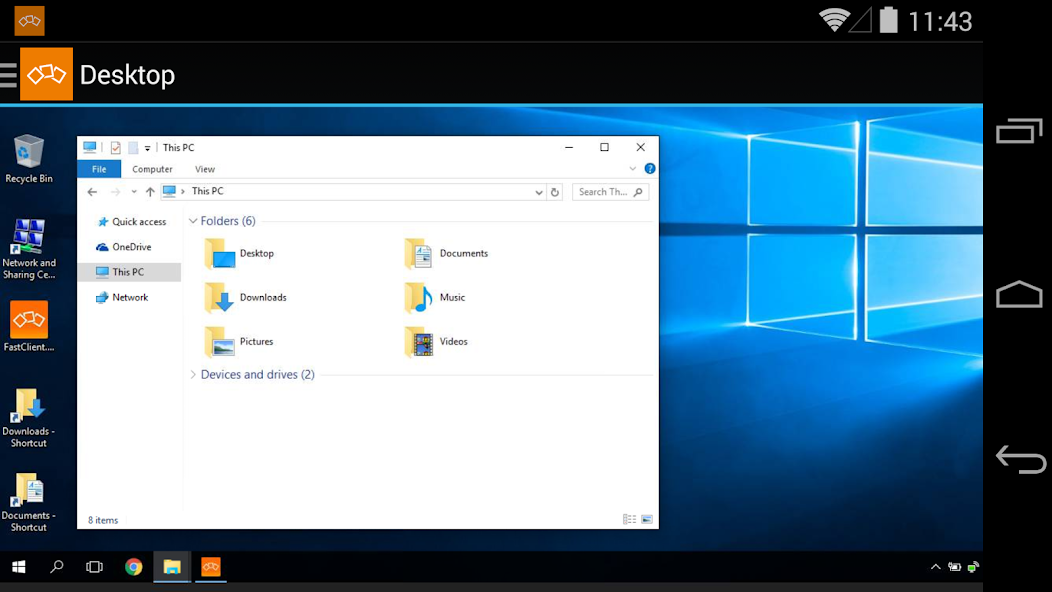
See your meeting partner’s desktop. You can view it in fit-to-screen mode or zoom in and use multi-touch functions, like pinching your fingers together or apart, to smoothly scale the display size.
When remote control is enabled, the mouse cursers movement is relative to your fingers movement.
Video:
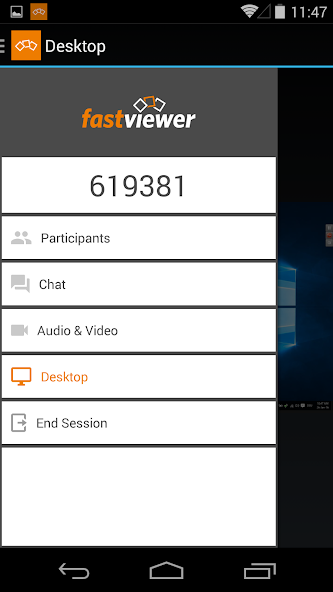
Tap on the camera icon to see video images of all participants in a meeting with a webcam. If your device has a front camera, you can transmit your own video image.
Chat:
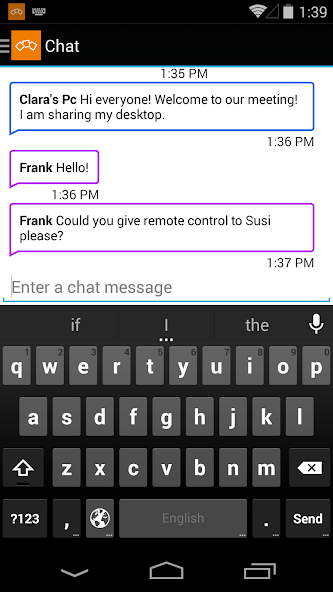
The chat function also lets you join in discussions even when you’re not at your desktop.
Users:
The list of participants lists all of a session’s attendees. You can also see who’s sharing their desktops.
What is FastViewer?
······································································
FastViewer lets you view and participate in presentations, meetings and training courses online – all in a secure and easy-to-use environment.
With FastViewer, presenting the content of your PC desktop to anything up to 1,000 participants is child’s play. In addition to desktop sharing, you can also see other participants’ desktops and chat with each other over a webcam. If you use a Windows PC to take part in a FastViewer session, you can also take advantage of lots of extra functions; for example, remote maintenance of other PCs or sharing and files and folders.
Want to learn more about our solutions for sharing presentations and hosting online meetings?
Or, are you interested in our remote maintenance and support solutions?
Visit us at: http://www.FastViewer.com/



 Download