• Home
  • Games
    Action-adventure Simulation Business Role Playing Sports Competition Casual Intelligence Card Strategy Music Rhythm Text Puzzle Flying Shooting Love Development
  • Apps
    Business Office Newsletter Social Life Entertainment Online Shopping Practical Tools Travel Financial Management Educational Learning Information Reading Sports and Health
  • Articles

English 中文(简体) 中文(繁体) 한국어 日本語 Português Español Русский العربية Indonesia Deutsch Français ภาษาไทย
Home Apps Life Entertainment Emoticon & Smiley for Chat
Emoticon & Smiley for Chat

Emoticon & Smiley for Chat

1
2
3
4
5
Download
  • Version 4.1
  • Category Life Entertainment
  • Package Name com.emoticons.symbols
  • Update Time July 23, 2026
  • Size 4.61MB
About this app

(๑•́ ₃ •̀๑) Emoticon,Emoji,Symbols & Smiley for Chat messenger

(๑•́ ₃ •̀๑) Emoticon & Smiley for Chat :

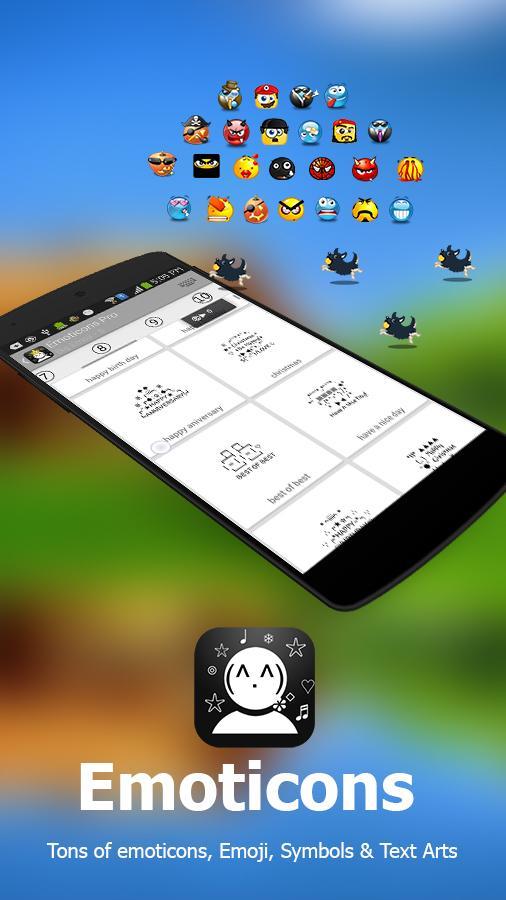
App contains lot of Emoticons,Symbols,Emoji,Smiley images & Smile Animations (.Gif) for copy & share.

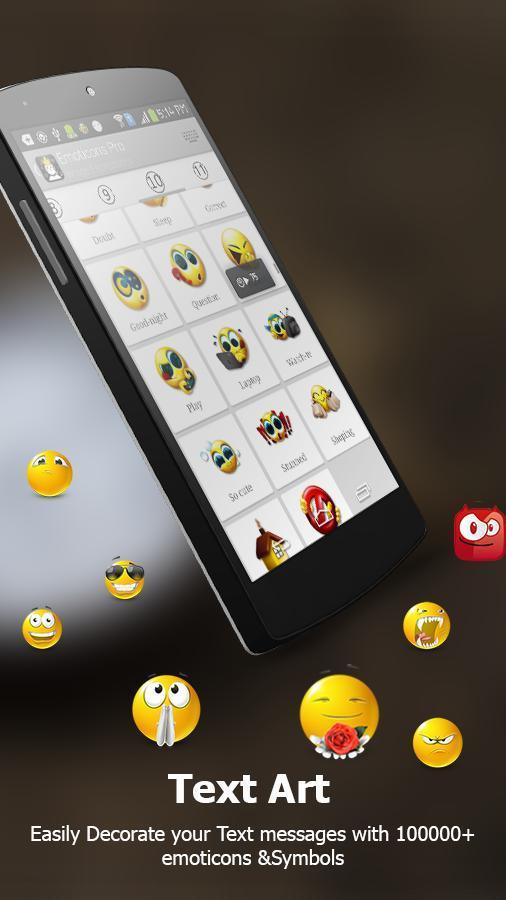
- Cute 7000+ Emoticons ,Emoji (Copy clipboard,edit,share & delete)

- 1000+ Emoticons Text Art (Copy clipboard,edit,share & delete)

- 1200+ rare Symbols (Copy clipboard,edit,share & delete)

- 200+ smiley image expressions (share)

- 100 smiley animation (.gif) (share)

- Floating widget window

Make you Text message beautiful with Emoticons text expressions. Sent share Emoji & Smiley image expressions to any messenger like (whatsapp, viber, line, kako talk, Tango, Skype, email etc.

Now you can just copy (copies to clipboard) & paste to any text Editor.

Composer:

- Create new Emoticons, Emoji and symbols in composer window.

- Save to Emoticons, Emoji and symbols Category.

Options :

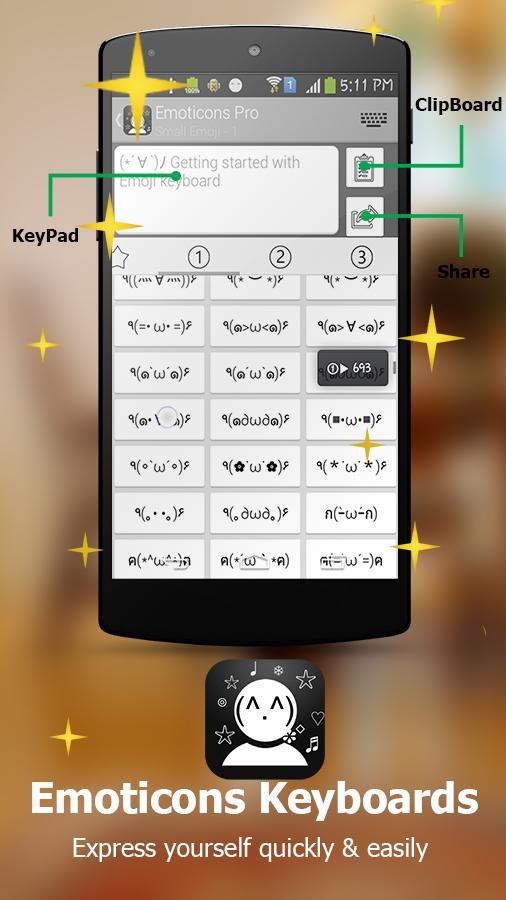
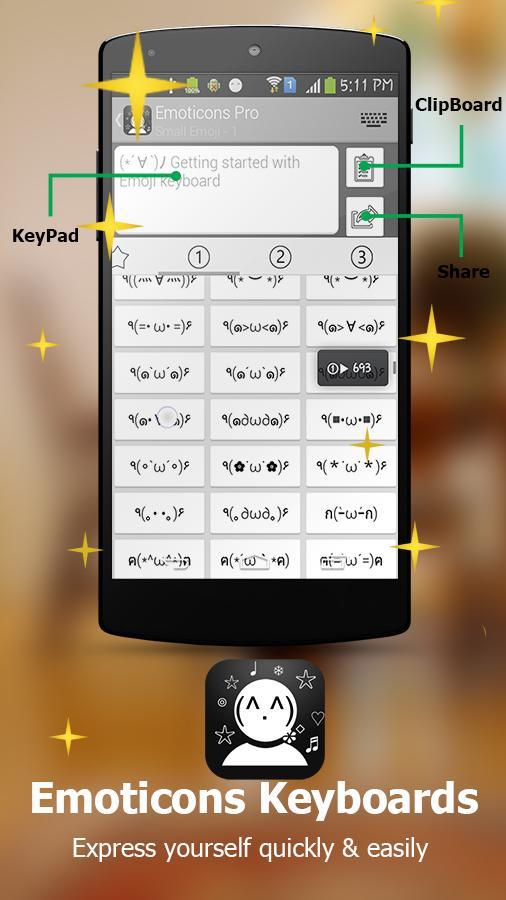
Clipboard – copies to clipboard

Clipboard pulse – old text expression + new Text expression

Edit – edit the Emoticons with 1200 symbols and text

Share – Directly share the selected Emoticons.

Delete - delete unwanted emoticons & emoji.

How to Use in Whatsapp :

1. Open whatsapp messenger

2. Select partner → Chat window → Tap on Attach → Tap and Hold Gallery.

3. Select Emoticons & Symbols Icon → Select and Clipboard.

4. Back to chat window → paste.

How to Use in Viber:

1. Open Viber messenger

2. Select partner →Free Message→ Chat window → photo Gallery

3. Select Emoticons & Symbols Icon → Select and Clipboard

4. Back to chat window → paste.

How to Use in Line:

1. Open Line messenger

2. Select partner → Chat window → pulse→ Choose photo →Sent 1 photo

3. Select Emoticons & Symbols Icon → Select and Clipboard

4. Back to chat window → paste

How to Use in Skype:

1. Open Line messenger

2. Select partner → Chat window → pulse→File

3. Select Emoticons & Symbols Icon → Select and Clipboard

4. Back to chat window → paste.

Support: [email protected]

What's New in the Latest Version 4.1

Last updated on Aug 6, 2015 - New Floating widget is added make text expressions with fun and with too easy to use.
- Favorite features is added to category .
- Short cut to notification bar is added.
- Bug fixed !
Download(4.61MB)
Users also viewed
  • Emoji DC

    Emoji DC

    2.4 July 26, 2026
  • Kiroco: Digital Jewellery

    Kiroco: Digital Jewellery

    1.54 July 26, 2026
  • Androidify

    Androidify

    4.2 July 25, 2026
  • Photo Mirror Reflection Effect

    Photo Mirror Reflection Effect

    4.1 July 25, 2026
  • NameMyWorld - Baby Names Free

    NameMyWorld - Baby Names Free

    1.1 July 25, 2026
  • Attitude Status

    Attitude Status

    2.0 July 25, 2026
  • metroZONE

    metroZONE

    79.0.75 July 25, 2026
  • BERNcity - Shopping in Bern

    BERNcity - Shopping in Bern

    1.1.3 July 24, 2026
  • Daroodon Ka Tohfa

    Daroodon Ka Tohfa

    1.1 July 23, 2026
  • LOOK Cinemas

    LOOK Cinemas

    4.57.323 July 23, 2026
  • EL ON

    EL ON

    3.2 July 22, 2026
  • CCTA18

    CCTA18

    1.1.1 July 22, 2026
  • VIZIO

    VIZIO

    4.4.0.rc-5.20250113.17.release July 22, 2026
  • IGN News RSS

    IGN News RSS

    1.1 July 22, 2026
  • Cook with Clover

    Cook with Clover

    1.1 July 22, 2026
About Privacy Policy Terms of Service Cooking Policy

© Copyright 2017-2026 downzq.com