• Home
  • Games
    Action-adventure Simulation Business Role Playing Sports Competition Casual Intelligence Card Strategy Music Rhythm Text Puzzle Flying Shooting Love Development
  • Apps
    Business Office Newsletter Social Life Entertainment Online Shopping Practical Tools Travel Financial Management Educational Learning Information Reading Sports and Health
  • Articles

English 中文(简体) 中文(繁体) 한국어 日本語 Português Español Русский العربية Indonesia Deutsch Français ภาษาไทย
Home Apps Practical Tools Email Me Pro
Email Me Pro

Email Me Pro

1
2
3
4
5
Download
  • Version 4.0.2
  • Category Practical Tools
  • Package Name com.caramellabs.emailmepro
  • Update Time August 19, 2025
  • Size 1.91MB
About this app

Quickly email notes, tasks, and much more! Also a Tasker and Locale plugin.

Great for Getting Things Done! (GTD, tasks, to do) Also a Tasker and Locale plugin.

** Please note that this app is no longer supported. You may still install it, but no enhancements will be made and no bugs will be fixed. **

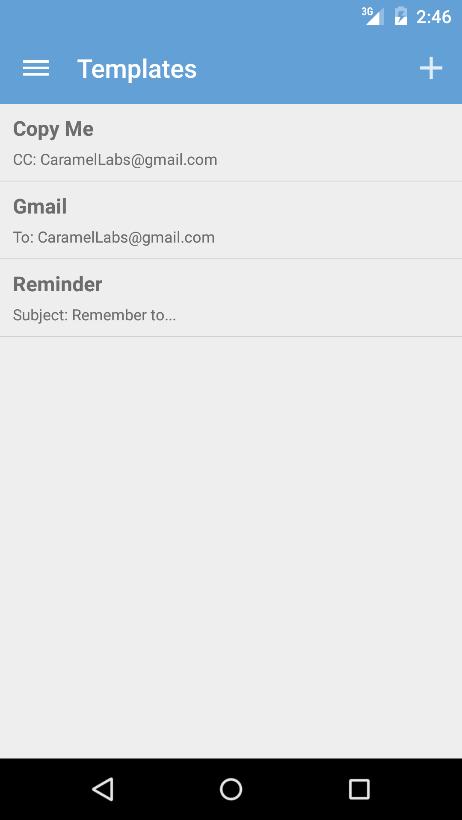
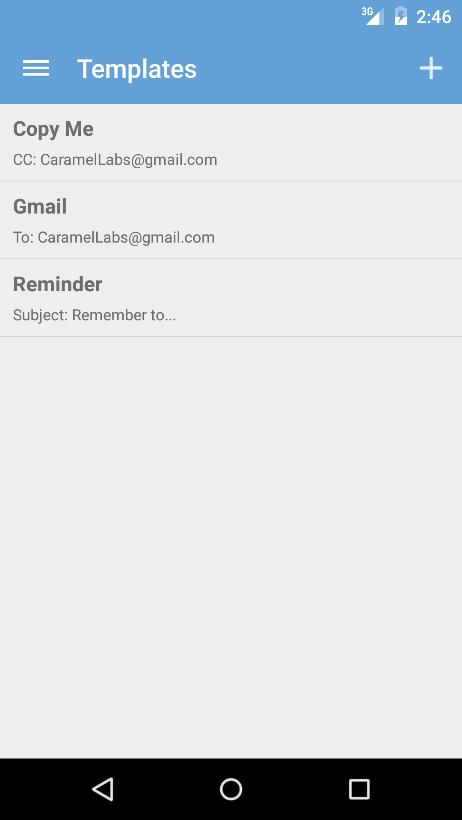
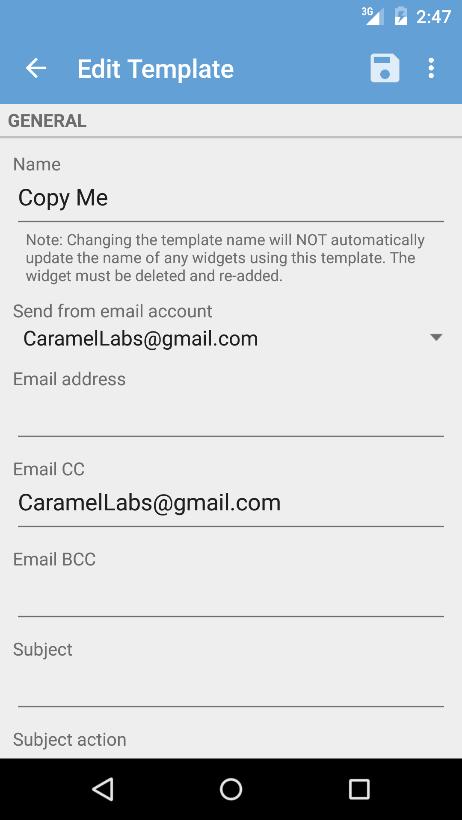
You can set up multiple email templates (which include the email recipients, subject, message, and even attachments) for tasks, work, personal, etc. Then use those templates to quickly create a pre-populated email or to share something from another app using the Share menu. You can also create shortcuts on your home screen using a template.

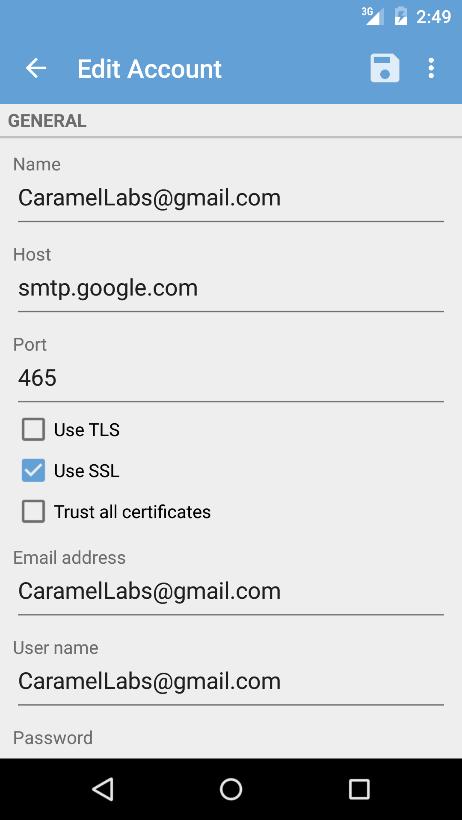
You can also set up Email Me Pro to send you emails automatically, so you bypass the email compose screen completely! No more extra steps to send an email! The SMTP settings are configurable, enabling you to send from any single email account.

Email Me Pro allows you to quickly email files (including photos) from your phone, either automatically or using your email app's compose screen.

Using Email Me Pro's Auto Send feature, you can schedule emails to be sent at regular intervals, such as every day or every week.

Email Me Pro is also a Tasker and Locale plugin, so you can send emails automatically (to anyone) using the numerous triggers in Tasker and Locale. Please note that Tasker and Locale are separate apps that must be installed and this only works using Auto Send in Email Me Pro. Both are great apps and I highly recommend checking them out.

Check out Email Me if you want a free version of this app (with less functionality).

Please note that you have the option to turn SSL on or off and trust all certificates in the preferences. However, it's recommended to always keep SSL on and not trust all certificates (which are the defaults). Unfortunately though, this doesn't work with all email providers.


What's New in the Latest Version 4.0.2

Last updated on May 22, 2020 4.0.2
- Moved captured photos from the Pictures folder to DCIM so it's picked up by Google+ Auto Backup.
- Restored the ability to delete or resend single email in the Auto Send Log.
- Added ability to schedule template to be sent once. Once the template has run, its schedule is set to None.
Download(1.91MB)
Users also viewed
  • Action Widgets

    Action Widgets

    1.4 March 4, 2026
  • Water Theme

    Water Theme

    2.003 March 4, 2026
  • OpenStreetMap GPS Position

    OpenStreetMap GPS Position

    2.1 March 4, 2026
  • Torch Led Flashlight: Bright!

    Torch Led Flashlight: Bright!

    1.1 March 4, 2026
  • Kindred

    Kindred

    1.25 March 3, 2026
  • IMEI Unlocker App

    IMEI Unlocker App

    4.0 March 3, 2026
  • Flashlight Albania

    Flashlight Albania

    1.0 March 3, 2026
  • Zebra Robot Car

    Zebra Robot Car

    1.1 March 3, 2026
  • NFC Basic

    NFC Basic

    3.0 March 3, 2026
  • Wegmatten

    Wegmatten

    1.4 March 3, 2026
  • Neon Keyboard for Galaxy Y

    Neon Keyboard for Galaxy Y

    1.279.1.93 March 3, 2026
  • Live Wallpaper Creepy Crawlies

    Live Wallpaper Creepy Crawlies

    1.8 March 3, 2026
  • Random name picker for raffles

    Random name picker for raffles

    2.1.2 March 3, 2026
  • Root Checker N Info

    Root Checker N Info

    2.0.5 March 2, 2026
  • UR 3D Solar System Live Theme

    UR 3D Solar System Live Theme

    9.06.4.1 March 2, 2026
About Privacy Policy Terms of Service Cooking Policy

© Copyright 2017-2026 downzq.com